Building a Multi-language H5 Instant Messaging & Short Video Social System: Content Delivery & WebSocket Deployment Notes
Building a Multi-language H5 Instant Messaging & Short Video Social System: Content Delivery & WebSocket Deployment Notes
Disclaimer: This article is for technical education and demonstration only. It is not professional or financial advice. Any real-world deployment must comply with applicable laws and regulations.
Last week, I helped an overseas digital media team deploy an H5 social messaging system for their image and short video matrix. Their requirements were straightforward: combine a short video feed with real-time interactive chat, and ensure the frontend supports multi-language switching so creators from different regions can communicate smoothly. After getting the source code package, I spent two days getting the content delivery logic and WebSocket persistent connections fully operational. Here are my hands-on deployment notes and troubleshooting tips.
Core Feature Testing: Video Stream Delivery & H5 Interactive Modules
This system is more than a simple text chat tool; its underlying architecture is built around a content community. While testing in my local environment, I focused heavily on its frontend rendering and backend control logic.
1. Multi-language Frontend and Adaptive UI
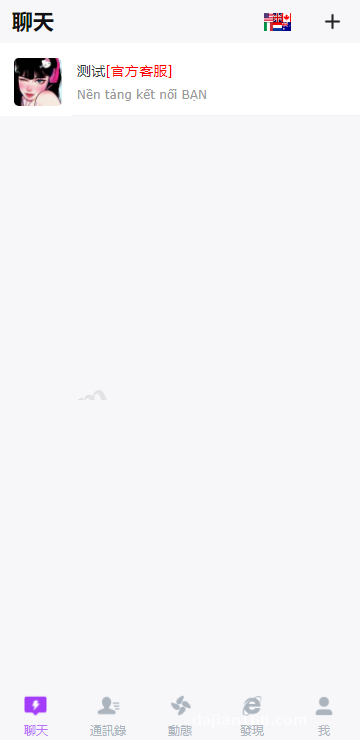
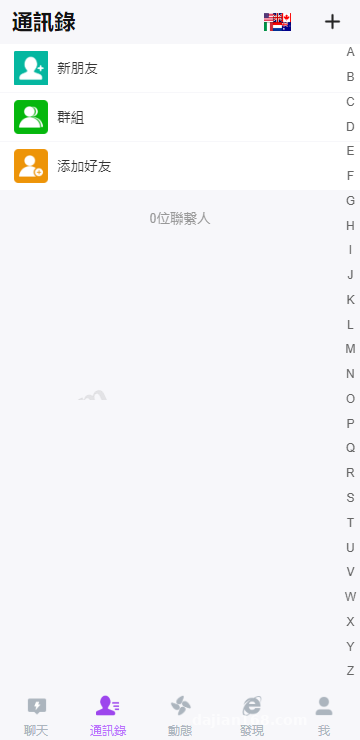
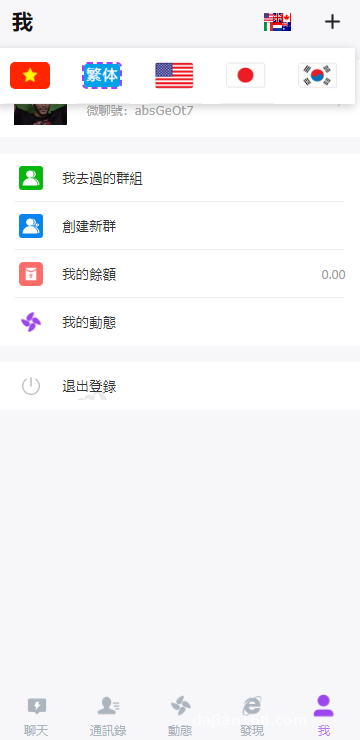
The frontend is an H5 application packaged with Vue, coming out of the box with six language packs including English, Traditional Chinese, Japanese, and Korean. All language configuration files are stored as standard JSON inside the frontend locales directory. During testing, I noticed its RTL (right-to-left) layout adaptation works quite well. If you need to add Arabic later, you just duplicate a JSON file for translation and tweak a few CSS rules—no need to touch the core codebase.
2. Short Video Feed and Recommendation Algorithm
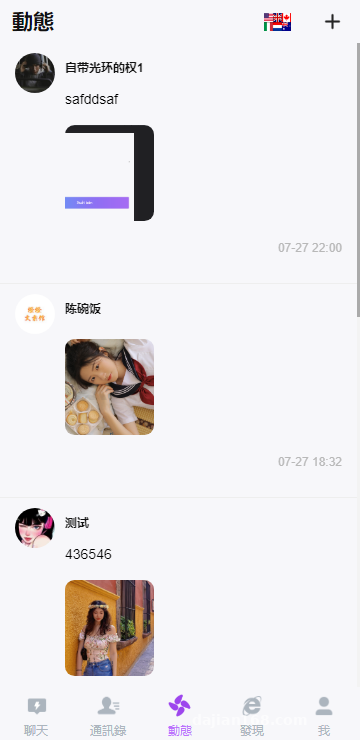
The community module includes a lightweight swipeable short video player built on the native HTML5 video tag paired with HLS streaming segments. The backend features a straightforward weight calculation mechanism that updates the content popularity pool in Redis in real time based on completion rates, likes, and comment frequency. While it may not rival the complex algorithms of tech giants, it is more than enough for content delivery in a niche interest community.
3. Millisecond-Level Instant Messaging and Topic Rooms
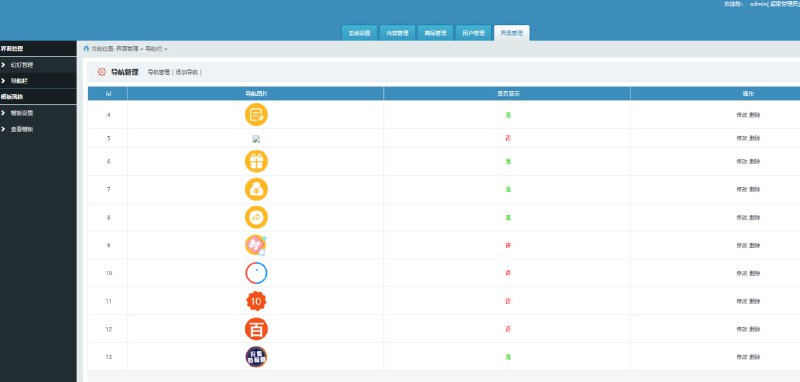
Real-time interaction is powered by the Workerman framework to maintain persistent WebSocket connections. While watching videos or browsing posts, users can pull up the bottom H5 chat drawer to join interest-based topic groups. In my tests, latency for text messages, stickers, and voice notes stayed consistently under 100ms. From the admin dashboard, you can monitor real-time online user counts across different rooms and configure a keyword filter list that automatically masks restricted terms with asterisks.
Webmaster Pro Tip: Never store static assets (especially HLS video chunks and audio files) directly on your main application server. Always configure object storage (supports Alibaba Cloud OSS, Tencent Cloud COS, and AWS S3) in the backend panel. Otherwise, just a few dozen users scrolling through videos simultaneously will max out your server bandwidth in seconds.
Environment Setup and Deployment Pitfalls
Many beginners grab source code that requires persistent connections and try to upload it to shared hosting just like a standard corporate website. That simply won’t work. Here are the production server specs I used for this deployment:
- Operating System: CentOS 7.9 64-bit (Ubuntu 20.04 works great too)
- Web Stack: Nginx 1.20 + PHP 7.4 + MySQL 5.7
- Cache & Queue: Redis 6.2 (Mandatory for storing online presence and recommendation feed caches)
- Server Specs: 4 vCPUs, 8GB RAM, with at least 10Mbps starting bandwidth
PHP Extensions and Disabled Functions
Right after installing PHP 7.4 via your control panel, install the redis, swoole, and fileinfo extensions. Next, head over to the disabled functions list and remove pcntl_alarm, pcntl_fork, pcntl_signal, shell_exec, and proc_open. If you leave these blocked, starting the persistent connection service via the command line will immediately throw an error and exit.
Nginx Reverse Proxy Configuration for WebSocket
Because the H5 frontend uses an SSL certificate over HTTPS, the WebSocket connection must use the WSS protocol—otherwise, modern browsers will block it due to mixed content restrictions. Instead of hardcoding ports in the source files, adding a reverse proxy block in your Nginx configuration is the safest approach:
location /wss {
    proxy_pass http://127.0.0.1:8282;
    proxy_http_version 1.1;
    proxy_set_header Upgrade $http_upgrade;
    proxy_set_header Connection "Upgrade";
    proxy_set_header X-Real-IP $remote_addr;
}
Restart Nginx after saving, and set your frontend connection URL to wss://yourdomain.com/wss for a clean connection. Make sure to use Supervisor to daemonize the backend command php start.php start -d so the process automatically restarts if it ever crashes.
Target Use Cases and Customization Advice
The codebase is cleanly structured without any annoying obfuscation or encryption, making it ideal for custom development. Whether you are building an overseas hobbyist community, an e-commerce buyer showcase platform, or an internal cross-border team collaboration tool, starting with this foundation and reskinning the UI will save you weeks of work. Furthermore, the system includes standard Webhook interfaces and third-party payment callback handlers (such as sandbox testing interfaces for Stripe and PayPal). If you want to implement creator tipping or paid content subscriptions, you can hook them up with minimal custom business logic.
Frequently Asked Questions
Q: The H5 frontend loads fine, but why does it say “Communication service connection failed”?
A: Nine times out of ten, either the port is blocked or the WSS proxy is misconfigured. Check your cloud provider’s security group and server firewall to ensure port 8282 (or your custom port) is open. Then run netstat -ntlp in your SSH terminal to verify that the Workerman process is actively in the LISTEN state. If your site runs on HTTPS, you must configure the Nginx WSS forwarding snippet shown above.
Q: Why do uploaded short videos get stuck on a spinning loading icon on the frontend?
A: First, verify that both upload_max_filesize and post_max_size in your PHP configuration are set above 100M. If the file uploads properly but fails to play, it is almost certainly a Cross-Origin Resource Sharing (CORS) issue. Log into your object storage console, add your H5 frontend domain to the CORS whitelist, and allow GET and HEAD requests.
Q: Can this source code be packaged into Android and iOS apps?
A: Yes. Since the frontend is built on a responsive H5 architecture, the quickest method is wrapping it in a Webview container using HBuilderX. If you need a more native feel, the archive actually includes a semi-finished Uniapp frontend project. Developers with basic frontend skills can compile it into dual-platform apps and integrate native push notification plugins along the way.
Disclaimer: The system deployment process and source code analysis documented in this article are strictly for technical education, research, and demonstration purposes. Please comply with local laws and regulations.
Disclaimer: This article is for technical education and demonstration only. It is not professional or financial advice. Any real-world deployment must comply with applicable laws and regulations.
#H5 Instant Messaging #Short Video System #Multi-language Source Code #WebSocket #System Deployment
-
 Alipay QR Code Scan
-
 WeChat Scan Pay