Building an Open-Source Bilingual Probability Simulation System: Admin Controls, Deployment Notes & Multi-Language Customization
Building an Open-Source Bilingual Probability Simulation System: Admin Controls, Deployment Notes & Multi-Language Customization
Disclaimer: This article is for technical education and demonstration only. It is not professional or financial advice. Any real-world deployment must comply with applicable laws and regulations.
Last week I took on a freelance project where the client needed a bilingual probability simulation system for overseas operations, and the source code was a fully open-source, unencrypted build. I ran the package locally first to verify everything worked, and only then moved it to the production server. The whole process involved a few headaches, so I wrote up this notes-style post covering the environment, configuration, and customization points — mainly so I can reuse it later.
1. Hands-On Testing: What This System Actually Does
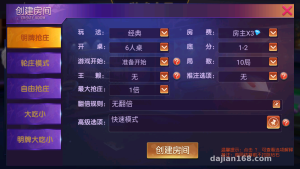
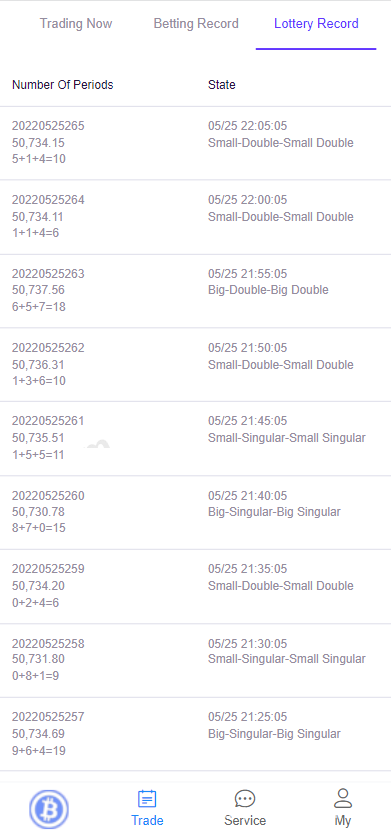
The core gameplay is a random-number probability simulation based on over/under and odd/even point combinations. The frontend supports bilingual switching, with separate language packs for Chinese and English maintained from a single admin panel. Here’s what I verified during testing:
1. Random Number Generation and Result Control
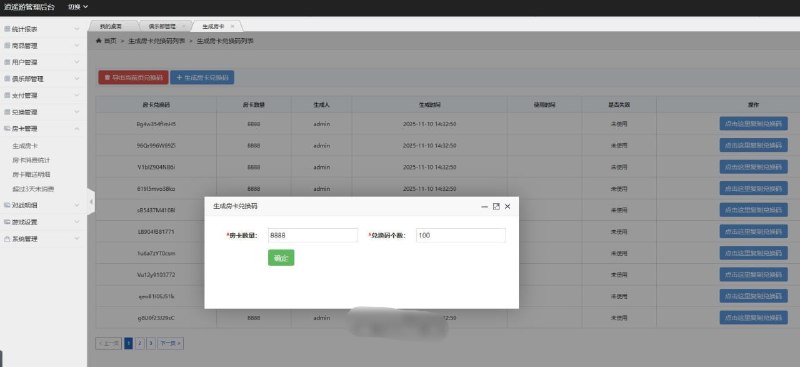
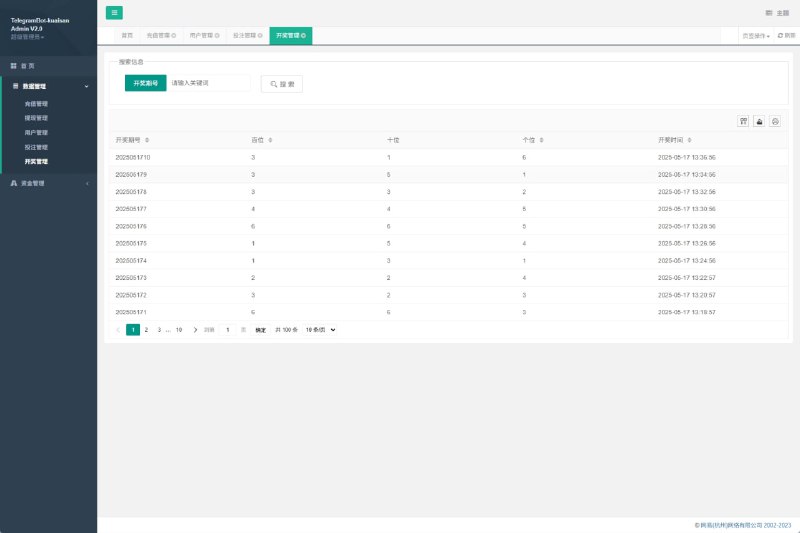
Each round on the frontend pulls a random result, judged by combinations like over/under and odd/even. The interesting part is the admin panel’s manual mode, where an administrator can set the result for a given round before it goes public — handy for demo environments and data integration testing. That toggle is buried deep, though: it’s under “Round Management – Result Settings,” and I spent ages looking for it.
2. Digital Asset Demo Payment Integration
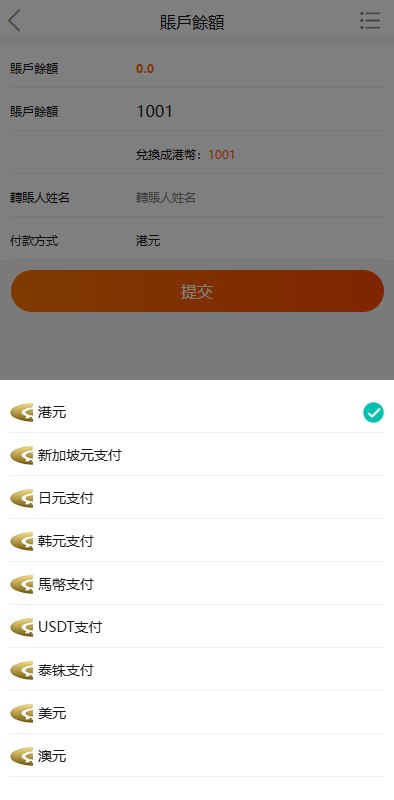
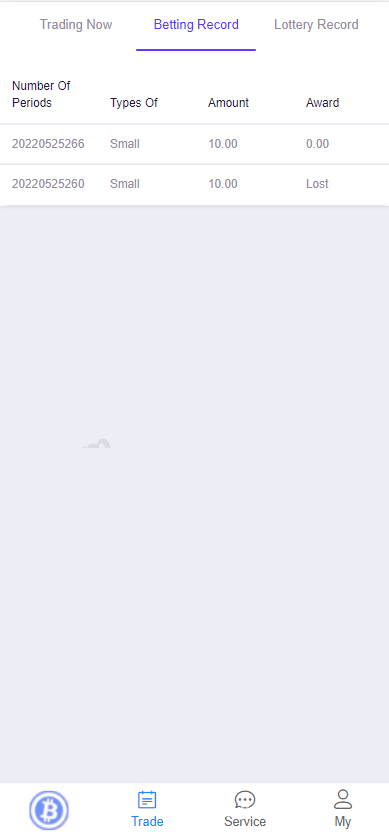
For payments, the system uses an on-chain transfer confirmation flow. Users submit a transaction hash from their profile page, and the system credits their balance once enough confirmations come through. The admin panel can adjust exchange rates, set minimum deposit amounts, and review transactions manually. On the test network I verified the callback flow with small transfers, confirmed the automatic balance crediting worked, and only then switched to production parameters.
3. Bilingual Support and Frontend Adaptation
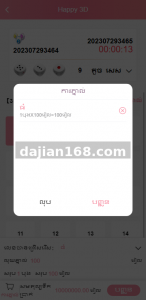
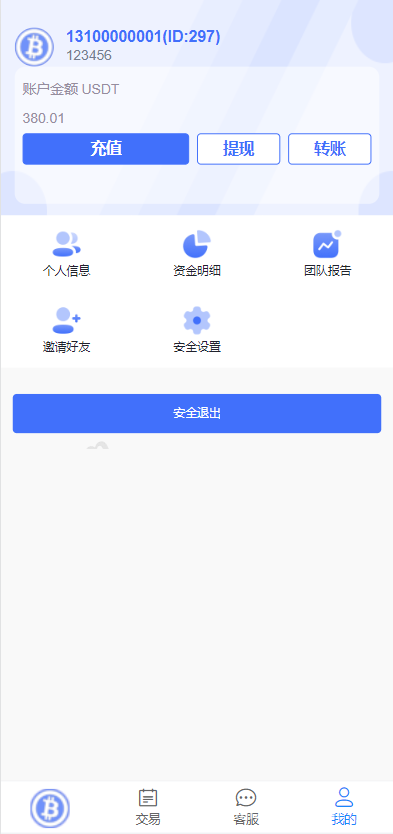
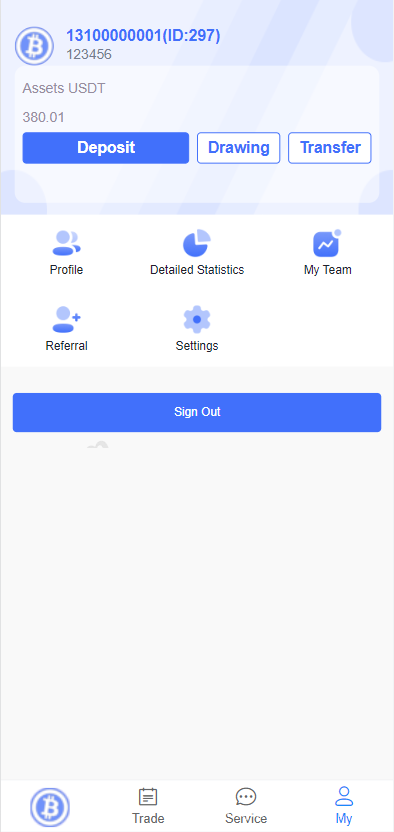
The language files live in the lang directory as JSON, which makes edits straightforward. That said, several bits of text were hardcoded directly in the templates rather than pulled from the language packs — I patched those up while I was at it. The mobile layout is fully responsive, so there’s no need for a separate mini-program version.
The real value of this source code is that it’s fully open and unencrypted — every bit of control logic is right there in plain sight, which keeps customization costs low. It does need to run on an overseas server, though, since direct connections from domestic environments tend to time out when calling the external APIs.
2. Deployment Essentials: Environment, Configuration, and Pitfalls
1. Server and Environment
I went with a 2-core, 4GB instance running CentOS 7.9, managed through aaPanel (Baota). The runtime requirements are PHP 7.2+, MySQL 5.6+, and Nginx. Once your domain resolves to the overseas node, remember to grab an SSL certificate — several of the system’s API endpoints force HTTPS, and without a cert you’ll hit cross-origin errors.
2. Database Import and URL Rewriting
The package ships with a .sql file you can import directly through the panel’s database manager, after which you update the credentials in .env. This is where I hit my first pitfall: without URL rewrite rules configured, the admin login kept returning 404. Digging through the docs, I found the Nginx rewrite block, pasted it into the site settings, and that fixed it.
3. Payment Callbacks and Scheduled Tasks
On-chain confirmation relies on a cron job polling at regular intervals — you need to add a command that runs every minute via crontab. I forgot this once, and deposits sat in “pending confirmation” forever. Also make sure the callback URL is publicly reachable; while debugging on a local network I temporarily used an frp tunnel to expose it.
3. Customization Ideas and Who This Is For
Two groups will get the most out of this system: teams building overseas digital entertainment demo projects, since the bilingual frontend and admin controls work out of the box; and developers who want to study random-number probability simulation, payment integration, and multi-language architecture — the code isn’t obfuscated and the logic is written plainly, so reading through it is genuinely educational. If you do customize it, I’d suggest starting here: consolidate the hardcoded text into the language packs, add an operation log to the admin panel, and extract the payment module into a reusable middleware. One important note: please only use this kind of system for legal, compliant demo and educational scenarios, follow all applicable laws and regulations, and never deploy it for any unlawful purpose.
Frequently Asked Questions
Q: Can this source code run on a domestic server?
A: The frontend and admin panel will run, but the payment confirmation API needs to reach overseas nodes, and direct domestic connections tend to time out. Hosting everything on an overseas server gives you a much more stable network path.
Q: Will it run directly on PHP 8?
A: The code was written against PHP 7.x, and a few legacy functions throw deprecation warnings on PHP 8. Play it safe with PHP 7.4, or replace the offending functions before upgrading your environment.
Q: How do I swap the bilingual support for other languages?
A: Copy the en language pack in the lang directory, rename it, translate the contents, then add a new entry in the admin language settings. The frontend switcher component picks it up automatically — no business code changes required.
Disclaimer: This article is for technical education and demonstration only. It is not professional or financial advice. Any real-world deployment must comply with applicable laws and regulations.
#source code deployment #deployment notes #open source system #multi-language #secondary development
-
 Alipay QR Code Scan
-
 WeChat Scan Pay