JAVA Aviation Crash Betting System Setup Guide: Telegram Betting Bot Deployment Strategy
JAVA Aviation Crash Betting System Setup Guide: Telegram Betting Bot Deployment Strategy
Early this year I received a request from a Telegram gaming group operator. He wanted to automate the manual “aviation crash betting” game his group had been running. After surveying the market, I found most solutions were written in PHP with poor scalability. We finally chose this JAVA-based source code package with a fully open-source VUE admin panel. Once deployed, the bot handles automatic settlement and automatic balance top-up and withdrawal. This guide shares the full deployment process and the pitfalls we encountered, for anyone with a similar need.
1. System Feature Overview: What Gameplay Modes This Aviation Crash Betting System Covers
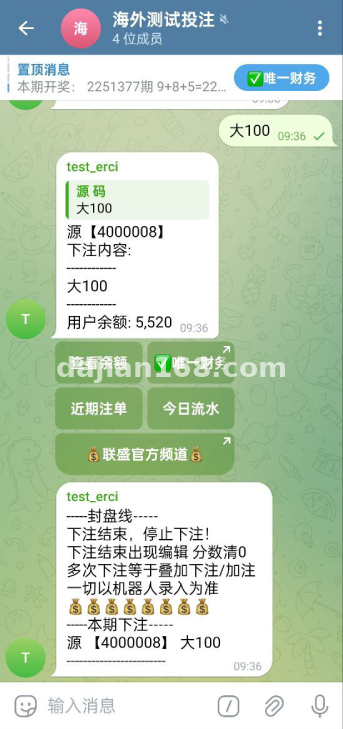
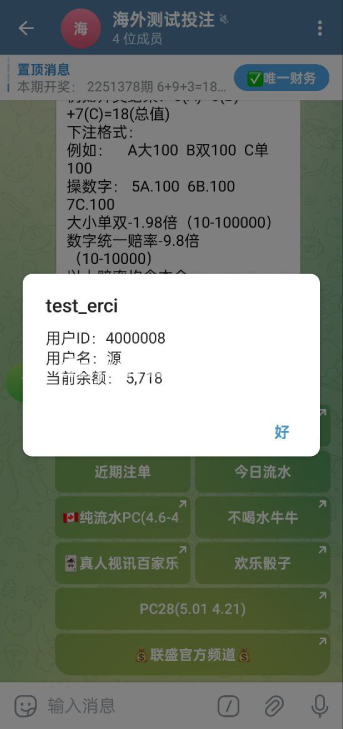
- Telegram Bot Automatic Integration: After creating a bot via Bot Father, paste the Token into the admin panel configuration. The system then automatically processes bet commands, odds calculation, and result push notifications.
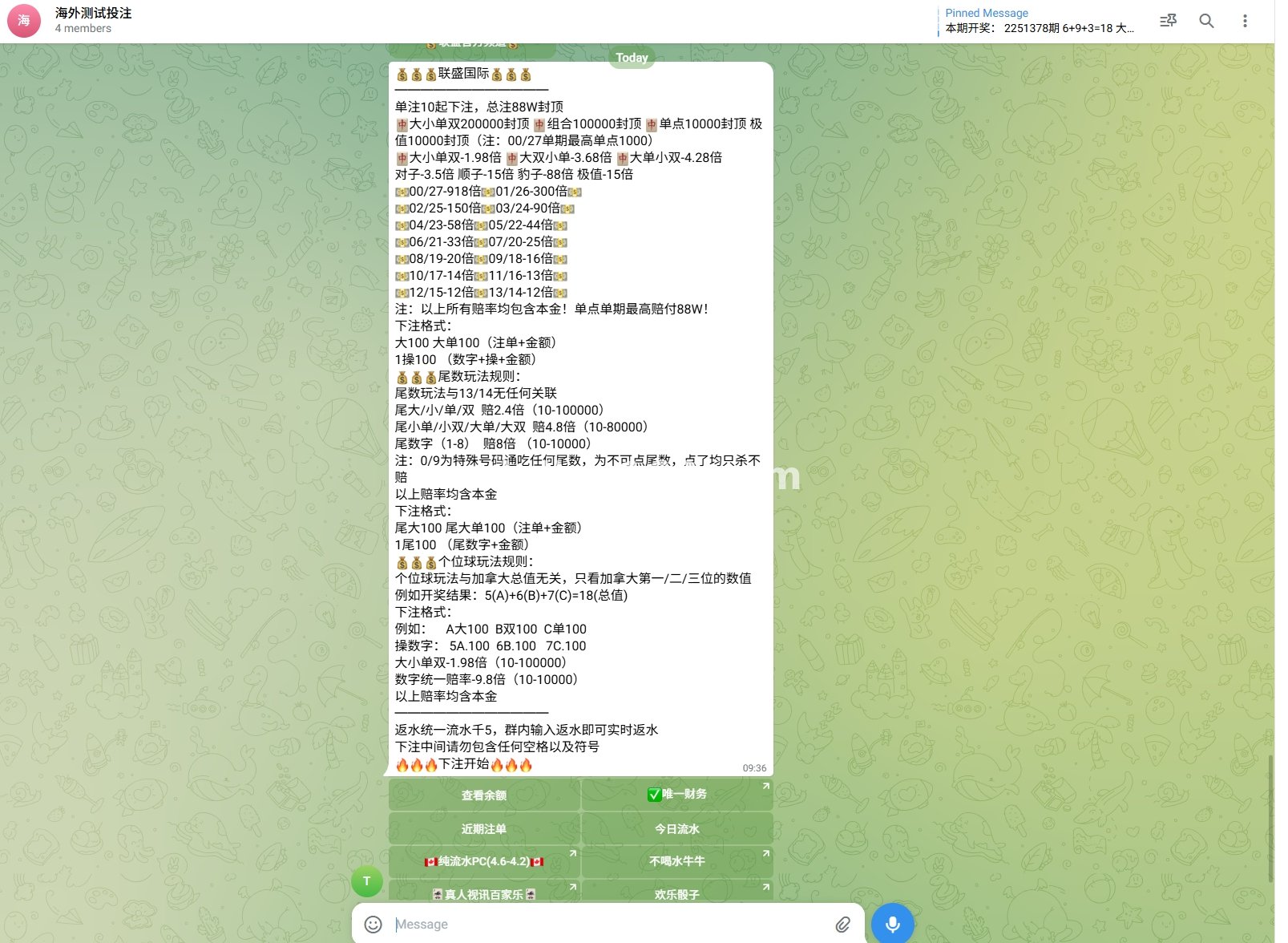
- Core Aviation Crash Betting Gameplay: Players send a bet amount and a target multiplier. The system randomly generates a “flight curve.” Players manually cash out before the crash. Higher multipliers mean higher risk.
- Multi-Room Management: The admin panel can create multiple betting rooms. Each room has its own minimum bet, maximum multiplier cap, and player capacity limit.
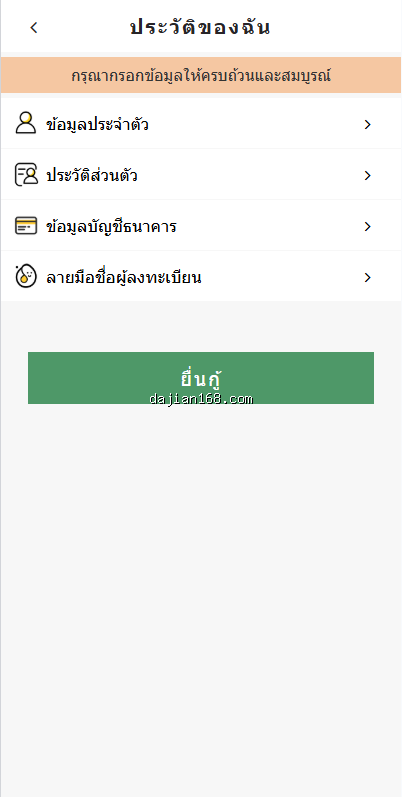
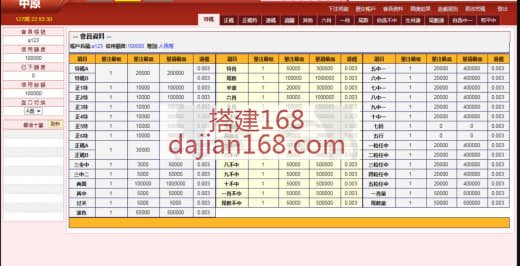
- Fully Open-Source VUE Admin Panel: Operational data, player lists, fund flows, and bot logs are all visualized. Daily report export is supported.
- Automatic Balance Top-Up and Withdrawal: Players recharge and withdraw via bot commands. After back-office approval, balances update automatically without manual confirmation for every transaction.
- Anti-Fraud and Risk Control: Multiple bets from the same TG account in a short time, or abnormal multiplier bets, trigger risk control flags and freeze the account pending review.
2. Pre-Deployment Checklist: Java Environment Is a Bit More Complex Than PHP
- JDK 8 or 11: The system is built on Spring Boot and requires the matching JDK version. OpenJDK is recommended; avoid the Oracle commercial edition to prevent licensing issues.
- MySQL 5.7+: Stores player data, bet records, and fund flows. Enable binlog when creating the database to facilitate later audits.
- Redis: Used for real-time room state caching and leaderboard data. A single-node instance is sufficient, but if you expect high concurrency, consider a Redis Cluster.
- Telegram Bot Token: Apply at @BotFather. After receiving the Token, fill it into the
telegram.bot.tokenfield inapplication.yml. - Server Bandwidth: Because the bot needs to push messages to TG servers in real time, a bandwidth of 5 Mbps or above is recommended, with latency kept under 150 ms.
- Domain and SSL: The admin panel should be bound to a domain with HTTPS configured, to prevent man-in-the-middle attacks against the management interface.
3. Common Issues and Real Troubleshooting Cases
3.1 Bot Not Receiving User Messages
Investigation revealed a Webhook configuration issue. TG bots support two modes: Long Polling and Webhook. If the server is inside mainland China, Webhook will most likely be blocked. Switch to Long Polling mode in TelegramBotService.java. Also confirm the firewall allows port 443.
3.2 Odds Calculation Precision Loss
Early versions stored multipliers in float, causing a 0.1x precision deviation. Later we switched to BigDecimal with four decimal places, and the problem was fully resolved. If your source is still using float, prioritize upgrading. We ran one thousand simulated rounds in the test environment and confirmed zero deviation under BigDecimal.
3.3 Room State Out of Sync
During multi-room concurrency, players in room A occasionally saw bet records from room B. The cause was that Redis keys were not namespaced by room ID. The fix is to prefix every Redis key with room:{id}:. After the change, flush Redis once, or old data will remain in the shared namespace.
3.4 TG Group Members Cannot Trigger the Bot
Check whether the bot has joined the target group and has message reading permissions. In addition, TG Privacy Mode is enabled by default, which means the bot in a group can only see messages that mention it. You need to disable Privacy Mode or ask users to message the bot privately. This setting is found in BotFather under Bot Settings.
3.5 JAVA Service Memory Overflow
After running for three days the service crashed with an Out Of Memory error. Investigation showed bet logs were not cleaned periodically, and the table ballooned to millions of rows, consuming all memory during queries. Adding a weekly archiving strategy stabilized memory usage within 2 GB. I recommend setting the MySQL slow_query threshold to 1 second and regularly purging log data older than 30 days.
4. Customization and Expansion Directions
- New Gameplay Modes: Besides the classic crash game, you can add modes like “Dice High Low” and “Lucky Number.” The JAVA backend is highly modular, so adding a new mode takes roughly one week.
- Multi-Language Bot: The bot currently defaults to Chinese. You can integrate i18n files so users of different languages receive command prompts in their own language.
- USDT Recharge Channel: After integrating a TRC20 interface, players can recharge directly with USDT, and the system converts it to platform currency using real-time exchange rates.
- Agent Distribution: Create independent agent dashboards for group owners or promoters, paying commission based on invited players turnover.
Key Tip: The TG bot Webhook URL must use HTTPS, and the certificate must be trusted by TG servers. Self-signed certificates will cause Webhook callbacks to fail. I recommend a free certificate from Let’s Encrypt. After configuration, verify the status using Telegram’s official getWebhookInfo endpoint.
5. FAQ
Q1: How many concurrent players can this system support?
A: On a 4-core 8-GB server, our stress tests showed a single room could handle 500 concurrent players without pressure. For larger scale, deploy Redis and MySQL independently and scale the application layer horizontally. At 2000 concurrent players, you will need a message queue for peak shaving.
Q2: Are player wins and losses controllable?
A: The system has a built-in “house advantage” parameter that you can bias in the admin panel. However, I strongly advise against over-adjusting it, or player experience will degrade rapidly and long-term retention will suffer. We recommend keeping the advantage between 1% and 3%.
Q3: Does the source code support secondary development?
A: The admin panel is fully open-source VUE, so front-end code can be modified directly. The JAVA backend uses Spring Boot with complete API documentation. Engineers familiar with JAVA will have no barrier to secondary development. Our team averages one to two weeks for a typical customization cycle.
Important Notice: Telegram aviation crash betting involves gambling characteristics. In most countries and regions this type of activity is strictly regulated or prohibited. This article is shared purely as technical deployment experience and does not constitute operational advice. Please consult local legal professionals before deployment to confirm the compliance of your business model.
#Aviation Crash Betting System #Telegram Betting Bot #TG Gambling Game #JAVA Betting Source Code #Telegram Group Betting Setup
-
 Alipay QR Code Scan
-
 WeChat Scan Pay