Wanghu Board Game Simulation System Setup Notes: Deploying the Source Code and Customizing the Blackjack Module
Wanghu Board Game Simulation System Setup Notes: Deploying the Source Code and Customizing the Blackjack Module
Disclaimer: This article is for technical education and demonstration only. It is not professional or financial advice. Any real-world deployment must comply with applicable laws and regulations.
Recently I helped a client deploy a board game simulation platform based on a Wanghu-series codebase. The foundation is the Yayou architecture, and the seller called it the “Zhishang” customized edition. After running it for over a week, my overall impression: the component maturity is genuinely high. Everything you’d expect from a production-ready version is there, and there’s plenty of room for secondary development. Here are the pitfalls I hit, so you can save some time if you’re deploying it too.
Hands-On Review: What’s Actually in This Source Code
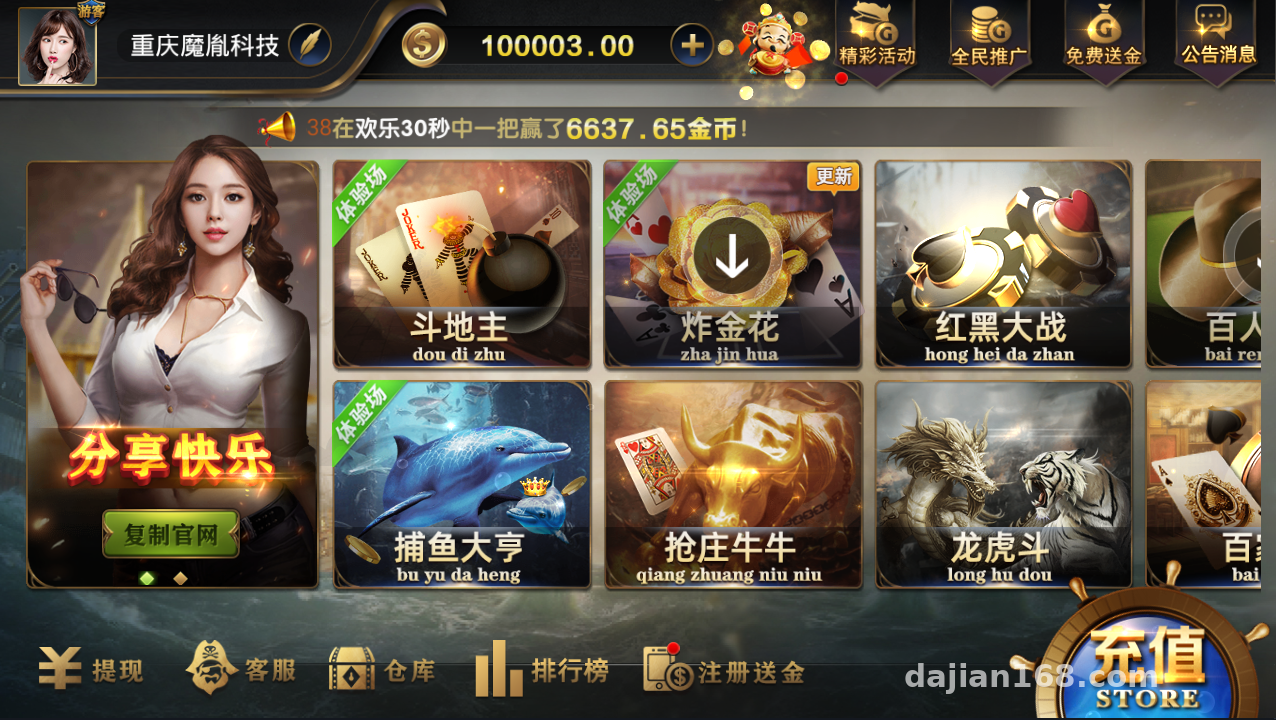
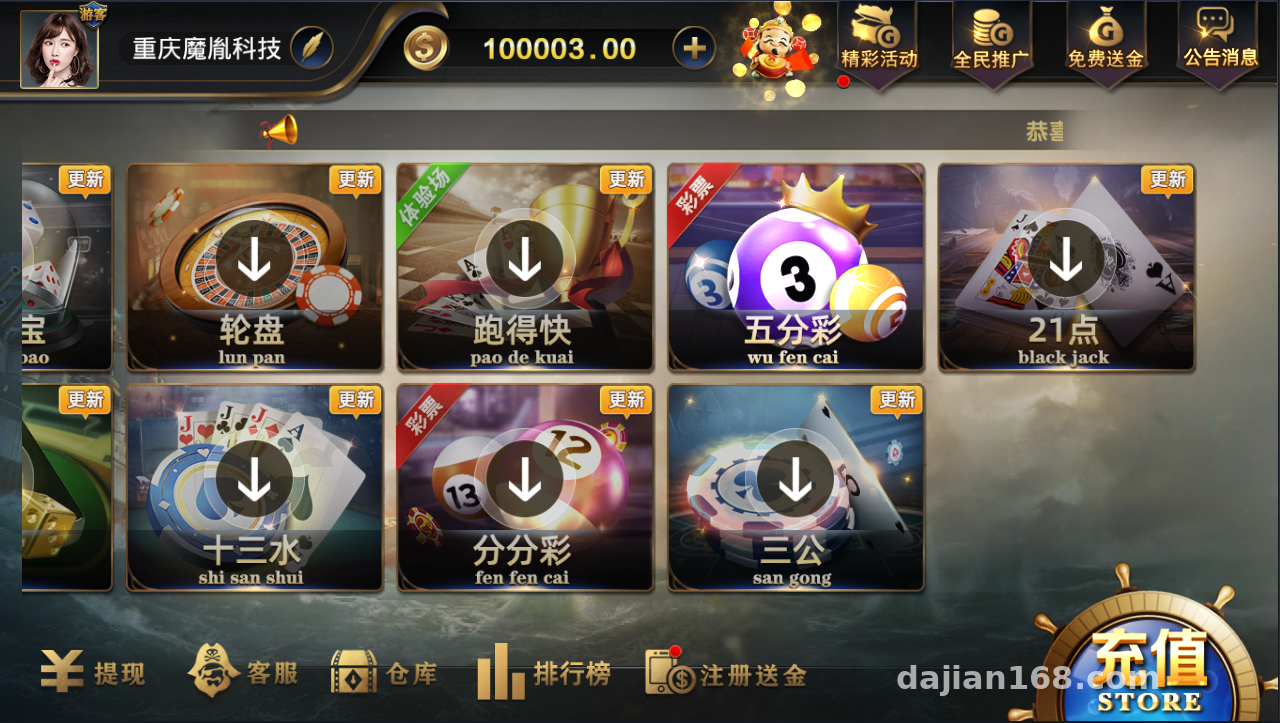
Let’s start with the game pool. This component bundle includes quite a lot of modules. I’ve grouped them by type:
Card Probability Simulation Modules
Three-card simulation, playing card simulation, Paijiu simulation, San Gong simulation, Thirteen Waters simulation, Blackjack simulation, Niu Niu simulation, Baccarat probability demo, Dragon Tiger data demo, and Red-Black data comparison. All of these are pure client-side logic plus server-side dealing algorithms, well suited for algorithm research and probability visualization demos.
Arcade and Electronic Simulation Modules
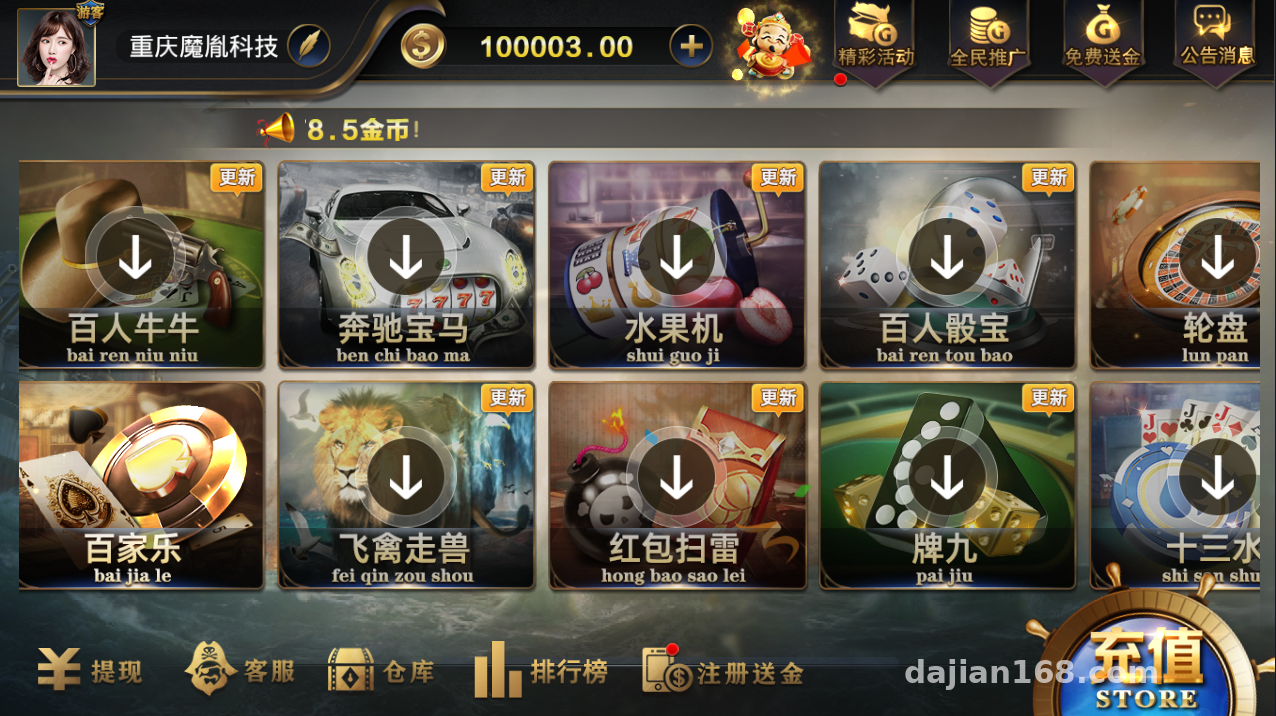
Fishing Master, fruit machine simulation, bird-and-beast demo, luxury car data simulation, roulette probability demo, dice demo, red packet task distribution gameplay, and rapid-draw random number demo. The core of these modules is the random number generator and the odds configuration table, and the parameters can be adjusted directly from the backend.
Live Video Streaming Modules
There are three live demo rooms — video Dragon Tiger, video dice, and video Baccarat — using RTMP push streaming plus web-side pull streaming. In my tests the latency was around 2-3 seconds, which is fine for a demo environment.
Highlight: the Blackjack module is the main addition in this customized edition. The dealing logic, bust detection, and insurance mechanics are all written as independent classes, so changing the rules doesn’t require touching the main framework. That’s friendlier than many older Wanghu versions.
Deployment Essentials: Environment Setup and Pitfall Log
Server Environment
My setup: CentOS 7.9 with 4 cores and 8 GB RAM, database SQL Server 2008 R2 (this source code depends heavily on MSSQL — don’t even think about switching to MySQL, there are tons of stored procedures). If the game server is the Windows variant, just drop it onto a Windows Server 2016 machine, and remember to open port 843 and the game logic port range in your security group.
Database Restore
Restore the two main databases, QPTP and the game library. Pay attention to the collation — it must be Chinese_PRC_CI_AS. The first time I restored, all the Chinese characters turned into question marks, and it took me half an hour to figure out the collation was wrong. After restoring, run the initialization script once to populate the room configuration tables.
Backend Control and Parameter Configuration
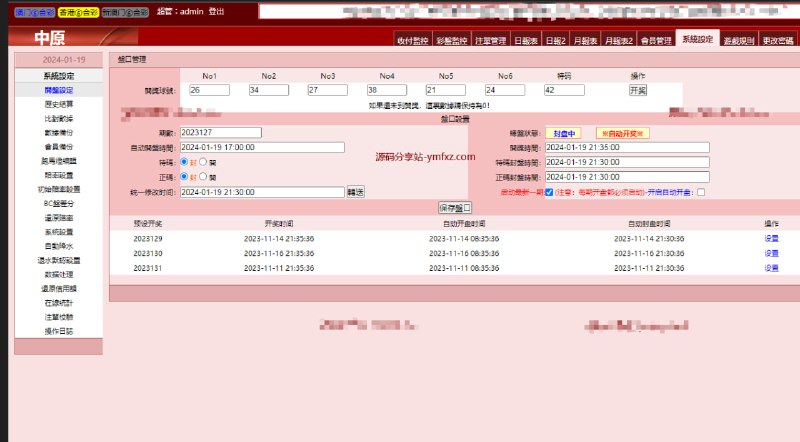
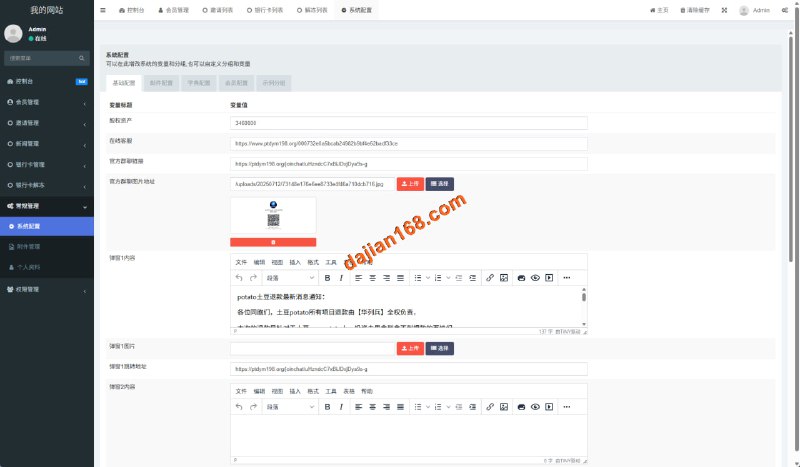
The admin backend is fairly complete: member management, room parameters, bot online ratio, odds configuration tables, an agent commission system, and payment interface integration (supports YeePay and custom third parties; the callback address is changed in the pay_config table). The bot system is the classic Wanghu setup — online count and seat probability can be set per room. For a demo environment I recommend lowering the bot ratio, otherwise the test data looks too artificial.
Client Compilation
The client is a C++ project that compiles directly in VS2013. Change the logo and resources in the res directory, and rename the app by editing the version info in the resource files. For the Android build, keep the signing file somewhere safe — repackaging after secondary development without it will cause install conflicts.
Customization Notes: How to Modify the Blackjack Module
The Blackjack module’s structure deserves its own section. Dealing uses a server-side unified shuffle with cards sent one at a time, and the judgment logic lives in the ServerTable class. For my client I added a customizable dealer rule (making the dealer-stands-on-17 threshold configurable) — I just added a field to the config table and read it at the judgment point. The change was under 50 lines.
As for localization, the client string tables are in ini format. For an English version, most of the work is adapting the table UI layout; the logic layer barely needs touching.
Who This Is For
Honestly, this isn’t for complete beginners — you need basic MSSQL skills and the ability to compile a C++ project. It suits teams doing game algorithm research, tech companies that need a probability simulation demo environment, and site owners who want to do secondary development on mature components. If you just want a runnable demo site to show people, following my steps above you can get it done in a day. For deep customization, budget a week to read through the code.
FAQ
Q: What server specs are needed?
A: For a demo environment, 4 cores and 8 GB is enough. For around 100 concurrent users, start with 8 cores and 16 GB, and deploy the database and application services separately for better stability.
Q: Can this source code be customized further?
A: Yes. The code comments are fairly complete, and the Blackjack module itself is already a secondary-development product with a clean structure. Focus on ServerTable and the game logic classes.
Q: How do I integrate the payment interface?
A: The backend has a third-party payment configuration section — just fill in the merchant ID, key, and callback address. The protocol is the standard asynchronous notification pattern; if you have your own payment system, writing an adapter layer is enough.
Q: What if the video module latency is high?
A: Check the streaming server’s bandwidth. RTMP push streaming needs at least 5 Mbps of dedicated bandwidth, and for client pull streaming, enabling CDN acceleration is recommended.
One final reminder: this source code is for technical learning and probability algorithm demonstration only. Any deployment and operation must comply with applicable laws and regulations, and any unlawful use is prohibited.
Disclaimer: This article is for technical education and demonstration only. It is not professional or financial advice. Any real-world deployment must comply with applicable laws and regulations.
#Wanghu Source Code #Board Game Simulation #System Setup #Customization Notes #Game Server
-
 Alipay QR Code Scan
-
 WeChat Scan Pay