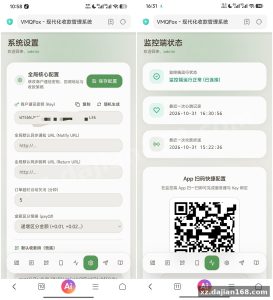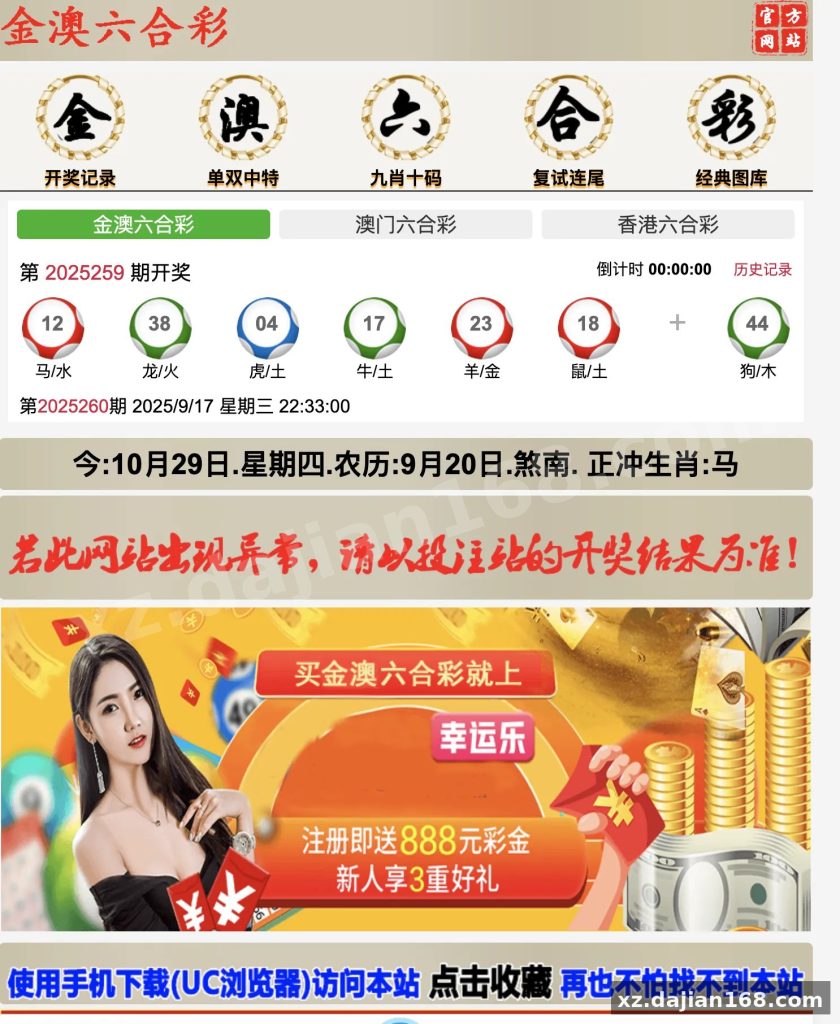
Lucky Draw Data Polling Portal Source Code Download — ThinkPHP 5 + FastAdmin Build
This is a Lucky Draw data polling and results publishing portal built on ThinkPHP 5.1 + FastAdmin, running on PHP 7.4 and MySQL 5.7. It gives you a public-facing page that pulls and displays periodic draw data, plus a full admin panel to publish issue numbers, record polling results, and define custom data fields. It suits operators, small studios, and PHP developers who need a ready-made number-draw data site rather than building one from scratch — available here as a direct source code download from dajian168.
The package is unencrypted, follows FastAdmin’s standard MVC layout, and can be redeployed on a fresh Ubuntu 22.04 server in under 30 minutes.
Three separate data channels feed one public front end — and the channel switch lives in the admin panel, not in code
Out of the box the system ships with 3 data channels: two regional dataset groups and one independent private dataset. Each channel keeps its own issue numbering, its own polling history, and its own published content template.
When I deployed this locally, the first thing that surprised me was that channel switching is handled by a config entry in the admin page rather than by duplicating the front-end template three times. That means one template directory, three data sources — much less maintenance when you tweak the layout. The catch: the channel identifier is stored per record, so if you import historical data by hand you must populate that field correctly or the records silently disappear from the front end.
Takeaway: before importing anything, open the channel management screen and write down the numeric ID of each channel. You will need those three IDs in every CSV or SQL import afterwards.
Five deployment steps on Ubuntu 22.04 get you from a zip file to a working admin login
FastAdmin’s installer is not used here — the vendor ships a pre-built database file, so the flow is manual but predictable. I ran it on a 2 vCPU / 2 GB instance and the whole thing took roughly 22 minutes, including PHP extension installs.
- Create a site in BaoTa (or plain Nginx) with document root pointed at the
publicfolder — not the project root. Pointing at the root is the single most common reason for a 403 on the home page. - Set the runtime PHP version to 7.4 and enable fileinfo, mbstring, gd, opcache. FastAdmin’s asset pipeline breaks on PHP 8.1+ without patches.
- Create a MySQL 5.7 database with utf8mb4, then import the bundled SQL file — it creates around 14 tables in total.
- Edit the two config files:
application/database.phpfor credentials andapplication/extra/site.phpfor the site name and channel defaults. - Rename the admin entry file to something private, log in, and immediately change the default admin password.
Takeaway: do step 5 before you point a domain at the server. A default admin path plus default credentials is the fastest way to get an unwanted visitor.
Six admin modules cover the whole publishing loop — check the polling log module first
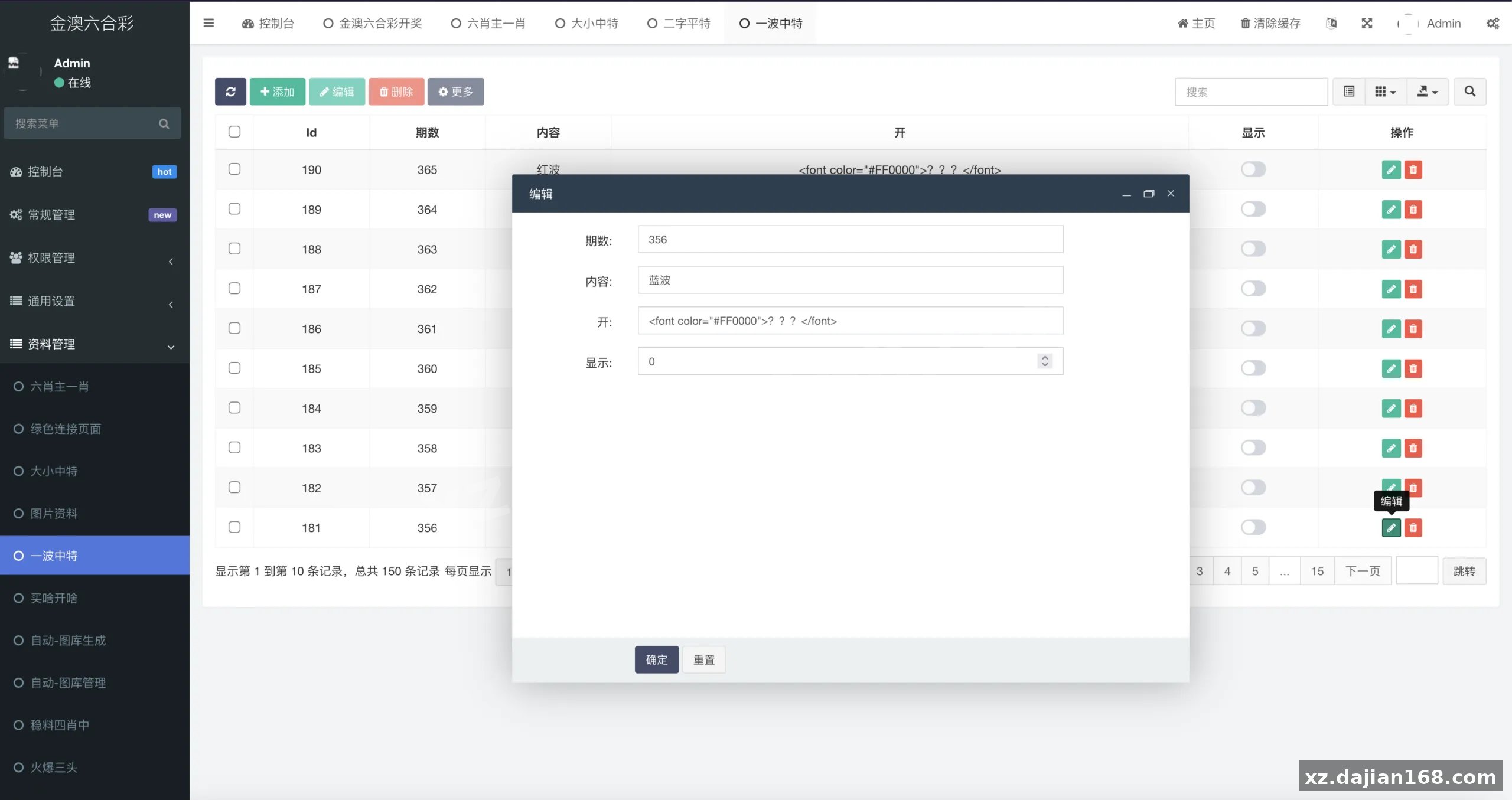
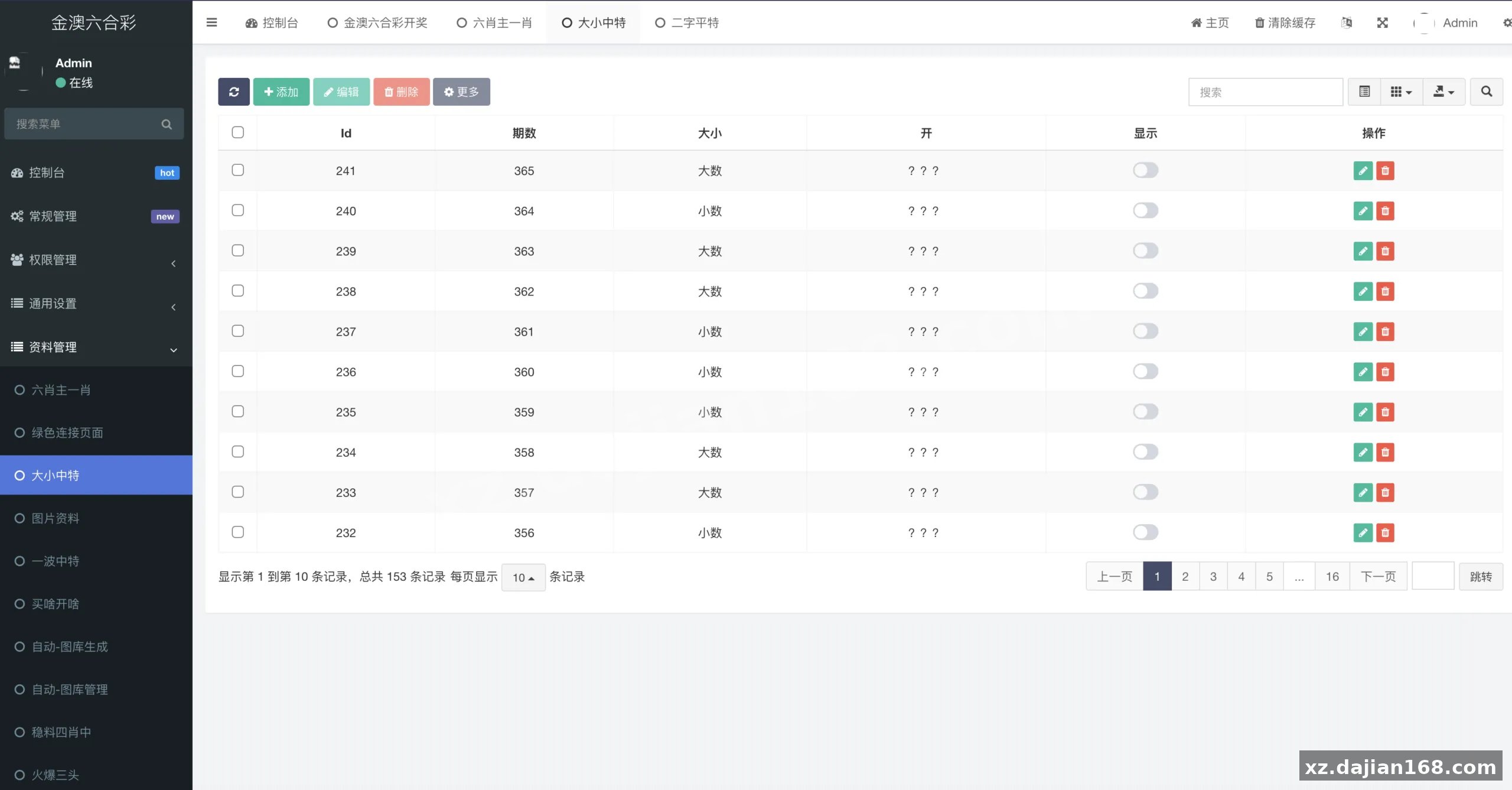
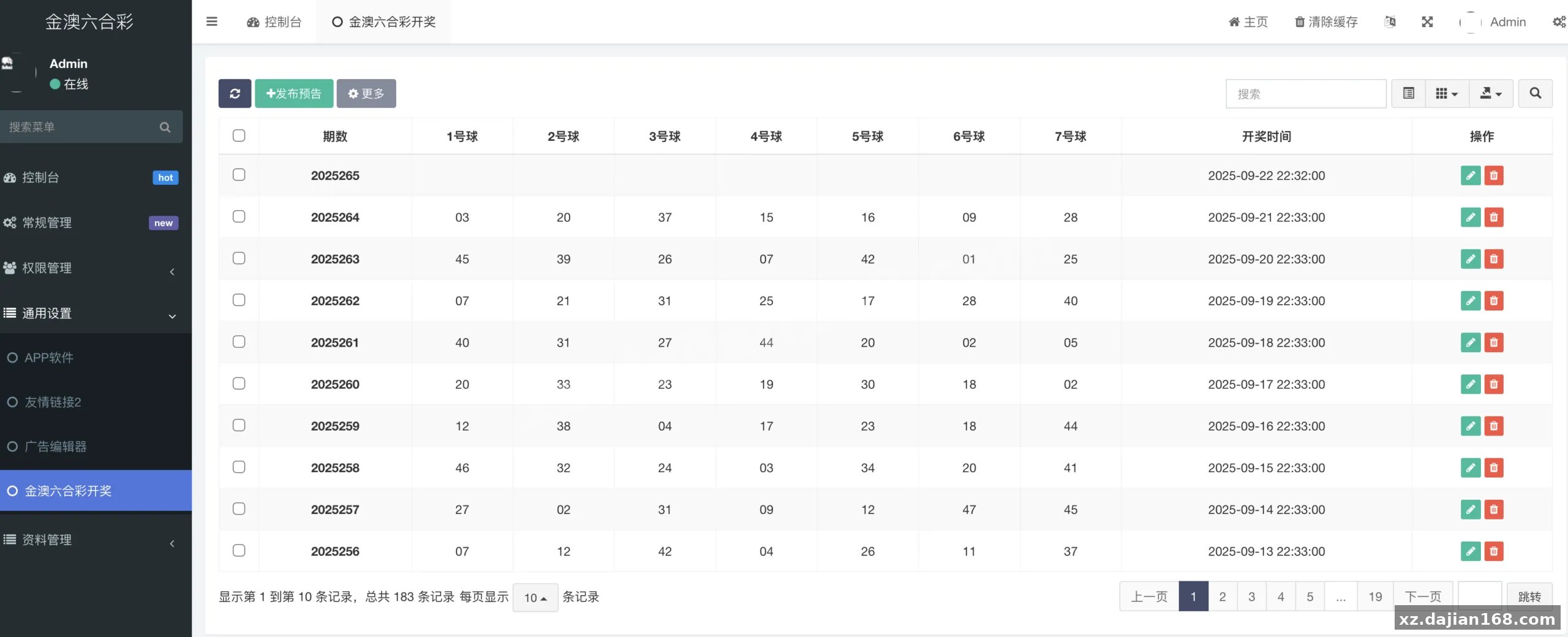
The backend exposes 6 functional modules: issue management, polling result entry, custom content templates, channel settings, member/front-end users, and system configuration. For a system this size that is a sensible split — no module feels bolted on.
During testing I found the polling log is the module worth reading first. It records every entry with a timestamp and the operator account, which saved me twice when a test record showed up on the front end and I could not remember which channel it belonged to. Enable it before you go live; it costs nothing and answers most “where did this number come from” questions later.
Takeaway: give each operator their own admin account instead of a shared one. The log becomes far more useful when the operator name is meaningful.
Feature and technical highlights
- Issue-based publishing — each record is tied to an issue number and a publish timestamp; the front end sorts by issue, not by insert order.
- Custom data fields — beyond the default result field, you can add text fields for supplementary descriptions without touching the schema.
- Built-in polling module — a scheduled task pulls the latest data on a configurable interval (default 60 seconds) and caches it.
- FastAdmin CRUD generator — new admin tables can be scaffolded in minutes using the standard command-line generator.
- Template override — front-end views sit in a single theme directory, so a reskin means editing files, not the framework.
- Role-based permissions — FastAdmin’s auth rules ship enabled, with 3 default roles.
Deployment environment requirements
| Component | Tested version | Notes |
|---|---|---|
| Operating system | Ubuntu 22.04 LTS | Debian 12 also works; BaoTa panel optional |
| Web server | Nginx 1.22 / Apache 2.4 | Document root must be /public |
| PHP | 7.4 | Extensions: fileinfo, mbstring, gd, opcache, pdo_mysql |
| Database | MySQL 5.7 | utf8mb4; ~14 tables after import |
| Framework | ThinkPHP 5.1 + FastAdmin | Composer not required for deployment |
| Memory | 2 GB minimum | 1 GB works but PHP-FPM restarts under load |
Where this build fits best
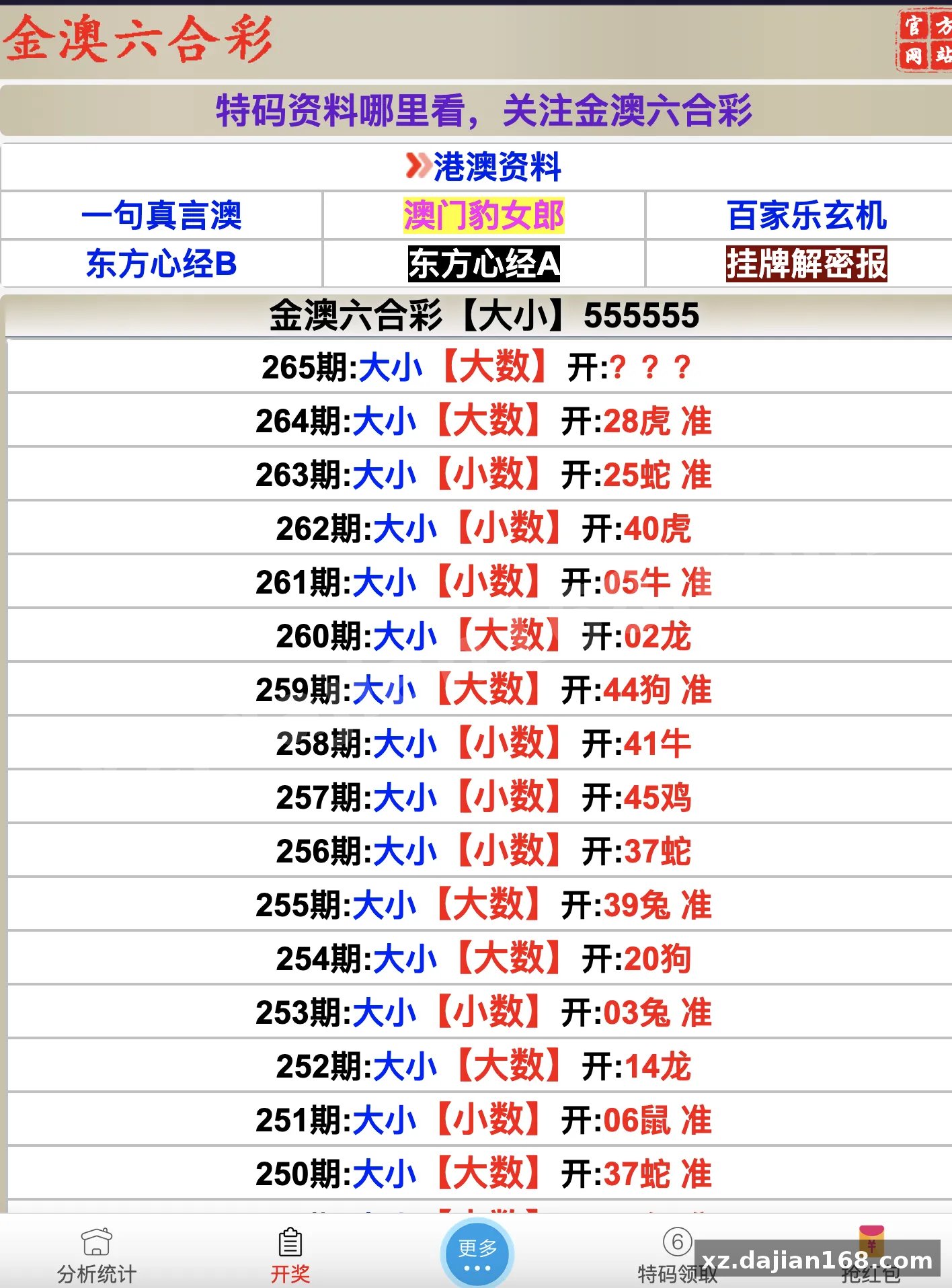
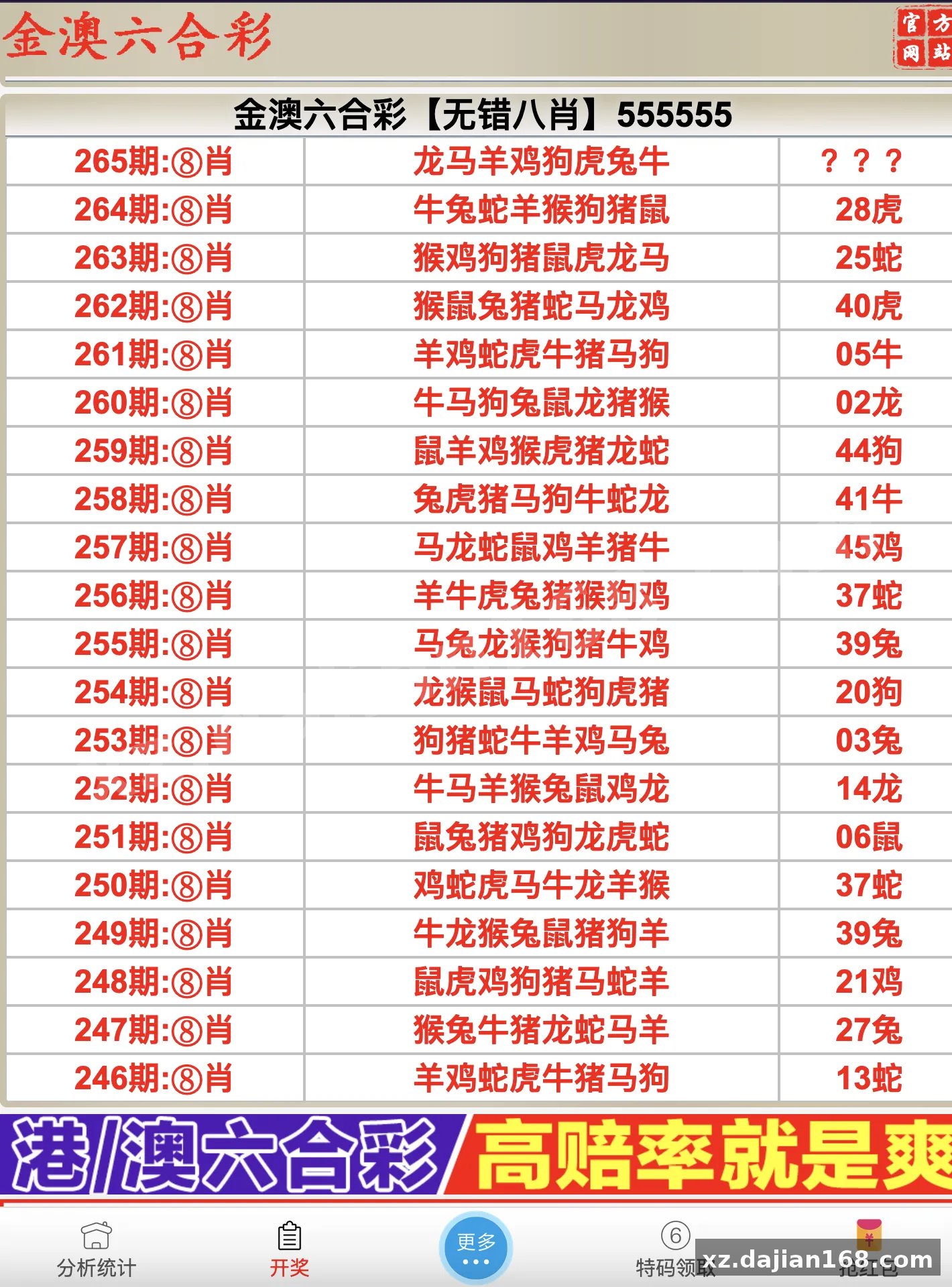
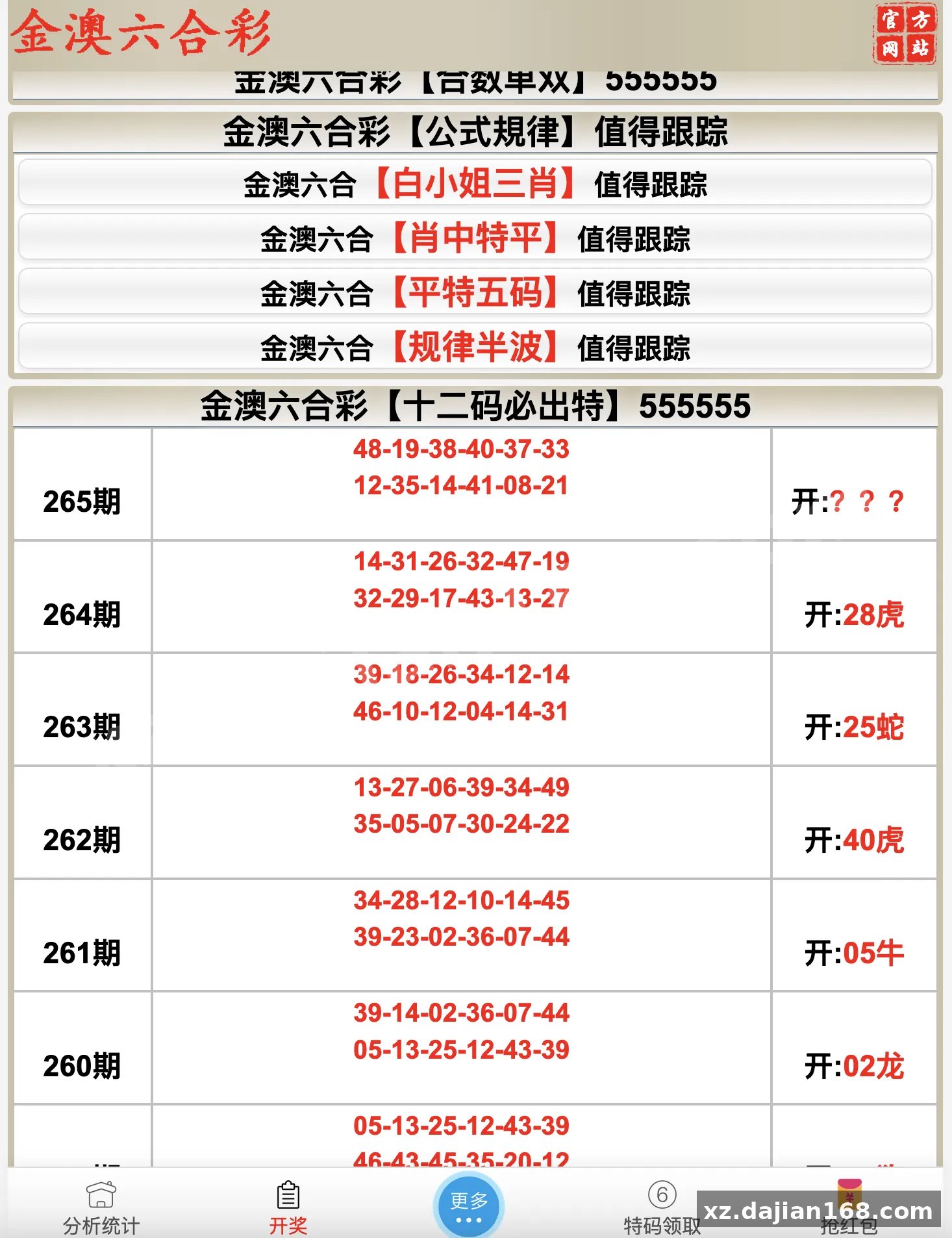
It is a good match for a data publishing portal where the main job is displaying periodically updated results with an archive of past issues — internal dashboards, community result boards, or a demo environment for a larger game platform. It is also a practical FastAdmin reference project if you are learning how the CRUD generator and auth rules fit together.
It is not a fit if you need real-time streaming updates, multi-tenant isolation, or a mobile app backend. The polling model is interval-based, and the schema has no tenant column — retrofitting either one is more work than starting clean.
If you are browsing the Other Source Code category for a small PHP admin project to study or extend, this one is readable end to end. The full package is available as a single source code download on dajian168.
Notes before you go live
- Change the admin entry filename and the default password in the same session — neither is protected by an installer.
- Confirm the polling cron actually runs; a stale cache looks identical to “no new data” on the front end.
- Back up the database before your first bulk import, since the channel ID field is easy to get wrong.
- Test with 50+ archived issues — the front-end list paginates, and pagination styling is the usual first thing to break.
FAQ
Q: Can I rename the admin entry file after installation?
A: Yes. Rename the PHP file in the project root and update the route reference; no database change is required. Do it before the site goes public.
Q: How do I add a fourth data channel?
A: Add a row in the channel settings table, then copy the existing channel config block and adjust the identifier. The front end picks it up automatically — no template edit needed.
Q: Does it run on PHP 8.x?
A: Not cleanly. FastAdmin’s bundled libraries throw deprecation errors on 8.1+, so stay on PHP 7.4 unless you plan to patch the vendor folder yourself.
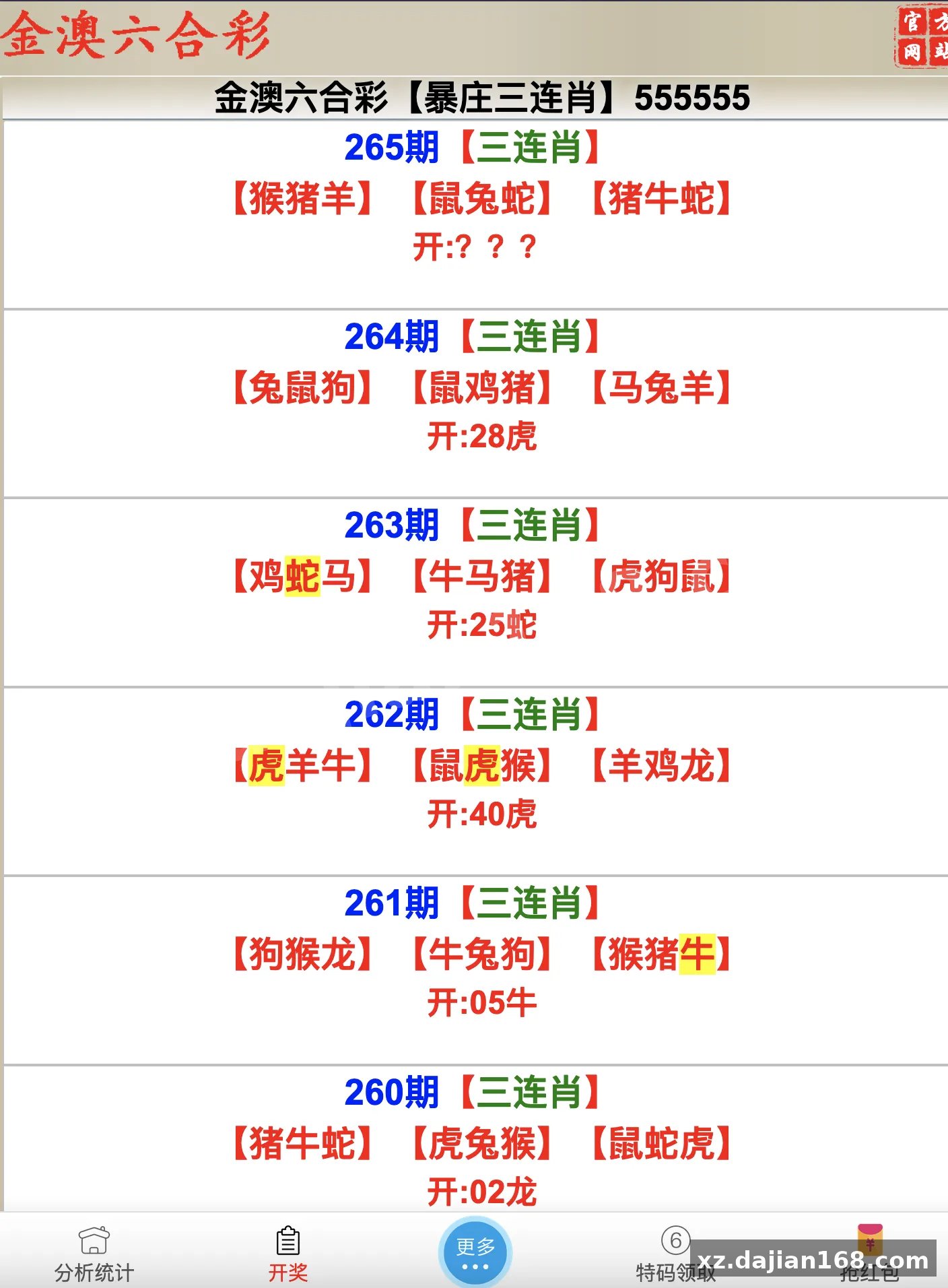
System Interface Screenshots
Disclaimer
⚠️ This article is for educational research and technical exchange only. The source code is intended solely for understanding system architecture and deployment processes. Do not use it for illegal purposes. Any commercial operation is unrelated to the author.