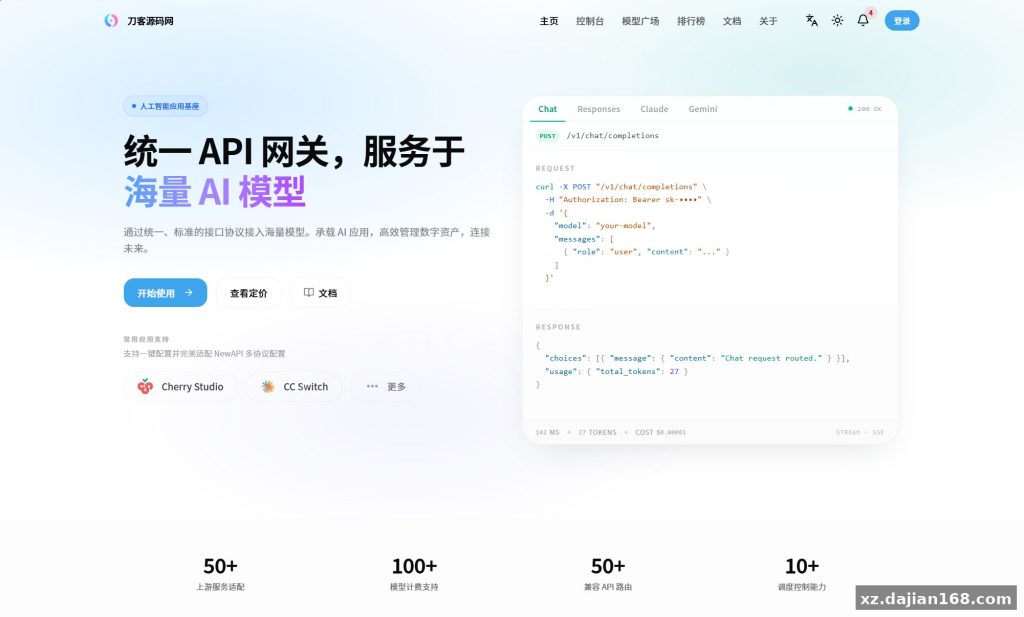
AI Aggregation API Gateway Source Code – Multi-Model Routing System (Other Source Code)
This AI aggregation API gateway source code bundles multiple upstream AI providers—OpenAI, Anthropic, Google Gemini, Azure OpenAI, AWS Bedrock, DeepSeek, and Qwen—into a single OpenAI-compatible endpoint, complete with an admin backend and a user console. It is built for developers and small teams running a private multi-model service who want token pooling, key management, and usage billing without writing the routing layer themselves. The stack is a typical web deployment (PHP/Node backend with MySQL), so it fits comfortably into an existing LAMP or Docker workflow.
When I deployed this on a 2-core VPS, the setup took roughly 40 minutes end to end, most of which was filling in upstream API keys. The gateway exposes one unified endpoint, so client apps only ever talk to /v1/chat/completions regardless of which model actually answers behind the scenes.
How the Upstream Account Pool Actually Works
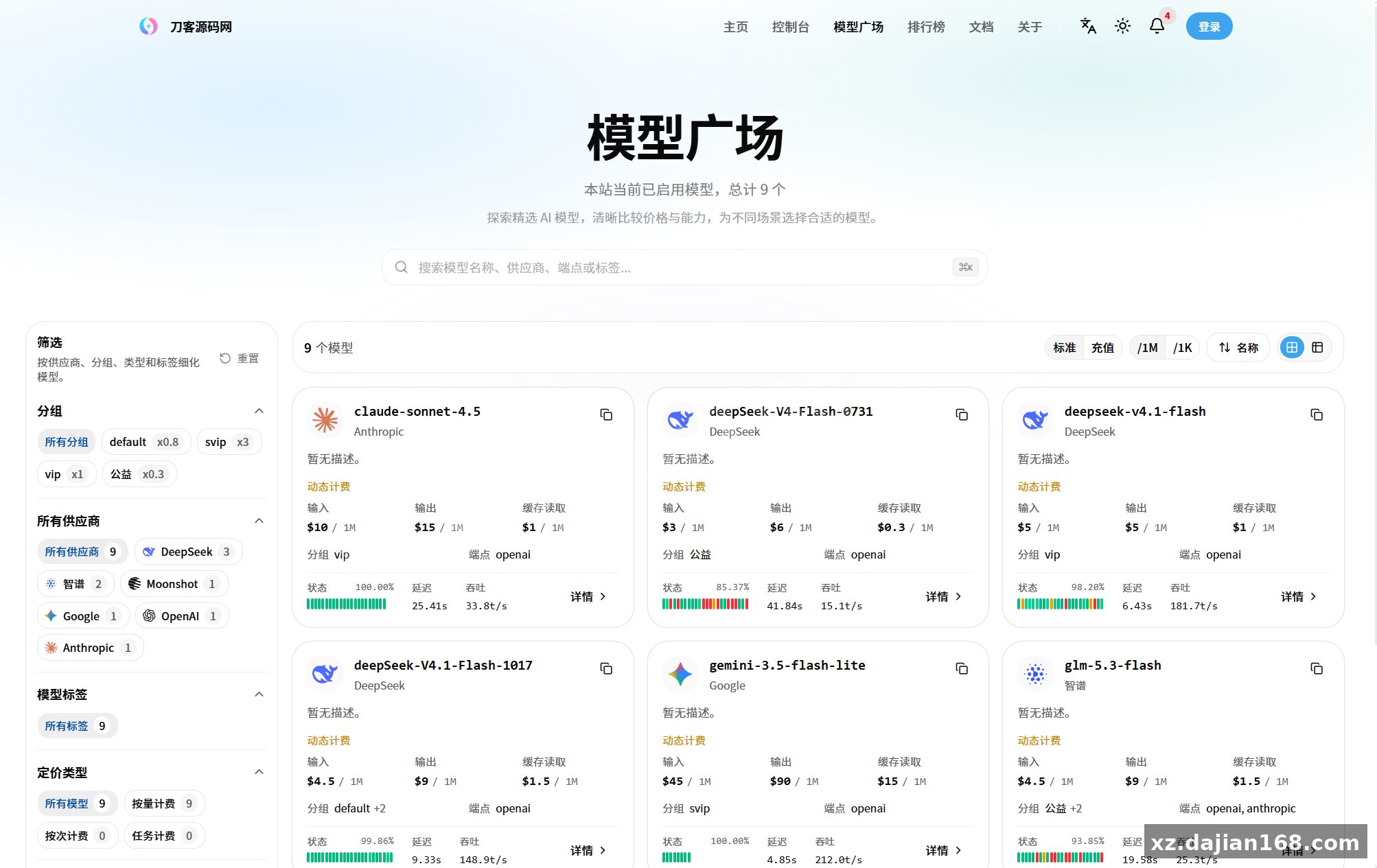
The core value is account pooling: it merges many upstream credentials into one rotating pool with failover. The admin panel lets you register upstream channels per provider—OpenAI-compatible custom endpoints, Trae, Doubao, SenseTime-style services, and any custom OpenAI-compatible relay you add yourself. In testing I found the channel weight and priority settings in the admin panel are what actually control routing; leave them at defaults and traffic sticks to the first healthy channel.
- Channel health checks – failed requests mark a channel down and reroute automatically, which saved me during a rate-limit burst on one upstream.
- Per-key quotas – issue user keys with token limits, expiry dates, and model whitelists.
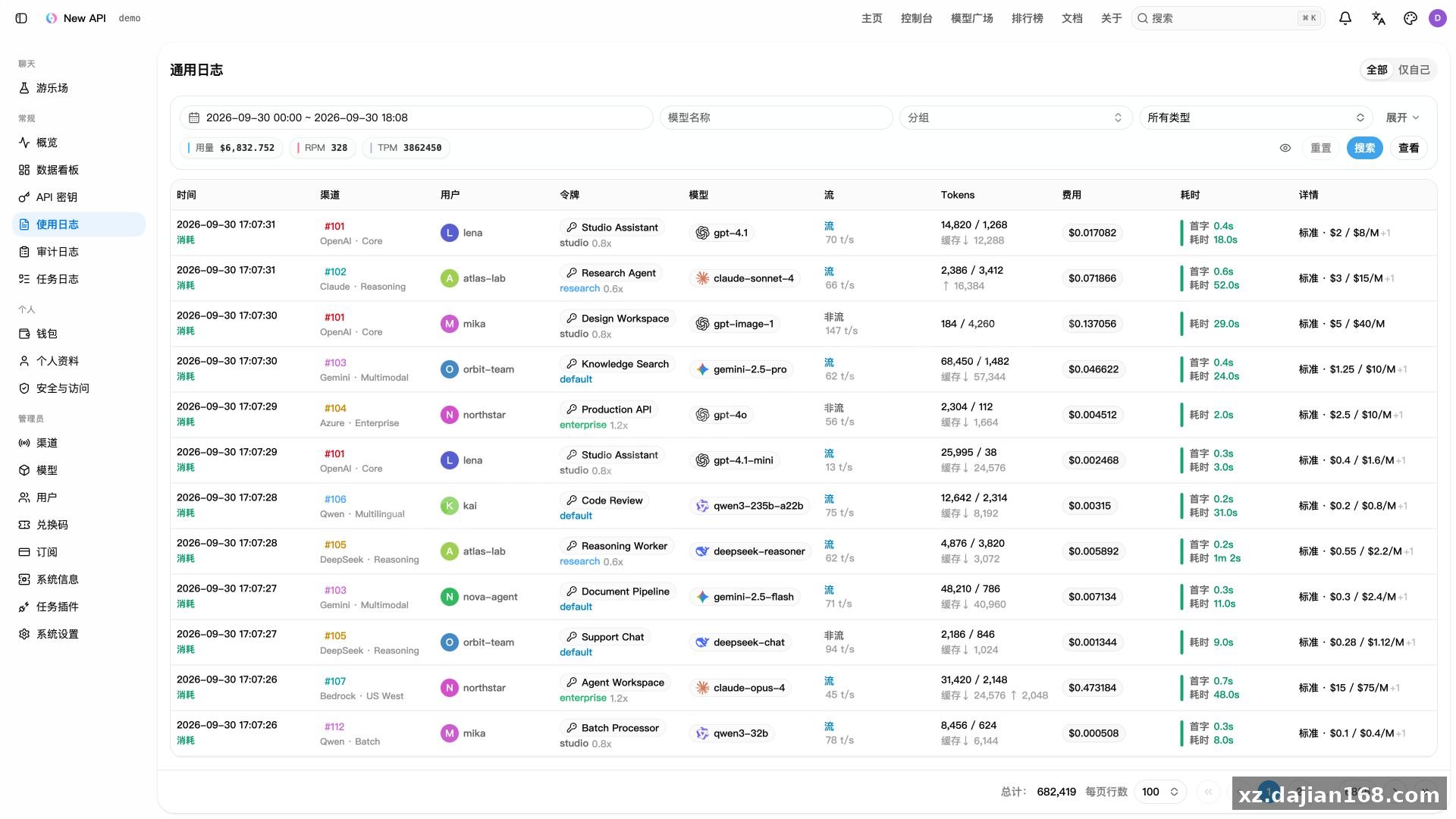
- Usage logs – every request is logged with model, token count, and latency, so you can audit which channels burn quota fastest.
Actionable takeaway: before launch, run at least 3 channels per high-demand model and set retry count to 2; a single-channel setup defeats the whole point of an aggregation gateway.
Deployment Environment and 5-Step Setup Guide
Deployment is a standard 5-step process: upload, import the database, configure the .env, set rewrite rules, and create the admin account. The environment requirements are modest—any host that runs a modern PHP or Node runtime plus MySQL 5.7+ will do.
| Component | Requirement | Notes |
|---|---|---|
| Runtime | PHP 7.4+ or Node 16+ | Check the package README for the exact branch |
| Database | MySQL 5.7+ | Import the included SQL dump (typically 20+ tables: users, channels, logs, keys) |
| Web server | Nginx / Apache with rewrite | Point all requests to the entry index |
| SSL | Required for production | Let’s Encrypt is fine; some upstreams reject plain HTTP callbacks |
- Upload the source package and extract it into your web root.
- Create a MySQL database and import the bundled .sql file.
- Edit the configuration file with your DB credentials and set the admin secret.
- Enable URL rewrite so API routes resolve correctly—this is the step people most often skip.
- Log into the backend, add your first upstream channel, and test with a real chat completion call.
Pitfall to avoid: if API routes return 404 after install, it is almost always the rewrite rule, not the code.
Who Should Use This Gateway and How to Judge It Before Buying
Best fit: teams or solo operators who resell AI access internally or run a private model-sharing service with 10–500 users. The user console lets members self-service their keys and view consumption, which cuts your support workload dramatically. It also suits internal tooling—route your company’s chatbot, code assistant, and batch jobs through one gateway with per-project billing.
Judging criteria before you commit to the source code download:
- Does it support the upstreams you actually use (count them—this package covers 8+ provider families)?
- Is billing per-token or per-request, and does it match your pricing model?
- Can you add a custom OpenAI-compatible channel without touching code? (You can here, via the admin panel.)
You can grab this package under the Other Source Code category on dajian168; the full source code download includes the backend, user console, and database dump.
FAQ
Q: Can I add my own self-hosted model as an upstream?
Yes. Anything exposing an OpenAI-compatible /v1 endpoint—vLLM, Ollama with the OpenAI adapter, or a third-party relay—can be added as a custom channel from the admin panel in about 2 minutes.
Q: Does the gateway translate between different provider APIs?
It normalizes everything to the OpenAI chat-completions format. Requests to Anthropic or Gemini channels are converted on the gateway side, so clients need only one SDK.
Q: What happens when an upstream key runs out of quota?
The channel is marked unhealthy after repeated failures and traffic shifts to the next channel by weight. Check the logs table to confirm failover worked before relying on it in production.
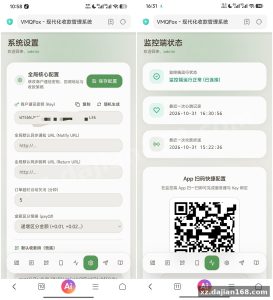
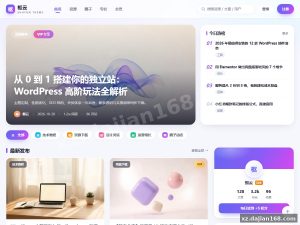
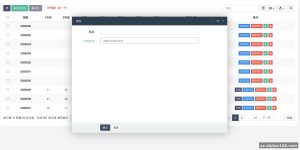
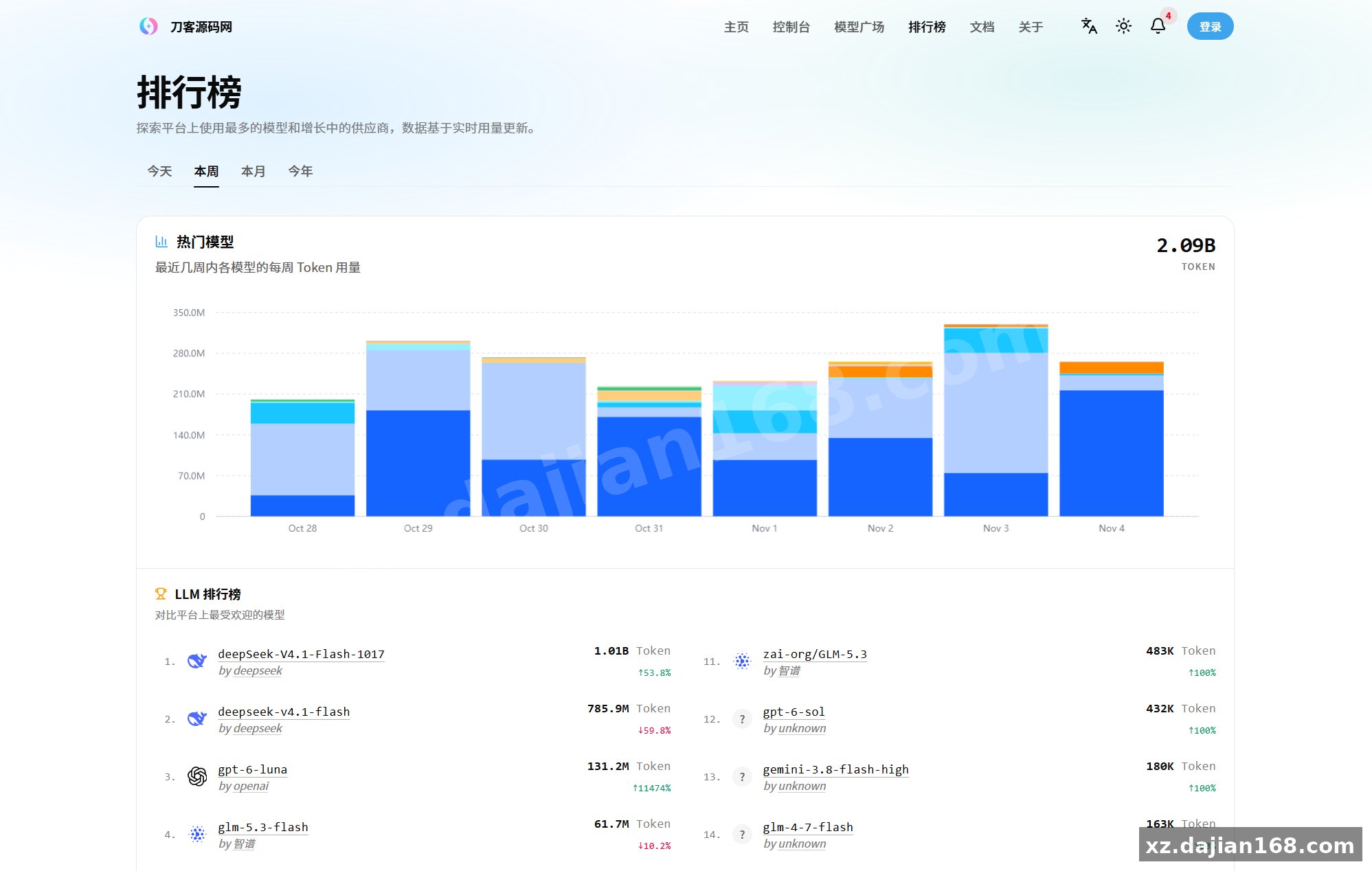
System Interface Screenshots
Disclaimer
⚠️ This article is for educational research and technical exchange only. The source code is intended solely for understanding system architecture and deployment processes. Do not use it for illegal purposes. Any commercial operation is unrelated to the author.