Overseas Medical Appointment System Setup Guide: Multi-Language Deployment Notes
Overseas Medical Appointment System Setup Guide: Multi-Language Deployment Notes
Disclaimer: This article is for technical education and demonstration only. It is not professional or financial advice. Any real-world deployment must comply with applicable laws and regulations.
I recently helped a client deploy an overseas medical appointment system — frontend built with Uniapp, backend fully open-source PHP. I’ve worked on similar projects before, so today I’m putting together the full process as a reference for anyone looking to get started.
Feature Walkthrough
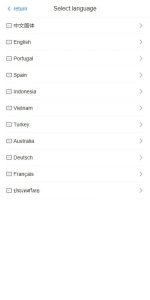
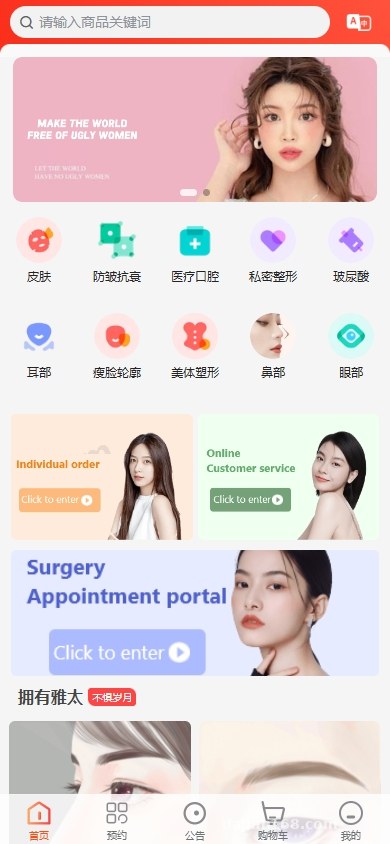
Multi-Language Switching
The system supports Chinese, English, Japanese, Korean, and more. The Uniapp frontend automatically translates all on-site content when users switch languages. The backend allows custom copy for each language, which is especially useful for clients targeting overseas markets.
Order Workflow
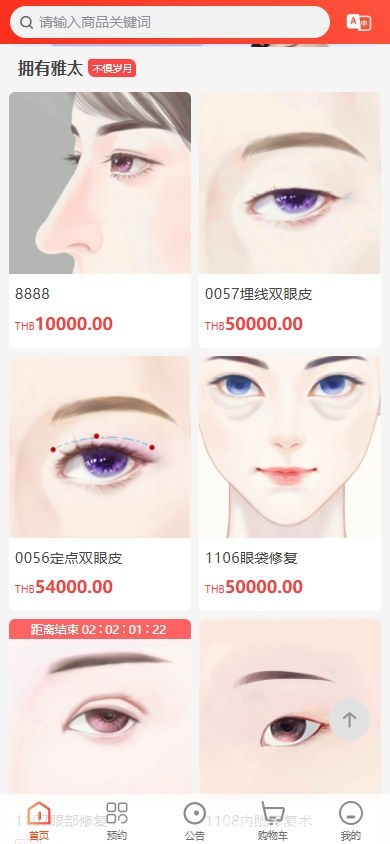
Users place orders on the frontend, and the backend confirms them — the whole flow is straightforward. It supports multiple departments and doctor selections. Once a user submits a booking, the system auto-generates an order number, and the backend can export order data in bulk.
Referral Reward System
The system includes a built-in referral rewards module. Promoters share their links, and when users complete bookings through those links, commission records are generated. The backend allows setting different reward tiers, and supports a withdrawal review process.
Payment Integration
Supports WeChat Pay, Alipay, UnionPay, and other payment methods with stable callback handling. The backend lets you check the payment status of every order and manually mark orders as completed.
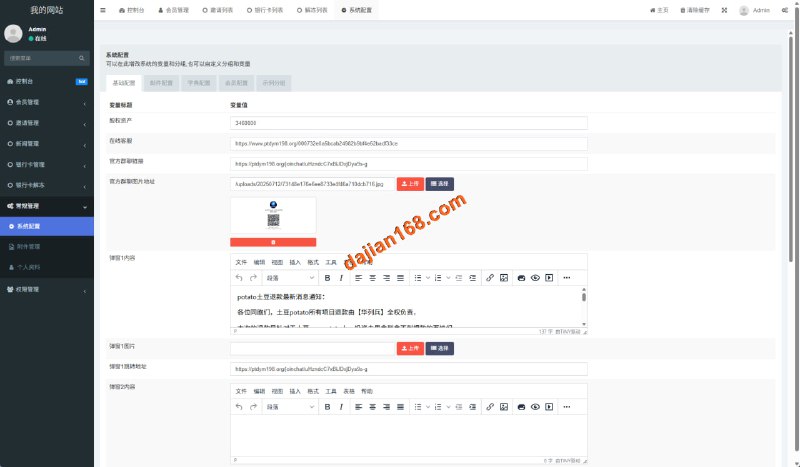
Key Highlight: The backend is fully open-source PHP with clean code structure, making secondary development relatively straightforward. Multi-language configuration is database-driven — adding a new language only requires dropping in the corresponding language pack file.
Deployment Essentials
Server requirements: PHP 7.4 or above, MySQL 5.7+, and either Nginx or Apache. A domain with proper registration is recommended. For overseas users, consider CDN acceleration.

After importing the database, update the database connection details in the config file, then visit the backend URL to log in. Default admin credentials are included in the download package. For the Uniapp frontend project, open it in HBuilderX, configure the AppID, and build for your target platforms.
Troubleshooting tip: If you encounter garbled text during multi-language switching, check that the database charset is set to utf8mb4 and that your PHP files are saved with a consistent encoding.
Who Is This For?
This system is suited for entrepreneurs looking to build an overseas medical appointment platform, or organizations that already have medical resources and want to set up a booking system. The technical barrier is low — developers with basic PHP experience can pick it up and start customizing quickly.
Frequently Asked Questions
Q: Multi-language switching isn’t working after deployment. What should I do?
A: Verify that all language pack files are uploaded completely in the backend. Confirm the language configuration in the database is correct, then clear your browser cache and try again.
Q: The Uniapp frontend build can’t be accessed after packaging.
A: Check whether the AppID is configured correctly. Make sure the server domain is added to the whitelist, and in HBuilderX choose “Publish” rather than “Run” when building.
Q: Exported order data from the backend shows garbled characters.
A: When exporting, select the UTF-8 CSV format. Open the file in Excel with the correct encoding, or use WPS to avoid encoding issues.
Disclaimer: This system is provided for technical demonstration and educational purposes only. Please comply with all applicable laws and regulations. Any unauthorized or illegal use is prohibited.
Disclaimer: This article is for technical education and demonstration only. It is not professional or financial advice. Any real-world deployment must comply with applicable laws and regulations.
#medical appointment #multi-language #Uniapp #PHP #order management
-
 Alipay QR Code Scan
-
 WeChat Scan Pay