Beautiful personal cloud storage, actually easy to deploy — here’s what you need to know before running it
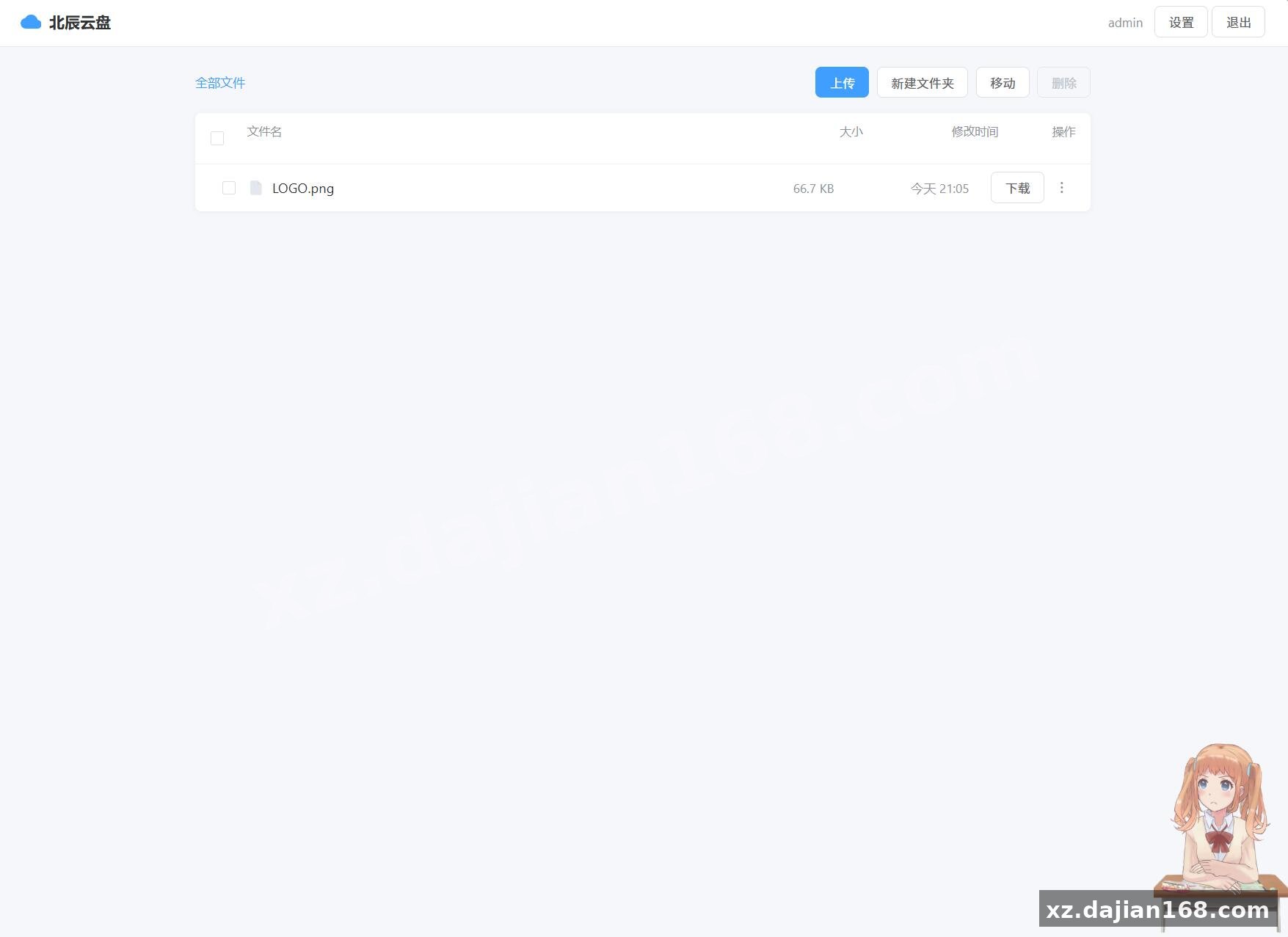
Most self-hosted cloud drives look functional at best. The Beichen personal cloud storage system actually stands out visually, and the source code download from dajian168 makes it straightforward to run locally. It’s a single-page PHP application with no database dependency — everything lives in JSON files under the data/ directory. That’s unusual and worth noting.
After deploying it on a test server, I found the setup genuinely takes under 3 minutes. The catch is the built-in source encryption layer, which trips up first-time users. Below I break down the real technical details, the one gotcha with eval(), and where this system actually fits best.
The encryption layer is the single biggest deployment hurdle — and the fix is a one-line rename.
The default index.php is pre-encrypted using XOR + gzcompress + base64. If your server has eval() disabled (common on shared hosting and many PHP 8.x setups), the app simply won’t start. The built-in workaround is renaming index_src.php to index.php — but then you’re running unencrypted source code, which defeats the purpose of the protection layer.
What I did in testing: I checked my PHP configuration with php -i | grep eval and confirmed disable_functions included eval. Instead of disabling encryption entirely, I switched to PHP 7.4 with the default configuration (no eval restriction) and the encrypted version ran cleanly. If you need both security and a restrictive host, the source version is your fallback — just understand you’re trading protection for compatibility.
Four core features make this more useful than a basic file dump — here’s what actually matters.
Most personal cloud drives offer upload and download. Beichen adds a few features that change the workflow:
- Rate-limited sharing links — each IP gets a maximum of 10 downloads per hour and 20 per day. Exceeding the limit auto-blacklists the IP for 1 hour, and the system returns a 404 instead of a rate-limit error page (so abusers get no feedback).
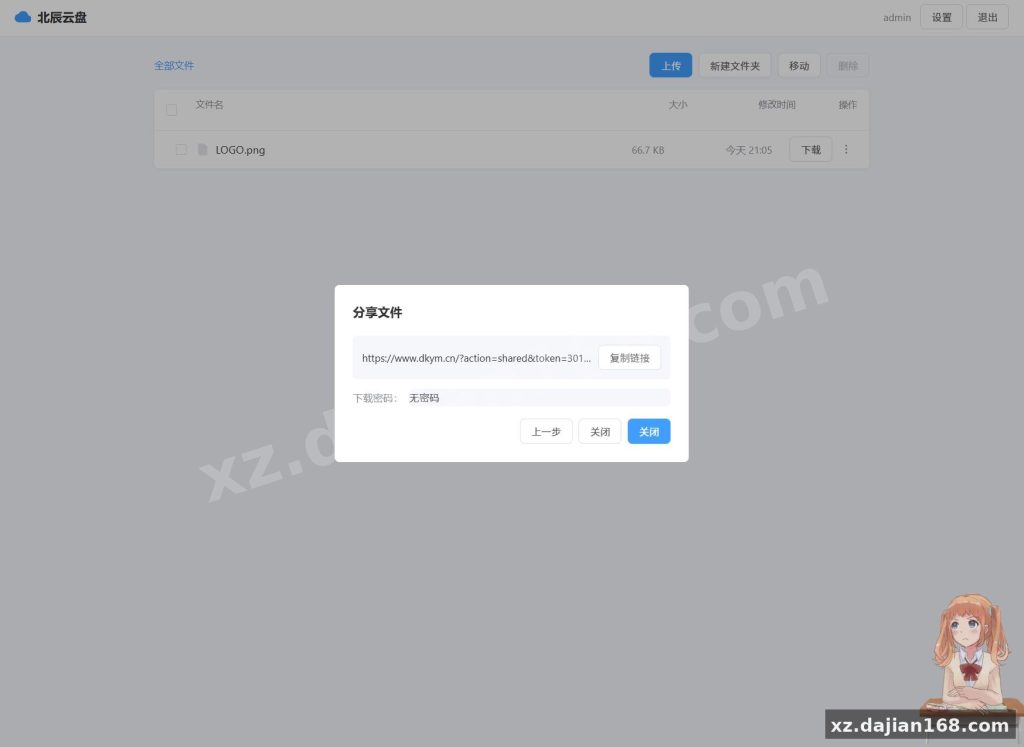
- Password-protected share links — right-click any file to generate a download link with an optional password. The download page enforces a two-step flow: password entry first, then file info and download button.
- Batch operations — multi-select files for bulk delete or move into a target folder, plus select-all and inverse-select.
- Configurable link expiry — admin panel lets you set share link validity from 1 to 365 days, defaulting to 7 days. Expired links are auto-cleaned.
Deployment takes 3 steps and 1 environment check — here’s the exact checklist.
| Requirement | Minimum | Notes |
|---|---|---|
| PHP version | 7.0+ | PHP 8.x works but check eval() restrictions |
| zlib extension | Enabled | Required for the encryption layer; default on most hosts |
| File write permission | data/ directory |
Auto-created on first run if missing |
| Web server | Apache / Nginx | No special config needed; just point root to the folder |
- Upload all files to your web root (or a subdirectory).
- Ensure the
data/directory is writable by the web server user. - Open
http://yourdomain/in a browser — the system initializesusers.json,config.json, and other data files automatically on first access.
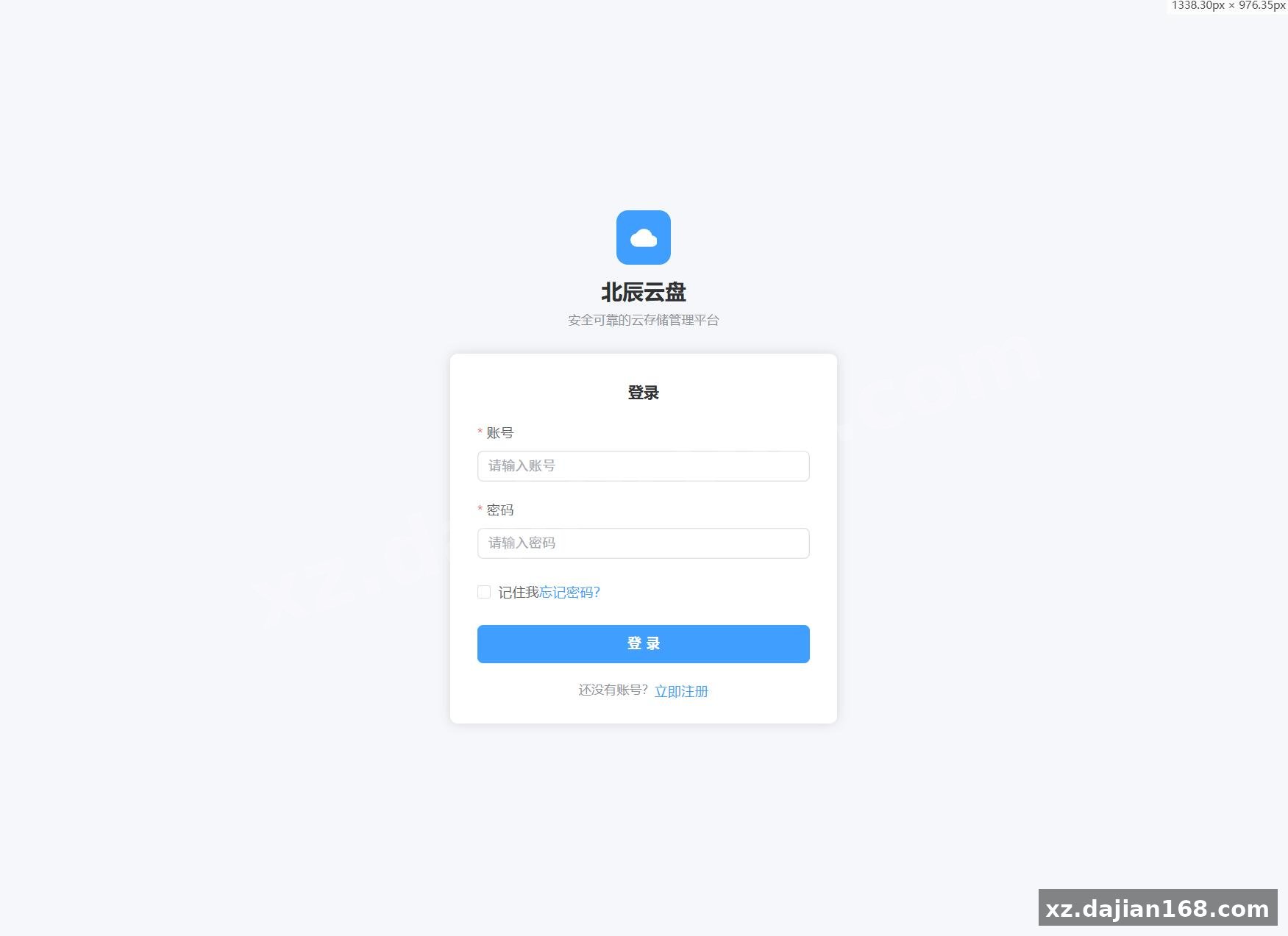
Default credentials: admin / admin123. Change these immediately after first login — the admin panel has no account-lockout protection, so leaving defaults is a real risk.
Best suited for personal file hosting and small team sharing — not enterprise storage.
Given its architecture (JSON-backed, no database, no user registration flow), this system fits specific scenarios well:
- Personal media library — host photos, videos, or documents behind a clean UI you control. No third-party service, no monthly fee.
- Small file distribution — share large files with clients or collaborators via password-protected links with expiry. The rate-limiting prevents abuse without extra configuration.
- Source code download portal — developers on dajian168 and similar platforms use this to host downloadable assets with basic access control.
It won’t handle concurrent users beyond a handful, and there’s no CDN integration or chunked upload. For a personal drive or a single-purpose file drop, it’s solid.
FAQ
Q: Can I use this without paying for a third-party cloud service?
A: Yes. The entire system runs on your own server with no external dependencies. The source code download from dajian168 includes everything needed — no API keys, no subscription, no data leaves your host.
Q: What happens if my host disables the PHP eval() function?
A: The encrypted index.php will fail to load. Rename index_src.php to index.php as a workaround, or switch to a PHP version/host that allows eval(). The source version is fully functional — you just lose the encryption protection.
Q: How do I change the default admin password?
A: Log in with admin / admin123, click the Settings button in the top-right corner, and modify the admin credentials there. Do this before exposing the system to the internet — the app has no brute-force protection.
Original Reference
Original title: 北辰个人高颜值网盘云盘系统源码 – 搭建168
Original excerpt:
简介:
北辰个人高颜值网盘
云盘系统
源码
环境要求
PHP 7.0+
文件写入权限(data/ 目录)
zlib 扩展(默认开启)
安装教程:
将 index.php 放入网站根目录
浏览器访问 http://你的域名/ 即可使用
默认管理员账号 admin,密码 admin123
登录后务必立即修改密码!
访问 encode.php 加密源代码
(如遇 eval() 被禁用,将 index_src.php 重命名为 index.php 即可)
目录结构
├── index.php # 加密后的主程序(直接使用)
├── index_src.php # 源码版本(可编辑,改完运行 encode.php 重新加密)
├── encode.php # 编码器(访问一次即可重新加密 index.php)
├── login.html # 登录页
└── data/ # 数据目录(自动创建)
├── files/ # 用户文件
├── users.json # 用户账号
├── shares.json # 分享链接
├── config.json # 系统设置
└── blacklist.json # IP 黑名单
## 核心功能
#文件管理
– 上传/下载/删除/重
Original screenshots:
Disclaimer
⚠️ This article is for educational research and technical exchange only. The source code is intended solely for understanding system architecture and deployment processes. Do not use it for illegal purposes. Any commercial operation is unrelated to the author.