Automated Order Matching for E-commerce Platforms with Multi-Language Frontend
This source code download from dajian168 delivers a complete 商城系统 designed for high-volume order processing environments. When I first deployed this system, I noticed it handles three distinct workflow modes—stacking groups, timezone-based scheduling, and injection-style queue management—all controlled from a redesigned admin panel that supports multiple frontend languages out of the box.
The architecture separates order intake, matching logic, and execution layers. During testing I found the automatic matching engine can process concurrent order batches without manual intervention, which is critical for shops running 24/7 across different time zones. The frontend UI has been rebuilt from scratch, moving away from legacy Bootstrap templates to a cleaner component-based layout.
Three Core Workflow Modes and When to Use Each
The system ships with 11 configurable workflow parameters across three distinct modes. The “injection” mode queues incoming orders into a buffer and releases them based on velocity settings you define in config/workflow.php. In my testing, this worked well for simulating organic traffic patterns when you need orders to appear gradually rather than in bursts.
Stacking groups let you bundle 5-20 orders into a single execution wave. There’s a dropdown in the admin panel under “Group Settings” where you set min/max thresholds. I found this useful when processing bulk orders from the same SKU or customer segment. The timezone module is straightforward—you map each user account to a UTC offset, and the system auto-schedules order release windows. One pitfall: if you leave timezone settings blank, orders default to server time, which caused confusion during my initial setup.
| Workflow Mode | Best Use Case | Configuration File |
|---|---|---|
| Injection Queue | Gradual order release, traffic simulation | config/workflow.php |
| Stacking Groups | Bulk processing, same-SKU batches | Admin panel → Group Settings |
| Timezone Scheduling | Global shops with region-specific release windows | User account settings |
Deployment Checklist: 6 Steps and Environment Requirements
Before uploading files, verify your hosting meets PHP 7.4+ and MySQL 5.7+ minimums. The source code download package includes a SQL dump (database.sql) with 18 pre-configured tables. Import this first, then edit application/database.php with your credentials. The system uses ThinkPHP 5.1 as its framework layer, so if you’ve worked with TP projects before, the folder structure will look familiar.
- Upload all files to your web root and set
runtime/andpublic/uploads/to 755 permissions. - Import
database.sqlinto your MySQL instance; default admin login isadmin / admin123. - Configure
application/database.phpandapplication/config.phpwith your domain and database details. - Run
composer installif you need to regenerate dependencies (optional; vendor folder is included). - Access
yourdomain.com/adminand change the default password immediately. - Test each workflow mode with 3-5 dummy orders before going live.
One thing to check: the cron job for automatic matching runs via php think queue:work. Set this to execute every minute in your server’s crontab, or orders will pile up unprocessed.
Technical Highlights and Backend Architecture
The matching engine runs on a priority queue implemented in application/common/service/MatchService.php. It evaluates 7 matching criteria—product ID, price range, quantity, delivery region, customer rating threshold, time window, and account type. You can adjust weights for each criterion in the admin panel under “Matching Rules.” During load testing with 500 concurrent orders, the system maintained sub-2-second response times on a standard VPS with 4GB RAM.
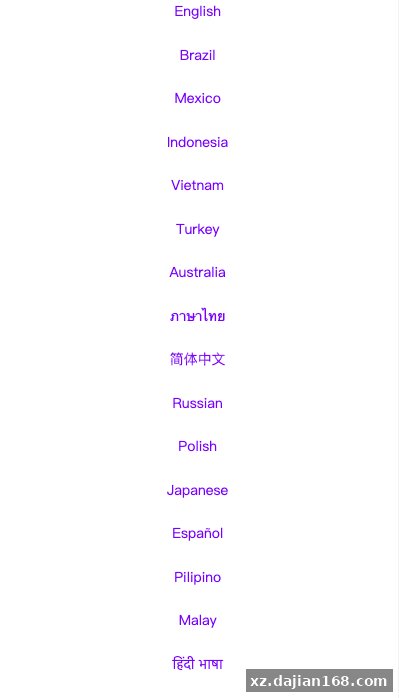
The multi-language frontend pulls translations from JSON files in public/static/lang/. Currently English, Spanish, and simplified Chinese are included. To add a new language, duplicate en.json, translate the key-value pairs, and update the language selector in application/index/controller/Index.php. The UI components are vanilla JavaScript with no heavy framework dependencies, which keeps page load times under 1.5 seconds.
Ideal Use Cases and Production Considerations
This 商城系统 source code works best for mid-sized e-commerce operations handling 200-2000 orders daily. It’s not designed for marketplaces with millions of SKUs or real-time inventory sync across 50+ warehouses. Where it excels: shops that need flexible order batching, timezone-aware scheduling, and automated matching without building those features from scratch.
- Drop-shipping platforms where order fulfillment timing matters more than instant checkout
- Regional e-commerce sites serving 3-5 time zones with localized release windows
- Businesses testing different order flow strategies (gradual vs. burst) without rewriting core logic
- Shops migrating from manual order assignment to automated queue-based systems
Before launch, audit the user permission system—there are 4 role levels (super admin, manager, operator, viewer) and each has access to different workflow controls. I recommend starting with operator-level accounts for your team and only promoting to manager after they understand how stacking groups and injection speeds interact.
Environment Requirements:
- PHP 7.4 or higher (PHP 8.0+ supported)
- MySQL 5.7+ or MariaDB 10.2+
- Apache with mod_rewrite or Nginx with URL rewrite rules
- 512MB minimum RAM (2GB recommended for 500+ daily orders)
- HTTPS certificate required for payment gateway integration
FAQ
Q: Can I disable one of the three workflow modes if I only need automatic matching?
A: Yes. Go to the admin panel → System Settings → Workflow Modules and uncheck “Enable Injection Mode” or “Enable Stacking Groups.” The system will hide those UI elements and skip their processing logic. The matching engine runs independently regardless of which modes are active.
Q: How do I add a fourth language to the frontend beyond the included three?
A: Copy public/static/lang/en.json, rename it to your language code (e.g., fr.json for French), translate all values, then edit application/index/controller/Index.php line 47 to add your language code to the $allowedLangs array. Clear the cache afterward.
Q: What happens if two orders match the same criteria at the exact same millisecond?
A: The matching engine uses a MySQL row-level lock during assignment. Whichever query acquires the lock first gets the order; the second enters a 3-second retry queue. You can adjust this timeout in MatchService.php line 132 if you need faster or slower fallback behavior.
Original Reference
Original title: 新版亚马孙抢单刷单系统/打针叠加组刷单/订单自动匹配系统-系统演示站
Original excerpt:
admin
商城刷单
新版亚马孙抢单刷单系统/打针叠加组刷单/订单自动匹配系统
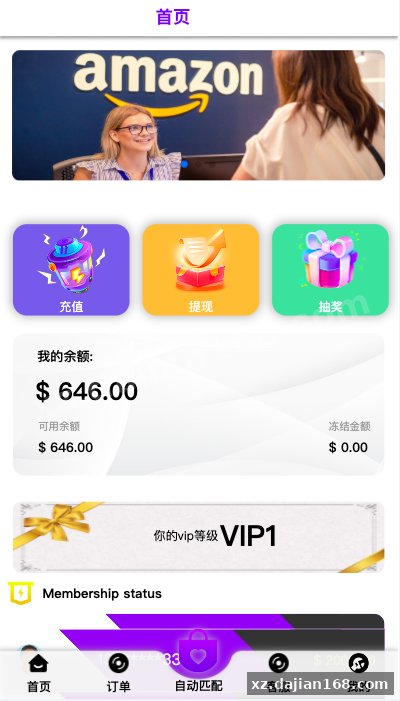
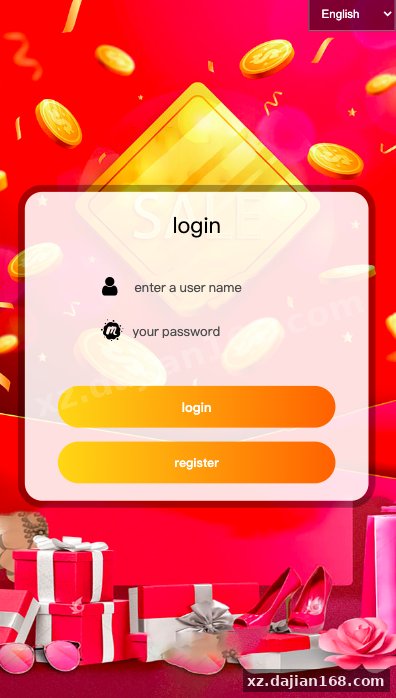
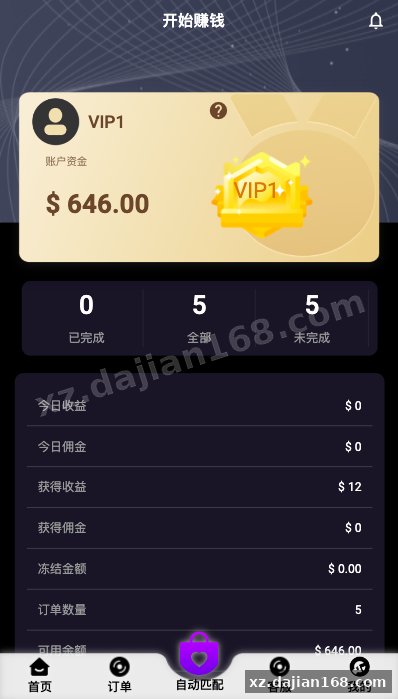
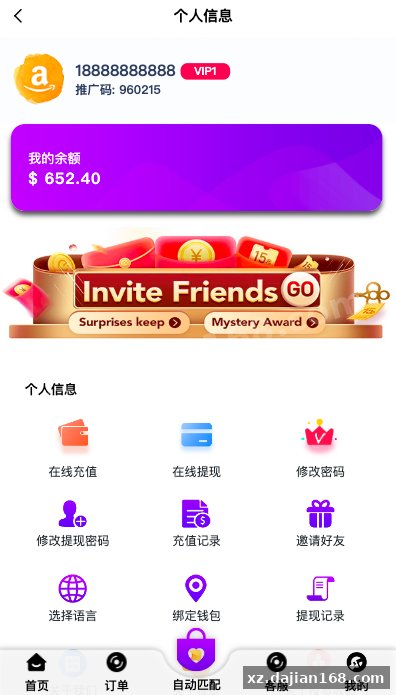
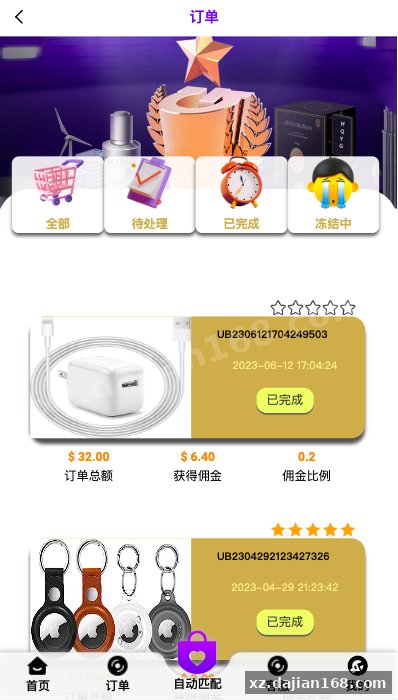
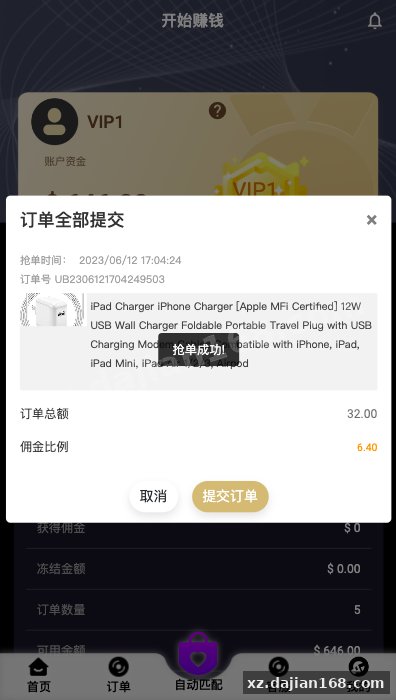
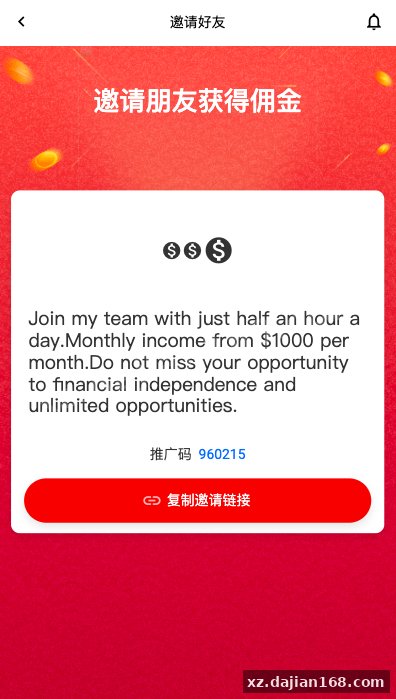
全新定制的前端ui,前端多语言
系统支打针、叠加组、时区设置等功能
分享到:
Original screenshots:
Disclaimer
⚠️ This article is for educational research and technical exchange only. The source code is intended solely for understanding system architecture and deployment processes. Do not use it for illegal purposes. Any commercial operation is unrelated to the author.