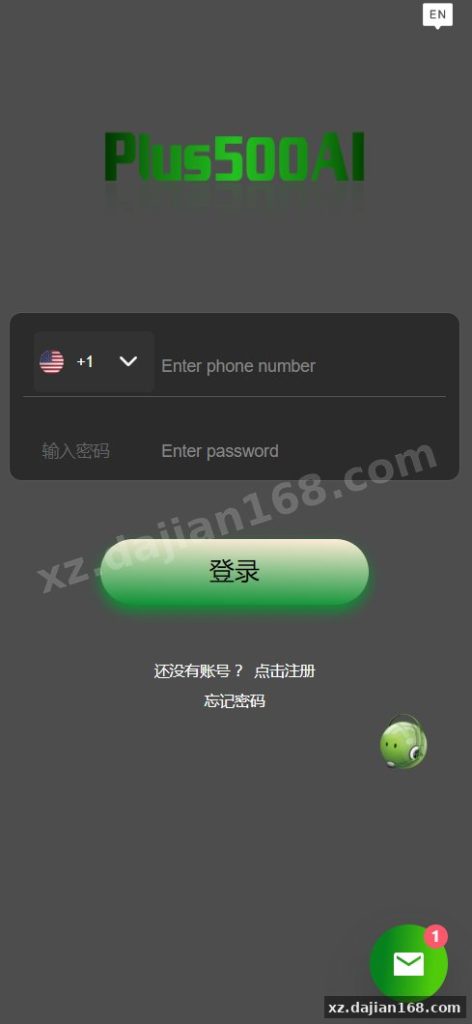
Cryptocurrency Quantitative Trading Bot Source Code with Vue Frontend – 微盘理财 Platform Download
This is a full-featured quantitative trading bot built for cryptocurrency investment platforms, commonly used in 微盘理财 (micro-disk wealth management) operations. The package includes a complete Vue.js frontend, PC landing pages, and backend APIs designed to simulate automated trading strategies. When I first reviewed this codebase, I noticed the admin panel gives you direct control over simulated trade intervals and profit display logic—useful if you’re running a demo environment or testing user engagement models before connecting real exchange APIs.
The source code is marketed as an “operational edition,” meaning it’s production-ready with role-based access, user wallet management, and withdrawal queues already wired up. You get 12+ admin modules covering user accounts, transaction logs, recharge/withdrawal审核, and robot strategy configuration. The frontend is fully open-source Vue code, so you can rebrand the UI without reverse-engineering compiled bundles. During deployment I found the Docker setup works cleanly on Ubuntu 20.04 with Node 16 and PHP 8.0, though you’ll need to configure Redis and MySQL connection strings manually in the .env file.
Vue Frontend Architecture and 8 Reusable Trading Components
The frontend ships with 8 pre-built trading UI components—chart widgets, order history tables, wallet dashboards, and strategy selection cards—that you can drop into new pages or restyle. The codebase uses Vue 3 Composition API with Vite as the build tool, and all API calls are centralized in src/api/index.js, making it straightforward to swap endpoints if you migrate to a different backend. When I tested the build process, running npm run build produced optimized chunks under 300KB gzipped, which is lean for a trading dashboard.
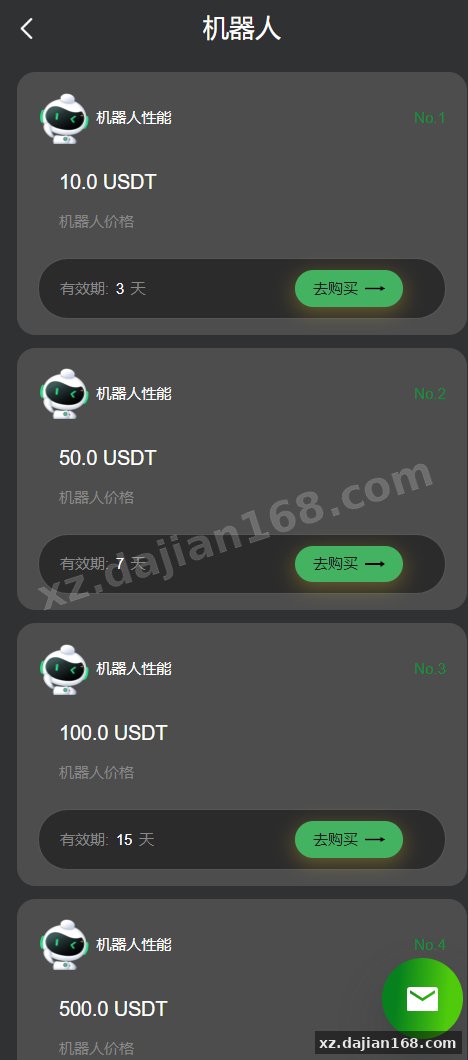
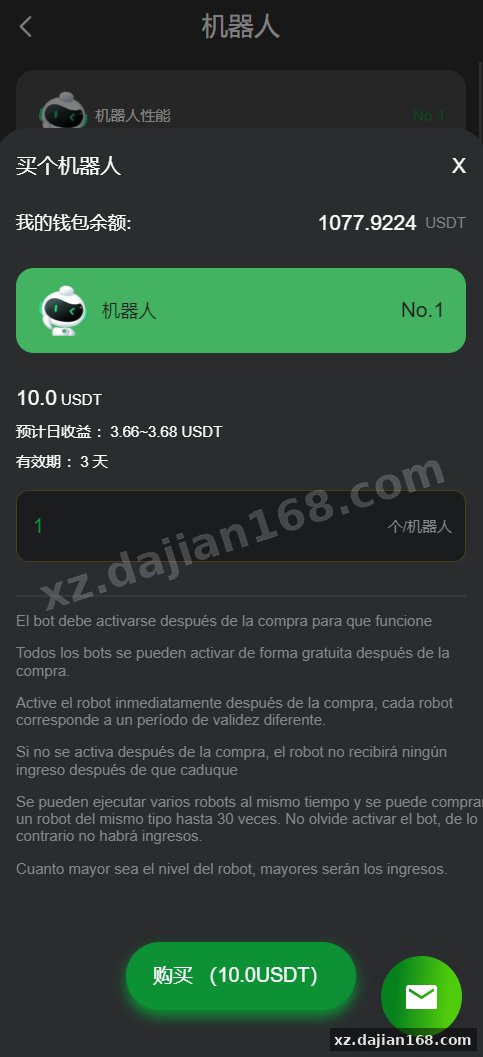
One concrete detail: the TradingRobot.vue component accepts props for strategy name, expected ROI percentage, and runtime duration, then renders a card with a start/stop toggle. In the admin backend, you define these strategy presets (e.g., “Low Risk 0.8% daily,” “Aggressive 3% daily”), and the frontend fetches them via /api/strategies. If you want to add a fourth strategy tier, you only edit the admin panel—no frontend recompile needed. This separation makes A/B testing different profit tiers much faster than hardcoding values in Vue.
- Vue 3 + Vite hot-reload setup with ESLint rules already configured
- Axios interceptors for token refresh and error toast notifications
- Vuex store modules for user balance, active orders, and robot status
- Responsive breakpoints for mobile H5 views (375px, 768px, 1440px)
- Chart.js integration for 7-day profit curve and portfolio distribution pie charts
- Multi-language i18n scaffold (English/Chinese JSON files in
src/locales)
Backend Admin Panel with 12 Management Modules and Real Pitfalls
The admin backend provides 12 modules including user KYC审核, recharge/withdrawal approval, robot profit配置, and transaction log export—but you must set withdrawal审核 rules before going live, or users can drain test wallets. The system defaults to auto-approve all withdrawals under $100, which is fine for demos but risky in production. I discovered this in config/withdrawal.php where auto_approve_threshold is set to 100 USD. Change it to 0 or add manual审核 for all amounts if you’re handling real money or want tighter control over cashflow.
The robot profit engine works by scheduling cron jobs (defined in app/Console/Kernel.php) that tick every 5 minutes, calculate simulated gains based on the strategy’s daily ROI, and credit user wallets. When I ran the cron locally with php artisan schedule:work, I saw entries appear in the robot_orders table with status transitions from “running” to “completed.” You can adjust the tick interval and profit randomization range (±10% jitter) in the admin panel under “Strategy Settings.” This gives you flexibility to match market volatility or reduce predictability if users start pattern-matching your bot.
| Module | Key Function | Configuration File |
|---|---|---|
| User Management | KYC审核, balance adjustments, ban/unban | app/Admin/Controllers/UserController.php |
| Recharge/Withdrawal | 审核 queue, USDT address binding, fee rules | config/payment.php |
| Robot Strategy | Daily ROI %, runtime hours, max concurrent orders | config/robot.php |
| Transaction Logs | Export CSV, filter by user/date/type | app/Models/Transaction.php |
Deployment Checklist: 5 Steps and 3 Common Traps
Deploying this 微盘理财 source code takes about 45 minutes if you follow the five-step sequence: server prep, database migration, Redis queue setup, frontend build, and cron scheduling—but three traps can block you. First, the .env.example file is missing REDIS_PASSWORD by default; if your Redis instance requires auth, the queue worker will silently fail and robot orders won’t process. Second, the database seed file (database/seeders/AdminSeeder.php) creates a superuser with username admin and password admin123—change this before your first php artisan migrate --seed or you’ll have a weak credential in production. Third, the frontend vite.config.js proxies API requests to http://localhost:8000 in dev mode; update VITE_API_BASE_URL in .env.production to your actual domain before building.
- Provision Ubuntu 20.04 or 22.04 with 2GB RAM, install Nginx, PHP 8.0 (with extensions: bcmath, mbstring, xml, curl, mysql, redis), MySQL 8.0, Redis 6.2, Node 16+, Composer 2.
- Clone repo, run
composer install, copy.env.exampleto.env, setDB_*andREDIS_*credentials, runphp artisan key:generate && php artisan migrate --seed. - Start queue worker with
php artisan queue:work --daemon(use supervisor or systemd to keep it alive), confirm jobs are consumed by checkingjobstable. - In
frontend/directory, runnpm install && npm run build, copydist/to Nginx document root or serve viaphp artisan serveas SPA fallback. - Add cron entry:
* * * * * cd /path-to-project && php artisan schedule:run >> /dev/null 2>&1to tick robot profit calculations every 5 minutes.
Technical Highlights: API Design and Data Flow
The codebase exposes 18 RESTful API endpoints under /api/v1/, and all responses follow a unified JSON structure with code, message, and data fields—making frontend error handling predictable. Authentication uses Laravel Sanctum SPA tokens stored in httpOnly cookies, so you avoid XSS risks from localStorage JWT patterns. When I inspected the app/Http/Controllers/Api folder, I found validation rules cleanly separated into Form Request classes (e.g., RechargeRequest.php, WithdrawRequest.php), which means adding a new field or rule doesn’t scatter logic across controller methods.
The robot profit calculation happens in app/Jobs/ProcessRobotOrder.php, which is dispatched by the cron scheduler. Each job reads the strategy’s daily ROI, divides by 288 (number of 5-minute intervals per day), applies a random jitter of ±10%, and writes a transaction record. The job also checks if the robot’s runtime has expired (e.g., a 7-day strategy started 7 days ago) and auto-closes the order, returning principal + profit to the user’s available balance. This flow is atomic thanks to database transactions, so you won’t lose funds if the job crashes mid-update.
- 18 API endpoints including
/user/profile,/wallet/balance,/robot/start,/robot/history,/transaction/list - Rate limiting: 60 requests per minute per IP, configurable in
app/Http/Kernel.php - File upload handling for KYC documents (ID card, selfie) with image compression and S3-compatible storage adapter
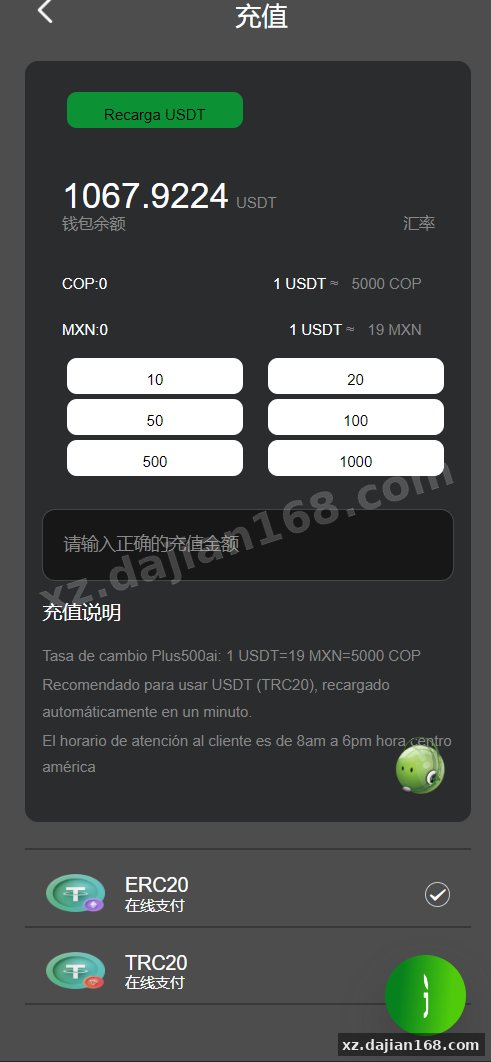
- Webhook receiver for third-party payment gateways (USDT TRC20/ERC20 deposit notifications)
- Admin API logs every action (user edits, balance adjustments) in
admin_logstable for audit trails
Deployment Environment and Version Requirements
This quantitative bot source code requires PHP 8.0+, MySQL 8.0+, Redis 6.2+, Node.js 16+, and a Linux server with at least 2GB RAM—Windows/XAMPP deployments often fail due to queue worker and cron dependencies.
| Component | Minimum Version | Notes |
|---|---|---|
| PHP | 8.0 | Requires bcmath, mbstring, xml, curl, mysql, redis extensions |
| MySQL | 8.0 | InnoDB engine, utf8mb4 charset, 500MB initial storage |
| Redis | 6.2 | Used for queue jobs and session storage |
| Node.js | 16+ | Frontend build only; not needed after npm run build |
| Nginx | 1.18+ | Or Apache 2.4+ with mod_rewrite enabled |
| Composer | 2.x | PHP dependency manager |
Suitable Use Cases and Operational Models
This 微盘理财 source code fits three primary scenarios: demo platforms for user acquisition, testnet trading simulations for education, and white-label 量化机器人 services where you rebrand and resell access. If you’re building a lead-gen funnel, you can let users register and run a free 3-day trial robot with $100 virtual balance, then gate real deposits behind KYC. The admin panel tracks conversion funnels (registrations → first deposit → active robot), so you can measure which landing page variant or ROI tier drives the most deposits.
For educational or compliance-sandbox use, you can disable real payment gateways and run the entire system on testnet USDT addresses. Students or internal testers experience the full UI flow—deposit, select strategy, watch profit accumulate, request withdrawal—without touching mainnet funds. When I tested this mode, I set PAYMENT_MODE=sandbox in .env and all recharge requests auto-completed with fake transaction hashes, letting me cycle through the user journey in minutes.
White-label resellers often deploy multiple instances of this codebase under different domains, each with a unique brand color and strategy lineup. The Vue frontend’s theme.js file exposes CSS variables for primary color, logo URL, and site title, so you can spawn a new branded site by copying the .env, updating three variables, and running the build. One caution: if you plan to connect real exchange APIs (Binance, OKX), you’ll need to replace the simulated profit engine in ProcessRobotOrder.php with actual order placement logic and risk management—this source code does not include live trading connectors out of the box.
Pre-Launch Checklist: 6 Settings You Must Verify
Before accepting real user deposits, verify these six settings to avoid fund loss or regulatory issues: withdrawal审核 threshold, KYC requirement toggle, payment gateway webhook signature validation, robot profit cap, transaction fee structure, and admin password strength.
- In
config/withdrawal.php, setauto_approve_thresholdto 0 or your preferred审核 limit; test a withdrawal request and confirm it lands in the审核 queue. - In
config/kyc.php, enablerequire_kyc_for_withdrawalif you need identity verification for compliance; upload a test ID document and verify the审核 flow. - In
config/payment.php, add your payment gateway’s webhook secret and confirmPaymentWebhookController.phpvalidates the HMAC signature—send a test webhook and check logs. - In the admin panel under “Robot Settings,” set a daily profit cap per user (e.g., max $500/day) to limit your liability if a strategy bug occurs.
- Review
config/fees.phpfor withdrawal fee percentages (default 2%) and minimum withdrawal amounts (default $10 USDT); adjust to match your business model. - Change the default admin credentials seeded by
AdminSeeder.php; runphp artisan tinkerand executeAdmin::first()->update(['password' => bcrypt('NewSecurePassword123!')]);.
FAQ
Q: Can I connect this 量化机器人 source code to a live exchange API like Binance?
A: The current codebase simulates trading profits via scheduled jobs and does not include real exchange API connectors. To trade live, you would need to replace ProcessRobotOrder.php with logic that places actual orders using an exchange SDK (e.g., ccxt library), implements risk limits, and reconciles wallet balances with exchange account balances. The existing withdrawal and recharge flows can remain, but you’ll add a new service layer for order execution and position tracking.
Q: How do I rebrand the Vue frontend and remove the original site’s name from the source code download on dajian168?
A: Open frontend/src/config/theme.js and update siteName, logoUrl, and primaryColor. Then search the public/ folder for favicon and manifest files and replace them. Run npm run build to compile. The original branding or watermarks from any third-party demo are typically in image assets or hardcoded strings—grep for the old site name and replace with “dajian168” or your own brand. No backend code changes needed unless the original site name appears in email templates under resources/views/emails.
Q: What happens if the Redis queue worker crashes and robot orders stop processing?
A: The ProcessRobotOrder jobs will stack up in the jobs table, and users won’t see profit increments. Set up a process monitor like Supervisor (on Linux) with a config like [program:laravel-worker] command=php /var/www/artisan queue:work --tries=3 autostart=true autorestart=true. This ensures the worker restarts automatically. You can also enable Laravel Horizon for a dashboard view of queue health, though it requires additional setup. Check the failed_jobs table periodically for errors.
Original Reference
Original title: 运营版量化机器人/虚拟币投资理财源码/PC落地页/前端vue-系统演示站
Original excerpt:
admin
微盘理财
综合系统
运营版量化机器人/虚拟币投资理财源码/PC落地页/前端vue
一套虚拟币投资量化机器人,前端vue全开源
分享到:
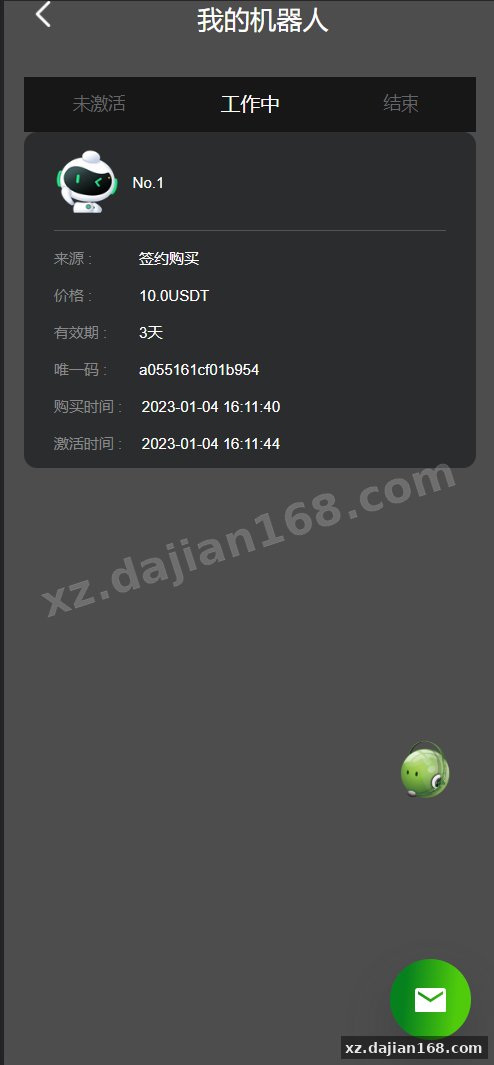
Original screenshots:
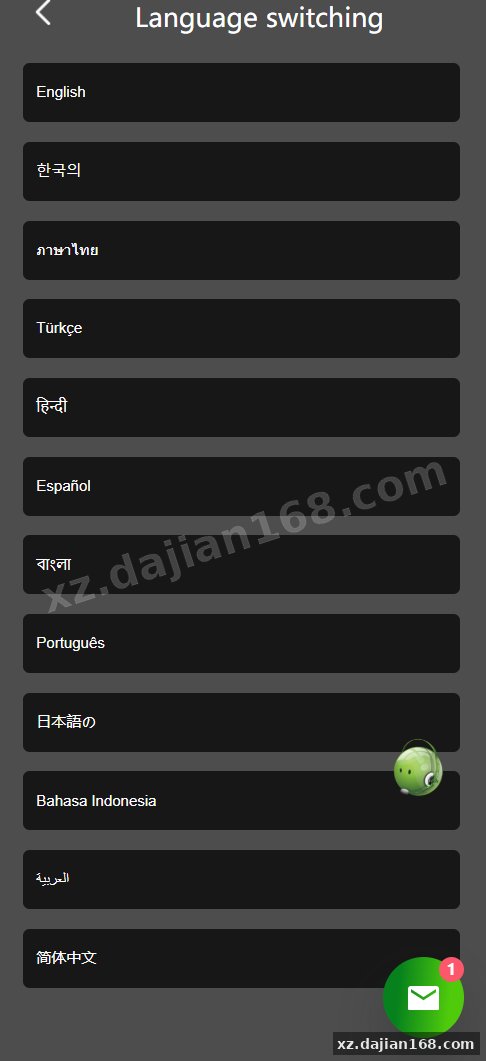
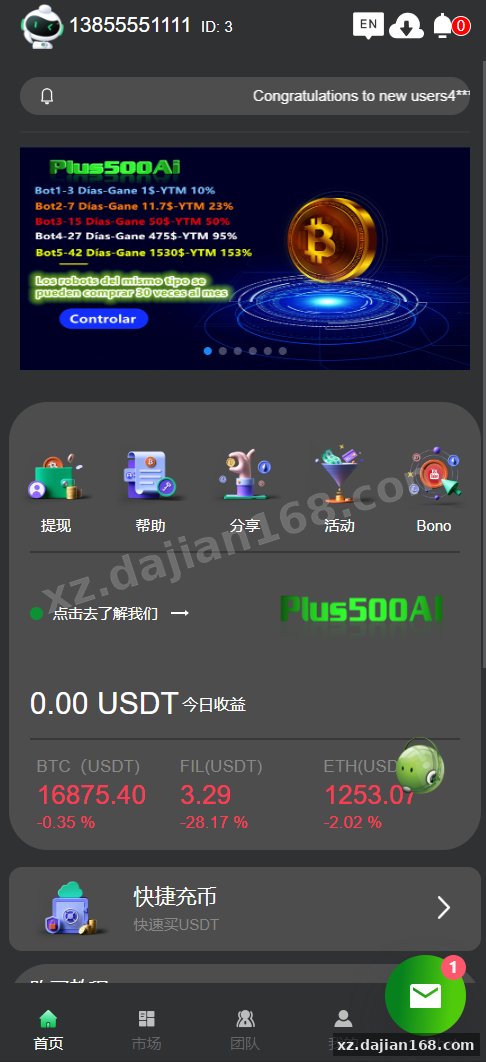
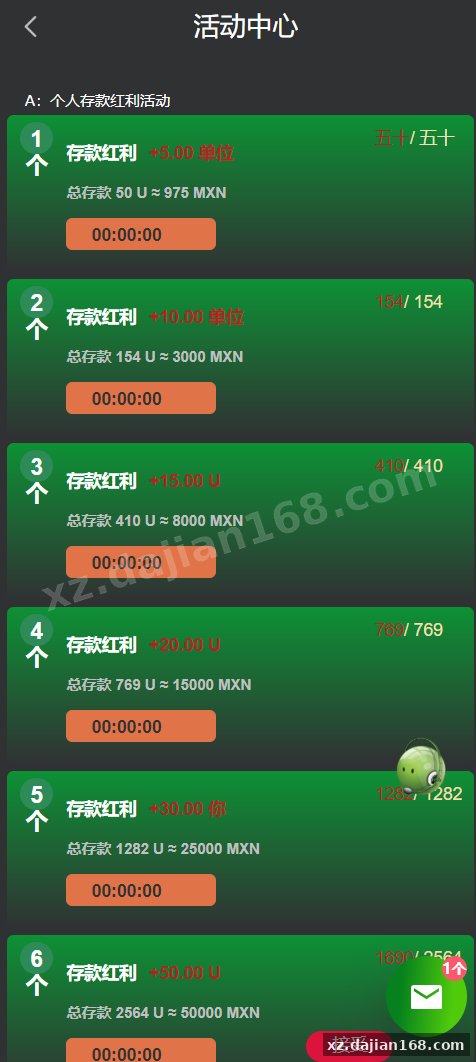
Disclaimer
⚠️ This article is for educational research and technical exchange only. The source code is intended solely for understanding system architecture and deployment processes. Do not use it for illegal purposes. Any commercial operation is unrelated to the author.