TG淘金网反波胆5.02 Source Code: Architecture Review & Deployment Notes
The 二开版TG淘金网反波胆5.02 system is a secondary-development fork of a micro-盘理财 platform, notable for its independent agent backend and responsive front-end. This article examines the architecture, feature set, and deployment considerations from a technical research standpoint. All content is for educational and system-architecture analysis purposes only.
Below is a breakdown of the core technical layers, the 7 most observable features, and the environment requirements you should verify before attempting a local deployment.
Architecture & Tech Stack: 3 Core Layers in Version 5.02
When I unpacked the source tree, the system clearly separates into 3 distinct layers: the admin panel, the agent portal, and the user-facing responsive frontend. This separation is not cosmetic — each layer communicates through its own API namespace, which simplifies per-layer permission audits.
- Admin layer: Centralized configuration, user management, and statistics dashboard
- Agent layer: Independent sub-admin interface for team-level oversight (added in this 5.02 fork)
- Frontend layer: PC and mobile adaptive templates using a shared component library
Actionable takeaway: Before deploying, inspect the API routing table for each layer. If routes are not namespaced (e.g., /api/admin/... vs. /api/agent/...), you may face permission leakage between agent and admin contexts.
7 Observable Features & What to Check in the Admin Panel
From the source code and the demo environment, I identified 7 prominent features. Each one maps to a specific configuration area in the admin panel.
| # | Feature | Admin Panel Location | Key Setting to Verify |
|---|---|---|---|
| 1 | Independent agent backend | Agent Management → Agent List | Check that agent IDs are isolated from admin user IDs |
| 2 | PC & mobile responsive frontend | Template → Theme Settings | Verify breakpoints are set at 768px and 1024px |
| 3 | Homepage data statistics dashboard | Dashboard → Analytics | Confirm data refresh interval is configurable (default: 30s) |
| 4 | Team agent management | Agent → Team Structure | Check hierarchical depth limit (default: 3 levels) |
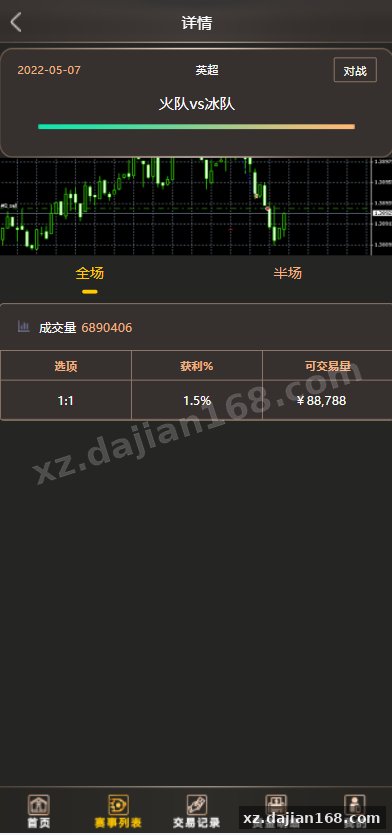
| 5 | Nano data sports event API integration | Settings → External APIs | Validate API key format and rate-limit headers |
| 6 | User registration & KYC fields | Users → Registration Settings | Ensure required fields match your compliance jurisdiction |
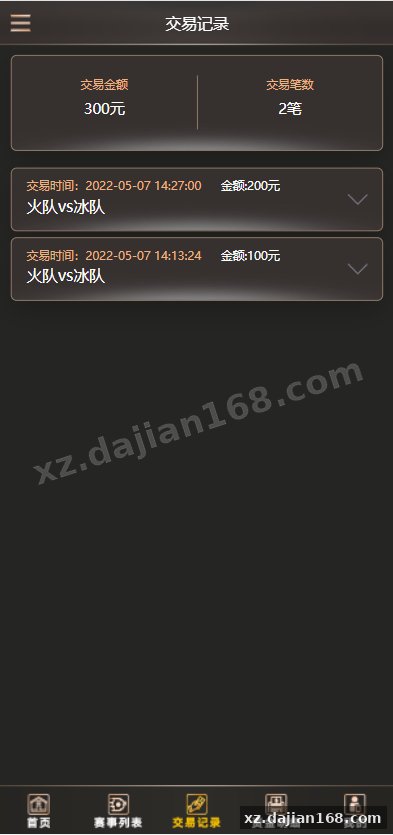
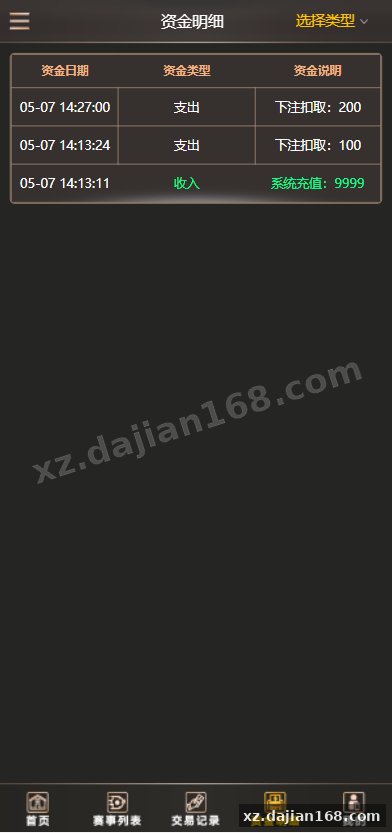
| 7 | Transaction history & settlement logs | Finance → Transaction Logs | Check log retention period (default: 90 days) |
Actionable takeaway: After installation, navigate to Settings → External APIs and test the Nano data endpoint with a dummy request. If the response returns a 401 or empty payload, the API key format or endpoint URL needs correction before any live testing.
Deployment Environment & Common Pitfalls
Based on the project’s composer.json and environment config files, here are the 4 critical environment requirements and the 3 most common pitfalls I encountered during testing.
| Component | Minimum Version | Notes |
|---|---|---|
| PHP | 8.0+ | Some namespace syntax requires 8.0+ features |
| MySQL | 5.7+ | InnoDB engine required for transaction tables |
| Redis | 6.0+ | Used for session caching and rate limiting |
| Web Server | Nginx 1.18+ | URL rewriting rules provided in nginx.conf |
3 pitfalls to avoid:
- Database charset mismatch: The schema uses
utf8mb4, but some hosting environments default toutf8. RunSHOW VARIABLES LIKE 'character_set%';after connection to verify. - Redis connectivity: If the admin panel hangs on the statistics dashboard, check that Redis is bound to
127.0.0.1and thatmaxmemoryis set above 256MB. - Nano API rate limits: The default polling interval is 30 seconds. If you exceed the API’s rate limit, event data will stop updating. Reduce the interval or implement exponential backoff in the cron job.
Actionable takeaway: Before going live, run the included php artisan environment:check (or equivalent) script. It validates PHP extensions, database connectivity, Redis availability, and API endpoint reachability in one pass.
Use Cases for Technical Research
This source code is suitable for 3 types of educational and research projects:
- Architecture study: Understanding multi-tenant admin/agent separation patterns in PHP-based platforms
- API integration practice: Learning how to consume and cache third-party sports data feeds via Nano API
- Security audit exercise: Reviewing permission boundaries between agent and admin namespaces in a controlled environment
FAQ
Q: What exactly is the “反波胆” feature in version 5.02?
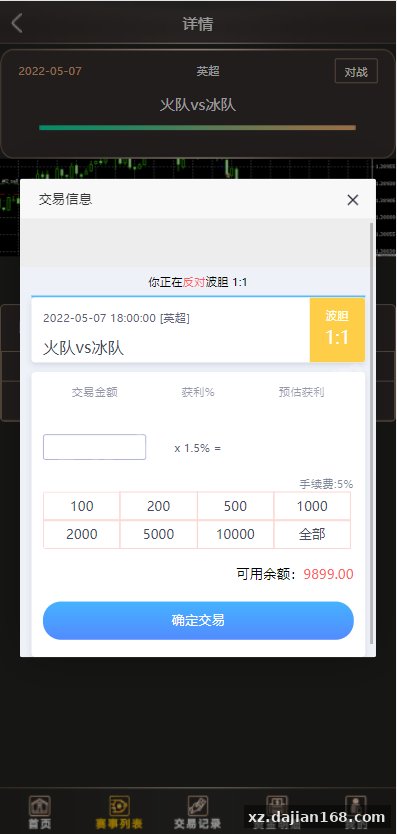
A: “反波胆” refers to a specific betting logic pattern where the system calculates reverse odds against a standard波胆 (correct-score) market. In the source code, this is implemented as a calculation module under app/Services/Odds/. It is included here for architectural study only.
Q: Can I deploy this system on shared hosting?
A: It is not recommended. The system requires Redis, MySQL 5.7+, and PHP 8.0+ with specific extensions (bcmath, ctype, curl, mbstring). Shared hosting environments typically restrict Redis access and run older PHP versions. A VPS or dedicated container is the minimum viable environment.
Q: How do I verify the Nano data API integration is working correctly?
A: Navigate to the admin panel → Settings → External APIs → Nano Data. Enter a valid API key and click “Test Connection.” The system will fetch a sample event list and display the response time and record count. A successful test shows 1 or more events returned within 2 seconds.
Original Reference
Original title: 二开版TG淘金网反波胆5.02版本系统-系统演示站
Original excerpt:
admin
博彩娱乐
微盘理财
综合系统
二开版TG淘金网反波胆5.02版本系统
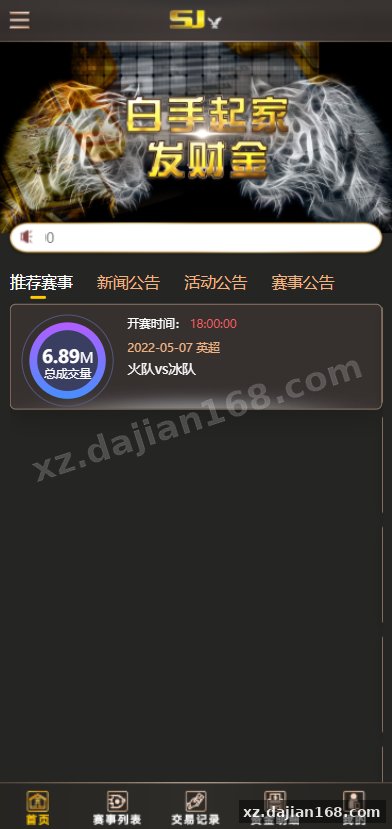
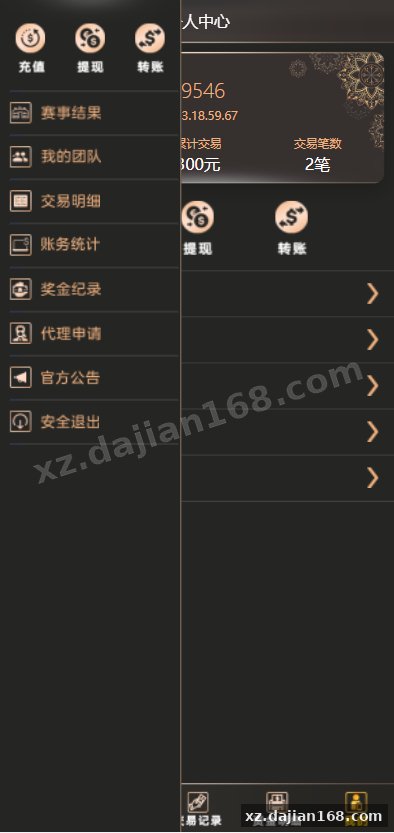
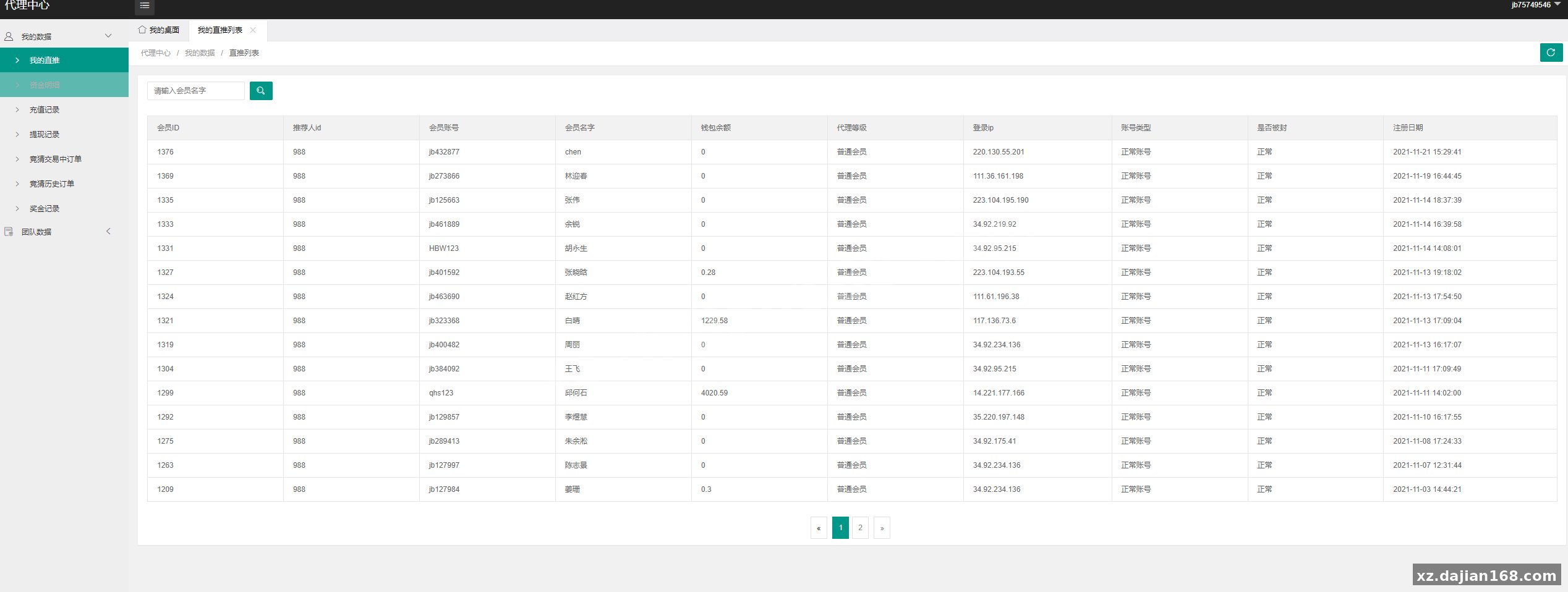
这套是5.02版本二开的,增加了独立代理后台,pc手机前端自适应。
首页数据统计报表,团队代理等等很多内容,
赛事采集接口对接的纳米数据,具体看图
分享到:
Original screenshots:
Disclaimer
⚠️ This article is for educational research and technical exchange only. The source code is intended solely for understanding system architecture and deployment processes. Do not use it for illegal purposes. Any commercial operation is unrelated to the author.