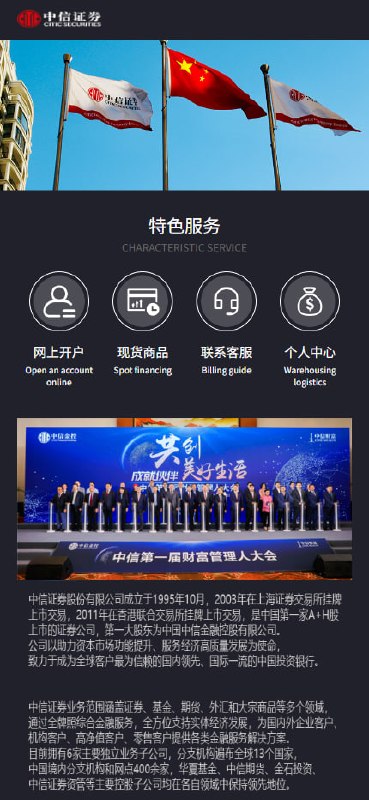
2026 CITIC Securities Multi-language Micro Trading Platform — Fixed Version
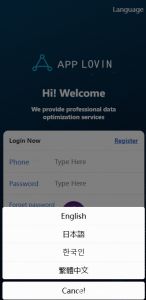
Languages included: Simplified Chinese, Traditional Chinese, English, Japanese. Additional languages can be added via secondary development.
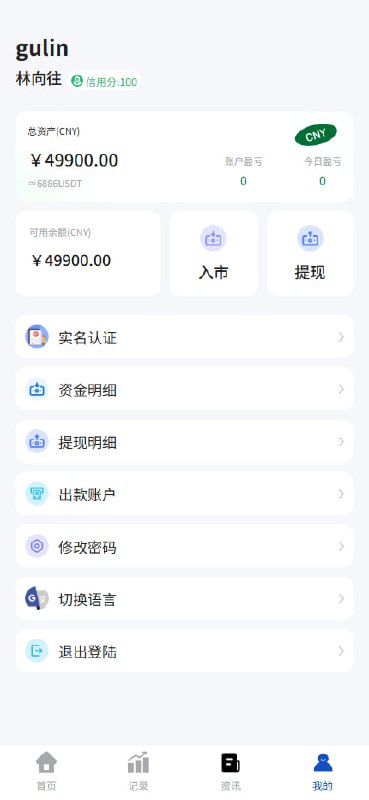
H5 Mobile Trading Platform (FastAdmin + uni-app)
### Feature Highlights
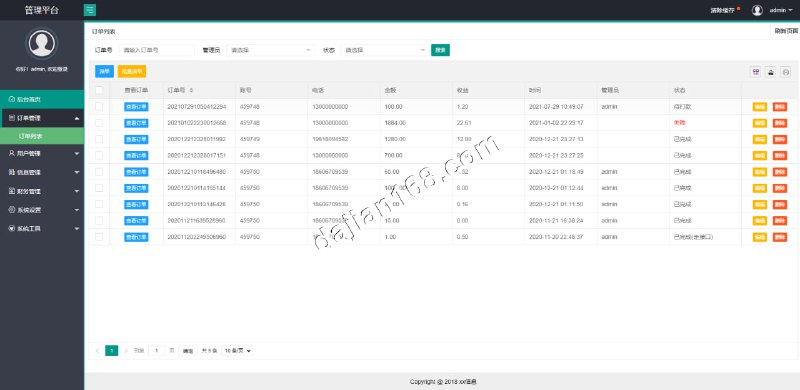
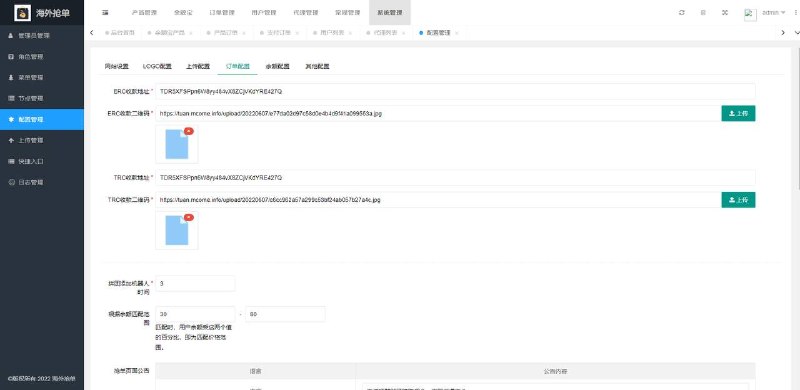
– Backend built on FastAdmin (ThinkPHP 5.0.24), with comprehensive admin functionality
– Mobile端 uses a uni-app compiled H5 app, single codebase adapting to multiple platforms
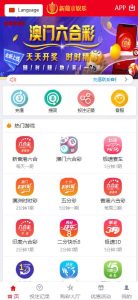
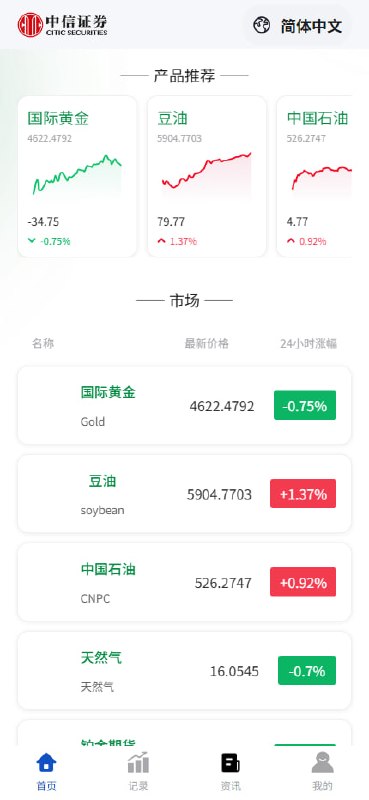
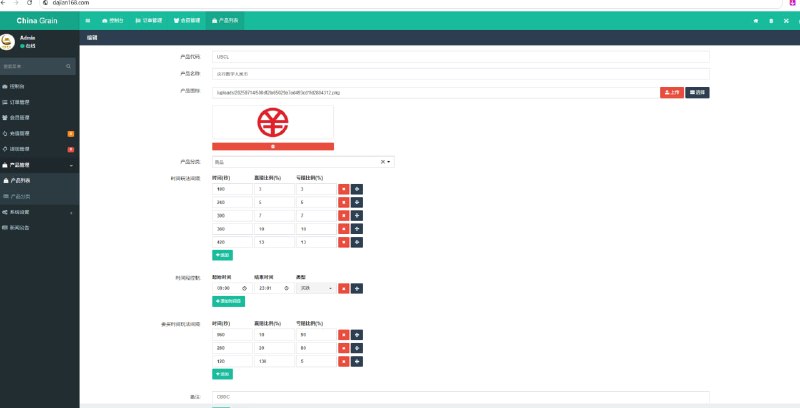
– Market data covers 6 instruments, supporting real-time prices and price change percentages
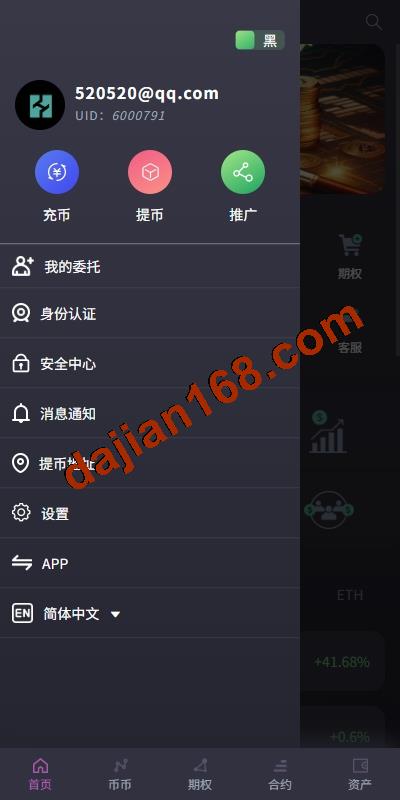
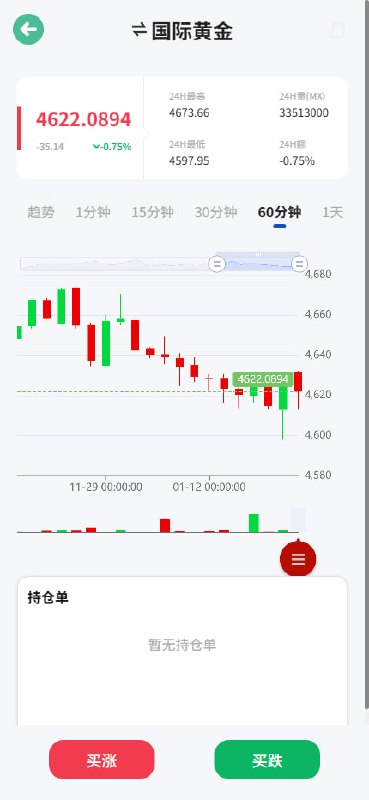
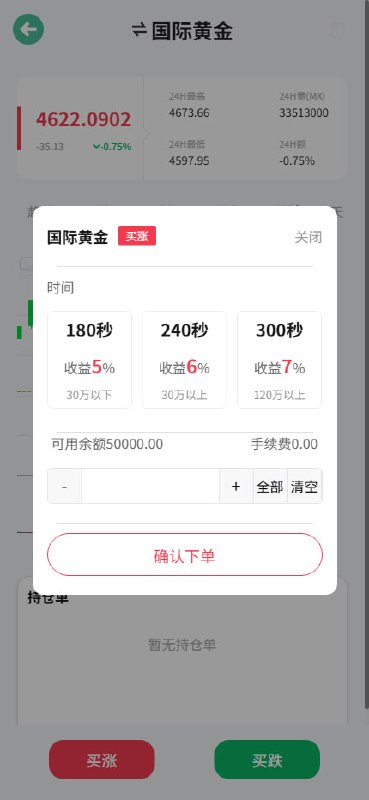
– Supports account registration, trading, order history, online customer service, and multi-language switching (Simplified Chinese/English)
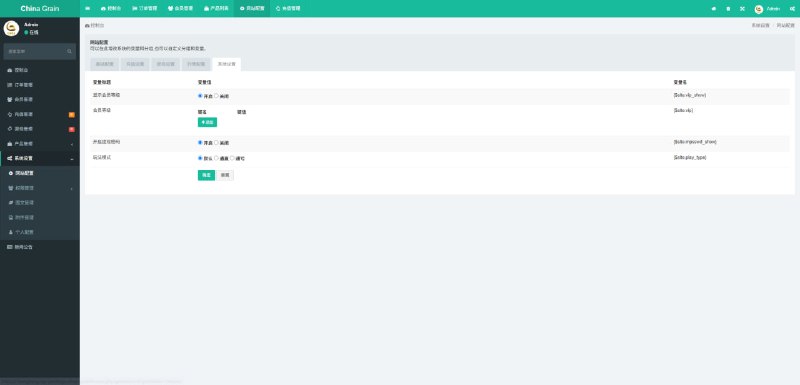
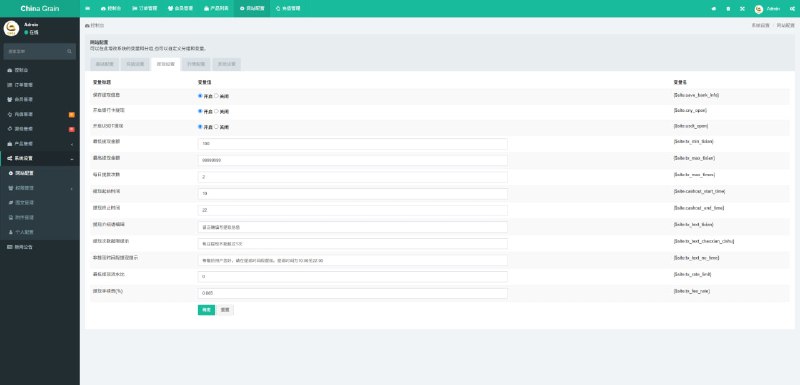
### Screenshots
—
Deployment Notes:
– Each site has an independent Nginx configuration, HTTPS uses free Let’s Encrypt certificates
– H5 frontend proxies through /api to the API domain to avoid CORS issues
– Backend entry points are independently customized (e.g., /`、/.php`), reducing the risk of being scanned and brute-forced
– Scheduled tasks are managed uniformly via the Baota panel (order settlement, market data synchronization)
—
## 5. Fixes and Update Log
### 2026-08-10 Full End-to-End Functional Test
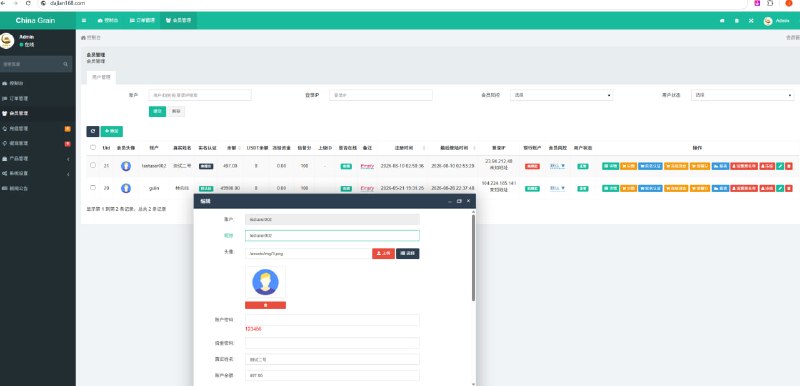
– ✅ Program: Register (testuser002) → Login → Deposit 500 → Admin approval → Place long order 100 → Settlement → Balance 497, full chain passed
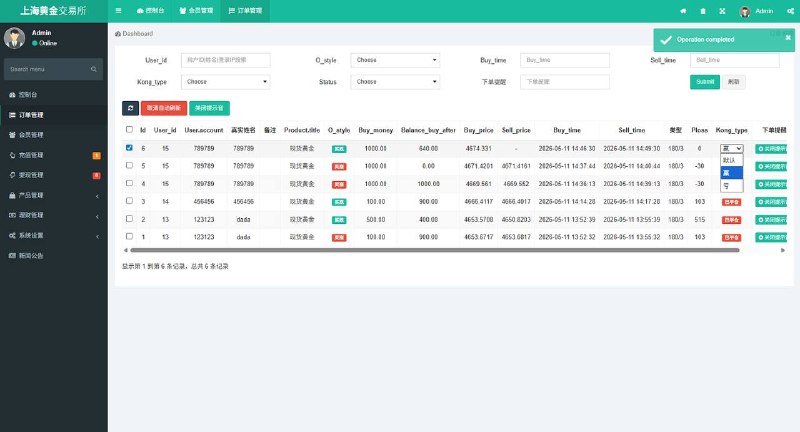
– ✅ Backend deposit approval and order management functions verified
### 2026-08-10 Fix Records
– 🔧 RedisLock Error Fix in Program 2: PHP 7.2 environment lacked the Redis extension, causing Class 'Redis' not found. Solution: switched Redis lock to file lock (RUNTIME_PATH/filelock), settlement now works normally.
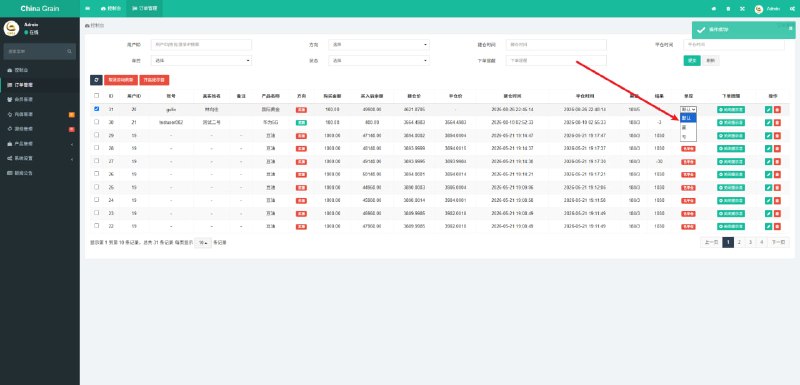
– 🔧 Long/Short Position Display Correction in Program 2: The admin order list showed “sell” orders as “buy” (field mapping display issue). Fixed, does not affect trading logic.
– 🔧 ThinkPHP 5.0.24 captcha RCE Verification: The classic _method=__construct exploit returned 404, confirming the official patch is effective (Request.php method() now restricts to a whitelist of valid HTTP methods).
### 2026-08-11 Security Hardening
– ✅ Disabled app_debug on both sites (prevents error pages from leaking database structure, SQL, and server paths)
– ✅ runtime directory permissions tightened from 777 to 755, ownership changed to www:www, files changed to 644
– ✅ Added demo site notice on the login page (demo environment only, warns users not to deposit funds)
—
## 6. Security Hardening Checklist (ThinkPHP Specific)
This is the most valuable part of the deployment. All ThinkPHP projects are strongly advised to check each item before going live:
### High-Risk Items
1. Disable Debug Mode
“`php
// config/app.php or application/config.php
‘app_debug’ => false,
“`
When debug mode is enabled, a 500 error will directly expose the database name, table structure, SQL statements, and absolute server paths.
2. runtime Directory Permissions
“`bash
chown -R www:www runtime
find runtime -type d -exec chmod 755 {} ;
find runtime -type f -exec chmod 644 {} ;
“`
A runtime directory with 777 permissions is vulnerable to cache poisoning and may allow arbitrary code execution when combined with file inclusion vulnerabilities.
3. Verify RCE Patch Status
– The _method=__construct + filter[]=system chain is a classic RCE vector in ThinkPHP 5.0.x
– Check whether thinkphp/library/think/Request.php‘s method() is restricted to a whitelist of GET/POST/DELETE/PUT/PATCH
– Verify with a harmless command: POST /index.php?s=captcha with method=__construct&filter[]=system; if it returns 404 without executing the command, the patch is applied
### Medium-Risk Items
4. **Database Password Management**: Do not hardcode passwords in database.php; use a .env file instead and exclude it from version control
5. **Clean Up Backup Files**: Do not leave .tar.gz, .sql, or .bak files in the web root; move them outside the web directory
6. **Upload Directory Permissions**: Avoid 777 on upload directories like public/uploads, and scan for webshells regularly
7. **Backend Entry Obfuscation**: Use WPS Hide Login or custom routing to hide the default backend entry point
### Additional Recommendations
– Do not have MySQL listening on 0.0.0.0; restrict to localhost only
– Enable IP whitelist on the Baota panel
– Enable access log auditing for sensitive endpoints like index.php?s=captcha
—
## 7. Troubleshooting Experience
### Issue 1: Class 'Redis' not found
**Symptom**: FastAdmin backend settlement task errors, log shows Redis class not found.
**Cause**: PHP 7.2 environment lacks the Redis extension, but the code uses Redis locks.
**Solution**: Downgrade the lock implementation to file locks:
// Replace Redis lock with a file lock in the RUNTIME_PATH/filelock directory
$lockFile = RUNTIME_PATH . 'filelock/' . md5($key) . '.lock';
### Issue 2: Backend Login Shows CAPTCHA Error
**Cause**: CAPTCHA session and request are not in the same session, or the CAPTCHA feature was temporarily disabled and not re-enabled.
**Recommendation**: If you disable the CAPTCHA for testing, be sure to record the configuration location and re-enable it by setting it back to true immediately after testing.
### Issue 3: H5 Page White Screen or Resources 404
**Troubleshooting Steps**:
1. Check Nginx static resource path configuration
2. Check whether the H5 build artifacts were fully uploaded
3. Check the browser Console for specific 404 resources
4. Verify that the /api reverse proxy is pointing correctly
### Issue 4: Scheduled Tasks Not Executing
**Troubleshooting**:
– Confirm the Baota scheduled task status is running
– Check that absolute paths in the cron script are correct (stale paths after directory migration are a common pitfall)
– Check the PHP error log to confirm whether the script throws errors
—
## 8. FAQ
### Q1: Can this system be used commercially?
The system described in this article is for an **internal demo environment**, intended for technical learning and functional verification. Any trading system intended for commercial use must complete compliance review, obtain necessary licenses, set up fund custody, and undergo security audits.
### Q2: How to choose between ThinkAdmin and FastAdmin?
– **ThinkAdmin v5**: Modern admin interface, suitable for web platforms with complex management features
– **FastAdmin**: Rich plugin ecosystem, good frontend-backend separation support, suitable for multi-platform projects with APIs
### Q3: How does a uni-app H5 connect to the FastAdmin API?
The uni-app uses uni.request to call the API domain. On the FastAdmin side, configure CORS or use same-domain reverse proxy (e.g., proxy the /api path). After login, carry the token when accessing business APIs.
### Q4: Is ThinkPHP 5.0.x secure?
ThinkPHP 5.0.x has reached end-of-life and has known historical RCE vulnerabilities. If it must be used, confirm that all security patches have been applied (especially the method() whitelist in Request.php), or upgrade to a supported version such as 5.1/6.x/8.x.
—
## 9. Conclusion
This article fully documents the deployment and hardening process for a dual-program trading demo system. The core value lies in:
1. **End-to-End Testing Methodology**: Complete business loop validation from registration to settlement
2. **Security Hardening Checklist**: Must-check high-risk items before ThinkPHP projects go live
3. **Real-World Troubleshooting Experience**: Common issues such as missing Redis extensions, CAPTCHA management, and scheduled task path problems
#MicroTrading #MicroPlate #CITICSecurities #Rice #Cotton #Gold #Silver

 Alipay QR Code Scan
 WeChat Scan Pay