Multilingual Ticket System Deployment Log: Auto-Reply Bot Development and FAQ Knowledge Base Source Code
Multilingual Ticket System Deployment Log: Auto-Reply Bot Development and FAQ Knowledge Base Source Code
Disclaimer: This article is for technical education and demonstration only. It is not professional or financial advice. Any real-world deployment must comply with applicable laws and regulations.
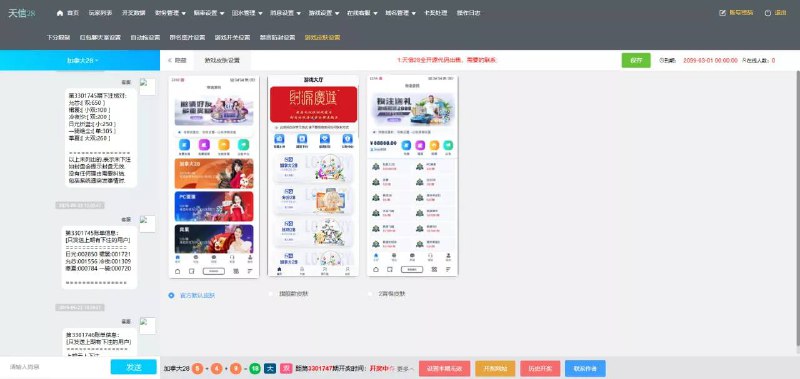
Last week I helped a client deploy a smart customer service ticket system built around a randomized reply engine. The first thing I noticed when I pulled up the source code was how clean the architecture was. The package ships with an auto-reply bot, independent sub-admin permissions, WeChat QR-code login, and FAQ templates baked in for 40 languages. Honestly, it stands on its own as a customer service platform, and it also works well as a base framework to customize into a more specialized support system.
1. Hands-On Testing: The Core Logic Behind the Auto-Reply Bot
The front end runs on native PHP with a WebSocket long connection, and the backend queue sits on Redis. Right after installation, when I opened the admin dashboard, what caught my eye was a visual rule engine with a drag-and-drop flowchart interface. The auto-reply bot itself isn’t complicated — at its core it scans the visitor’s message for keywords, matches them against the FAQ knowledge base, fires a greeting first, and then figures out the intent.
From my testing, the FAQ supports three-level categorization. Every knowledge entry can have trigger words, similar phrasings, and an extended vocabulary. Unlike the hard-coded if-else chains I used to write for e-commerce support systems, this one supports a randomized reply pool — you can attach up to 5 responses to the same question, and the system picks based on weighted round-robin. The end result feels noticeably less robotic to the people on the other end.
One thing worth pointing out: this isn’t a simple keyword Q&A system. There’s a fallback strategy baked in. When nothing matches the knowledge base, the bot hands the ticket off to a human agent automatically, without breaking the current conversation. That detail alone is a huge plus.
Multi-Language Capabilities of the FAQ Knowledge Base
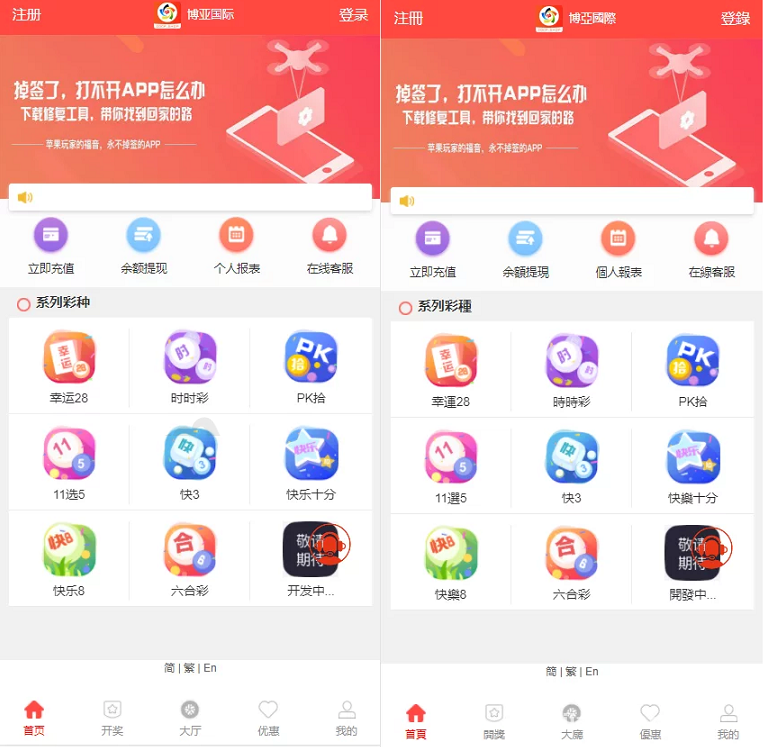
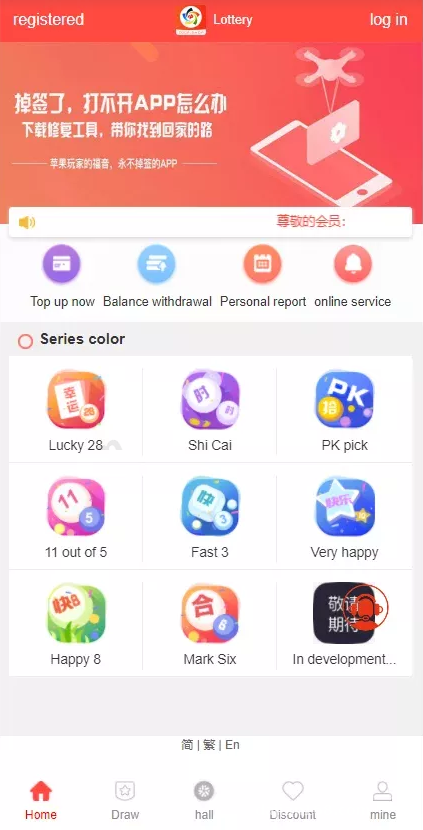
Inside the source there’s a language pack directory where each language is its own PHP array file. I initially figured it was just basic translation, but it turns out the knowledge categories and auto-reply rules can be maintained separately per language. The English environment runs one set of keyword rules, the Chinese environment runs another, and neither has to compromise.
Even better, the language packs support referencing shared entries from subdirectories. That mechanism alone saves a ton of duplicate maintenance work when building an international support site.
2. Deployment Essentials and Lessons Learned
Here’s the server environment I used: CentOS 7.9 + Nginx 1.20 + PHP 7.4 + MySQL 5.7. The official docs recommend PHP 7.2 as the minimum, and 7.4 ran without any issues in my tests.
The core deployment boils down to three steps:
1. Import the SQL file in the root directory and update the database connection parameters in config/database.php;
2. Set up the rewrite rules. The Nginx rules are documented officially, but I found the default config was missing a whitelist for static resource directories, which broke all the backend styling. I had to add an extra location block to fix it;
3. Cron jobs are mandatory — agent online status, automatic timeout transfers, and ticket expiration alerts all depend on scheduled tasks.
WeChat QR-Code Login Integration Walkthrough
The WeChat login follows the standard Open Platform flow — plug in your AppID and AppSecret in the admin panel and it runs. For demo purposes, you can substitute a test account in the early stages. I got bitten once by the callback URL during local debugging: WeChat’s public platform requires the callback domain to be ICP-registered. Localhost can be faked by pointing hosts file entries, but production still needs a properly registered domain.
On the agent side, login supports three methods: WeChat QR scan, account and password, and sub-admin authorization codes. The authorization code mode is especially handy — sub-admins can issue temporary credentials from the backend, which is far cleaner than handing out accounts directly.
Lessons from Configuring Sub-Admin Permissions
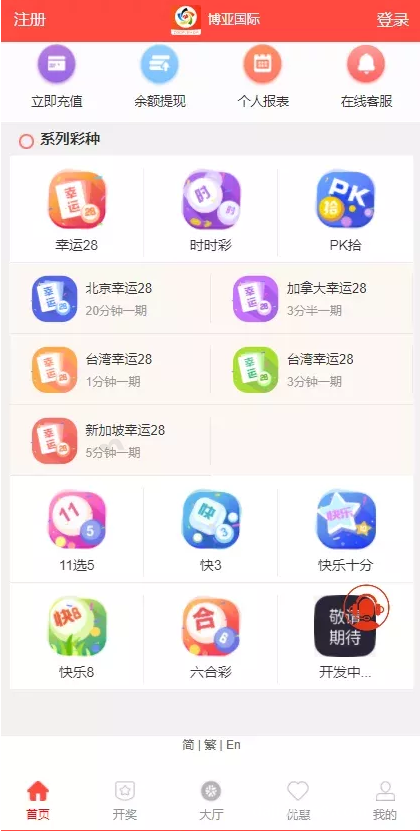
Sub-admin in this codebase is built on an independent proxy model, and the granularity of permissions genuinely surprised me: basic dashboard, session monitoring, ticket pool takeover, knowledge base editing, user tag management, data report export — every single one can be toggled individually. When onboarding new support staff and you don’t want to grant full access, you can open or restrict permissions just like configuring routing rules. This kind of fine-grained control came in very handy the last time I deployed a customer service system for someone else.
Each sub-admin can also have their own personal quick-reply phrase library, so different agents don’t pollute each other’s templates.
Highlight: Randomized reply engine + multi-level knowledge base categorization + independent sub-admin permissions + WeChat QR-code login. The extension interfaces on this codebase are well thought out — it works just as well for e-commerce customer service, pre-sales consultation bots, or internal IT ticket platforms.
3. Who It’s For and Where to Take It Next
After deploying source code for as many years as I have, I can tell you clearly this fits three types of people:
1. Operators who already have a customer base but no support system in place, looking to spin up a platform that can deflect basic inquiries quickly;
2. Folks doing outsourced development — you can take this codebase and deliver a ticket or customer service system directly to clients, just by filling the FAQ knowledge base with industry-specific content;
3. Beginners who want to learn how customer service system interactions work. The source comments aren’t abundant, but the code structure is clearly partitioned, and the auto-reply engine is worth reading multiple times.
If you’re considering customization, three directions are worth pursuing: adding proactive message push to an H5 client, swapping the language pack system to a REST API so the front end can update dynamically, and replacing the hard keyword matching in the knowledge base with a similarity matching algorithm. That last one, if done right, can outperform a lot of paid SaaS support tools.
Performance and Cache Optimization Notes
After running it in production for two days, I noticed MySQL connection counts were getting tight. Looking at the source, the database connection wasn’t using a singleton pattern. You can add a static connection handle in the common model file yourself to cut down on repeated handshake overhead. On the Redis side, the original setup mainly uses it for WebSocket online status and real-time message queues — I’d recommend moving session history read operations into Redis as well. Load test numbers showed close to a 40% improvement.
There’s a scheduled log cleanup task in the backend that’s disabled by default. I’d strongly recommend turning it on in production, otherwise the database size can balloon to nearly double after three months.
Frequently Asked Questions
Q: Does the auto-reply bot support connecting to a third-party large language model API?
A: The source itself uses keyword matching, but the bot’s final reply output point reserves a hook interface. You can forward the user’s question to any LLM service through that interface and use the returned result as the bot’s reply. I integrated a ChatGPT-compatible endpoint in about one evening — the difficulty isn’t high, as long as you handle timeout exceptions properly.
Q: Does production deployment require HTTPS? Can WeChat QR-code login work over HTTP?
A: WeChat mandates that the authorization callback must be HTTPS or use a domain already registered on the public platform. With HTTP, you’ll most likely lose the redirect back to the login page after scanning. There’s no strict requirement for other static page access. I’d recommend putting an SSL certificate on the entire site — free certificates are easy to get these days, so don’t get stuck on this step.
Q: Does this source code support mobile access?
A: The front-end templates use responsive layout, so mobile browsers work fine directly. The agent workspace can handle basic reception and replies on mobile, but for feature completeness I’d still recommend sticking to the PC backend, especially when you have many concurrent sessions and need multiple windows open simultaneously — switching back and forth on mobile gets inefficient quickly. There’s no dedicated mini-program front-end in the source; if you need that, you’ll have to build it yourself.
As the deployment wrapped up, I added a prohibited word filter plugin to this customer service ticket system — both visitor messages and agent quick replies pass through the filter library before going out. Although the source code itself is a legitimate, neutral technical tool, when delivering it professionally it’s important to maintain a sense of boundaries, follow the relevant laws and regulations, and avoid any non-compliant use. After two weeks of running, the system held up solidly in terms of stability and concurrent load handling, and I’d happily recommend it to anyone looking for a customer service system codebase.
This article is for technical education and demonstration purposes only. The system described is intended for legitimate customer service and support workflows.
Disclaimer: This article is for technical education and demonstration only. It is not professional or financial advice. Any real-world deployment must comply with applicable laws and regulations.
#customer service system #ticket processing #auto-reply bot #open source deployment #source code customization
-
 Alipay QR Code Scan
-
 WeChat Scan Pay