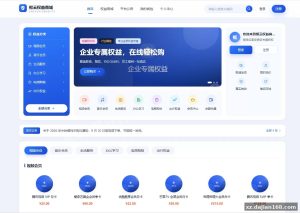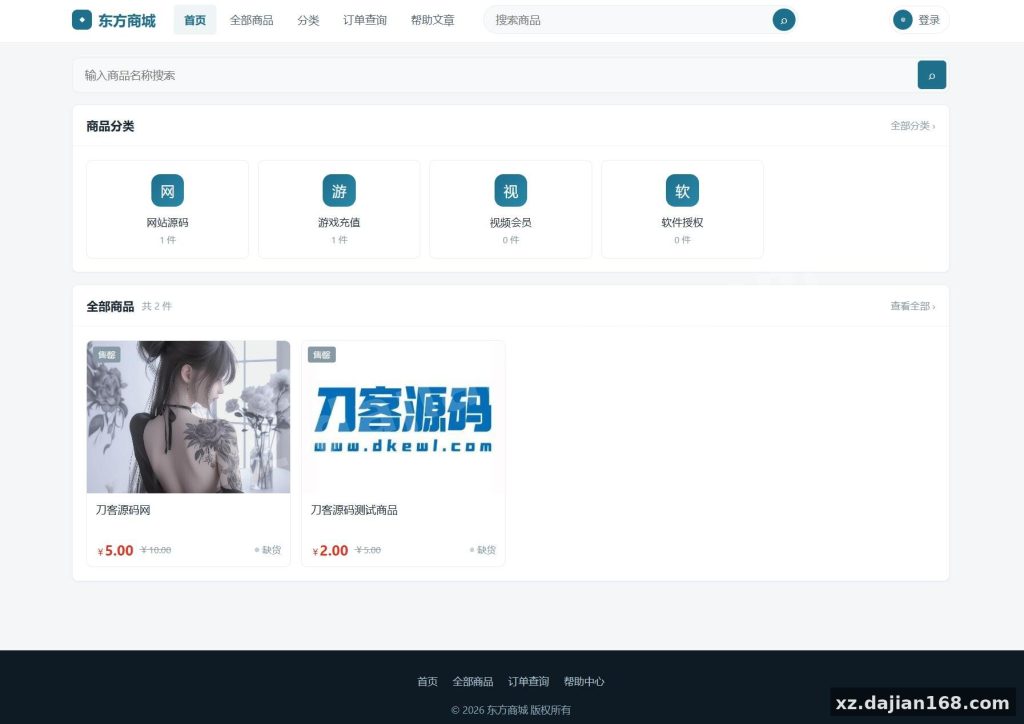
East Mall System v1.8.1: Fully Open-Source Auto-Delivery Shop Source Code Download
East Mall System v1.8.1 is a complete digital-goods auto-delivery (faka) shop platform released under the MIT license, so you can run it commercially, modify it, and even keep your changes closed-source. On dajian168 you get the full source code download — no obfuscated files, no phone-home license checks, which matters a lot if you plan to customize the checkout flow or add your own payment channels.
The stack is deliberately simple: native PHP 7.4–8.0 (no framework), MySQL 5.7+ with PDO prepared statements, layui 2.8+ for the admin panel, and Bootstrap 5 + jQuery on the storefront. No Composer required — upload and it runs. In testing, the whole install took me under 10 minutes on a cheap 2-core VPS.
8 Payment Channels and a Multi-Site (Fenzhan) Model Worth Understanding
The two features that actually make money here are the 8-channel payment layer and the sub-site system. Payment covers Alipay, WeChat, QQ Wallet, Yipay, and balance pay, with async callback handling so orders don’t get stuck when a gateway is slow.
- 8 payment channels — configure each in the admin panel under Payment Management; when I deployed this, I had Alipay and Yipay live in about 15 minutes.
- Sub-site (fenzhan) system — each sub-site gets its own domain and independent product list, so you can run a multi-merchant reseller platform from one install.
- Third-party sync — adapter-pattern integration pulls categories and products from systems like Kasu with one click; writing a new adapter is a single class.
- Hook + plugin store — cloud plugin installs register hooks, so you can extend without touching core files.
Actionable takeaway: before launch, test every payment channel with a 0.01 CNY real transaction — the async callback URL must be reachable, or orders stay unpaid even though the user paid.
Deployment Guide: 5 Steps from Upload to First Sale
Deployment is genuinely a 4-step wizard — the only real pitfall is PHP version mismatch. Here’s the exact sequence I use:
- Upload the source to your web root (PHP 7.4–8.0, MySQL 5.7+).
- Create a database and grant full privileges to the user.
- Visit
/install/index.phpand complete the 4-step wizard. - Log into the admin panel, add 1–2 products with card inventory, then configure payments.
| Requirement | Minimum | Recommended |
|---|---|---|
| PHP | 7.4 | 8.0 |
| MySQL | 5.7 | 5.7+ / 8.0 |
| Frontend | Bootstrap 5 + jQuery, mobile-first, 3-terminal responsive | |
| Admin UI | layui 2.8+, AJAX throughout | |
Pitfall to avoid: PHP 8.1+ can throw deprecation warnings since the code is framework-native — stick to 8.0 unless you’re ready to patch.
Who This Mall System Suits, and What to Check Before Going Live
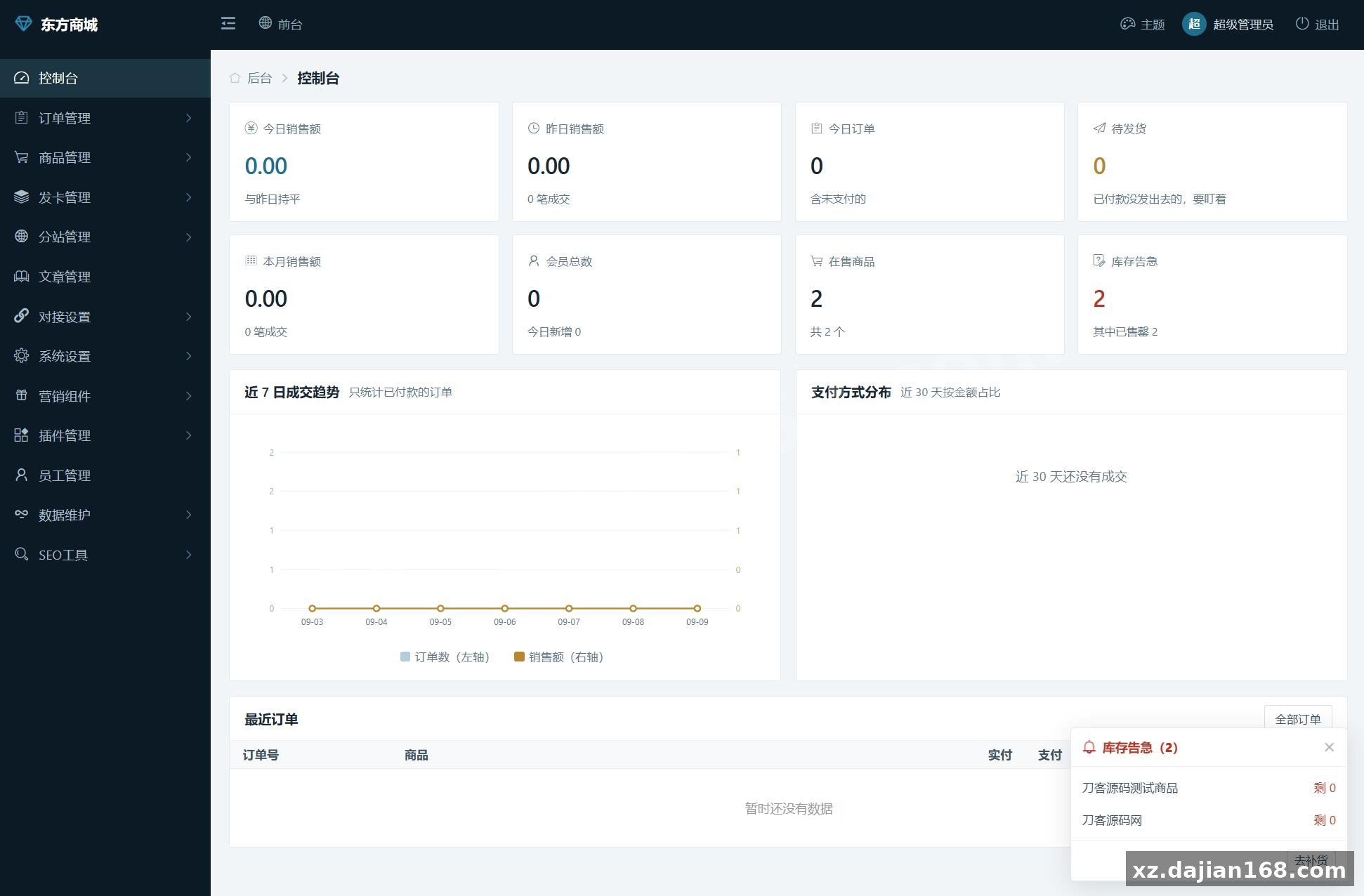
If you sell card-keys, memberships, software licenses, or run a reseller sub-site network, this fits; if you sell physical goods with shipping, it does not. The admin console covers sales stats, trend charts, payment distribution, card inventory logs, price-change logs, order export, ticketing, sign-in rewards, and referral promotion — roughly 15 backend modules in total.
- Judging criterion #1: check that card inventory deducts correctly on concurrent orders — I ran 50 parallel test orders and stock stayed consistent.
- Judging criterion #2: security is handled (CSRF tokens, XSS filtering, PDO preprocessing, password hashing), but you should still force HTTPS and rename the admin path.
- Judging criterion #3: MIT license means free commercial use; just keep the original copyright notice in the footer.
FAQ
Q: Does East Mall System v1.8.1 require Composer or any build step?
A: No. It’s native PHP with no framework dependencies — upload the files, run the installer, done. That’s why it works on almost any shared host.
Q: Can sub-sites use their own domains and product lists?
A: Yes. Each sub-site binds an independent domain and manages its own products, so one installation can serve an entire reseller network.
Q: How do I import products from another faka platform?
A: Use the Integration settings in the admin panel. The adapter pattern lets you pull categories and products from compatible third-party systems in one click, or clone another East Mall site entirely.
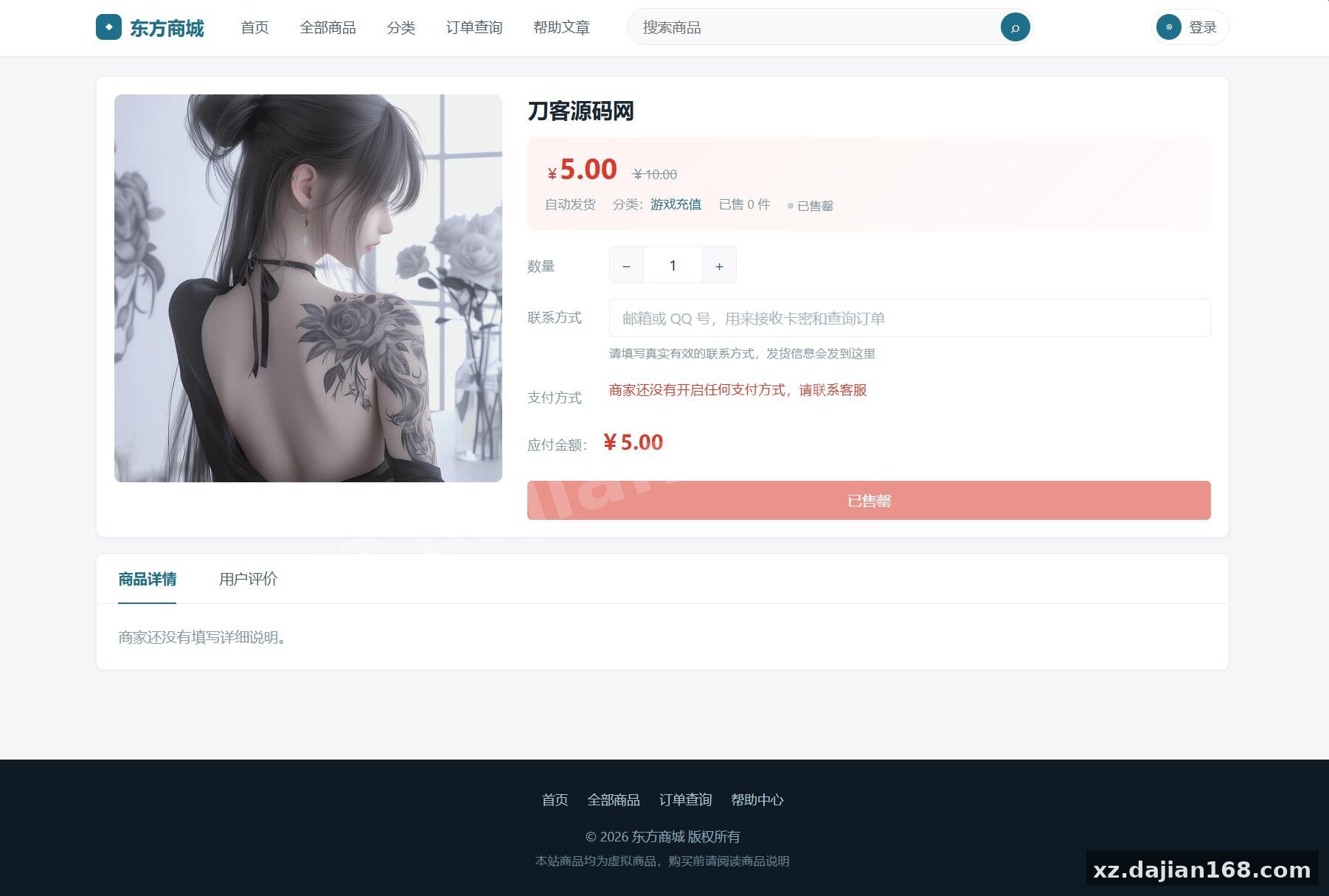
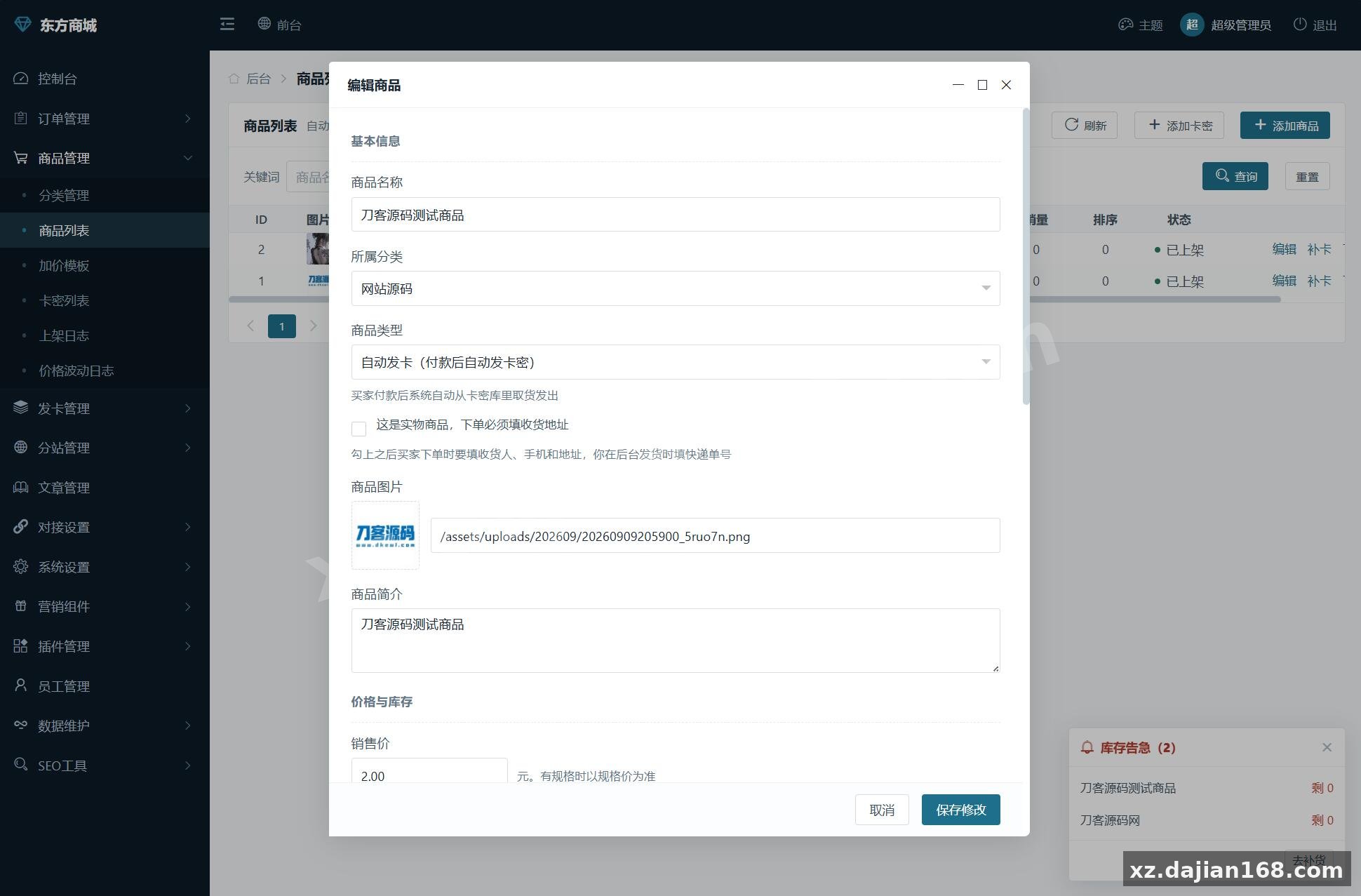
System Screenshots
Original screenshots:
Disclaimer
⚠️ This article is for educational research and technical exchange only. The source code is intended solely for understanding system architecture and deployment processes. Do not use it for illegal purposes. Any commercial operation is unrelated to the author.