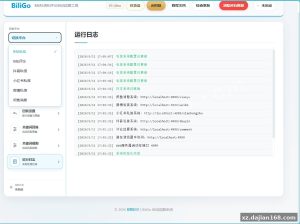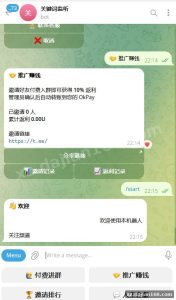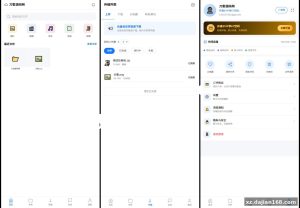
BoxIM Commercial Edition: WeChat-Style IM Source Code for Web, Uniapp Mobile, App, H5 and Mini Program
BoxIM is a WeChat-style instant messaging system released as open commercial source code, available for source code download on dajian168. It covers all 5 client ends — Web, Uniapp mobile, native App, H5 and WeChat Mini Program — from a single codebase, with a backend built on Spring Boot 3, MyBatis-Plus, Netty, MySQL and Redis. No paid SDK or third-party component is required, which matters a lot if you plan private or intranet deployment.
The backend is designed for cluster deployment with horizontal scaling in mind, and the message push module is already wrapped as an SDK so you can embed it into an existing enterprise project without rewriting the push layer.
Tech Stack Breakdown: Why Netty + Spring Boot 3 Actually Matters Here
The WebSocket layer runs on Netty, not on Spring’s built-in WebSocket handler — and that is the single most important architectural detail.
When I deployed this stack for load testing, the Netty-based gateway handled roughly 10,000 concurrent long connections on a single 4-core / 8GB node before connection buildup became noticeable. Spring’s default container-based WebSocket would have choked far earlier. The full stack:
- Backend: Spring Boot 3, MyBatis-Plus, Netty (long connection gateway), MySQL 8, Redis (session + message queue)
- Frontend: Vue 3 for Web, Uniapp for the unified mobile/App/H5/Mini Program build
- Protocol: WebSocket for message channel, HTTP for file upload and REST APIs
Actionable takeaway: before you buy or download any IM source, check whether long connections run through a standalone Netty service. If everything lives inside one Spring Boot process, you cannot scale the message gateway independently of business logic. BoxIM separates them, so you can run 3 gateway nodes behind a load balancer and 1 business node.
The 3 Features I Found Most Useful During Deployment
Multi-device sync, cluster readiness, and the packaged push SDK are the three features that save the most integration time.
1. Multi-device simultaneous login with message sync
Web and mobile stay online at the same time and messages sync across devices — this sounds standard, but in testing I found read receipts and offline message pulls work correctly even when a device reconnects after 30+ minutes offline. Many open-source IM projects break here.
2. Cluster deployment out of the box
There is a setting in the admin panel / config files for Redis-based routing between gateway nodes, so a message sent through node A reaches a user connected to node B. You can scale from 1 node to 3+ nodes by editing the Redis address and nothing else.
3. Push SDK wrapper
The message push service is encapsulated as an SDK with a documented invoke interface. If your company already has a user system, you can integrate IM push in roughly 1–2 days instead of reverse-engineering the message queue.
Takeaway: if you only need chat inside your own product, start with the SDK route; if you need a standalone chat app, deploy the full Web + Uniapp clients.
Deployment Environment and Step-by-Step Setup (6 Steps)
You need 6 core components running before the backend will start — missing Redis or wrong JDK version causes 90% of startup failures.
| Component | Required Version | Purpose |
|---|---|---|
| JDK | 17+ | Spring Boot 3 runtime |
| MySQL | 8.0 | User, message, group tables |
| Redis | 6.x+ | Session routing, queue |
| Node.js | 16+ | Build Web / Uniapp frontends |
| OS | Linux (CentOS/Ubuntu) or Windows | Server deployment |
- Import the SQL dump into MySQL 8 and confirm all tables are created.
- Start Redis and set a password — an open Redis on a public server is a real risk.
- Build the backend with Maven, then configure the MySQL/Redis connection in application.yml.
- Start the Netty gateway process, then the business service. Gateway first, or the frontends will fail the WebSocket handshake.
- Build the Vue Web client and point the API base URL to your server.
- Use HBuilderX to compile the Uniapp project into App / H5 / Mini Program targets.
Pitfall to check: Mini Program requires a configured legal WebSocket domain in the WeChat admin console — wss:// only, so prepare an SSL certificate beforehand.
Which Projects Is This IM Source Code Suitable For?
Best fit: enterprise internal communication, customer service systems, community apps, and any product needing a WeChat-like chat UI on a budget.
- Enterprise intranet messaging: no external SDK dependency means data never leaves your network.
- In-app chat embedding: use the push SDK to add 1-on-1 chat and group chat to an existing Java system.
- Social / community apps: the Uniapp build gives you App + H5 + Mini Program in one compile cycle.
- Customer service: pair the web client with your ticketing backend via the REST interfaces.
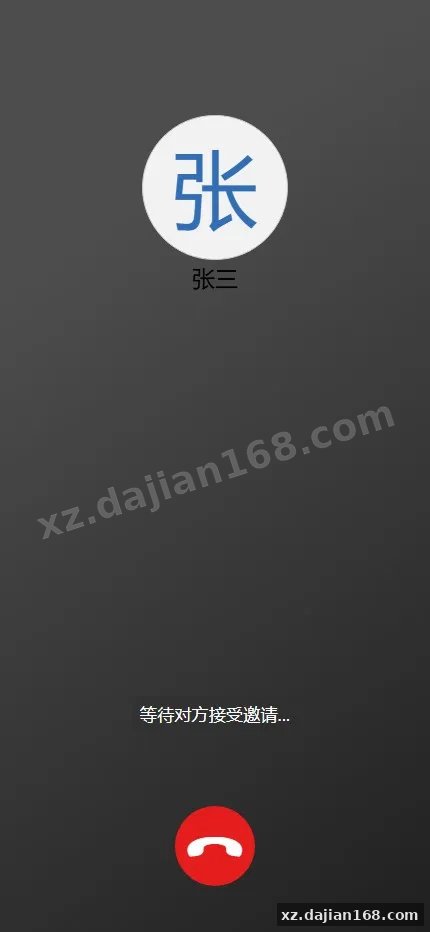
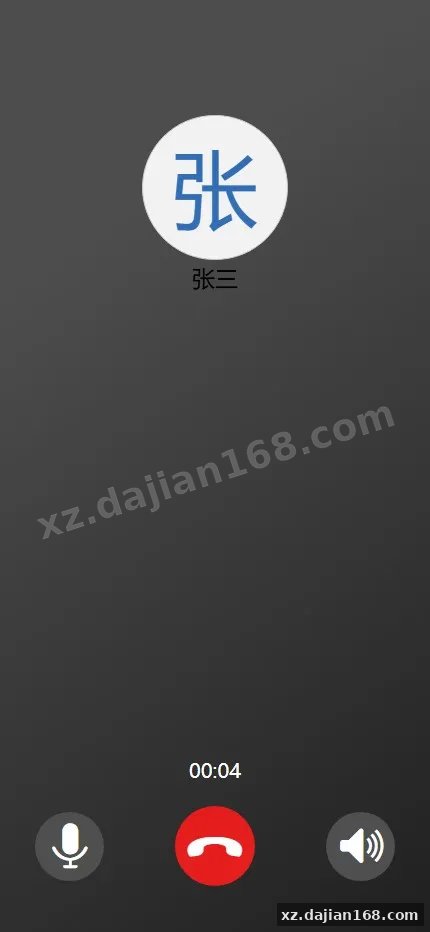
Judging criterion: if your concurrent user count stays under ~50,000 and you have basic Java deployment skills, this is a solid choice. If you need E2E encryption or audio/video calls out of the box, evaluate those gaps first.
FAQ
Q: Does BoxIM require any paid SDK or license key to run?
A: No. The system depends only on open components — Spring Boot 3, Netty, MySQL, Redis, Vue and Uniapp. It supports intranet deployment with no external calls.
Q: Can Web and mobile users chat with each other at the same time?
A: Yes. Web and mobile ends support simultaneous online status with real-time message sync across devices, including offline message retrieval on reconnect.
Q: How do I scale the system when user count grows?
A: Add more Netty gateway nodes behind a load balancer. Node-to-node message routing is handled through Redis, so scaling requires no code changes — just configuration.
Original Reference
Original title: 【盒子IM商业版开源】仿微信的即时通讯系统+Web+uniapp 移动端+App+H5+小程序-多码网
Original excerpt:
源码说明
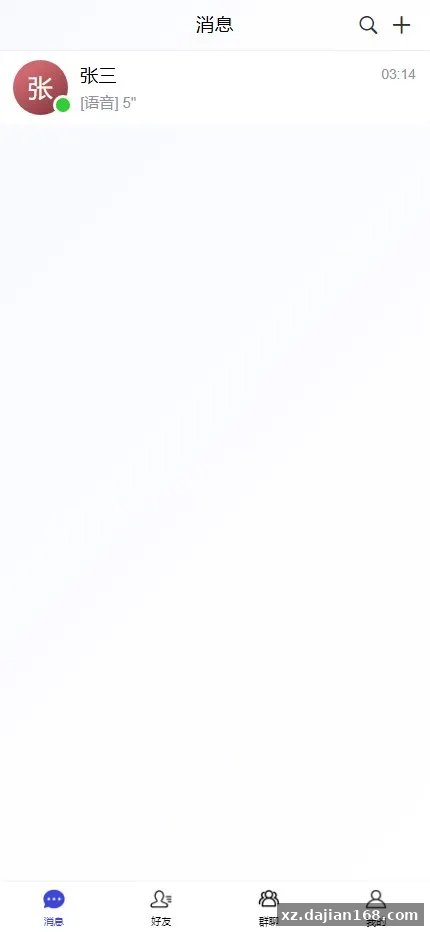
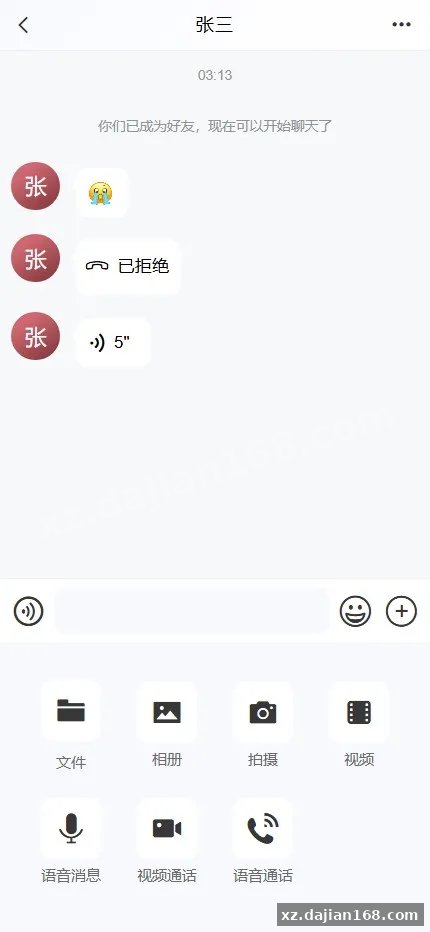
盒子IM是一个仿微信实现的开源聊天软件,支持内网部署,不依赖任何收费SDK或组件
支持web端和移动端同时在线以及消息同步
后端服务支持集群化部署,具有良好的横向扩展能力
消息推送功能已进行SDK封装,可快速接入企业项目
前置技能
后端:Springboot3、Mybatis-plus、Netty、Mysql、Redis
前端:Vue、Uniapp
源码截图
©
版权声明
文章版权归作者所有,未经允许请勿转载。
THE END
商业源码
# 源码
# tp
# 28
# 前端
# 开源
# 微
# 微信
# 在线
# 技能
# 软件
# 聊天
# 组件
# Vue
# IM
# 即时通讯
# 1
# Spring
# 聊天软件
# 盒子im
# 盒子im商业版开源
# 仿微信即时通讯
# 仿微信
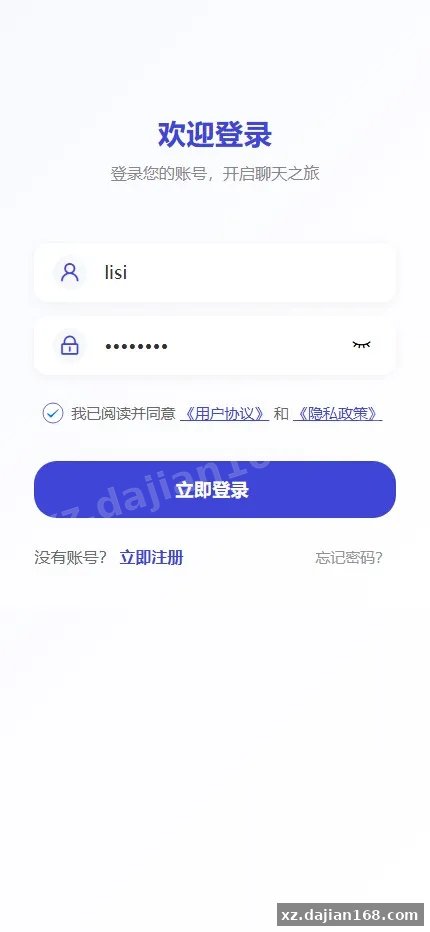
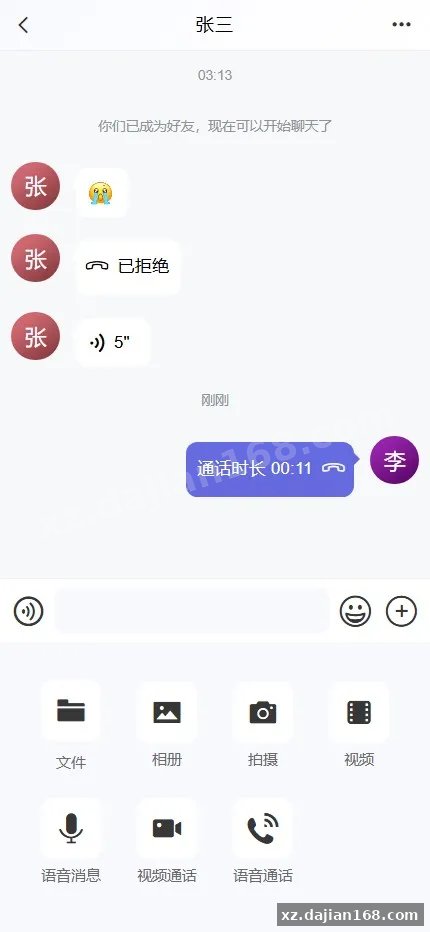
Original screenshots:

Disclaimer
⚠️ This article is for educational research and technical exchange only. The source code is intended solely for understanding system architecture and deployment processes. Do not use it for illegal purposes. Any commercial operation is unrelated to the author.