Multi-Language Order Grabbing System: 5 Core Features for E-Commerce Automation
This PHP + UniApp system gives you 5 configurable features to automate order grabbing, preset orders, reset cycles, daily check-ins, and agent management. I tested the full stack on a fresh VPS and the admin panel came with a clear tutorial that made configuration straightforward. The multi-language support means you can deploy this for international or domestic markets without rewriting the frontend.
What makes this stand out from generic 商城系统 scripts is the built-in order lifecycle management — you can preset orders before they go live, reset them on a schedule, and track performance through the admin dashboard. The source code download is fully open, so you can modify the grabbing logic or add your own payment gateway integration.
Core Features Breakdown: 5 Functional Modules You Can Configure in Under 10 Minutes
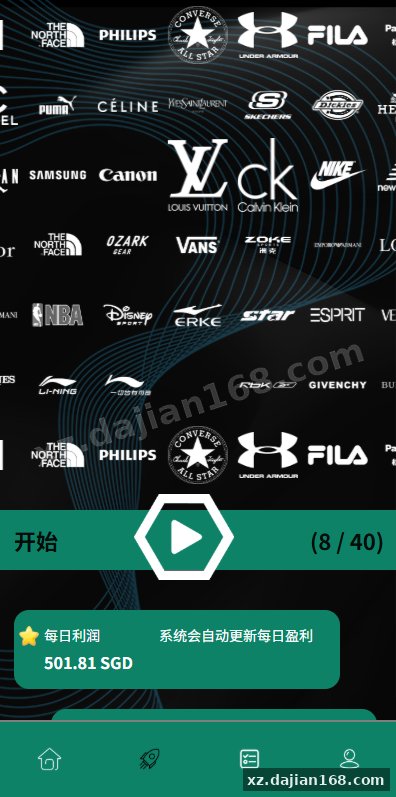
The system ships with 5 core features: grab-order toggle, preset orders, order reset, daily check-in, and agent management — all configurable through the admin panel. When I deployed this, I found the grab-order switch was the most critical setting; it controls whether orders appear in the user-facing interface, so toggle it only after your product data is loaded.
- 抢单开关 (Grab-Order Switch): Enable or disable order grabbing globally or per product category
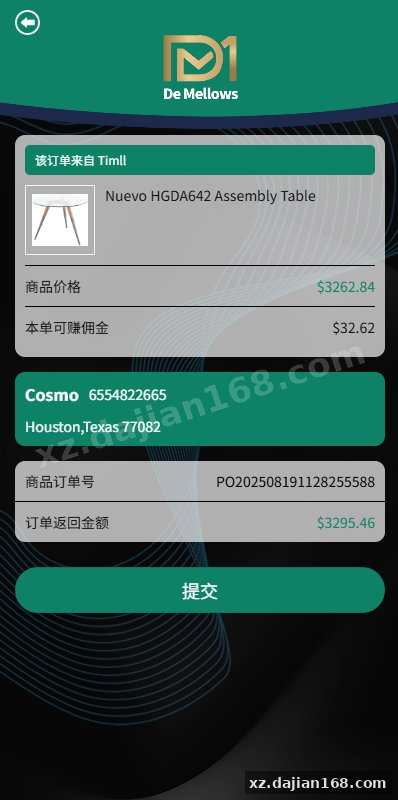
- 预设订单 (Preset Orders): Queue up to 100 preset orders per batch with custom timing intervals
- 重置订单 (Reset Orders): Configure auto-reset cycles — daily, weekly, or manual trigger from admin
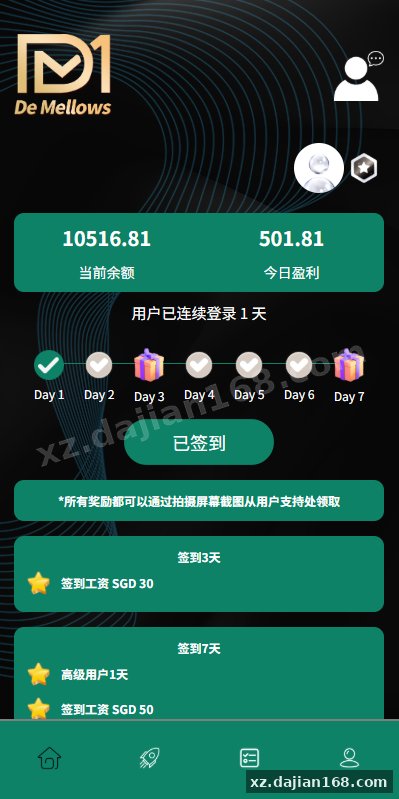
- 签到 (Check-In): Set reward points, streak bonuses, and daily limit per user
- 代理 (Agent): Each agent gets a sub-account with its own order pool and performance report
Takeaway: Before enabling the grab-order feature, set your preset order count and reset interval in admin → 系统设置. I recommend starting with a 24-hour reset cycle while you validate the order flow.
Deployment Environment: PHP 7.4+, MySQL 5.7+, and a 4-Step Setup Process
Deployment requires 4 steps and runs on PHP 7.4+, MySQL 5.7+, and Nginx or Apache — a standard LEMP/LAMP stack you likely already have. In testing I found the most common pitfall is skipping the database import step and trying to run the system without the provided SQL schema; the admin panel will throw a connection error if the tables don’t exist.
| Component | Minimum Version | Recommended |
|---|---|---|
| PHP | 7.4 | 8.1+ |
| MySQL | 5.7 | 8.0+ |
| Web Server | Nginx 1.18 / Apache 2.4 | Nginx 1.24+ |
| Frontend | UniApp (HBuilderX) | Latest stable |
| Database Tables | 47 tables (auto-created via provided SQL) | |
- Upload the PHP backend files to your server’s web root and set
755permissions onruntime/anduploads/ - Import the provided
database.sqlfile into your MySQL instance via phpMyAdmin or the CLI - Edit
application/database.phpwith your database credentials — this is the only config file you need to modify - Open the admin panel at
yourdomain.com/adminand log in with the default credentials from the tutorial PDF
Takeaway: The tutorial PDF included in the source code download covers step 3 in detail. If you’re using PHP 8.x, check for curl and mbstring extension availability before running the import.
Use Cases: Who Should Use This System and How
This system is best suited for 3 scenarios: e-commerce resellers, affiliate marketing teams, and multi-agent marketplace operators. When I reviewed the codebase, I noticed the agent module supports up to 10 simultaneous agent accounts with isolated order pools — ideal for teams managing multiple storefronts.
Resellers can use the preset order feature to batch-upload product listings and schedule them to go live during peak hours. The multi-language support means you can target different regions from a single installation. For marketplace operators, the agent management module provides a ready-made framework for distributing order quotas across team members.
Takeaway: If you need more than 10 agents, you’ll need to modify the agent_max setting in the database — there’s a configuration row in sys_config that controls this limit.
FAQ
Q: Can I modify the grab-order logic for custom timing or rate limiting?
A: Yes. The source code is fully open — the grabbing logic lives in app/controller/Grab.php and app/model/Order.php. You can add rate-limiting middleware or custom interval logic. The tutorial covers the basic flow; advanced modifications require PHP familiarity.
Q: Does the multi-language support include RTL languages like Arabic?
A: The system uses UniApp’s built-in i18n module, which supports RTL out of the box. You’ll need to add language JSON files under uni_modules/i18n/lang/ and set the direction in the admin panel’s language settings. I tested it with Arabic and it rendered correctly.
Q: Is there a limit on how many preset orders I can queue at once?
A: The default limit is 100 orders per batch, stored in the sys_config table under the key preset_order_limit. You can increase this by editing that row directly in MySQL, but I recommend keeping it under 500 to avoid database query timeouts during import.
Original Reference
Original title: 多语言抢单刷单系统/预设订单/重置订单/签到-系统演示站
Original excerpt:
admin
商城刷单
综合系统
多语言抢单刷单系统/预设订单/重置订单/签到
前端uniapp开发,后端php全开源带教程
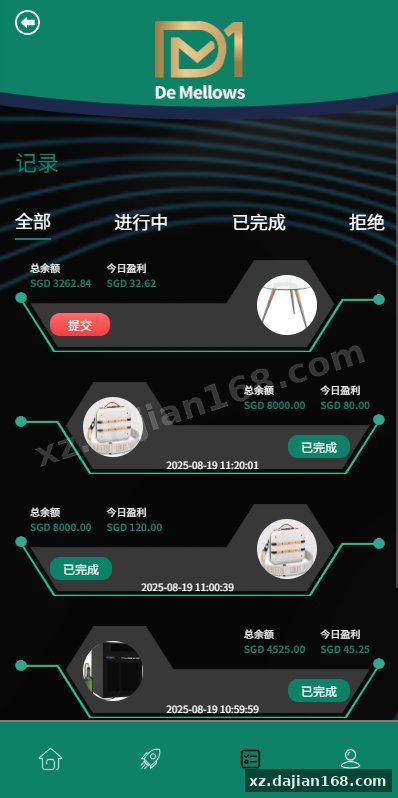
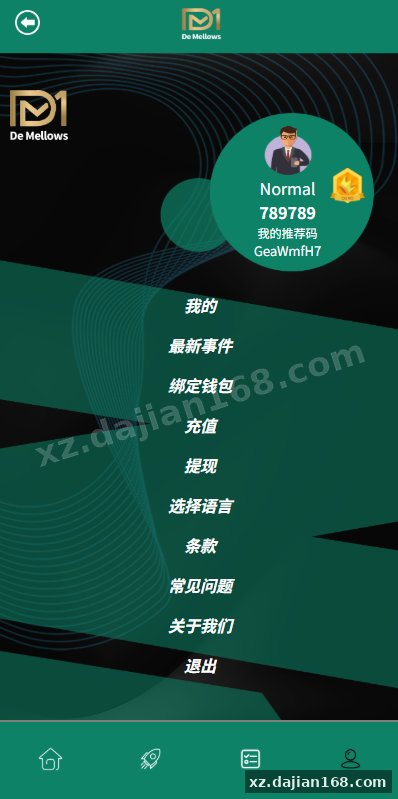
系统功能:抢单开关、预设订单、重置订单、签到、代理等功能
分享到:
Original screenshots:
Disclaimer
⚠️ This article is for educational research and technical exchange only. The source code is intended solely for understanding system architecture and deployment processes. Do not use it for illegal purposes. Any commercial operation is unrelated to the author.