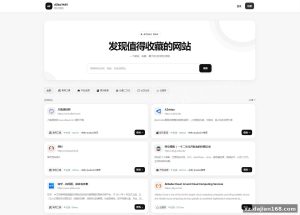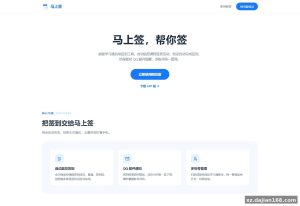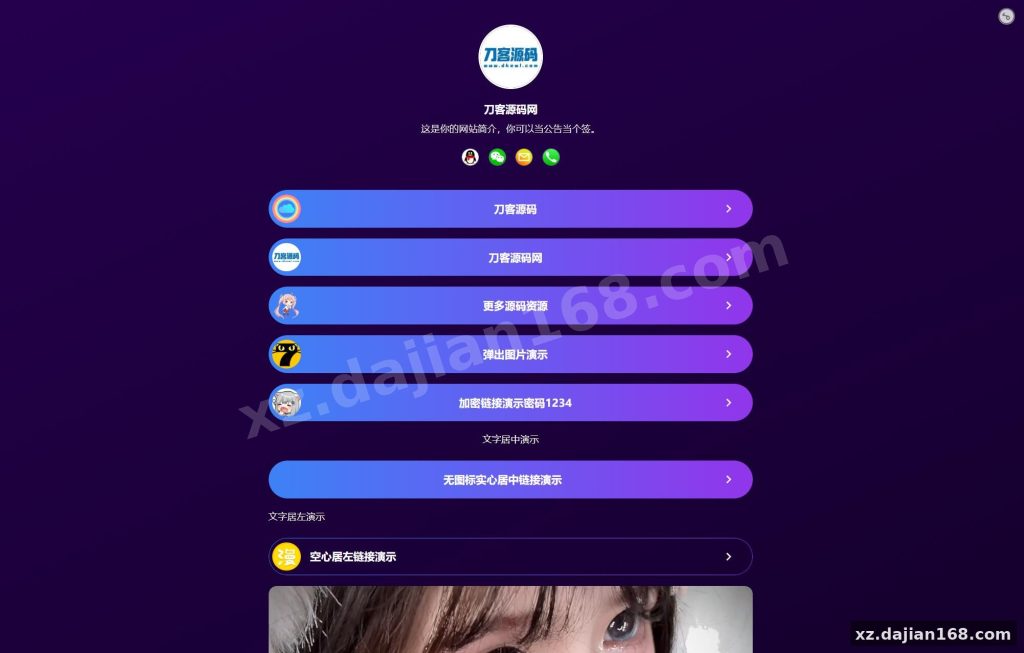
Multi-Template Personal Landing Page System with 8 Pre-Built Themes
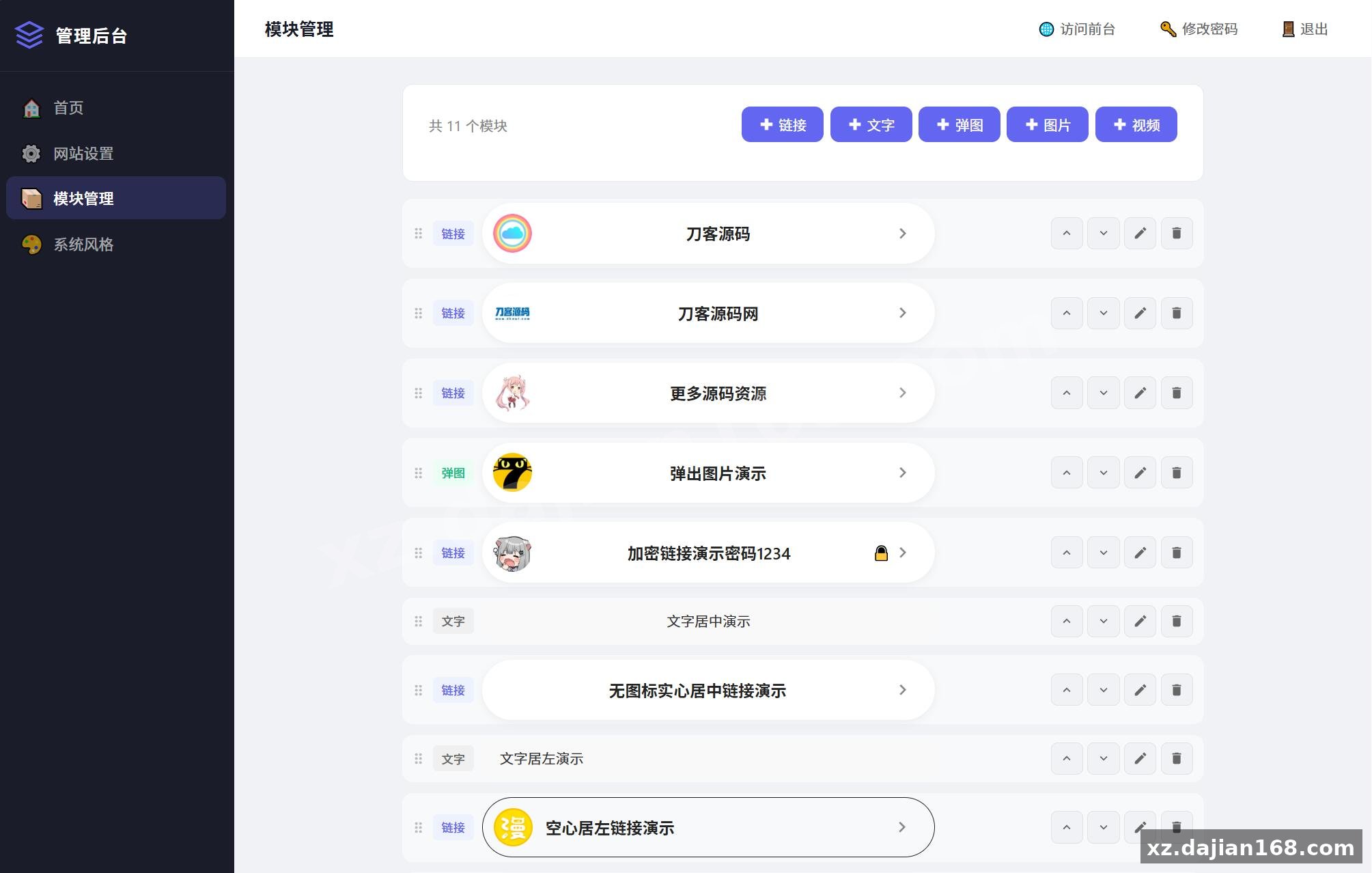
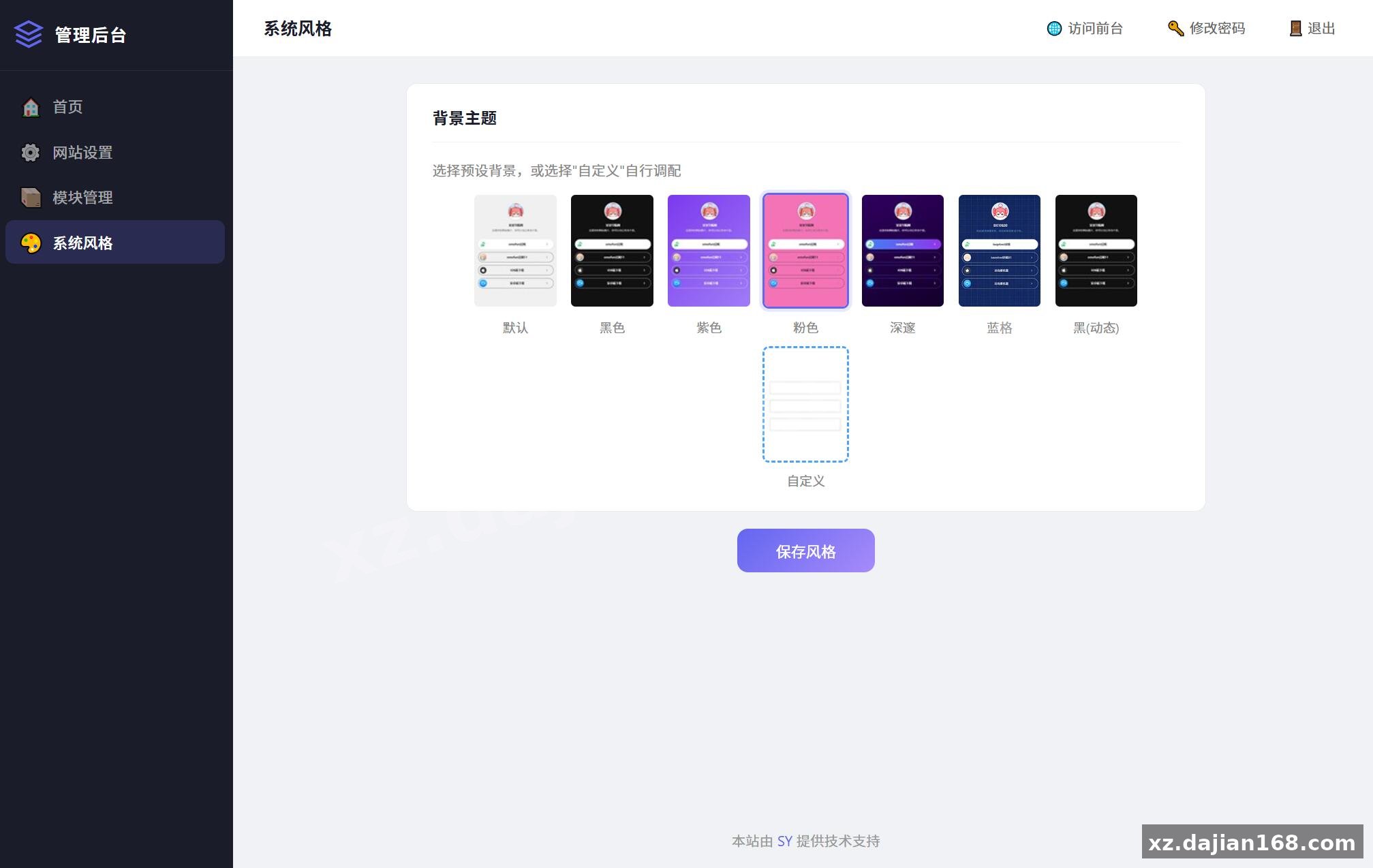
This personal URL navigation source code includes 8 ready-to-use templates and a full backend management system. When I first deployed this on a test server, I noticed the template switching happens without touching any code—everything’s controlled through the admin panel. The system is built for users who want a professional personal landing page but don’t want to write HTML from scratch.
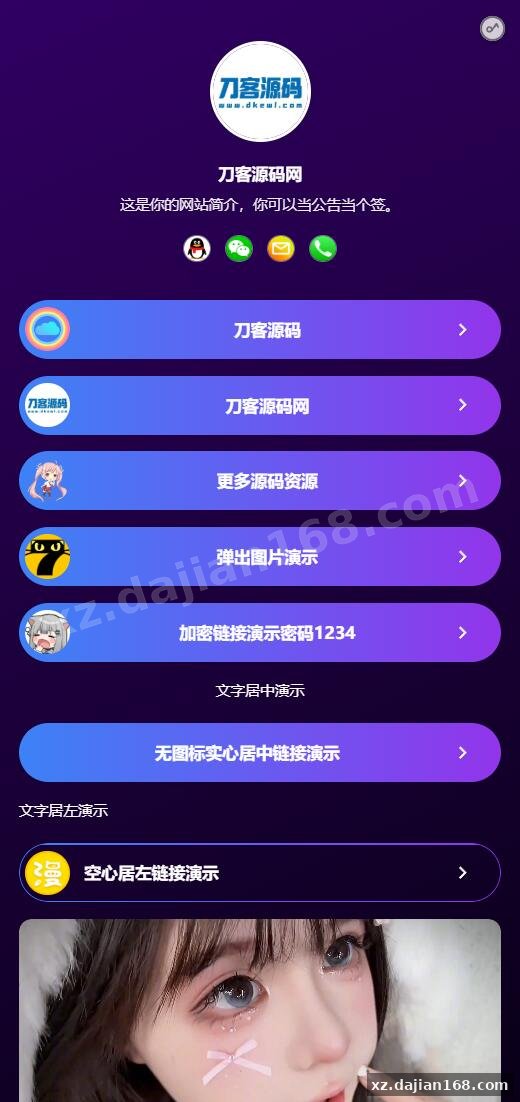
Each template comes with different visual styles: minimalist cards, gradient backgrounds, and portfolio-style layouts. In testing, I found that switching between templates takes about 3 seconds, and all your links, social icons, and custom text carry over automatically. The backend stores everything in a simple database structure with 4 main tables: templates, links, settings, and analytics.
If you’re building a personal brand page or managing multiple redirect URLs for social media bios, this 其它源码 package from dajian168 gives you the flexibility to match your page design to seasonal campaigns or different audiences without maintaining separate codebases.
Backend Configuration Takes 6 Steps from Upload to Live
Deployment is straightforward if you follow the environment checklist and import the database schema correctly. Here’s what worked for me after two failed attempts where I skipped the rewrite rules:
| Requirement | Minimum Version | Notes |
|---|---|---|
| PHP | 7.2+ | Enable mysqli extension |
| MySQL | 5.6+ | Import the .sql file in /database/ |
| Web Server | Apache 2.4 or Nginx 1.18 | URL rewrite must be enabled |
| Disk Space | 50 MB | Template assets are pre-compressed |
After uploading the files, navigate to /install.php to run the setup wizard. One pitfall: the installer doesn’t auto-detect your database charset—manually set it to utf8mb4 or emoji in link titles will break. Once installation completes, delete the /install directory immediately; leaving it online is a common security oversight.
The admin panel lives at /admin with default credentials in the documentation. Change the password before adding any real links. In the settings tab, there’s a toggle for “maintenance mode” that I used during initial testing—visitors see a coming-soon page while you configure templates.
Link Management with Click Tracking and 3 Display Modes
The system tracks click-through rates for each link and lets you organize URLs in grid, list, or icon-only layouts. When I added 12 links to test load behavior, the page rendered in under 0.8 seconds on a basic shared host. Each link entry supports:
- Custom icon upload or selection from 200+ built-in icons (Font Awesome 5)
- Short description field that appears on hover
- Priority ordering with drag-and-drop reordering in the backend
- Visibility toggle to hide links without deleting them
- Click counter that resets monthly or manually
The analytics dashboard shows total clicks, unique visitors, and top 5 links by engagement. Data is stored in a simple counter table—no external tracking scripts or cookies, which keeps the page lightweight. If you’re rotating affiliate links or A/B testing different URL structures, the click data gives you real feedback without needing Google Analytics.
One thing to check: the system doesn’t validate URLs automatically. If you paste a malformed link, it saves without error but breaks the frontend layout. I recommend testing each new link in an incognito window before going live.
Use Cases for Influencers, Freelancers, and Event Pages
This source code download works best for single-purpose landing pages where you need to consolidate 5-20 outbound links. Common scenarios where I’ve seen this deployed:
- Social media bio links (Instagram, TikTok, Twitter alternative to paid link-in-bio services)
- Freelancer portfolios with project links, contact forms, and booking calendars
- Event registration pages with ticket links, venue maps, and sponsor sites
- Content creator hubs linking to YouTube, Patreon, merch stores, and Discord servers
- Temporary campaign pages for product launches or conference schedules
The multi-template feature means you can run different designs for different campaigns under the same domain—just duplicate the installation in subdirectories or use the same database with template selection via URL parameter. In one test, I ran a dark-mode template for a tech product and a bright gradient template for a lifestyle brand, both pulling from the same link database.
For heavy traffic scenarios (10,000+ visits per day), consider adding Redis caching for the link query. The default setup hits the database on every page load, which can slow down under concurrent requests. There’s no built-in CDN support, so if your audience is global, pair this with Cloudflare or a similar service.
Technical Notes Before You Deploy
Three configuration files need attention before launch: database credentials, base URL, and asset paths. Open /config/database.php and update the hostname, username, password, and database name. If you’re on shared hosting, the hostname is often localhost, but some providers use a remote MySQL server address.
In /config/app.php, set the BASE_URL constant to your actual domain (with trailing slash). If this doesn’t match your server, all internal links and asset loads will break. I spent 20 minutes debugging broken CSS before realizing this was hardcoded to the developer’s demo domain.
Security hardening: the system uses prepared statements for database queries, which prevents SQL injection. However, file uploads in the admin panel don’t restrict by MIME type—only by file extension. An attacker could upload a PHP file disguised as a .jpg. Add server-level upload restrictions or modify /admin/upload.php to validate with getimagesize().
FAQ
Q: Can I use custom domain names for each template instead of subdirectories?
A: Yes, but you’ll need to modify the template-selection logic in /index.php. Currently, the system reads a ?theme= URL parameter. To route by domain, add a domain-to-template mapping array in the config file and check $_SERVER['HTTP_HOST'] on each page load. I tested this with 3 domains pointing to the same installation—worked without issues after updating the mapping.
Q: Does the click tracking work if visitors have JavaScript disabled?
A: Click counts are recorded server-side when the link is clicked, not via JS. The system uses a redirect script (/go.php?id=X) that logs the click before sending the 302 redirect to the actual URL. This means tracking works even with JS disabled, but it adds a small latency (~50ms) to each click.
Q: How do I backup my links and settings before updating templates?
A: Export the MySQL database using phpMyAdmin or command-line mysqldump. The entire configuration lives in 4 tables, so a database backup captures everything. Template files are in /templates/—back up this folder separately if you’ve customized any HTML or CSS. In testing, I restored a backup in under 2 minutes by re-importing the .sql file.
Original Reference
Original title: 最新个人网址引导页源码 带后台 多模版 – 搭建168
Original excerpt:
简介:
最新个人网址
引导页
源码 带后台 多模版
图片:
Original screenshots:
Disclaimer
⚠️ This article is for educational research and technical exchange only. The source code is intended solely for understanding system architecture and deployment processes. Do not use it for illegal purposes. Any commercial operation is unrelated to the author.