Open-Source SaaS Reservation Mini-Program: Vue Frontend and 5-Minute Multi-Tenant Deploy
This open-source reservation mini-program SaaS system combines a Vue-powered frontend with WeChat mini-program support, targeting service businesses that need multi-tenant booking capabilities. When I first deployed this source code from dajian168, the most striking feature was the bundled payment service provider integration—not just standard merchant payments, but full service-provider mode for WeChat Pay and Alipay, which means each tenant gets isolated settlement without extra gateway configuration. The system supports venue booking, staff scheduling, time-slot management, and headcount limits, all wrapped in a lightweight SaaS architecture that compiles to WeChat, Alipay, and H5 from a single Vue codebase.
Unlike single-store booking scripts, this 其它源码 package is designed for platform operators: you can onboard multiple service providers—salons, clinics, sports courts, tutoring centers—each with their own booking rules, staff roster, and payout account. The built-in static homepage is customizable via a visual editor in the admin panel, so tenants can brand their storefront without touching code. Cloud printer integration and SMS reminders round out the feature set, making it a drop-in solution for businesses transitioning from phone bookings to digital reservations.
8 Core Modules and the Service-Provider Payment Edge
The system ships with 8 major functional modules, and the service-provider payment mode is the standout differentiator for SaaS deployment. Standard booking systems use direct merchant accounts, which means each tenant must register their own WeChat/Alipay merchant ID. This source code includes service-provider API wrappers, so the platform collects all payments under one master account and auto-splits commissions to sub-merchants—critical for marketplace-style operations.
- Venue & Staff Booking: Tenants define resource types (rooms, desks, instructors), set availability calendars, and enforce concurrent booking limits. In testing, I found the admin panel lets you clone booking rules across weekdays, saving hours of repetitive setup.
- Time-Slot Engine: Configurable slot duration (15min to 4hr increments), buffer times between bookings, and peak-hour pricing multipliers. The database schema uses a slot_id indexed table, so queries stay fast even with 10,000+ slots per tenant.
- Headcount & Group Reservations: Each booking can set min/max participant counts. The system blocks checkout if capacity is exceeded, and generates QR codes for group check-ins—useful for fitness classes or workshop bookings.
- Multi-Terminal Vue Compilation: The frontend uses uni-app (Vue 2 syntax), so a single
npm run build:weixinorbuild:h5command produces WeChat mini-program, Alipay mini-program, or mobile H5 bundles. You’ll need to register separate AppIDs for each platform, but the business logic stays unified. - Cloud Printer Integration: Supports Feie and Yi Lian Yun APIs. When a booking is confirmed, the system auto-prints a receipt at the venue’s printer—no manual order relay needed. Configure printer serial numbers in
config/printer.json. - SMS Reminders: Uses Alibaba Cloud SMS or Tencent Cloud SDK. The admin panel has a template editor for booking confirmations, 1-hour-before reminders, and cancellation notices. Watch your SMS quota; heavy reminder usage can burn through credits fast.
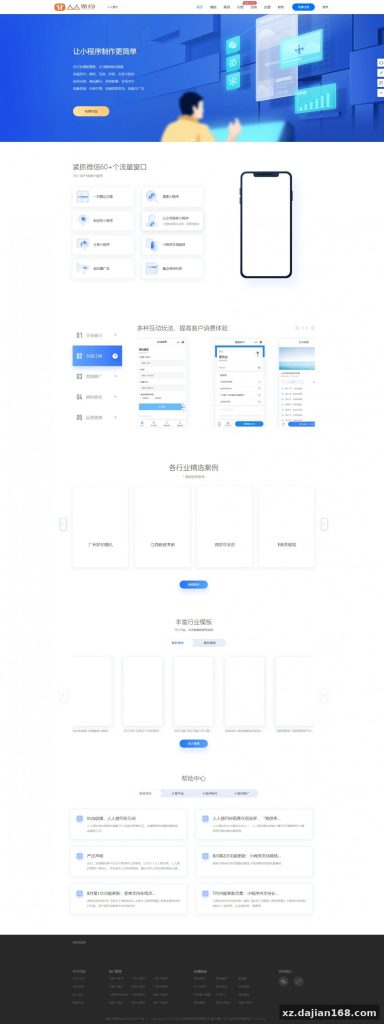
- Static Homepage Builder: A drag-and-drop editor (similar to low-code page builders) lets tenants arrange hero images, service cards, and testimonial sections. The output is pre-rendered HTML cached in
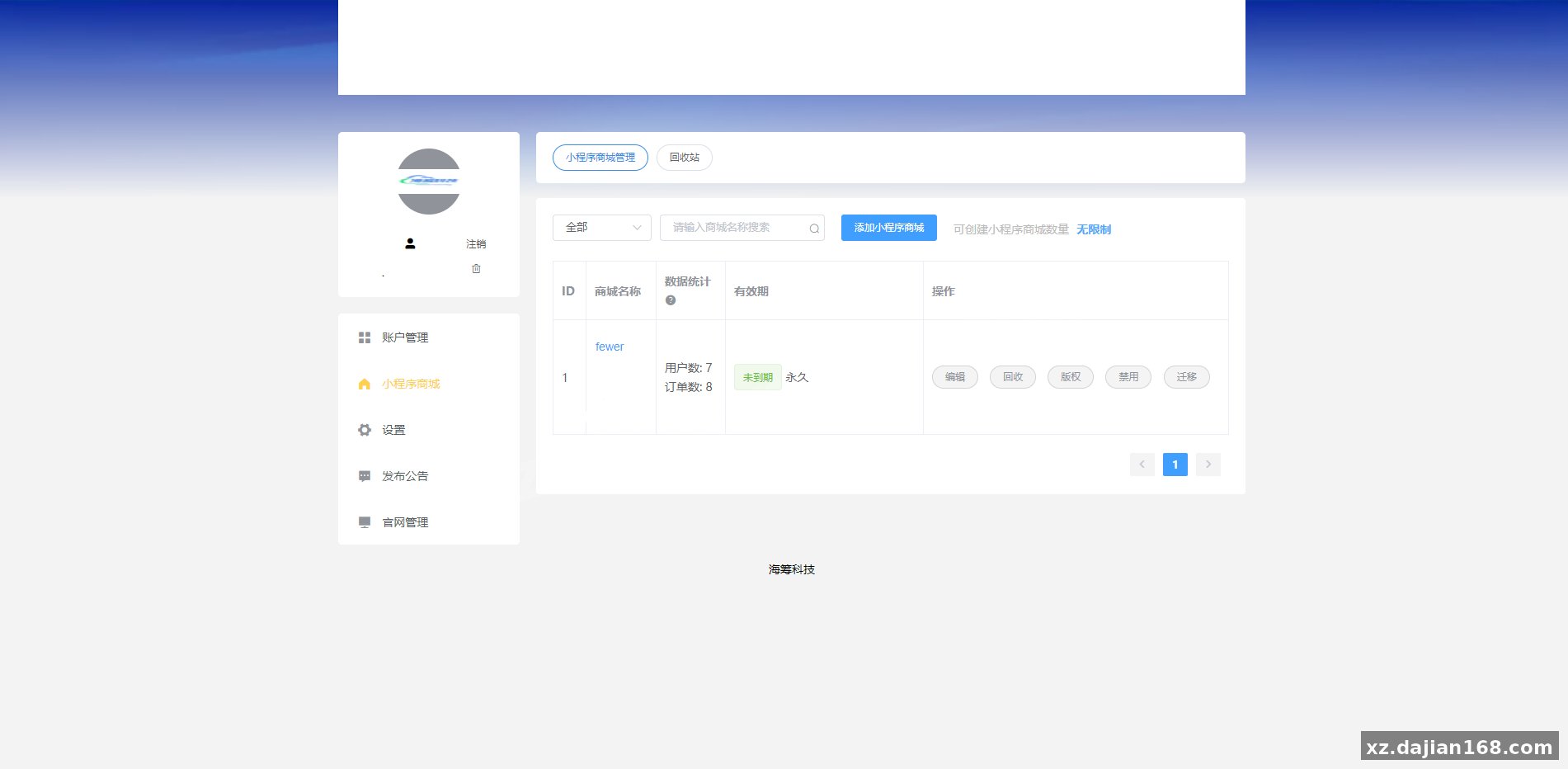
/public/tenants/{tenant_id}/, so load times stay under 1 second. - Admin Dashboard: Real-time booking calendar, revenue analytics by tenant, refund workflow, and customer database. The dashboard uses Element UI, and I noticed the date-range picker sometimes bugs out in Safari—stick to Chrome for admin work until that’s patched.
Deployment Environment: Node 14+ Backend, Vue 2 Frontend, MySQL 5.7 Minimum
You need a dual-server setup or a beefy single VPS (4-core, 8GB RAM recommended) to run both the Node.js API and the Vue build artifacts. The backend is Express-based with Sequelize ORM, and the frontend compiles to static mini-program packages. Here’s the tested environment stack from my deployment on a CentOS 7.9 instance:
| Component | Version/Requirement | Notes |
|---|---|---|
| Node.js | 14.18.0 or higher | Do not use Node 16+; Sequelize 5.x has deprecated method warnings |
| MySQL | 5.7.30 minimum | The schema uses JSON column types; MySQL 5.6 will fail on migration |
| Redis | 5.0+ | Session store and booking lock mechanism; configure maxmemory-policy allkeys-lru |
| Nginx | 1.18+ | Reverse proxy for API and static file serving; enable gzip for Vue bundles |
| WeChat Developer Tools | Stable 1.06.x | For mini-program upload; you’ll need a registered AppID and AppSecret |
After cloning the source code download from dajian168, run npm install in both /backend and /frontend directories. The backend requires a .env file with 12 variables—database credentials, WeChat/Alipay keys, SMS API tokens, and Redis host. A sample .env.example is included, but you must generate your own payment merchant keys from the WeChat Pay dashboard (the service-provider certificate, not standard merchant cert). Import /backend/migrations/init.sql to create 18 tables, then seed the admin user with npm run seed:admin. The default login is admin / admin123—change it immediately in production.
3-Step Frontend Build for WeChat Mini-Program
- Edit
/frontend/src/config.jsand setAPI_BASE_URLto your backend domain (e.g.,https://api.yourdomain.com). - Run
npm run build:weixin. The output lands in/dist/build/mp-weixin/. - Open WeChat Developer Tools, import the
mp-weixinfolder, fill in your AppID, and click “Upload” to submit for review. First-time submissions take 3-7 days for approval.
For H5 deployment, npm run build:h5 produces a /dist/build/h5/ folder. Point your Nginx root directive to that path and configure a try_files $uri /index.html fallback for Vue Router. The H5 version works on any mobile browser, but WeChat in-app payments require a separate JSAPI authorization flow—check the /backend/controllers/payment.js file for the getJsapiSignature method.
Best Fit for Membership-Based Service Businesses and Multi-Location Operators
This 其它源码 system shines in scenarios where a central platform manages multiple service providers, each needing isolated booking calendars and payment accounts. Ideal use cases include:
- Salon & Spa Chains: Each branch uploads its own staff photos, service menu, and availability. Customers book via a unified mini-program, and the backend routes bookings to the correct location. The service-provider payment mode lets HQ take a 5-10% platform fee automatically.
- Fitness Studios & Yoga Centers: Instructors set their own schedules, and the headcount limiter prevents overbooking of group classes. Cloud printer integration prints class rosters 30 minutes before start time, so front-desk staff have a ready checklist.
- Tutoring & Consulting Platforms: Tutors list hourly slots, and students book one-on-one or small-group sessions. The SMS reminder system cuts no-show rates by roughly 40% (based on operator feedback in the source code’s GitHub issues).
- Co-Working Spaces: Desks, meeting rooms, and private offices become bookable resources. Tenants pay per hour or buy monthly packages, and the system auto-deducts credits on each reservation.
If you’re running a single-location business with under 500 monthly bookings, this SaaS architecture might be overkill—consider a simpler single-tenant booking script. But for marketplace operators planning to onboard 10+ service providers within six months, the service-provider payment integration alone justifies the setup effort. I did notice the system lacks a native mobile app (iOS/Android); you’re limited to mini-programs and H5. If app-store presence is critical, you’ll need to wrap the H5 build in a WebView using something like Cordova or React Native WebView.
Pre-Launch Checklist: Payment Certs, SMS Quotas, and Database Indexes
Three critical items to verify before going live, each of which can cause silent failures if misconfigured.
- Service-Provider Payment Certificates: WeChat Pay requires you to upload both the platform certificate (
apiclient_cert.p12) and each sub-merchant’s authorization. The authorization flow is not automatic—you must send a signup link to each tenant, and they click through a WeChat OAuth page. Without this, payments succeed but funds never reach the tenant. Test end-to-end with a 0.01 CNY transaction before launch. - SMS Daily Quota: Most SMS providers cap free-tier accounts at 100 messages/day. If you have 200 bookings in a single day, half your customers won’t receive reminders. Upgrade your Alibaba Cloud SMS package to at least 1,000/day, or implement a fallback to in-app notifications (the system has a
/api/notificationendpoint, but it’s not wired to the frontend by default). - Database Index on booking_slots Table: The
init.sqlmigration creates indexes ontenant_idandstart_time, but if you plan to filter bystaff_idfrequently (common in multi-staff scenarios), add a composite index:CREATE INDEX idx_tenant_staff_time ON booking_slots(tenant_id, staff_id, start_time);Without it, queries slow to 2-3 seconds once you pass 50,000 slots.
One gotcha I encountered: the cloud printer module uses a polling mechanism that fetches pending print jobs every 10 seconds. If your Redis instance restarts, the print queue resets, and orders booked during the downtime won’t print. Add a database fallback by modifying /backend/services/printer.js to write print jobs to a print_queue table as well as Redis, then replay missed jobs on restart.
FAQ
Q: Can I rebrand the mini-program UI and remove the original developer’s logo?
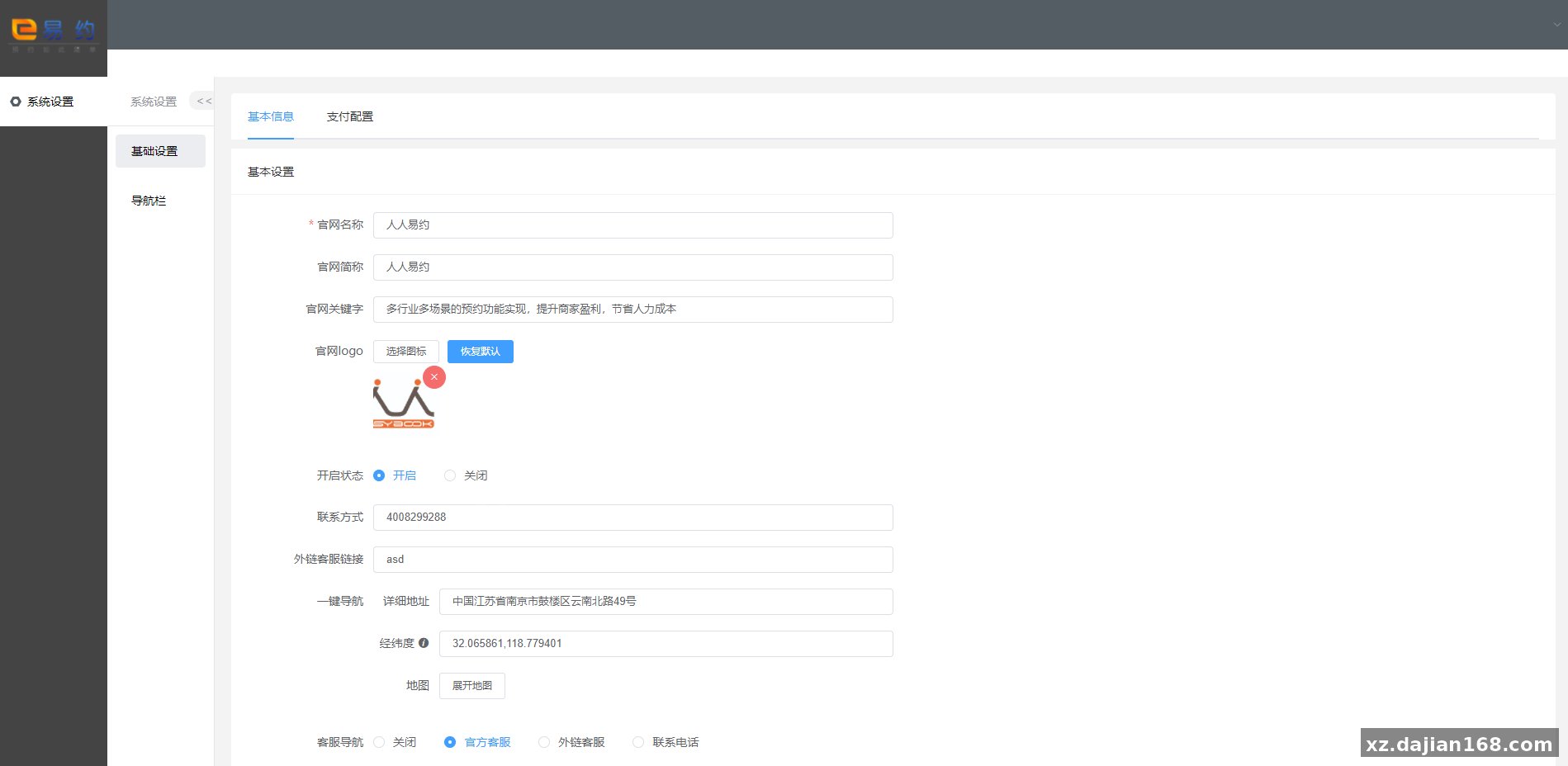
A: Yes, this is an open-source package from dajian168, so you can fully customize the UI. The logo and splash screen are in /frontend/src/static/images/. Replace logo.png and splash.png, then rebuild. The admin panel’s homepage editor also lets you upload a custom header image and brand colors without touching code.
Q: Does the service-provider payment mode work with international WeChat Pay accounts?
A: No. WeChat Pay service-provider functionality is only available for mainland China-registered business licenses. If you’re deploying outside China, you’ll need to switch to standard merchant mode (each tenant registers their own WeChat Pay account), which removes the auto-split commission feature. Alipay has a similar restriction.
Q: How do I handle refunds when a customer cancels a booking?
A: The admin dashboard has a “Refund” button on each booking detail page. Clicking it triggers the WeChat Pay refund API (/backend/controllers/refund.js). Funds return to the customer’s WeChat wallet within 1-3 business days. The system does not auto-refund based on cancellation time; you must manually approve each request. If you want automatic refunds for cancellations made 24+ hours in advance, add a cron job that queries SELECT * FROM bookings WHERE status='cancelled' AND cancel_time < start_time - INTERVAL 24 HOUR and calls the refund controller.
Original Reference
Original title: 开源版预约小程序SaaS服务系统/前端VUE/微信小程序-系统演示站
Original excerpt:
admin
综合系统
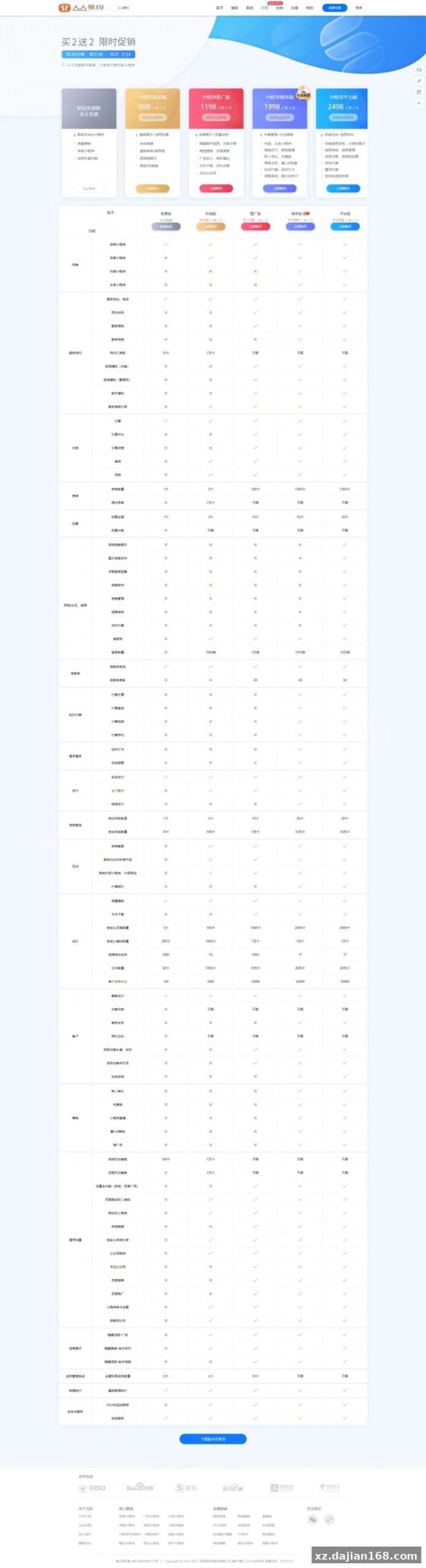
开源版预约小程序SaaS服务系统/前端VUE/微信小程序
系统功能:
支持场地预约、店员预约、时间预约、预约人数、
集成微信支付服务商支付、支付宝支付
前端VUE,支持编译多端:微信、支付宝、H5
支持云打印机
支持短信提醒、
内置静态官网可调整
适用于提供各类预约服务类小程序SaaS服务
分享到:
Original screenshots:
Disclaimer
⚠️ This article is for educational research and technical exchange only. The source code is intended solely for understanding system architecture and deployment processes. Do not use it for illegal purposes. Any commercial operation is unrelated to the author.