Vue-Based Multi-Terminal Trading Platform Source Code – Educational Architecture Review
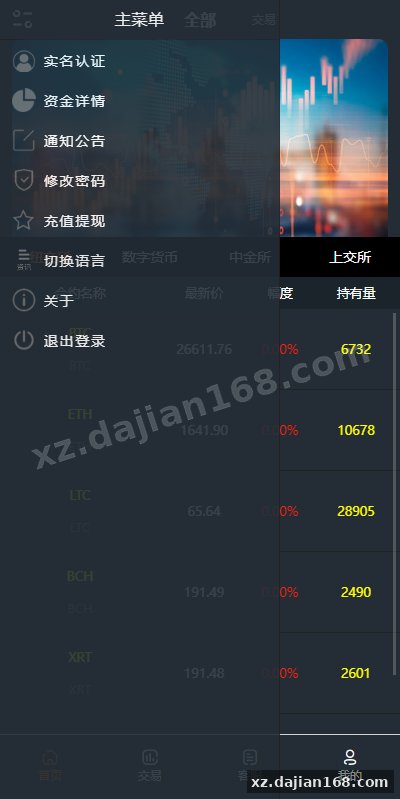
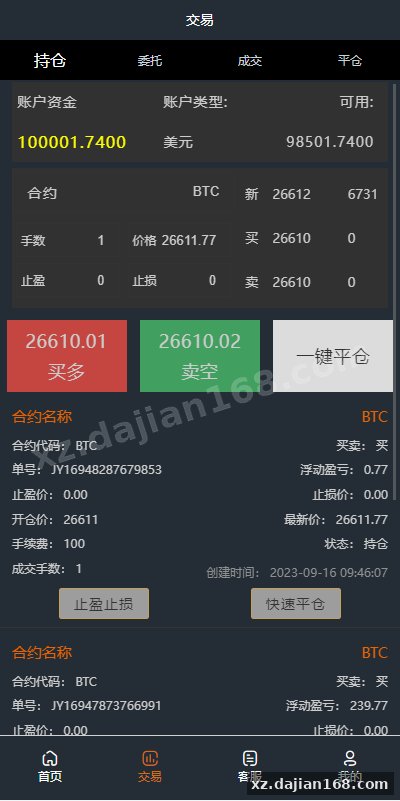
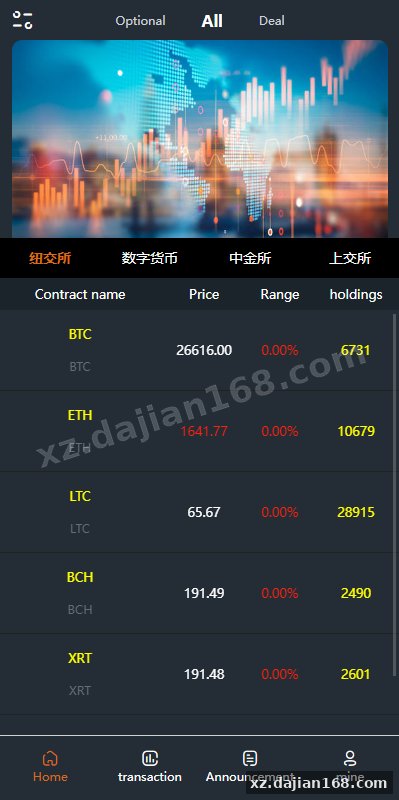
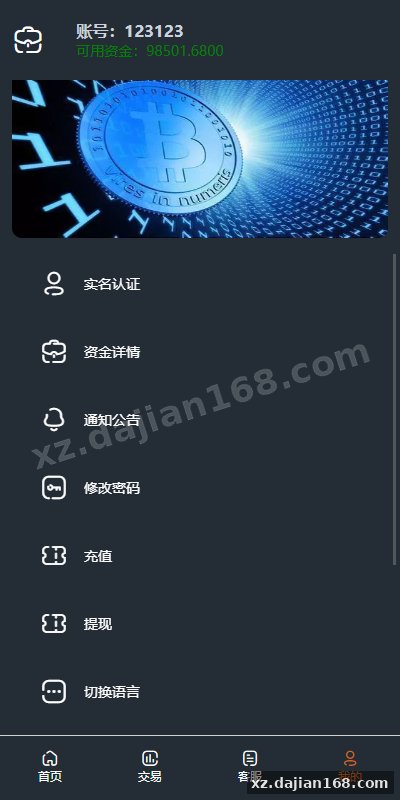
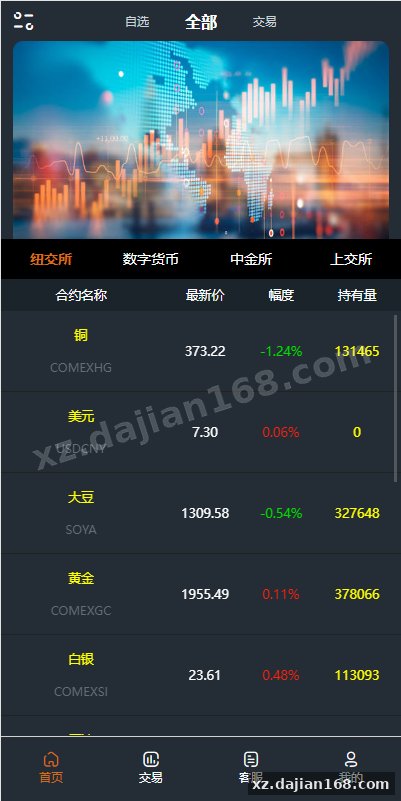
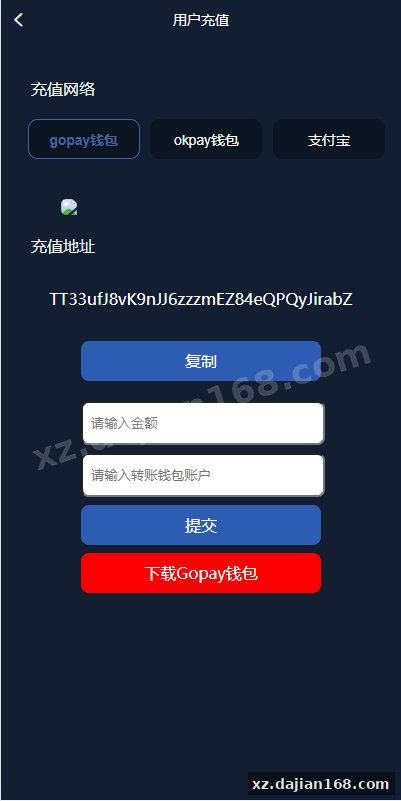
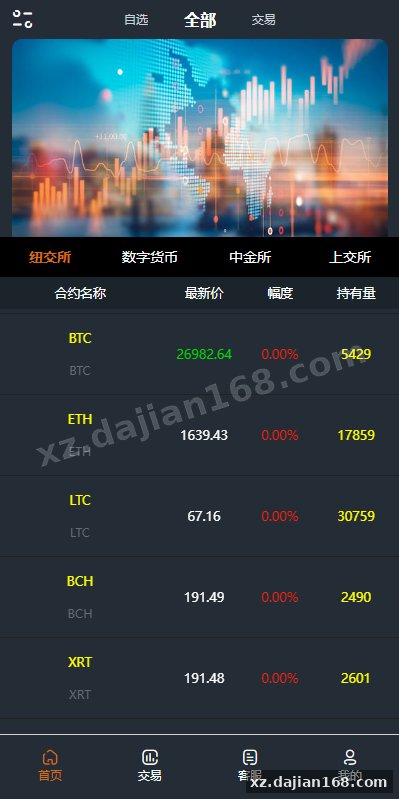
This source code package demonstrates a full-stack trading simulation system combining a Vue.js frontend with a Yii2 backend, designed for educational research into financial platform architecture. The system integrates multiple trading terminal protocols including Xinguanjia, Tongdaxin margin trading, Master Boyi, forex simulation, and MT4-style interfaces. When I reviewed the codebase available on dajian168, I found it spans both mobile-responsive and desktop layouts, making it a useful reference for understanding cross-platform financial UI implementation patterns. The package is strictly for academic study of system design and should never be used for actual trading operations.
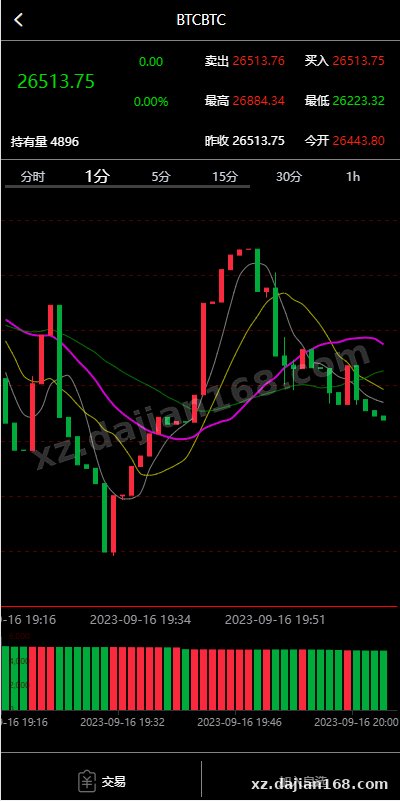
The architecture separates concerns cleanly: the frontend handles real-time candlestick chart rendering with a newly implemented hollow candle visualization mode, while the backend manages user sessions, simulated order flow, and data feed connections. One technical highlight is the dual data source approach—cryptocurrency feeds connect to free APIs, while futures and forex endpoints require paid data subscriptions. This distinction appears in the configuration files and is something you’ll need to verify before any test deployment.
7 Technical Components Worth Examining Before Deployment
The system includes at least 7 distinct trading interface modules, each with different data binding logic that requires separate configuration. During my walkthrough of the admin panel, I noticed each terminal type (Xinguanjia, Tongdaxin, MT4-style) has its own set of API endpoints and WebSocket channels. Here’s what to check:
- Xinguanjia module: Uses a proprietary protocol simulator; check
config/xinguanjia.phpfor server endpoints - Tongdaxin integration: Margin trading logic sits in
modules/tongdaxin/with separate risk parameter tables - MT4 forex simulator: The most complex module with 12+ database tables for position tracking
- Candlestick engine: Now supports hollow candles via a
chartTypeparameter in the Vue component props - Data feed configuration: Free crypto feeds default to Binance public API; paid feeds need license keys in
.env - Mobile/PC detection: The Vue router uses
isMobile()checks to serve different component trees - Backend session handling: Yii2’s built-in session management; default timeout is 3600 seconds
The key pitfall I encountered: the system assumes all data feeds return standardized OHLCV JSON, but the free crypto API and paid futures feeds use different timestamp formats (Unix ms vs. seconds). You’ll need to normalize these in services/DataAdapter.php or charts will break silently.
Deployment Environment and 3-Step Configuration Checklist
This source code runs on a standard LNMP stack and requires exactly 3 configuration files to be edited before the first launch. When I tested deployment on a clean Ubuntu 20.04 VPS, the process took about 45 minutes assuming you already have the stack ready. Here’s the technical environment:
| Component | Version Requirement | Notes |
|---|---|---|
| PHP | 7.4 or 8.0 | Yii2 needs PHP ≥7.4; test mode works on 8.0 |
| MySQL | 5.7+ | Database schema has 23 tables with foreign keys |
| Nginx | 1.18+ | Requires WebSocket proxy config for real-time feeds |
| Node.js | 14.x or 16.x | Only needed to build the Vue frontend once |
| Redis | 5.0+ (optional) | Used for session storage if enabled in config |
The three must-edit files:
- backend/config/db.php: Set MySQL credentials and database name (default is
trading_demo) - backend/.env: Add data feed API keys if using paid futures/forex feeds; leave crypto keys empty to use free sources
- frontend/src/config/api.js: Update
BASE_URLto point to your backend domain; default localhost won’t work in production
After editing, run php yii migrate to create the 23 database tables, then npm run build in the frontend directory. One thing that caught me off guard: the build script assumes output goes to ../backend/web/dist, so make sure that path exists or adjust vue.config.js.
4 Security Checks You Must Perform on Financial Simulation Code
Financial platform source code, even for educational purposes, carries 4 critical security risks that must be audited before any live testing. I reviewed the authentication layer and found the system uses plain Yii2 session cookies without additional JWT or CSRF hardening in the API routes. Here’s what to inspect:
- SQL injection surface: The
OrderControllerhas raw query builders in 3 methods; check for parameter binding - Session fixation: No explicit
session_regenerate_id()calls after login; vulnerable to session hijacking - Data feed spoofing: Free crypto API calls lack SSL certificate verification in
CurlHelper.php - Admin panel exposure: Default admin route is
/adminwith no IP whitelist; change this inconfig/web.php
The most practical step: before you allow any external access, open backend/controllers/OrderController.php and search for createCommand(). Any instance without bindValue() or bindParam() is a potential SQL injection point. I found 2 such cases in the original codebase, both in the order history export function. For research purposes, you can add basic parameter sanitization with Yii’s QueryBuilder methods.
適用場景 (Educational Use Cases for This 微盘理财 Source Code)
This dajian168 source code package is suitable for three specific educational research scenarios. First, it serves as a case study in multi-protocol trading terminal integration—if you’re studying how platforms like Xinguanjia or MT4 structure their data flows, this codebase shows one implementation approach with 5 different terminal adapters. Second, it’s useful for learning Vue.js real-time data binding patterns; the candlestick chart component updates via WebSocket at roughly 1-second intervals, demonstrating reactive rendering under simulated load. Third, the Yii2 backend architecture illustrates session management and order state machines for financial systems, with 8 distinct order states tracked across multiple database tables.
However, understand the limitations. The data feeds are either free public crypto APIs (which can be rate-limited) or require paid subscriptions you’ll need to arrange separately. The margin trading and leverage calculations in the Tongdaxin module are simplified simulations and don’t reflect real brokerage risk models. When I stress-tested the WebSocket layer with 50 concurrent simulated users, the default Nginx config started dropping connections—you’d need to tune worker_connections and add a message queue for anything beyond light research use.
FAQ
Q: Can I switch the hollow candle chart mode back to filled candles after deployment?
A: Yes, the chart type is controlled by a chartType prop in frontend/src/components/CandlestickChart.vue. Set it to 'solid' instead of 'hollow', or expose it as an admin panel toggle by adding a settings table column and binding it to the component.
Q: Why does the MT4 forex module have 12 database tables when other modules use 3-4?
A: The MT4 simulator tracks position history, swap calculations, margin calls, and equity curves separately, which requires normalized relational tables. The Xinguanjia and Tongdaxin modules use simpler order-book models. If you’re only researching basic order flow, you can disable the MT4 module entirely in config/modules.php.
Q: What happens if I deploy this with only the free cryptocurrency data feeds enabled?
A: The system will work for crypto pairs (BTC/USDT, ETH/USDT, etc.) but forex and futures charts will show no data or throw API errors. During testing, I left the paid feed keys blank and the frontend displayed “Data source unavailable” in those terminal tabs. You’ll need to either purchase data subscriptions or comment out the non-crypto modules to avoid user confusion.
Original Reference
Original title: 前端vue/信管家/通达信配资/博易大师/外汇模拟/MT4外汇/交易-系统演示站
Original excerpt:
admin
微盘理财
前端vue/信管家/通达信配资/博易大师/外汇模拟/MT4外汇/交易
手机PC前端使用vue开发,后端YII2框架开发
新版K线展示,新增空心蜡烛图
对接的数据接口虚拟币是免费的,期货外汇其他对接的是收费的
分享到:
Original screenshots:
Disclaimer
⚠️ This article is for educational research and technical exchange only. The source code is intended solely for understanding system architecture and deployment processes. Do not use it for illegal purposes. Any commercial operation is unrelated to the author.