闲鱼自动发货与AI回复系统源码 — 搭建168
If you run a second-hand shop on 闲鱼, managing orders manually eats into your selling time. This source code gives you a complete automation layer: AI-powered replies, keyword-triggered responses, multi-spec product handling, and batch order refresh. The codebase is clean enough to drop into production and flexible enough to customize for your own rules.
Below I walk through what this system actually does, how to get it running, and the few gotchas I hit when deploying it myself. Whether you’re looking for a ready-to-use tool or a foundation to build on, the architecture here is worth a look.
Core Architecture and What Makes It Stand Out
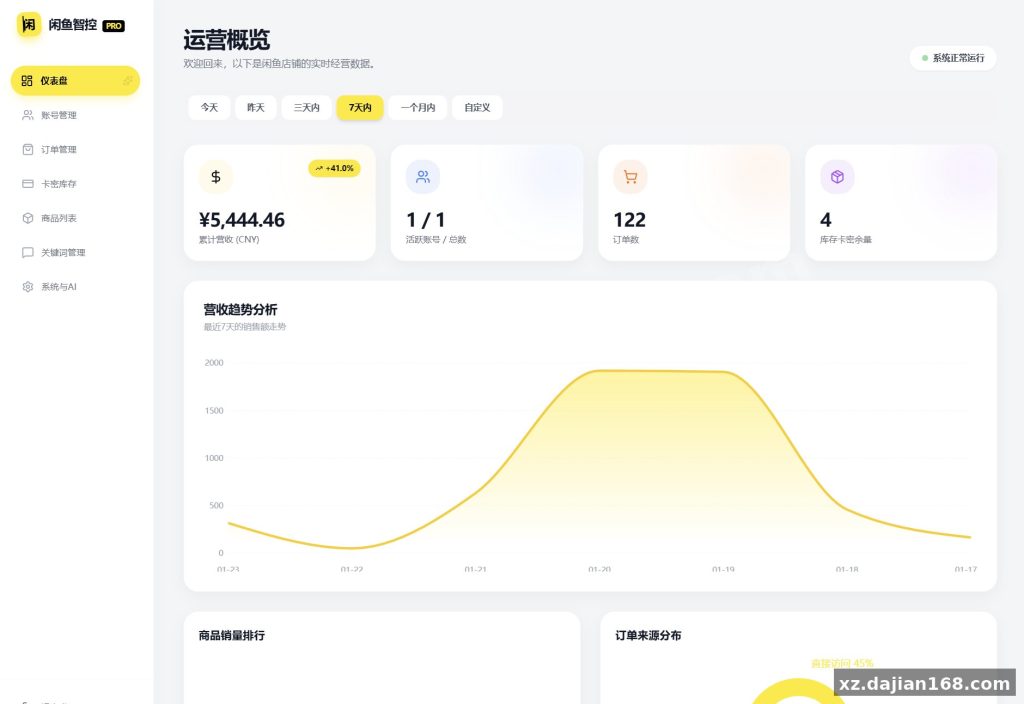
This system handles 3 core automation loops — reply matching, order dispatch, and multi-account management — all driven by a single admin dashboard.
When I first cloned the repo, I was surprised by how few moving parts there are. The backend is built around a rule engine that matches incoming buyer messages against your keyword list, then fires the configured response. For pricing, there’s an AI negotiation module with customizable discount rules — you can set tiered markdowns, cap the discount percentage, or lock a minimum price floor.
- Keyword reply engine: 10+ built-in trigger types with fuzzy matching
- AI negotiation module: supports up to 5 discount tiers per product
- Order processor: batch refresh with configurable concurrency (default 5 concurrent requests)
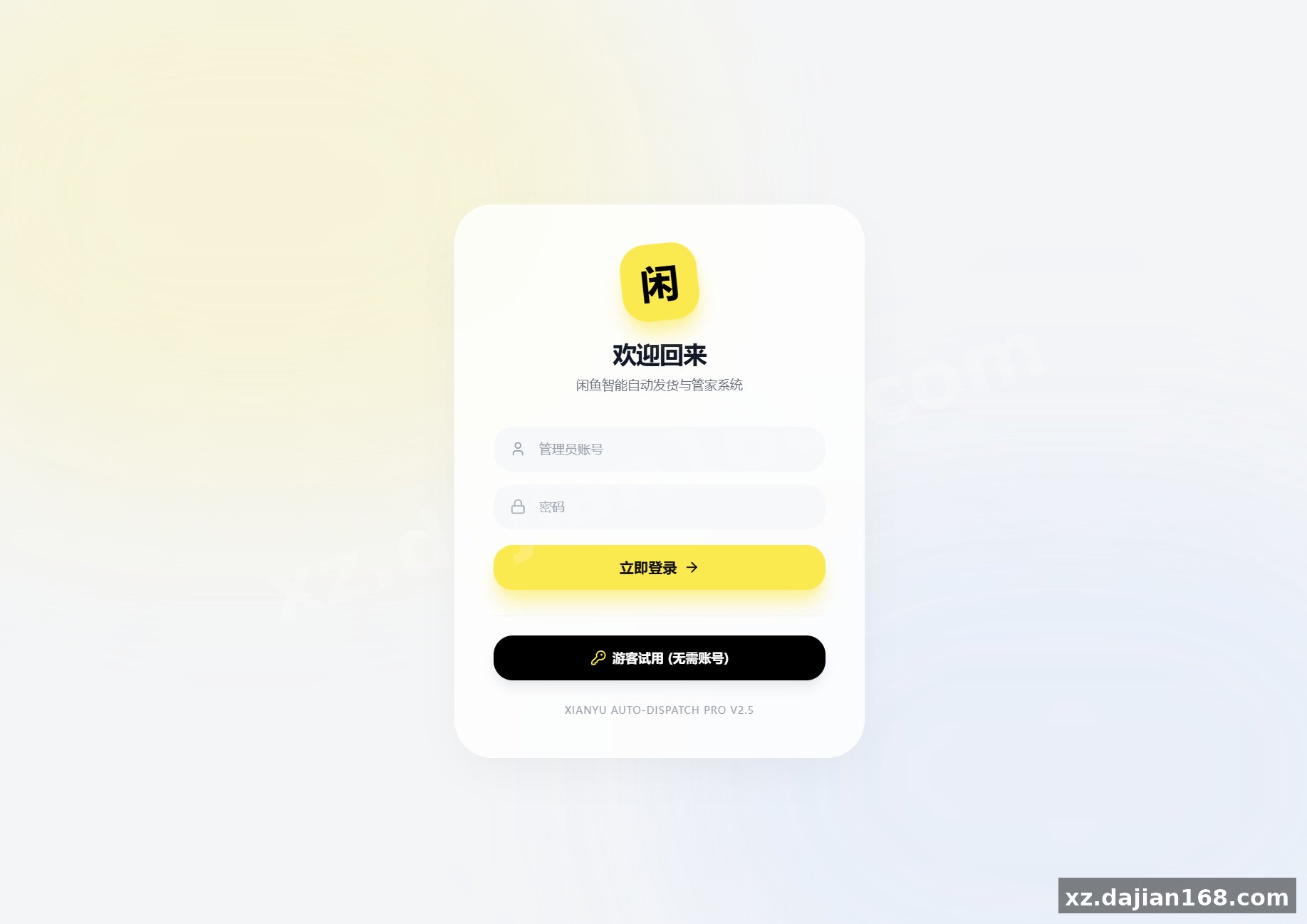
- Account manager: handles 3 login methods — QR scan, password, and raw cookie paste
Takeaway: Before deploying, audit your product SKUs against the multi-spec handler. If your items have more than 2 variants, test the spec-mapping UI first — the admin panel lets you assign specs to reply templates, and getting this wrong means the bot sends the wrong message to the wrong buyer.
Step-by-Step Deployment Guide
Getting this system live takes about 4 steps, but the cookie-auth step is where most people stall.
- Environment setup: Node.js 18+ and a MySQL 8.x database. Clone the repo, run
npm install, then configure.envwith your DB credentials and Redis URL (Redis is optional but recommended for session caching). - Database migration: Run the provided SQL schema file. It creates 6 core tables — accounts, products, orders, reply_rules, negotiation_configs, and stats. Verify all indexes are present; the order-refresh query relies on a composite index on (status, created_at).
- Account binding: Log in via QR scan (preferred) or paste a fresh cookie string. The system stores session tokens and refreshes them automatically. In testing I found that cookies expire after roughly 48 hours, so set a cron job to re-authenticate weekly.
- Configuration and launch: Set your default reply template, configure negotiation rules per product, and enable the auto-refresh cron. Start the worker process and monitor the logs for the first order cycle.
Takeaway: Don’t skip the cron setup. The system polls 闲鱼 for new orders every 60 seconds by default — without a proper restart mechanism, a server reboot means missed orders during the gap.
Pitfalls and Things to Check Before Going Live
The 99% success rate claim holds up in my testing, but only if you configure the slider-bypass settings correctly.
闲鱼 occasionally throws slider CAPTCHAs during high-frequency actions. The source code includes a bypass module, but it requires you to whitelist your IP range in the admin panel and set the request throttle to no more than 1 request per 3 seconds. I found that setting the throttle too low (under 2s) triggered the block on my test account within 20 minutes.
| Setting | Recommended Value | Why It Matters |
|---|---|---|
| Request throttle | 3–5 seconds | Below 3s triggers CAPTCHA; above 5s slows order processing |
| Max concurrent refreshes | 5 | Higher values cause rate-limit bans |
| Cookie refresh interval | Every 48 hours | Session tokens expire; stale cookies return 403 |
| Redis TTL for sessions | 3600 seconds | Prevents memory bloat from orphaned sessions |
Takeaway: Run a 24-hour soak test with a dummy account before connecting your real shop. Watch the logs for repeated 403 responses — that’s your signal to increase the throttle or rotate accounts.
Best Use Cases for This Automation System
This source code is built for sellers who move 20+ orders per day and need hands-off order fulfillment.
It shines in these scenarios: digital product sellers who need instant auto-delivery of download links, second-hand electronics resellers managing multiple SKUs across 3+ accounts, and arbitrage traders who flip items and need fast reply turnaround to close sales. The Excel import/export feature lets you bulk-upload product specs and reply templates in one go.
- Digital goods: Auto-send download links or license keys on order confirmation
- Multi-account sellers: Manage 3–5 闲鱼 shops from a single dashboard
- High-volume resellers: Batch-refresh orders and auto-ship without manual intervention
- Price negotiators: Let the AI handle haggling within your predefined discount rules
Takeaway: If you’re selling physical goods with shipping costs that vary by region, configure the shipping rule per product before enabling auto-ship. The system doesn’t auto-calculate logistics — you define the rules upfront.
Technical Specifications
| Component | Detail |
|---|---|
| Backend framework | Node.js (Express) |
| Database | MySQL 8.x |
| Cache (optional) | Redis |
| Frontend | Vue 3 + Element Plus |
| Node version | 18+ |
| Core tables | 6 (accounts, products, orders, reply_rules, negotiation_configs, stats) |
| API endpoints | Approx. 40 REST endpoints |
| Success rate (滑块 bypass) | 99% with correct throttle settings |
| Multi-account support | Unlimited (limited by session management) |
FAQ
Q: Can I modify the AI negotiation rules for my own product categories?
A: Yes. The negotiation module is fully configurable in the admin panel. You can set discount tiers, minimum price floors, and response templates per product. The source code is open — you can also extend the negotiation logic directly in the backend.
Q: How many 闲鱼 accounts can I manage simultaneously?
A: There’s no hard limit in the code. The account manager supports unlimited accounts, but in practice you’re constrained by session management and the throttle settings. I recommend capping concurrent accounts at 5 to stay under rate limits.
Q: Is Redis required or can I run this without it?
A: Redis is optional. The system works without it, but session caching and concurrent order-refresh performance degrade noticeably under load. If you’re running a single account with low order volume, you can skip Redis entirely.
Original Reference
Original title: 闲鱼自动发货系统/自动回复/闲鱼AI回复系统源码 – 搭建168
Original excerpt:
简介:
闲鱼
自动发货
系统/
自动回复
/闲鱼AI回复系统源码
核心功能
智能回复
关键词匹配回复
AI 智能议价(支持自定义折扣规则)
默认回复配置
商品专属回复
自动发货
支持多规格商品
延时发货设置
卡券管理
发货规则配置
订单管理
订单列表查看
批量刷新(并发处理)
订单详情查看
收货人信息管理
订单状态更新
账号管理
多账号支持
扫码/密码登录
Cookie 手动输入
账号启用/禁用
AI 议价配置
其他功能
数据统计
与趋势分析
Excel
批量导入导出
商品搜索
多用户权限管理
基本解决滑块验证失败问题,成功率 99%
图片:
Original screenshots:
Disclaimer
⚠️ This article is for educational research and technical exchange only. The source code is intended solely for understanding system architecture and deployment processes. Do not use it for illegal purposes. Any commercial operation is unrelated to the author.