Building a Short Video Content Distribution and Smart Editing System: FFmpeg Stream Rendering and Multi-language Frontend
Building a Short Video Content Distribution and Smart Editing System: FFmpeg Stream Rendering and Multi-language Frontend
Disclaimer: This article is for technical education and demonstration only. It is not professional or financial advice. Any real-world deployment must comply with applicable laws and regulations.
Last month, I deployed a short-video content distribution and cloud-based video composition system for a cross-border MCN client. Their team processes a massive volume of product showcase footage daily. Manual editing simply couldn’t keep up with the workload, especially since the final videos needed to be distributed across various overseas social platforms. When I inspected the source code package, I found a complete project with domain verification logic already removed. The backend relies on PHP, Workerman, and FFmpeg for asynchronous queue rendering, while the frontend features a built-in multi-language switching architecture. It took me two days to get the entire environment up and running, so I’m documenting the setup process and some troubleshooting details here.
Core Feature Testing and Architecture Analysis
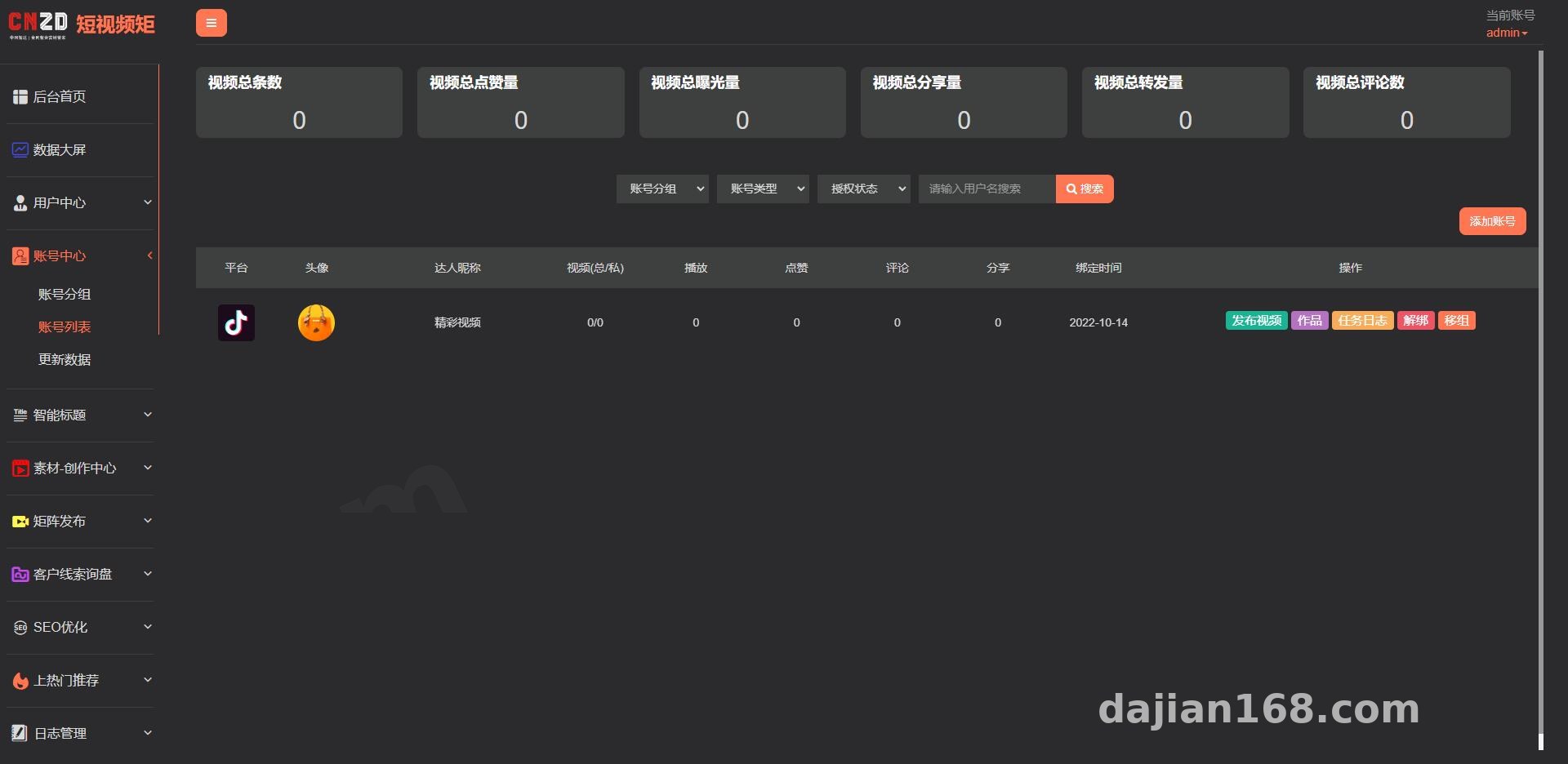
The core value of this codebase isn’t simple file uploading, but rather its automated cloud composition engine and distribution scheduler. The backend is primarily divided into the asset library module, composition strategy module, and multi-platform API integration module.
1. Independent Multimedia Asset Library Management
In older systems I’ve worked with, background music and video clips were lumped together, making management a nightmare. This version completely separates the audio library, subtitle library, and sticker layers. During testing, I uploaded dozens of royalty-free BGM tracks and several sets of PNG sequence stickers. The system automatically reads the audio duration and writes it to the database, which makes automatic truncation or loop matching much easier during subsequent video composition.
2. Subtitle Rendering and Custom Fonts
Visual presentation of subtitles is crucial for short-video content distribution. The backend includes a built-in subtitle asset library and exposes an interface for mounting TTF font files. I loaded five or six commercial-free Chinese and English fonts for the client. When creating a composition task, you cannot only select fonts and change text size or color, but also precisely adjust the Y-axis position of titles and subtitles on the canvas. This prevents the text from covering the main subject of the video or getting blocked by the platform’s bottom UI elements.
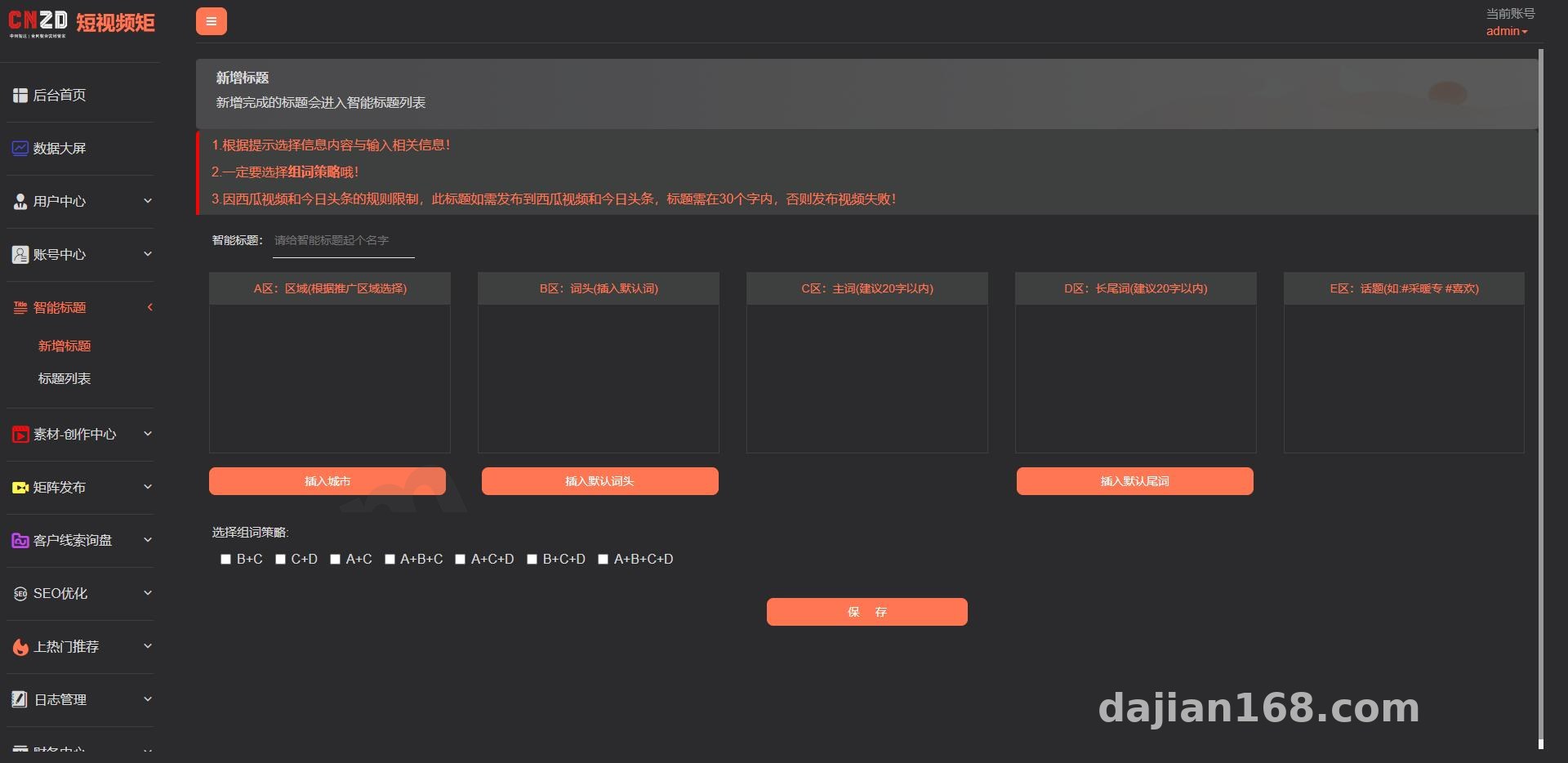
3. Sequential Composition Algorithm and Video Stream Processing
Many similar tools rely on purely random splicing, often resulting in disjointed videos that don’t make sense. This system introduces a sequential composition mode. It pulls clips in order from designated asset folders based on a predefined storyboard script logic (e.g., attention-grabbing intro + pain point demonstration + product details + outro call-to-action) for FFmpeg re-encoding. Combined with the underlying recommendation algorithm tag library, it automatically writes corresponding metadata when generating the video stream, boosting the content’s cold-start weight on target platforms.
Webmaster Practical Tip: Cloud-based video composition is extremely CPU-intensive. If you are running an entry-level server with a 2-core CPU and 4GB RAM, never set the queue concurrency too high. I recommend limiting the process count to 2 or fewer in Supervisor; otherwise, FFmpeg will max out the CPU and cause the database connection to drop directly.
Server Environment Deployment and Troubleshooting
I used a classic LNMP stack for the runtime environment: CentOS 7.9, Nginx 1.20, MySQL 5.7, and PHP 7.4, along with the mandatory Redis extension to handle task queues.
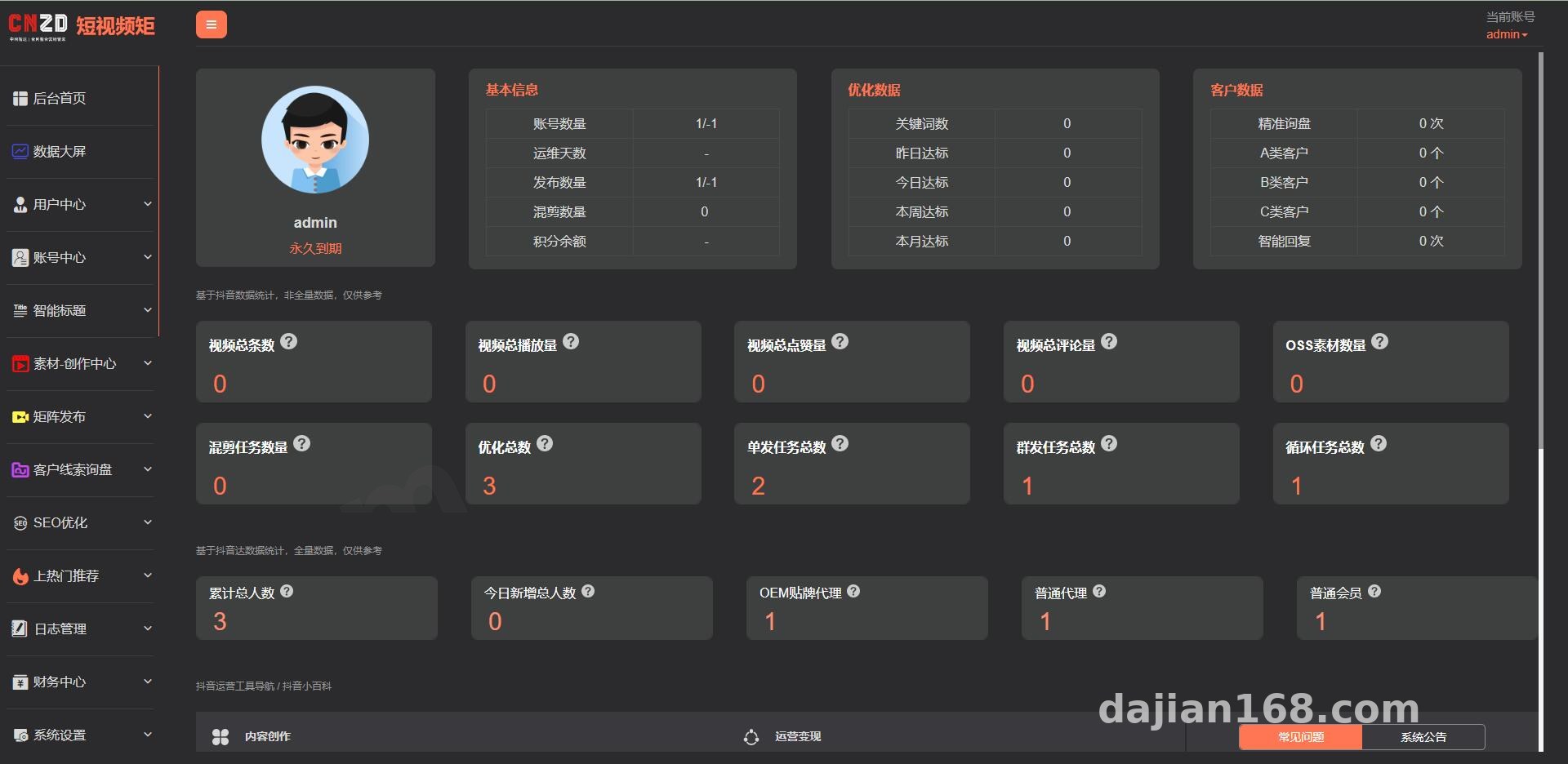
There are a few tricky spots where it’s easy to get stuck during deployment, which I’ll highlight below:
- Unblocking Disabled PHP Functions: Because the system needs PHP to invoke underlying FFmpeg commands for video stream composition, you must go into your control panel’s PHP settings and remove four specific functions from the disabled list:
exec,shell_exec,proc_open, andproc_get_status. - FFmpeg Environment Setup: Do not install the outdated default FFmpeg version directly via yum, as many filter parameters won’t be supported. Instead, I downloaded a statically compiled version 6.0 binary package, extracted it into the
/usr/local/bin/directory, granted it 755 execution permissions, and entered the absolute path into the “Global Configuration” section of the system backend to get it working smoothly. - Multi-language Frontend Configuration: The frontend is built with Uniapp, compiling to both H5 and mini-programs, and comes with an i18n multi-language package out of the box. The client needed English and several Southeast Asian languages. I simply opened the JSON files under the
localedirectory, filled in the missing translation strings, re-packaged the project using HBuilderX, and uploaded it to object storage. Secondary development on the frontend is very straightforward.
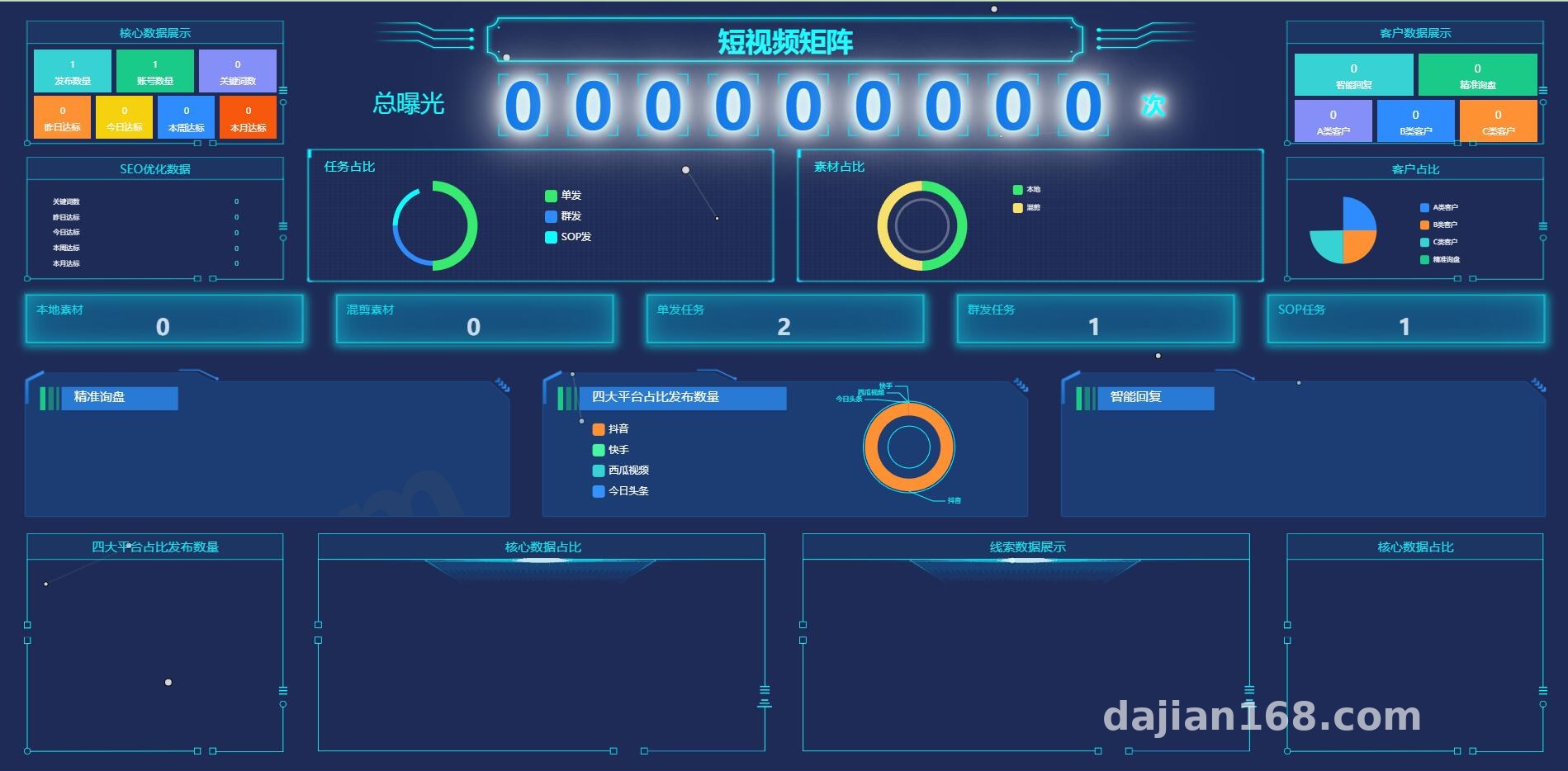
Who Is This System Built For?
Based on my delivery experience, this type of short-video content distribution system mainly fits three groups: teams running local lifestyle services or cross-border e-commerce who need to batch-generate product showcase videos in multiple languages; media studios managing multi-account content synchronization and scheduled distribution; and developers with a solid PHP background looking to use this unencrypted source code for secondary development, such as integrating cloud OSS storage or hooking up TTS voice synthesis APIs.
Frequently Asked Questions
Q: Why does the status stay stuck on “Processing” after submitting a video composition task?
A: Over 90% of the time, this happens because the backend queue daemon isn’t running. Check the Supervisor manager in your control panel to see if the process pointing to think queue:work in the project root directory has crashed. Restart the process and double-check that your Redis connection password is configured correctly.
Q: The rendered video displays stickers properly, but all the subtitles turn into garbled square boxes. How do I fix this?
A: This is a classic issue caused by missing Chinese or localized font libraries on a Linux server. Aside from uploading font files in the system backend, I recommend copying your commonly used font files (.ttf format) directly into the server’s /usr/share/fonts/ directory, then running fc-cache -fv to refresh the system font cache.
Q: What are the requirements for integrating distribution APIs of mainstream short-video platforms?
A: The underlying system already includes the logic for OAuth2.0 authorization and video publishing APIs. However, you need to apply for a developer account on the respective platform’s open portal, create a mobile or web application, and wait for approval. Once approved, just copy the AppKey and AppSecret into the system backend to enable the distribution features.
Disclaimer: The technical solutions and source code analysis documented in this article are for technical education, development testing, and learning exchanges only. Please strictly comply with local laws and regulations, and do not use the system for any unauthorized or unlawful purposes.
Disclaimer: This article is for technical education and demonstration only. It is not professional or financial advice. Any real-world deployment must comply with applicable laws and regulations.
#Short Video System #FFmpeg #Source Code Deployment #Content Distribution #Multi-language Development
-
 Alipay QR Code Scan
-
 WeChat Scan Pay