Enterprise App Beta Hosting & Multi-Channel Checkout System: Cloud Storage OSS and Payment Gateway Integration
Enterprise App Beta Hosting & Multi-Channel Checkout System: Cloud Storage OSS and Payment Gateway Integration
Disclaimer: This article is for technical education and demonstration only. It is not professional or financial advice. Any real-world deployment must comply with applicable laws and regulations.
A few weeks ago, I helped a team building overseas utility apps deploy an internal application hosting and billing system. Before this, they distributed test builds manually. Not only was version control a complete mess, but settling cloud storage bandwidth costs across internal sub-teams was also a massive headache. I happened to have the source code for a distribution management system with a built-in checkout module and cloud storage routing. I spent two nights getting the environment up and running for them, and hooked up the official payment APIs along with Alibaba Cloud OSS. Today, I am sharing the architectural details and troubleshooting notes from this setup as a reference for developers who need to build similar enterprise beta distribution and billing gateways.
Core Business Architecture and Checkout System Testing
The codebase is quite clean. Its core logic splits into two main parts: dual-platform package parsing with cloud hosting, and a membership billing module based on bandwidth and storage usage. When I first got the code, I focused on testing the payment callbacks and credit deduction logic. Overall response times stayed well within the millisecond range.
1. Multi-Channel Payment Gateway and Credit Billing Architecture
Most open-source app distribution scripts lack commercial billing features, but this system includes a full-featured checkout architecture right out of the box. The backend comes pre-packaged with official WeChat Pay, Alipay Web, and third-party aggregated payment gateway interfaces. I ran a top-up test locally using a sandbox environment. When a user initiates a credit purchase on the frontend, the system generates a unique order ID and triggers the checkout page. Once the asynchronous callback (Notify) passes signature verification, credits are issued to the member account in milliseconds.
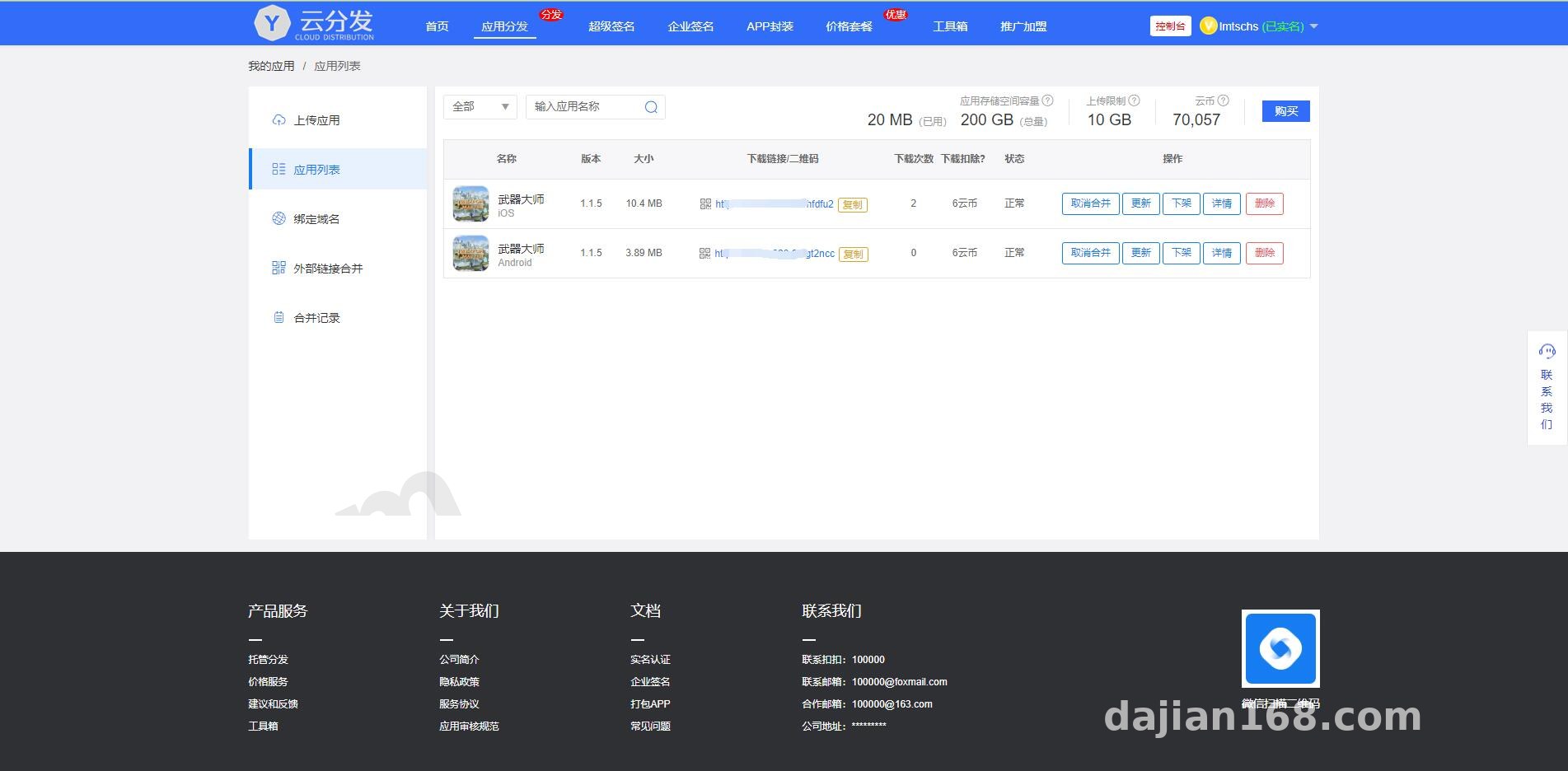
What makes it even more practical is the dynamic billing engine. Administrators can configure custom download credit deductions in the backend based on package file size and whether external cloud storage is enabled. For instance, you can set builds under 20MB to deduct 1 credit, while packages over 100MB deduct 5 credits. Financial logs and online recharge records are clearly laid out in the dashboard, making it a solid foundation for a SaaS-style enterprise app hosting platform.
2. Unified Dual-Platform Recognition and Multi-Cloud Storage Routing
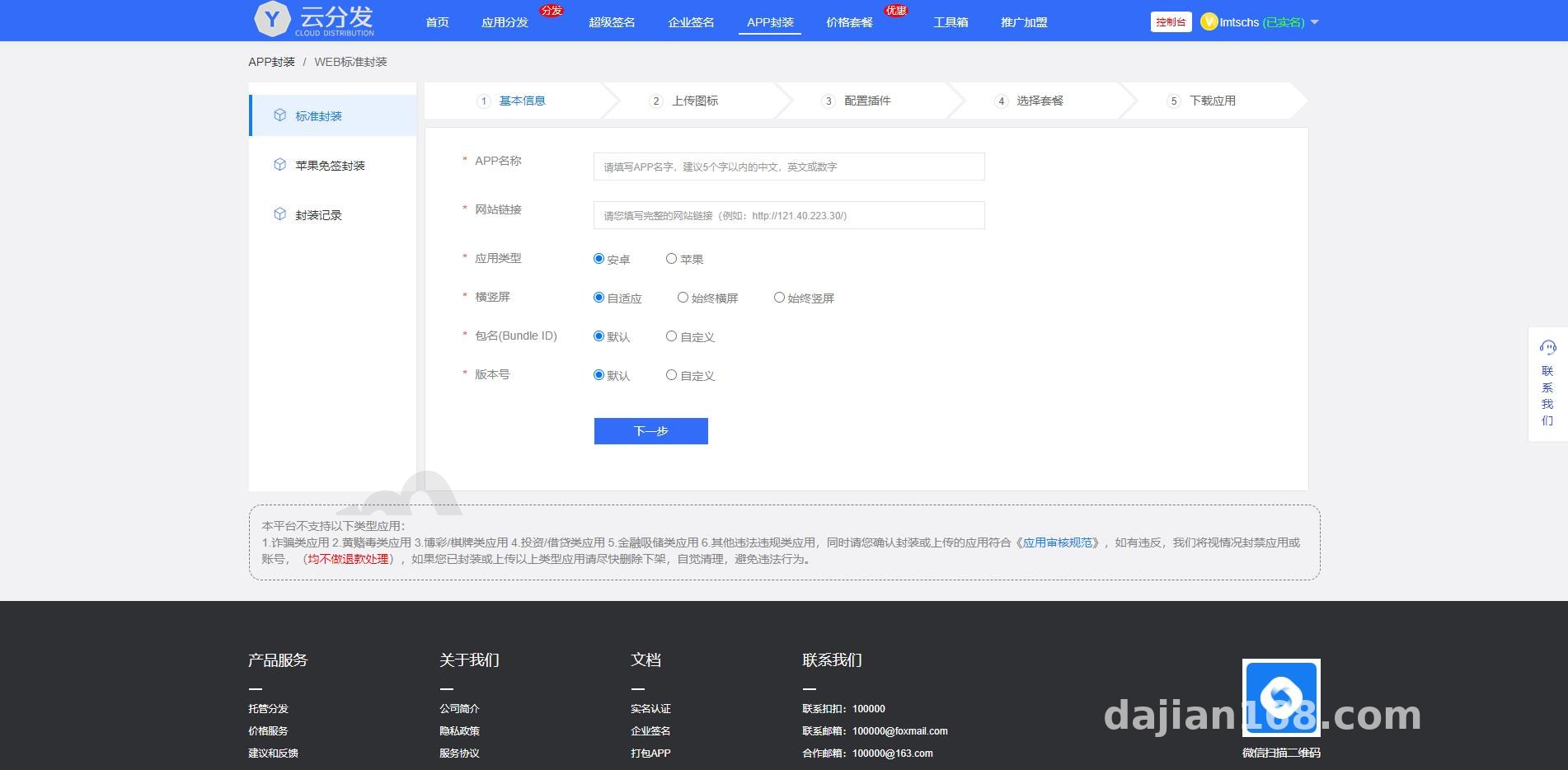
Anyone in mobile development knows how clumsy it is to send separate links for Android (APK) and iOS (IPA) test builds. This system lets you link both packages together and generate a single unified QR code. By reading the visitor’s device User-Agent on the frontend, it automatically routes the user to either the Android download stream or the iOS installation profile flow. The user experience is super smooth.
To prevent large file downloads from maxing out the main server’s bandwidth, the underlying architecture decouples storage from computing. Aside from local disk storage, it natively integrates SDKs for Qiniu Cloud and Alibaba Cloud OSS. Once you enter your AccessKey and Bucket domain in the backend, uploaded installers are automatically offloaded to object storage nodes. The main server only handles PHP business requests and checkout logic, so it won’t freeze up even during high-concurrency download spikes.
Webmaster Pro Tip: When configuring direct uploads to Alibaba Cloud OSS or Qiniu Cloud, make sure to set up Cross-Origin Resource Sharing (CORS) rules in your cloud provider’s console first. You must allow POST and PUT requests; otherwise, large chunked uploads on the frontend will throw a network error right at 99%. I learned this the hard way so you don’t have to.
3. Membership Tier Permissions and Multi-Language Templates
Because my client needed to run beta tests for overseas users, the built-in frontend templates with multiple UI themes and one-click switching between Simplified Chinese, Traditional Chinese, and English came in very handy. The backend membership system is also quite granular. You can restrict allocated cloud storage capacity and single-file upload size limits based on user tiers, and even control whether free accounts see platform announcements or promotional banners on their download landing pages. Higher-tier members can also bind custom CNAME domains in their dashboard, which is great for maintaining brand independence.

Server Environment Deployment and Configuration Pitfalls
This system isn’t picky about server specs; a standard LNMP stack runs it smoothly. I used CentOS 7.9 paired with the Baota (aaPanel) control panel. Here are the exact configuration parameters I used:
- Runtime Environment: Nginx 1.20 + PHP 7.3 + MySQL 5.7
- Required PHP Extensions: You must install the
fileinfo,zip, andcurlextensions (used for parsing app icons and version metadata inside the installation packages). - URL Rewrite and Directory Permissions: Set the root running directory to
public(depending on the specific framework version), apply standard MVC URL rewrite rules, and grant 755 write permissions to theruntimeanduploaddirectories.
Tuning Large File Upload Limits
Right after installation, I tried uploading an 80MB test package and immediately hit a 413 Request Entity Too Large error. This happens because the default upload limits in Nginx and PHP are way too small. The fix is straightforward: open your Nginx configuration file and change client_max_body_size to 500m. Next, go into your PHP settings and bump both upload_max_filesize and post_max_size up to 500M, while extending max_execution_time to 300 seconds. After restarting the services, large package uploads ran rock solid.
Enterprise Certificate Validation and Local Environment Setup
For iOS beta distribution, the system supports standard provisioning profile uploads and enterprise developer certificate management. It even allows integration with a local Mac environment for automated packaging and certificate validation. The admin panel also includes full app version history rollbacks, daily UV/PV traffic analytics, and download data reports, making it easy for dev teams to monitor test build distribution in real time.
Frequently Asked Questions (FAQ)
Q: Why does the asynchronous callback keep failing signature verification when integrating Alipay and WeChat Pay gateways?
A: Nine times out of ten, the certificate path or public key is entered incorrectly. Make sure you don’t confuse the “Application Public Key” with the “Alipay Public Key”—the checkout configuration in the backend requires the platform’s public key. Also, check if your server forces HTTPS redirects. If the callback URL uses HTTP and gets 301-redirected to HTTPS, the POST parameters will be stripped during the redirect, causing signature verification to fail.
Q: After uploading an Android APK or iOS IPA file, the system fails to read the app icon and package name. What’s going on?
A: This is a classic issue caused by disabled PHP functions. Go to your PHP settings in the control panel, find the “Disabled Functions” list, and remove exec, shell_exec, and proc_open. The underlying system needs to call parsing utilities to unpack and read configuration files inside the installers. Remove those restrictions, restart PHP-FPM, and everything will work normally.
Q: How do I fix SSL certificate errors when members visit their bound custom domains?
A: Once a member points their CNAME record to your server, you either need to enable wildcard domain support in your main server’s Nginx config or dynamically generate free Let’s Encrypt certificates via API. If you want a hassle-free workaround, have your users route their custom domains through Cloudflare or another CDN, enable Flexible SSL at the CDN level, and let your origin server handle requests over port 80.
Overall, whether you use this codebase for internal test build hosting within a software development team or customize it into a commercial cloud storage distribution and billing platform, the foundation is very solid. As a reminder, this article is for technical education and system architecture demonstration only. When deploying and operating distribution and checkout systems, always comply with local laws and regulations, strictly review uploaded application content, and ensure the platform is used solely for legitimate software testing and authorized enterprise operations.
Disclaimer: This article is for technical education and demonstration only. It is not professional or financial advice. Any real-world deployment must comply with applicable laws and regulations.
#Source Code Deployment #Payment Gateway #App Hosting #Cloud Storage Integration #Deployment Guide
-
 Alipay QR Code Scan
-
 WeChat Scan Pay