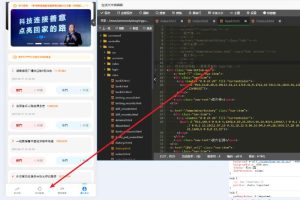
Deploying a Custom Multi-Language P2P Digital Asset Matching and Payment Gateway Demo System
Deploying a Custom Multi-Language P2P Digital Asset Matching and Payment Gateway Demo System
Disclaimer: This article is for technical education and demonstration only. It is not professional or financial advice. Any real-world deployment must comply with applicable laws and regulations.
A friend working in cross-border tech services reached out to me recently. He needed a multi-language P2P digital asset matching demo system that also included a standalone third-party payment settlement gateway. By chance, I had a newly customized source code package on hand. Not only was the multi-language module refactored, but it also came bundled with a standalone on-chain callback listener tool. I spent yesterday afternoon running through the entire deployment process on a test server. While the details are still fresh, I am documenting the setup and tuning steps as a reference for fellow webmasters and developers.
Core Features and Custom Module Testing
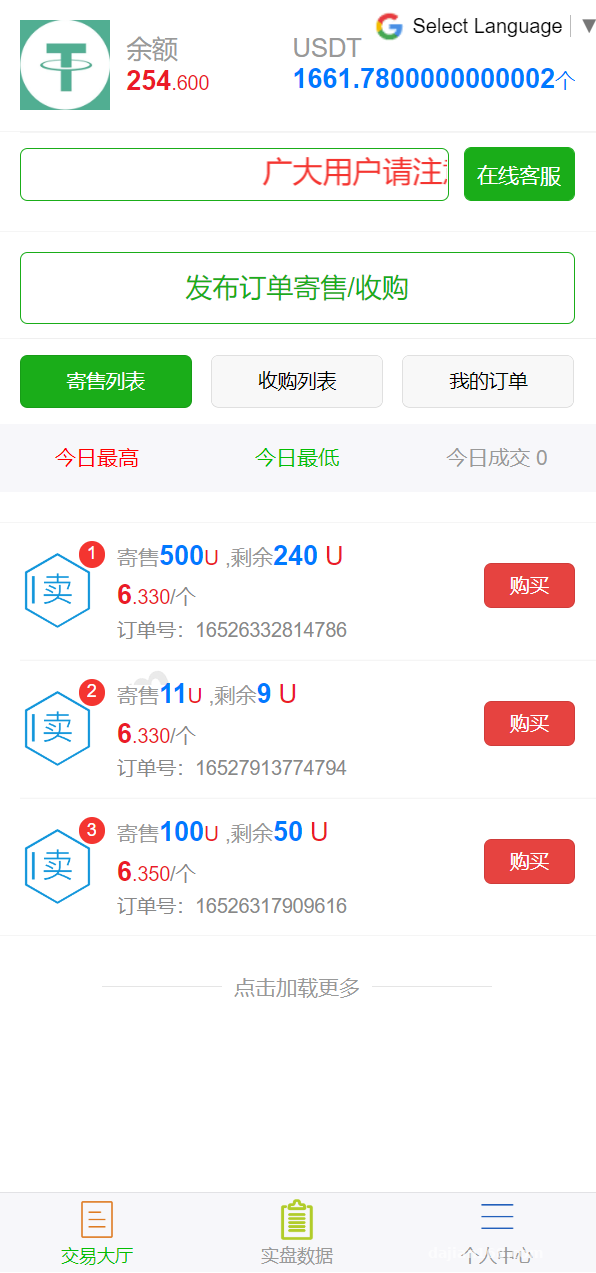
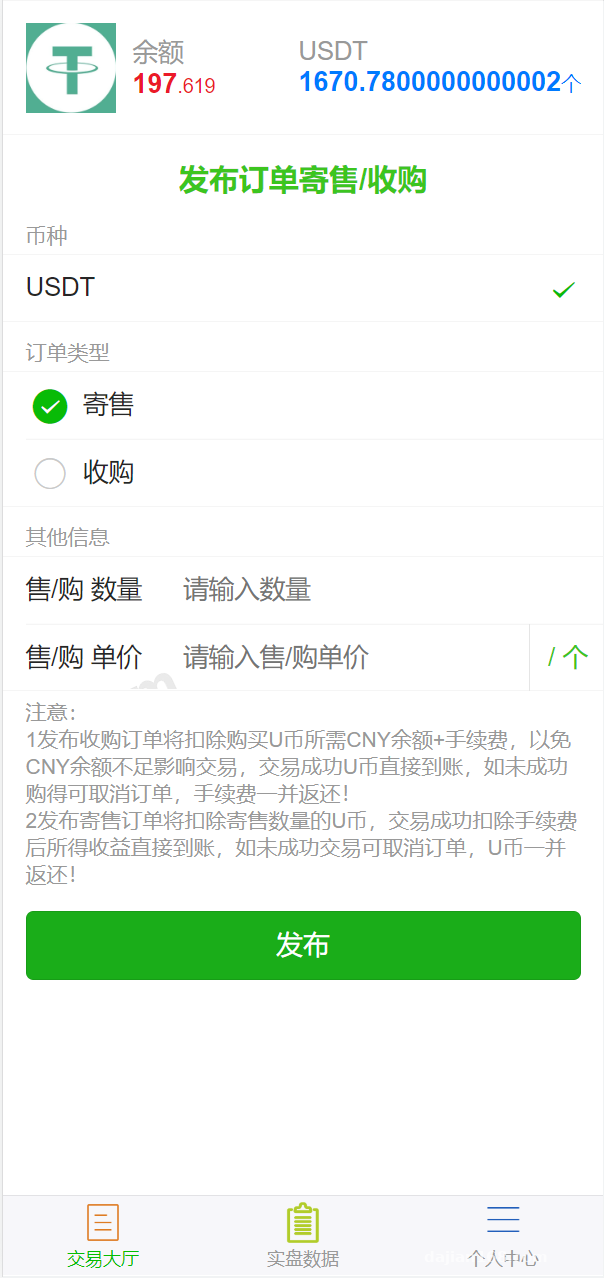
At its core, this system is built on a standard P2P matching framework, designed to handle peer-to-peer order matching and escrow settlement between users. This customized build introduces substantial upgrades, specifically targeting two major headaches in overseas projects: language localization and automated callbacks.
1. Dynamic Multi-Language Support via Google Translate API
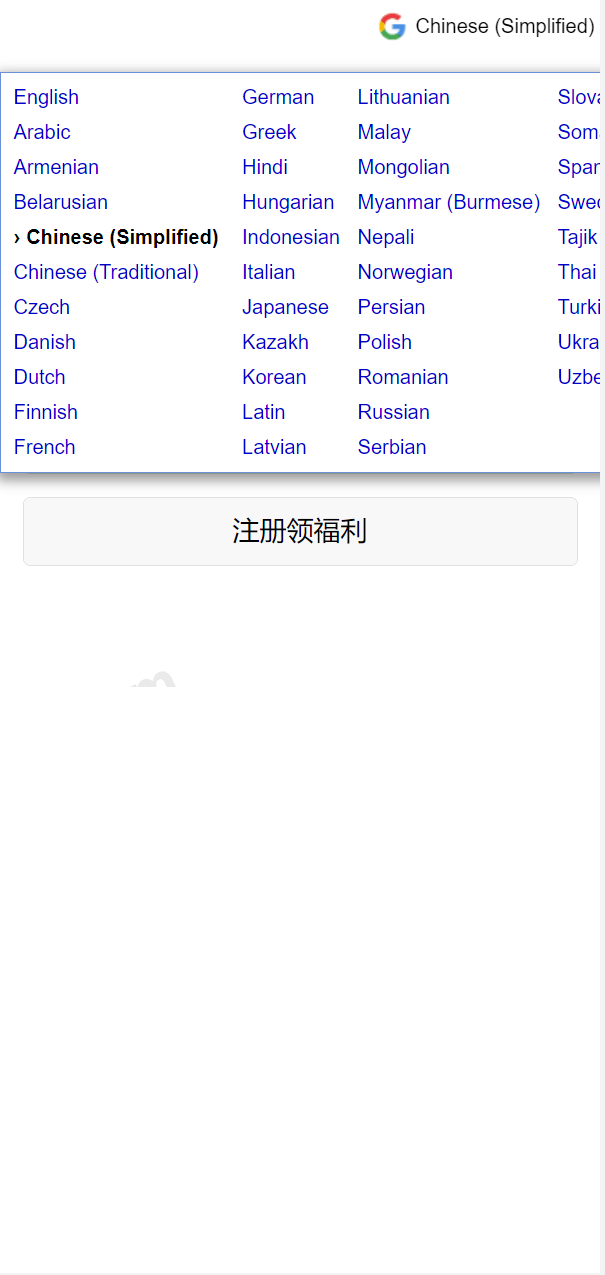
Whenever I modified systems like this in the past, manually organizing thousands of lines of JSON language files was always the most tedious part. This version hooks directly into the Google Translate API on both the frontend and backend. During testing, I switched between English, Japanese, and Spanish. Both static page text and dynamic backend prompts converted in real time with a latency of around 200ms—more than enough for cross-border e-commerce or settlement demos. If you want to save on API costs, you can also scrape the most frequently used languages and save them as local static caches.
2. Standalone Payment Gateway and Callback Listener
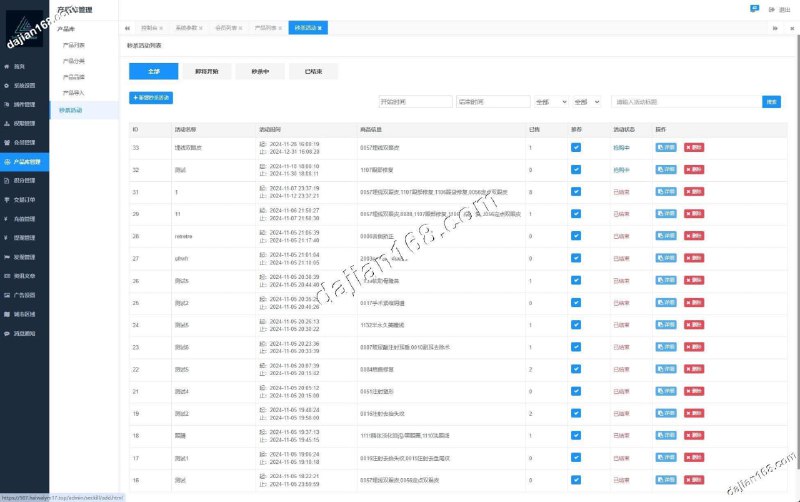
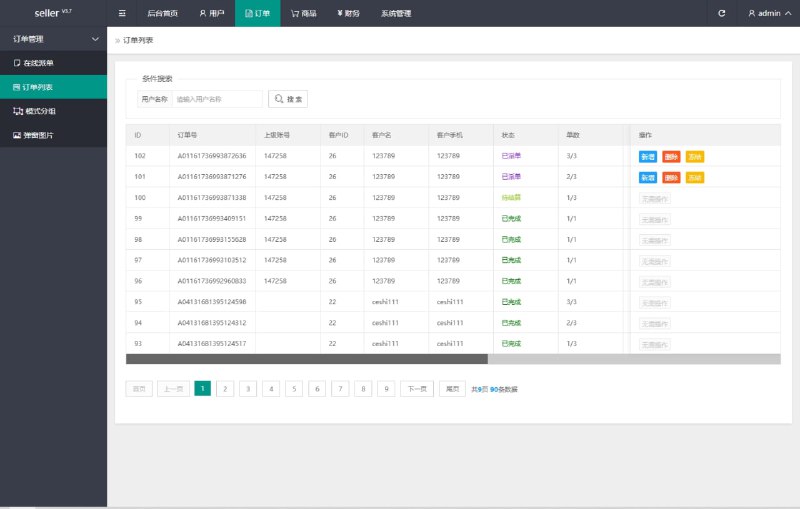
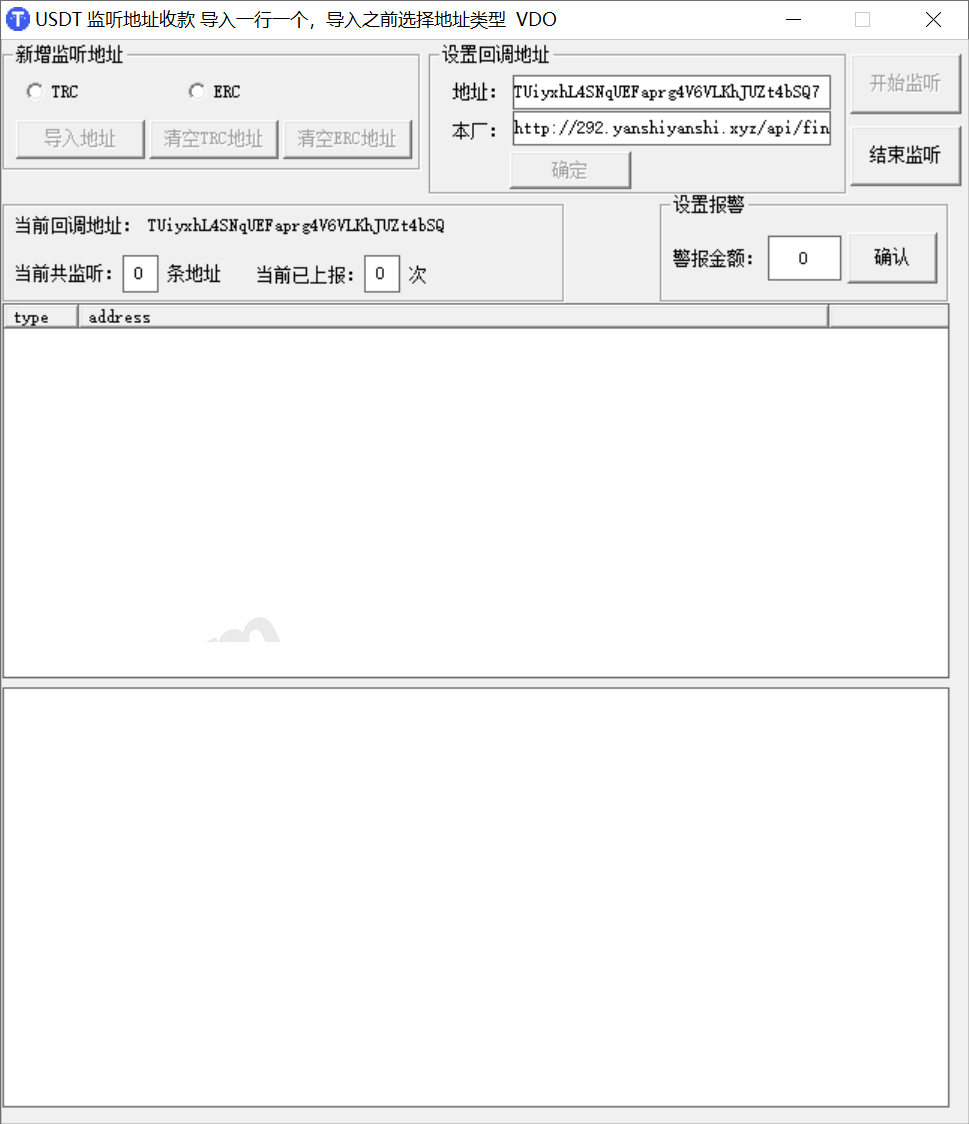
This is the most valuable part of the entire codebase. The developer added a complete third-party payment merchant portal, allowing external storefronts to pull up the checkout counter via API. The archive also includes a standalone listener application (compatible with both Windows and Linux) dedicated to polling the status of blockchain networks like TRON (TRC20). Once a transaction is confirmed on-chain, the listener triggers a local Webhook to notify the main application, completing the order settlement automatically without anyone having to manually click confirm in the admin panel.
Webmaster Pro Tip: The standalone listener software is extremely sensitive to the server’s local time. Before deploying, make sure to synchronize your system clock using
ntpdate. If your server time drifts more than 30 seconds from the blockchain node, signature verification will fail, causing a freeze where payments arrive but callbacks never trigger.
Server Environment and Deployment Pitfalls
The runtime requirements for this source code are pretty straightforward. I spun up a 2-core, 4GB RAM lightweight cloud server in Hong Kong for testing and installed the Baota (aaPanel) control panel. Here are the exact environment specs:
- OS: CentOS 7.9 64-bit (Stick with 7.x; versions 8 and above are missing required dependency libraries for the listener component)
- Web Server: Nginx 1.20
- Database: MySQL 5.7 (Avoid 5.6 at all costs, as several JSON fields will throw errors)
- Runtime: PHP 7.3 + Redis extension + Swoole extension
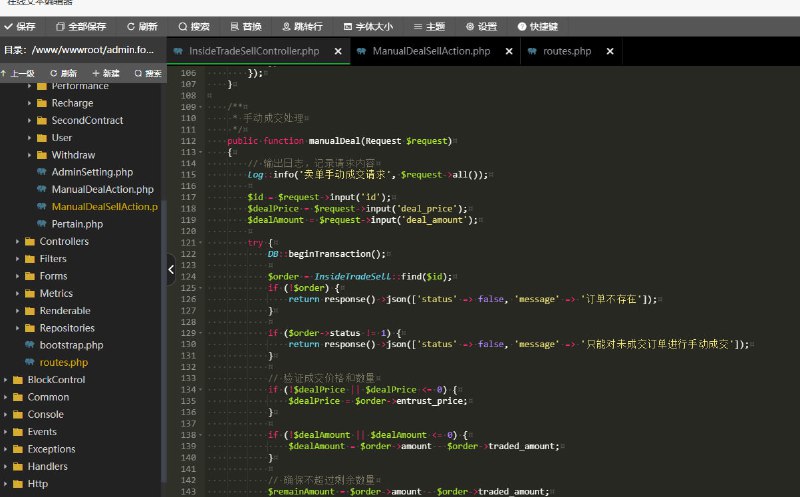
After uploading and extracting the code, the first step is editing the .env configuration file in the root directory to fill in your database credentials and Redis password. Watch out for a minor catch here: the archive includes a detailed script documentation file listing four core Crontab scheduled tasks. These handle automatic order timeout cancellations, real-time exchange rate syncing, asynchronous order reconciliation for merchants, and daily settlement report generation.
When setting up scheduled tasks in your control panel, make sure to execute the root artisan or entry file using PHP-CLI mode. Do not trigger them via URL requests, otherwise Nginx will easily throw 502 timeout errors under high concurrency. Additionally, you must go into your PHP 7.3 settings and remove putenv, proc_open, and pcntl_signal from the disabled functions list—if you don’t, the listener script won’t start at all.
Who Should Use This Codebase for Custom Development?
After testing it inside and out, I found the code follows a clean, standard MVC architecture. There is no annoying obfuscation or encryption, and roughly 70% to 80% of the original code comments are intact. It is a great fit for a few specific use cases:
Tech teams building independent cross-border e-commerce sites can strip out the payment gateway module to use as their own multi-currency checkout counter. Computer science developers and students can use it to study P2P matching logic, escrow state machines, and blockchain RPC node listening mechanisms. Finally, software outsourcing agencies building custom solutions for international clients can use this foundation, tweak the UI, and easily save at least two weeks of low-level payment integration work.
Frequently Asked Questions
Q: How do I keep the bundled payment listener software running continuously in the background?
A: If you are running it on Linux, just use the Supervisor process manager built into your control panel. When adding a daemon, set the working directory to the folder containing the listener software, and copy the startup command from the documentation. It will automatically restart if the connection drops or if an out-of-memory error occurs.
Q: What if the Google Translate API cannot connect when hosted on a domestic server?
A: The multi-language API routes through overseas nodes, so deploying on a server in Hong Kong, Singapore, or the US West Coast is highly recommended. If you must run local tests on a restricted network, you will need to configure an overseas proxy IP in the PHP cURL request block, or simply lock the default language in the admin backend.
Q: Is the merchant integration documentation for the payment gateway complete, or do I need to capture packets myself?
A: No packet capturing needed. The “Merchant Center” in the backend comes with built-in online API documentation. It covers the three standard endpoints: unified order creation, asynchronous callback signature verification (using an MD5 salted mechanism), and order status queries. It even includes a PHP demo file—just swap in your merchant ID and secret key to pull up the test checkout counter right away.
Disclaimer: The system deployment steps and source code analysis documented in this article are strictly for technical education, algorithm research, and compliant system demonstrations. Please adhere to local laws and regulations and do not use related technologies for any unauthorized activities.
Disclaimer: This article is for technical education and demonstration only. It is not professional or financial advice. Any real-world deployment must comply with applicable laws and regulations.
#Source Code Deployment #Payment Gateway System #Multi-Language Source Code #P2P Matching System #Tech Notes
-
 Alipay QR Code Scan
-
 WeChat Scan Pay