Telegram Bot Auto-Reply System Setup Guide: Customer Service Bot Deployment Notes
Telegram Bot Auto-Reply System Setup Guide: Customer Service Bot Deployment Notes
Disclaimer: This article is for technical education and demonstration only. It is not professional or financial advice. Any real-world deployment must comply with applicable laws and regulations.
Last month I helped a friend who runs a cross-border e-commerce consulting business set up an automated customer service system built on Telegram bots. He used to answer messages manually until midnight, repeating the same answers to the same questions over and over. The core idea here is simple: let the bot handle high-frequency questions, route complex ones to a human agent, and use scheduled notifications for follow-ups. The whole deployment took about a day and a half, and I hit a few traps along the way—this article documents all of them.
Feature Testing in Practice
Bottom line first: this is not a mass messaging tool. Its job is the message intake → auto-reply → human takeover customer service pipeline. After hands-on testing, these are the features I found most useful:
Multi-Bot Parallel Support
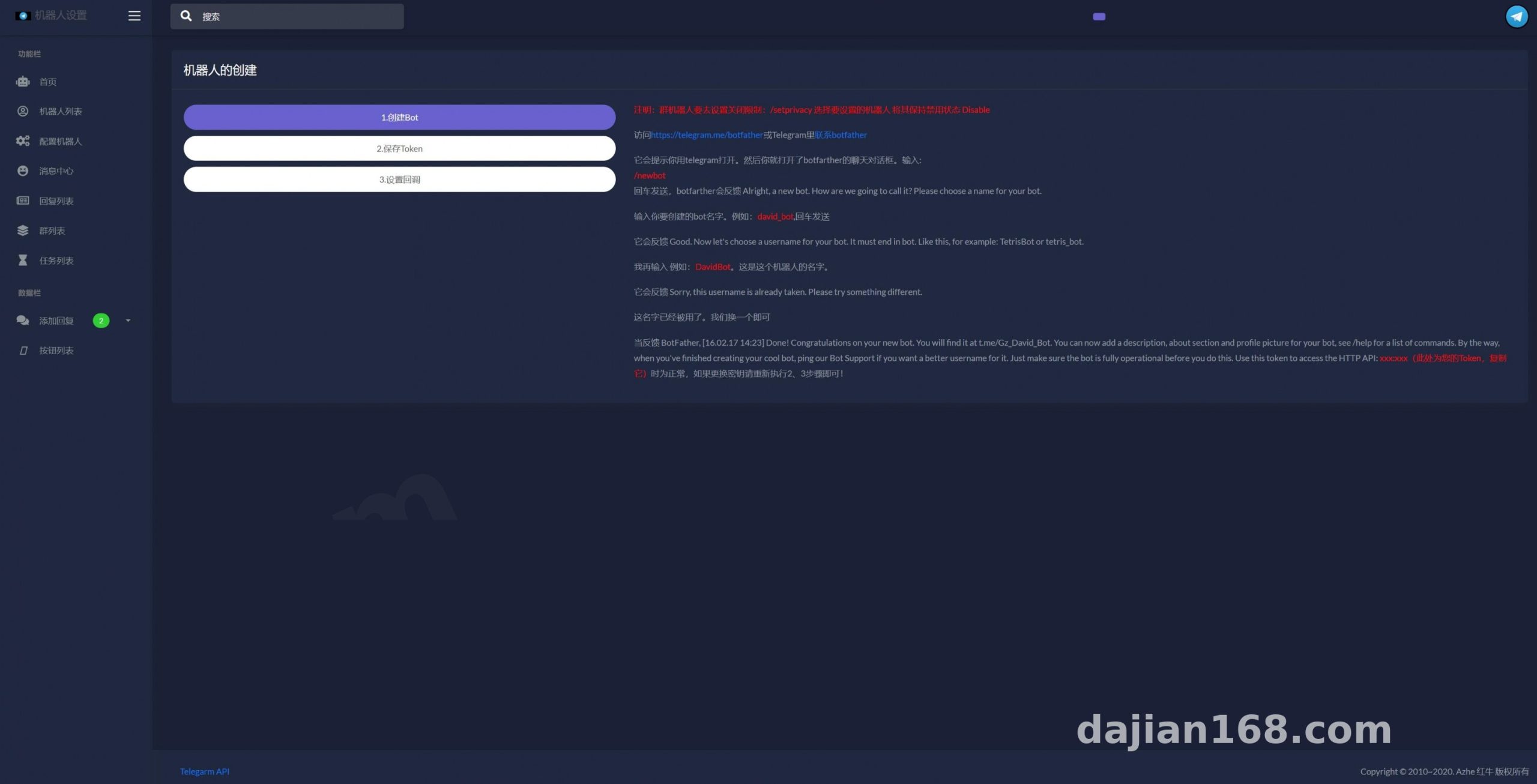
The admin panel can host multiple Bot Tokens, each with its own independent reply rules. My friend split pre-sales inquiries and after-sales tickets into two separate bots, so they never interfere with each other. Note that every Token must be requested individually via BotFather, and you need to disable group privacy mode—otherwise the bot won’t receive regular members’ messages in group chats.
Keyword Matching Replies
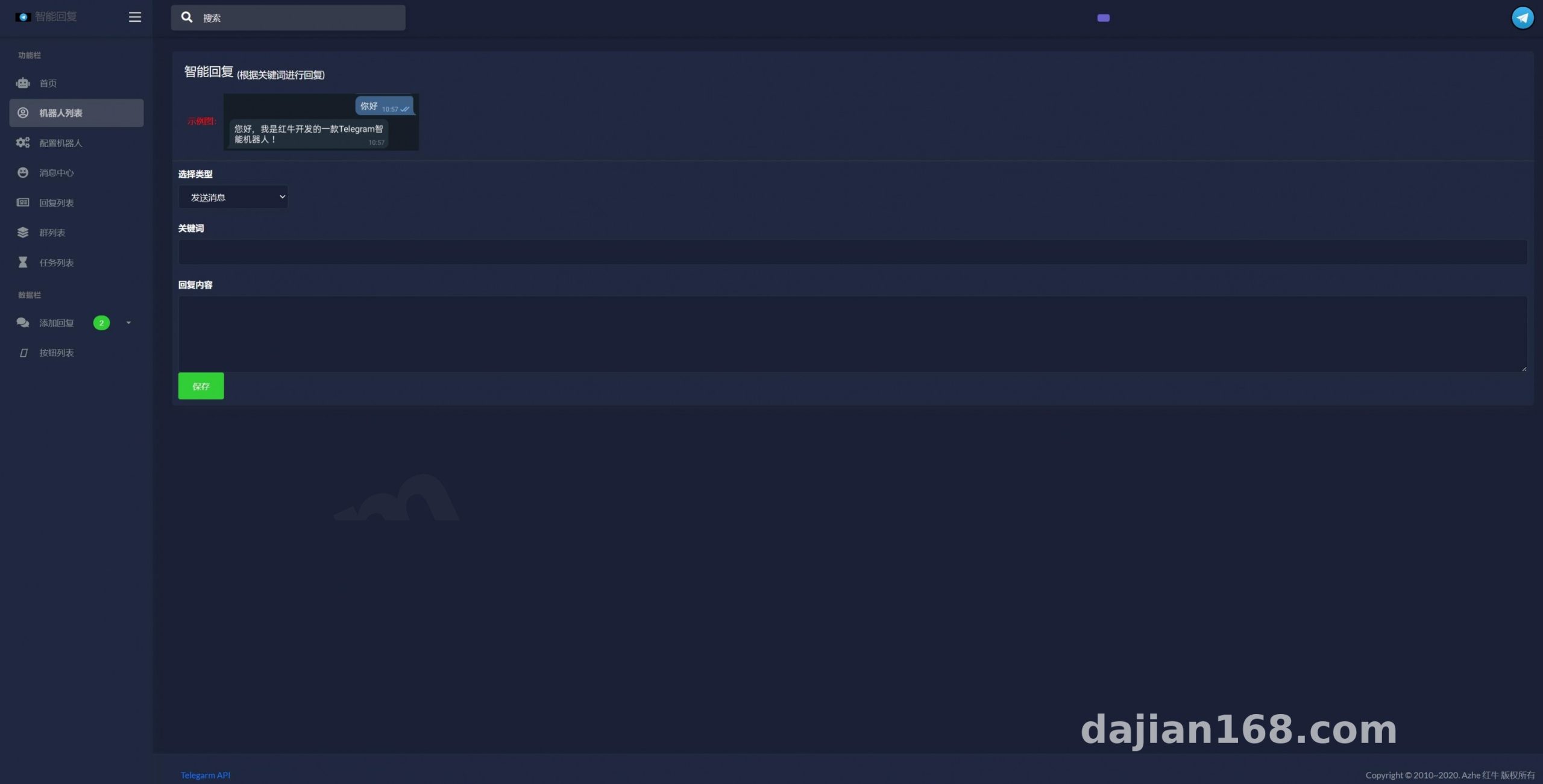
Rules support both exact matching and fuzzy containment. For example, when a user sends “shipping fee,” the preset rule triggers and the bot automatically replies with the shipping policy. Keywords that don’t match anything can fall back to a default script that guides users to leave a message or escalate to a human. I’d recommend exporting low-hit-rate keywords from the logs regularly and refining your rules over time.
Button Menus and Scheduled Push Notifications
Inline keyboard buttons work nicely for FAQ navigation—tap “returns & refunds” and jump straight to the relevant explanation. For scheduled notifications, I used them for customer follow-up reminders triggered by timed tasks. Before going live, always send a test round to a private test group to verify the layout looks right.
Deployment Tips and Pitfalls
Nothing fancy on the environment side—a 2-core, 2GB VPS is plenty. I went with LNMP + PHP 7.4 and MySQL 5.7. For the Telegram API connection I used a webhook instead of long polling, which saves resources and responds faster.
Webhook Callback Configuration
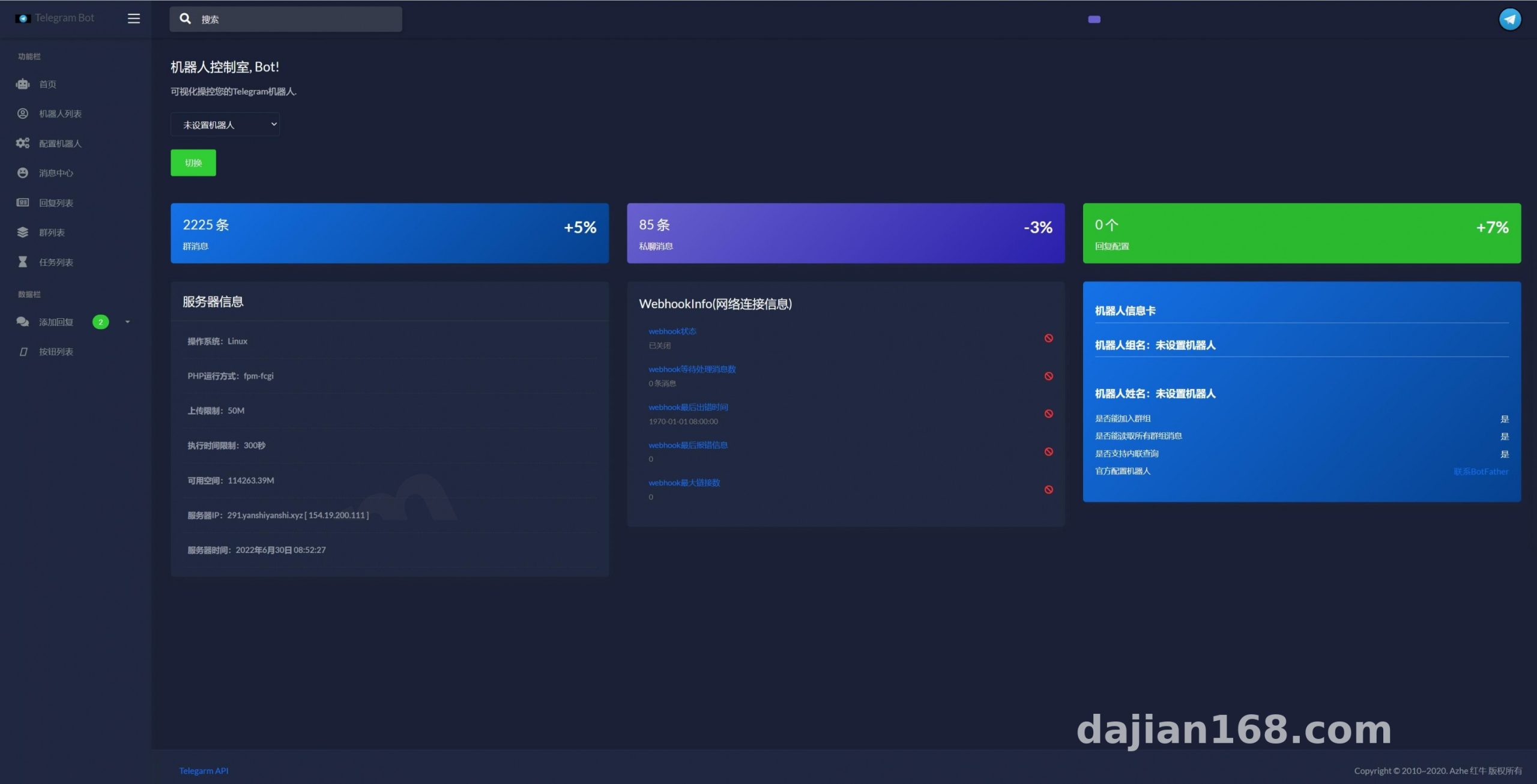
This is where the biggest trap was: Telegram requires the webhook URL to be HTTPS with a trusted certificate. My self-signed certificate simply refused to work, and only after switching to a free Let’s Encrypt certificate did callbacks come through. The callback URL format is https://yourdomain.com/api/webhook.php. Once set, call getWebhookInfo and check whether pending_update_count clears back to zero as expected.
Admin Panel and Permission Management
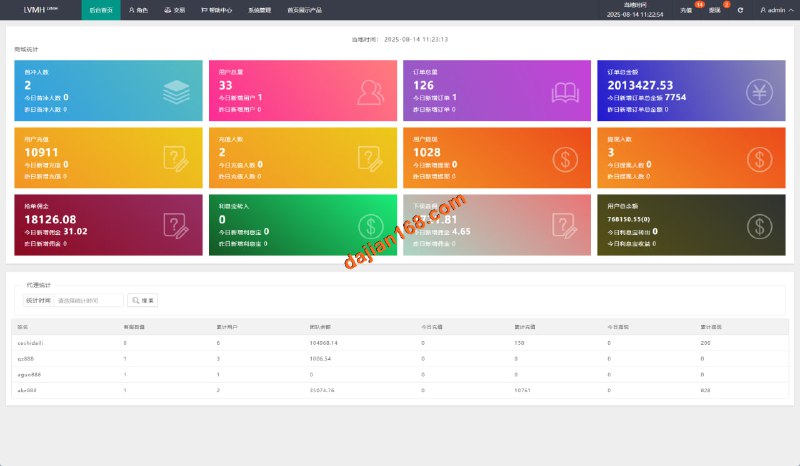
The admin panel has role-based access: regular agents can only view conversations and edit rules for bots they’re responsible for, while only super admins can touch system settings. This deserves praise—with multiple people collaborating, nobody’s config gets accidentally overwritten. The interface supports multiple languages, so switching to English is effortless if your customers are overseas.
Worth highlighting: combining scheduled notifications with keyword fallback-to-human escalation covers roughly 80% of customer service scenarios for small teams. The remaining complex cases can simply go through the manual ticketing workflow.
Who It’s For and Customization Ideas
The target audience is pretty clear: overseas community operators, small cross-border teams, and indie developers who need 24/7 automated responses. Please do not use it for any spamming or policy-violating purposes—comply with applicable laws and regulations, and never use this system for anything illegal or non-compliant.
The codebase is cleanly structured with controllers separated from the rule engine, so customization costs stay low. Later I added a ticket status field myself: when the bot can’t answer, it automatically creates a ticket and assigns it to a human agent, forming a complete closed loop. If you have basic PHP skills, you can get up to speed and start modifying it within half a day.
FAQ
Q: Why isn’t the bot receiving messages in a group chat?
A: Nine times out of ten, privacy mode is still on. Run /setprivacy for the bot via BotFather and set it to Disable, then remove the bot from the group and add it back in—that’s when the change actually takes effect.
Q: With so many keywords, will rules conflict with each other?
A: Yes, they can. The system matches rules top-down by priority. Put exact-match rules first, fuzzy-match rules after them, and the fallback rule last. Always run a test round in a staging environment after making changes.
Q: How demanding are the server requirements?
A: In real-world testing with thousands of daily conversations, a 2-core, 2GB VPS with 1M bandwidth was more than enough. The real bottleneck is usually Telegram’s own API rate limits, not your machine.
Q: Won’t scheduled notifications annoy users?
A: That depends entirely on your operation strategy. Give users an opt-out option, keep push frequency to once or twice a week, and focus content on follow-ups and service notices instead of pure advertising blasts.
Disclaimer: This article is for technical education and demonstration only. It is not professional or financial advice. Any real-world deployment must comply with applicable laws and regulations.
#Telegram bot #auto-reply #customer service bot #deployment notes #webhook configuration
-
 Alipay QR Code Scan
-
 WeChat Scan Pay