Probability Simulation Task Distribution System Deployment Guide: PHP Backend Setup and API Integration Notes
Probability Simulation Task Distribution System Deployment Guide: Pitfalls and Notes from Secondary Development to Launch
Disclaimer: This article is for technical education and demonstration only. It is not professional or financial advice. Any real-world deployment must comply with applicable laws and regulations.
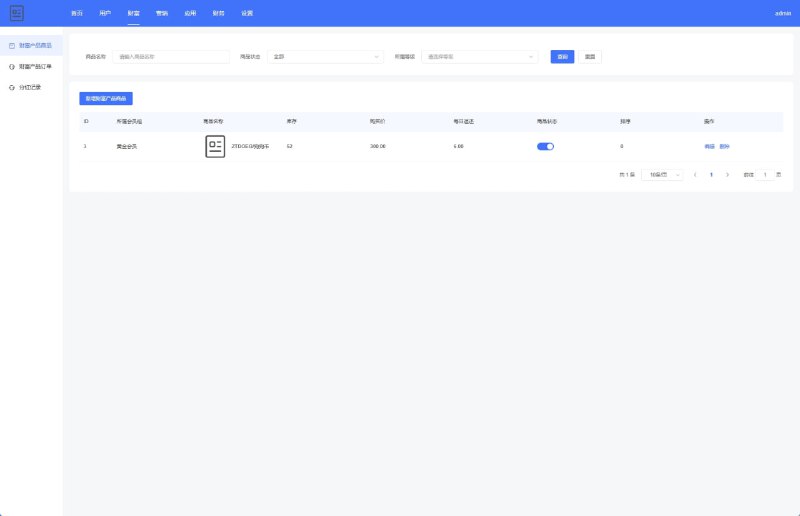
Recently I helped a client deploy a probability simulation task distribution system. The source code had been customized from an existing backend originally designed as a finance-themed demo, and in practice it’s just an admin panel with random number generation and task assignment logic. The client wanted to use it for data simulation demonstrations and to test member points and task flows. It took me two days from unzipping the archive to going live, and I ran into a few small pitfalls along the way. I’m writing these notes down today for anyone who plans to tinker with this system later.
Hands-On Test: Random Number Logic and Task Assignment Module
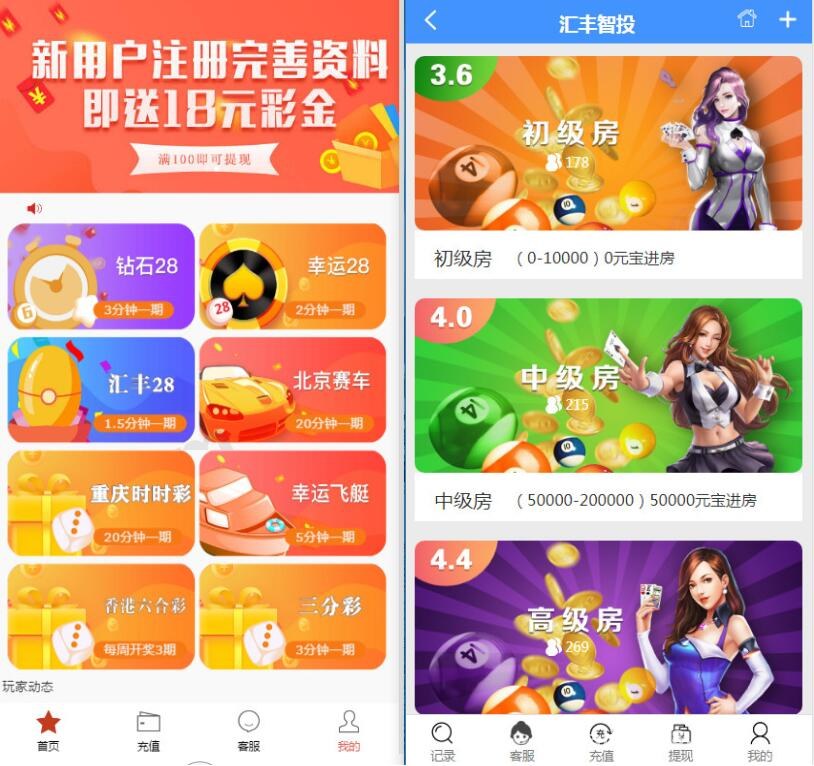
The core of the system is the random number generator, which simulates the result range for each task. In the backend, you can set probability groups; for example, group A has a 45% hit rate, group B 35%, and group C 20%. After saving, the frontend displays data according to these weights. I ran several hundred tests, and the distribution largely matched expectations without any obvious deviation.
Task Distribution Module
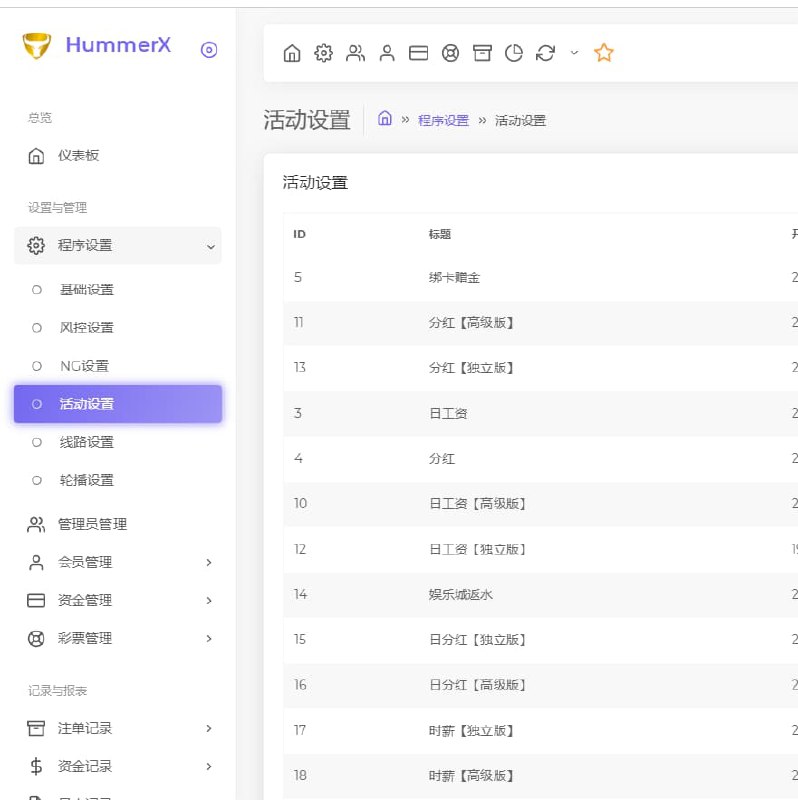
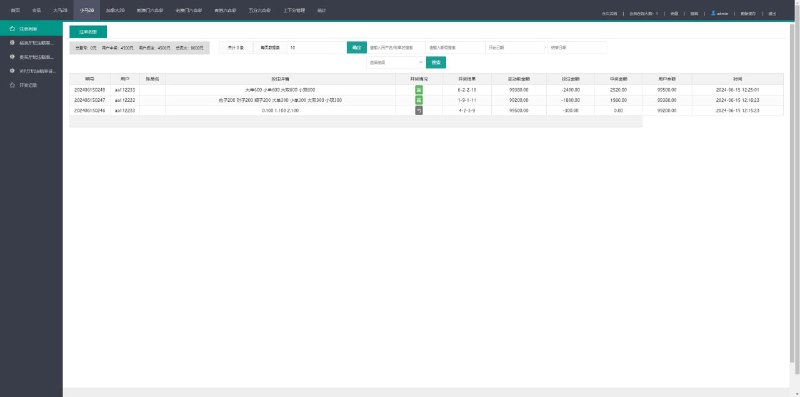
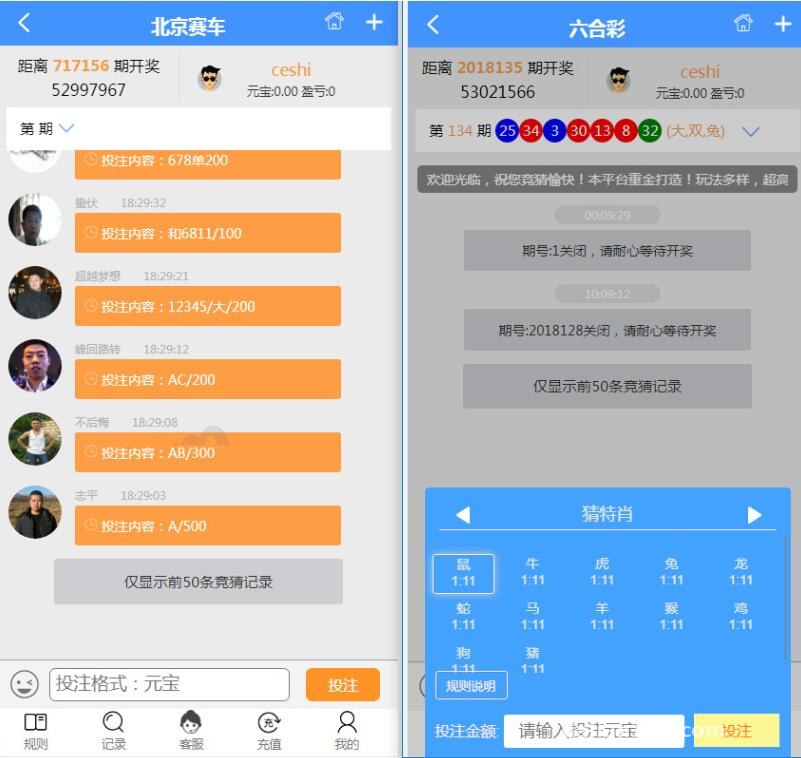
For task distribution, the system allows you to create tasks manually or set up automatic dispatch rules. Each task can be bound to multiple member groups. Every time a member account calls the API, it returns a task ID and the corresponding result. At first I thought this logic was hard-coded, but it turns out the backend can adjust it — a friendly touch for secondary development.
Member Tiers and Points System
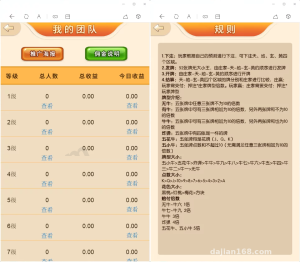
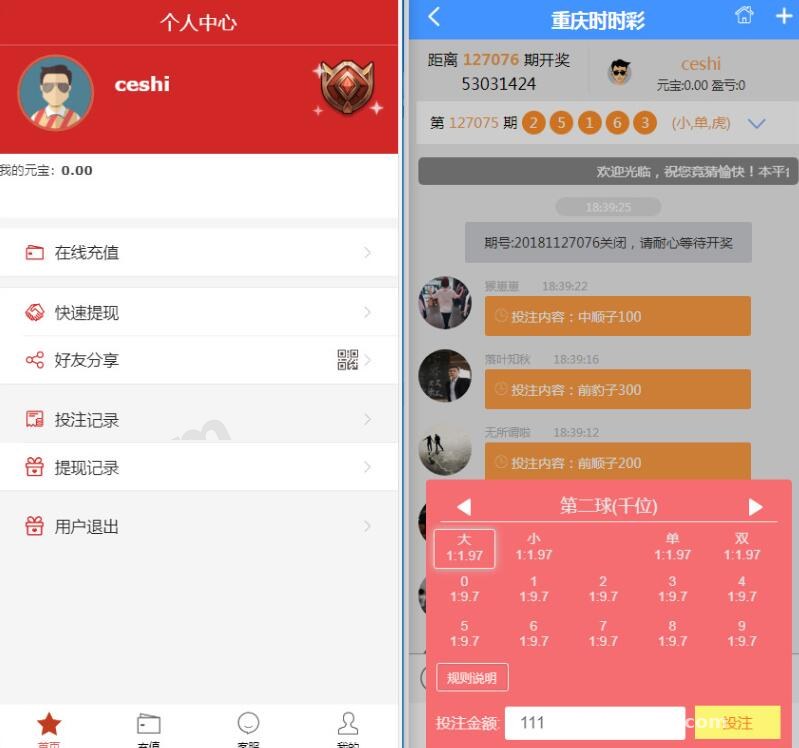
Member tiers are divided into three levels, and each tier has a different daily task quota. The points accumulation rules can also be modified in the backend. For example, a regular user can run tasks 50 times a day, while a VIP1 user gets 200 attempts. Points can be manually adjusted in the admin panel, or you can integrate an external points API.
Deployment Essentials: Environment, Database, and Where to Customize
I recommend deploying on Linux + Nginx + PHP 7.2 + MySQL 5.7. This source code has some compatibility issues with newer PHP versions, especially around the encryption functions. When I first ran it on PHP 8.0, it threw a deprecated error right away. Switching to PHP 7.4 made everything run smoothly.
Database Initialization and Data Dictionary
The database file is in the sql directory. After importing it, you need to manually update the database name and password in the config file. Pay special attention to the users table and the task_logs table — the former stores members, and the latter stores task records. If you want to add fields during secondary development, you can simply add them to the existing tables. The system won’t check for duplicates, so be careful not to change the wrong table prefix.
Payment Interface Integration (Optional)
The client didn’t need real payments, so I hooked up a simulated payment callback. I simply entered a test key in the backend payment settings. The system includes a payment class in the pay/ directory that supports async notifications and sync redirects. You can get it running by modifying the callback URL in the example code. If you plan to integrate a real online payment gateway, make sure to expand the callback signature verification logic — the default one only has a few lines and isn’t enough.
Highlight: This system has a built-in “data replay” feature that lets you replay task records from a given time period at the original speed. It’s great for demos and testing since you don’t need to generate simulated data.
Useful Switches in the Admin Control Panel
In the global settings, a few switches are worth noting: one to disable new user registration, one to enable task review, and one to set the interval for preventing duplicate submissions. I’d recommend setting the duplicate-submission interval to at least 10 seconds; otherwise, a malicious script could hit the server hundreds of times per minute.
Who It’s For and What It Can Do
This system is best suited for teaching demos, task distribution prototype validation, or as a training tool for operations teams to practice probability simulation. Its code structure is simple, making secondary development easy. I added two APIs myself: one to batch-reset the task count for specific users, and another to export task record reports. The whole change took about half a day.
What It’s Not Suitable For (Being Honest)
If you plan to use it for real business operations — say, real transaction processing or high-concurrency task distribution — I’d advise against it. Its locking mechanism is weak, so you’ll run into resource contention under high concurrency. Also, the original version has some English log messages in the code. The Chinese interface was added later, and some parts haven’t been fully translated — email templates and API response messages, for example. You’ll need to polish those during secondary development.
FAQ
Q: After installation, the admin login page shows a blank white screen. How do I troubleshoot it?
A: First check the PHP version. If it’s below 7.3, make sure the Composer dependencies are installed. In my case, the fileinfo extension was missing — recompiling it fixed the issue. Also check the browser console for JavaScript errors; a misconfigured static resource path can also cause a white screen.
Q: After setting the task probability, the actual results don’t match the configured values. What should I do?
A: The system’s probability is segmented, not a normal distribution calculated every time. Check the cache configuration — if Redis or file caching is enabled, the probability parameters may take effect with a delay. Clear the cache and run the test again; it should be accurate. Also, after changing the probability in the backend, you need to regenerate the seed.
Q: Can I turn it into a multi-language version?
A: Yes. The language packs are in the lang directory, with Chinese and English available by default. To add a new language, simply copy a language file and translate it. Note that the date and time formatting functions have Chinese formats hard-coded, so you’ll need to modify the corresponding format method in the controller to switch languages.
Q: Does this system support API interfaces?
A: The original version has a simple API module that supports token authentication. The API documentation is in doc/api.md. I added signature verification and rate limiting myself, covering about two API files. If you plan to expose it as a public service, I suggest strengthening the authentication logic — the default one is too weak.
That wraps up my deployment notes. The whole process isn’t complicated. I’ve seen the original version of this source code online, and the customized version has better code quality and comments. If you’re planning to use it for probability simulation demos or a task distribution platform, following these notes should get you up and running in about half an hour. After deployment, remember to change the backend default password and database account, and always comply with applicable laws and regulations — don’t use it for anything illegal.
Disclaimer: This article is for technical education and demonstration only. It is not professional or financial advice. Any real-world deployment must comply with applicable laws and regulations.
#probability simulation #task distribution #system deployment #secondary development #PHP
-
 Alipay QR Code Scan
-
 WeChat Scan Pay