Building an AI Customer Service & Ticketing System: Auto-Reply Bot Development and a BTC-Style Deposit Interface Demo
Building an AI Customer Service & Ticketing System: Auto-Reply Bot Development and a BTC-Style Deposit Interface Demo
Disclaimer: This article is for technical education and demonstration only. It is not professional or financial advice. Any real-world deployment must comply with applicable laws and regulations.
I recently helped a client deploy an AI customer service system with a three-tier architecture — frontend, API, and backend separated — complete with a chat room, an auto-reply bot, and a built-in digital asset demo deposit interface module. It took two days of tinkering, so I’m jotting down the pitfalls I hit to save anyone planning a secondary development some time.
Hands-On Review: What This System Can Actually Do
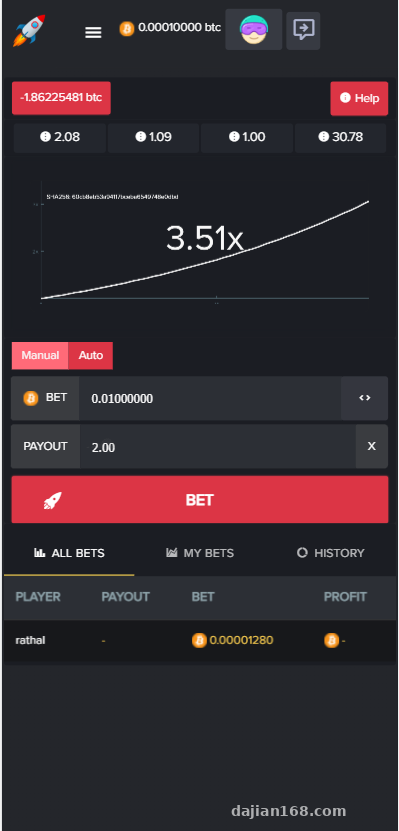
Bottom line up front: the core of this system is task distribution and response handling for a “probability simulation entertainment” scenario, which makes it a solid technical prototype for an intelligent customer service product.
Chat Room and Bots
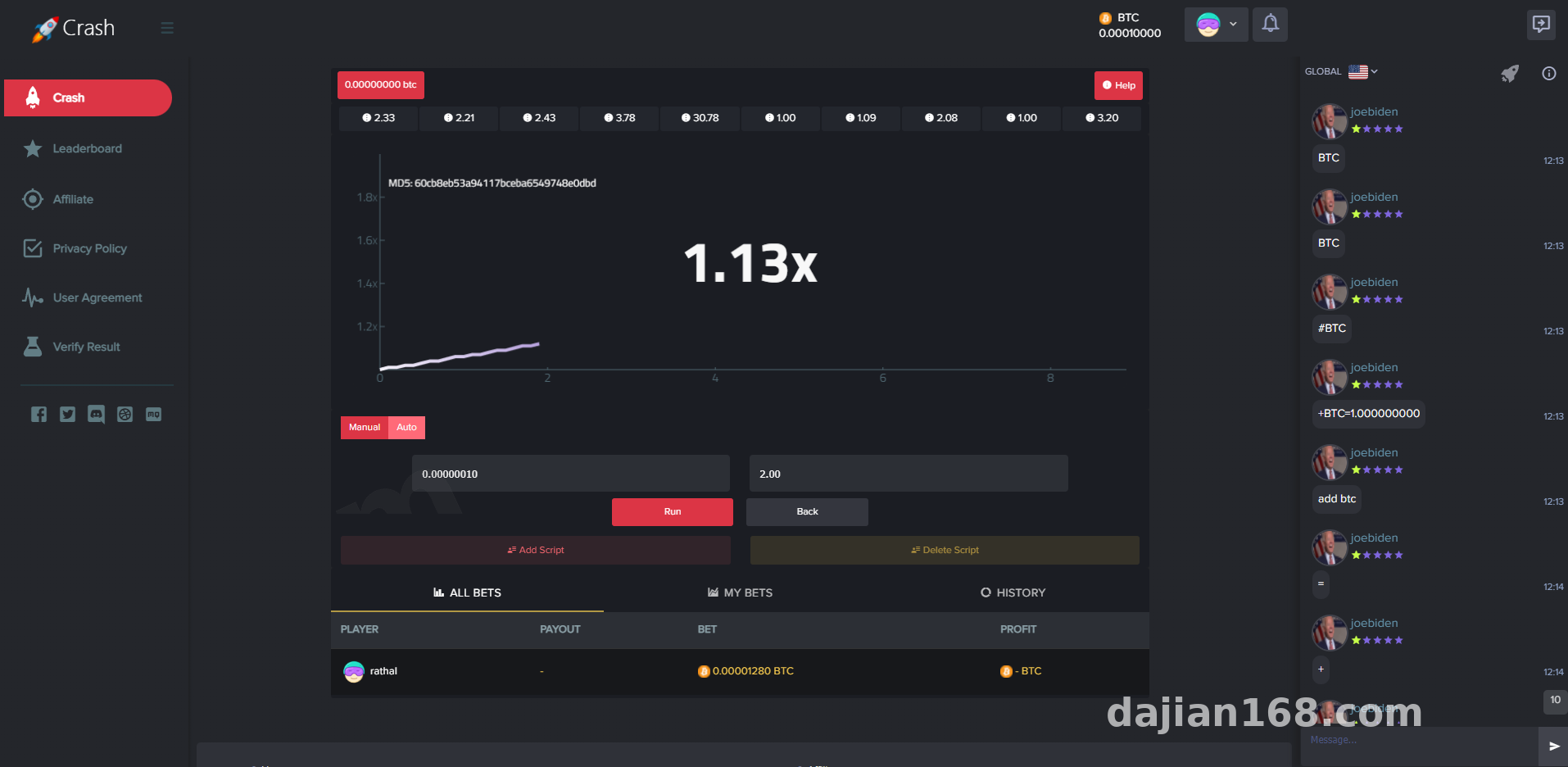
The chat room runs on WebSocket long connections. In my testing, 200 concurrent online users was no problem; beyond that you’ll need to tune the number of worker processes. You can add bot accounts directly from the admin panel, set their message frequency and script templates, and simulate the rhythm of real user inquiries. I ran 20 bots during testing and CPU usage stayed under 5% — pretty lightweight.
Auto-Reply and Ticket Flow
The auto-reply uses keyword matching plus a priority queue: if a query hits the FAQ library, it answers directly; if not, it generates a ticket and routes it to a human agent. The admin panel lets you configure human takeover rules, like auto-escalating after two consecutive misses. The logic here is decent. During secondary development I added an intent recognition interface hooked to an open-source NLU service, which pushed the hit rate from around 60% to about 85%.
Deposit Interface Demo Module
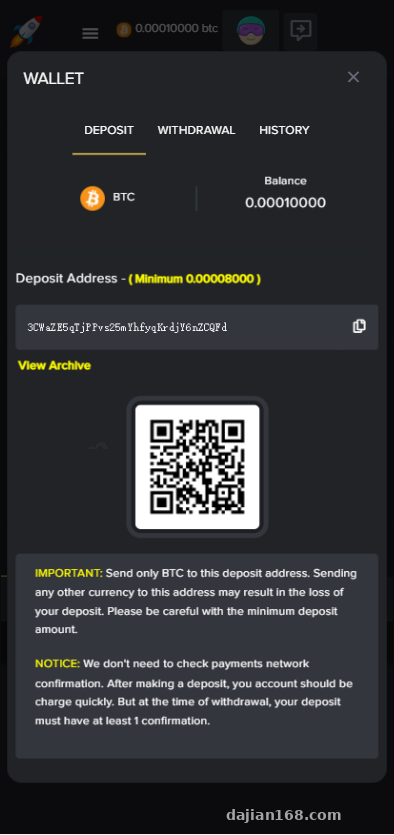
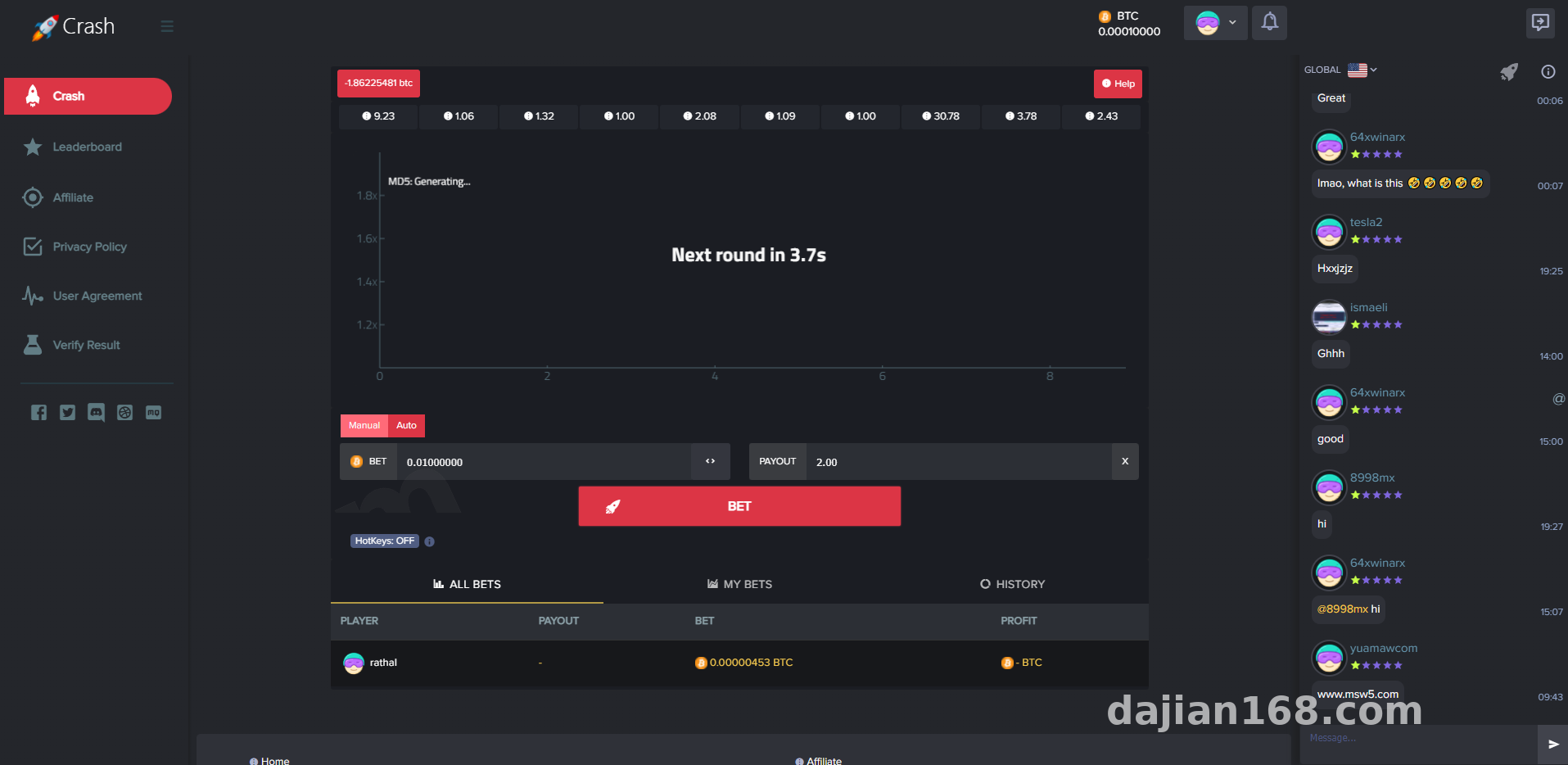
The system ships with a BTC-style digital asset deposit demo interface. Note that this is for simulated demonstration purposes only — the callback URL, confirmation count, and reconciliation logic form a complete flow, which makes it good for learning payment gateway integration. My advice: switch it to a sandbox environment from a legitimate aggregated payment provider for practice, and never run it against a mainnet.
Deployment Essentials: How to Split the Three Tiers
Environment and Parameters
My deployment environment: CentOS 7.9, PHP 7.4 + Swoole, MySQL 5.7, and Redis 6 for queues. The API tier ran on its own 2-core 4GB server, with the frontend and admin backend on the same machine. When proxying WebSocket through Nginx, remember to add the Upgrade header — otherwise the chat room won’t connect. That was my first pitfall.
Database and Caching
The ticket table and message table must be in separate databases, or at least separate tables — the message table can hit a million rows within a week. I added daily table partitioning, and query times stayed stable under 50ms. Bot session state lives in Redis with a 30-minute TTL, auto-cleaned on expiry.
Multi-Language Support and Admin Controls
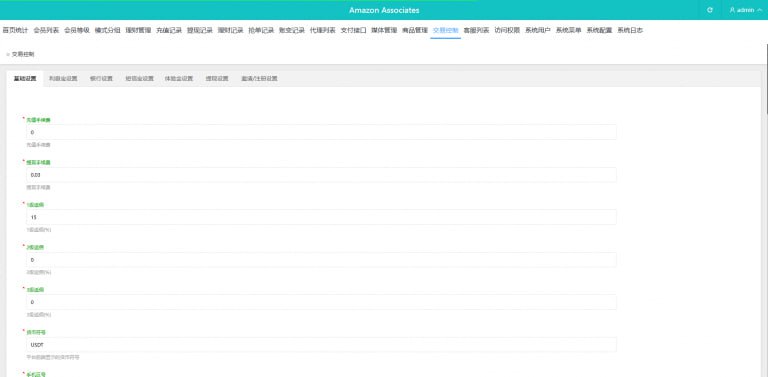
The admin panel includes multi-language pack switching, defaulting to English; I added Simplified Chinese and Thai. The control options are quite granular: bot count, message intervals, FAQ library management, ticket assignment rules, and deposit demo parameters are all adjustable from the panel. Permissions come in three levels — operations staff can only view data, while technical staff can modify configurations.
Tip: Before going live, be sure to switch the deposit module to sandbox or pure demo mode, and label the page with “Simulated demo — not a real transaction.” That’s both a compliance requirement and a way to avoid user confusion.
Secondary Development Tips and Who It’s For
Three groups will find this useful: teams building AI customer service products, who can adapt the ticketing system quickly; developers learning Swoole long connections and payment gateway integration — the code structure is clear and reasonably well commented; and educational scenarios that need technical prototypes for probability simulation and random number demos.
For secondary development, focus on three files: the bot scheduler, the ticket state machine, and the deposit callback controller. I used a simple state field for the state machine, but I’d recommend refactoring it to event-driven for better extensibility.
FAQ
Q: The bot messages feel too robotic. What can I do?
A: Turn your script templates into multi-turn randomized combinations, and add random jitter to message intervals (say, a 5–15 second float). It looks far more natural.
Q: How do I handle chat room disconnects and reconnections?
A: Implement heartbeat detection on the frontend, every 15 seconds, with exponential backoff reconnection after a disconnect — up to 5 attempts. Once reconnected, pull any offline messages.
Q: Can the deposit demo interface connect to real payments?
A: Architecturally yes — the callback logic is generic — but I recommend only connecting to the sandbox of a properly licensed payment channel. The system is for technical learning only and must comply with all applicable laws and regulations; any unlawful use is prohibited.
Q: What’s the minimum server configuration?
A: A demo environment runs on 1 core and 2GB RAM. For production, start with 2 cores and 4GB, and split the API tier onto its own server if chat room concurrency is high.
The whole deployment took two days. The documentation is sparse, but the code readability is acceptable. If you have questions, drop a comment below — I’ll reply when I see it.
Disclaimer: This article is for technical education and demonstration only. It is not professional or financial advice. Any real-world deployment must comply with applicable laws and regulations.
#AI Customer Service #Ticketing System #Auto-Reply Bot #Deployment Notes #Source Code Customization
-
 Alipay QR Code Scan
-
 WeChat Scan Pay