Random Number Probability Simulation Platform Setup: Multi-Language Data Visualization System Deployment
Random Number Probability Simulation Platform Setup: Multi-Language Data Visualization System Deployment
Disclaimer: This article is for technical education and demonstration only. It is not professional or financial advice. Any real-world deployment must comply with applicable laws and regulations.
Recently I helped a client deploy a random number probability simulation display platform. The requirement was straightforward: they needed an internal tool for data visualization training demos, with the ability to publish simulation results, display statistical charts, and support multi-language switching in the backend. Once I got the source code, I spent an evening going from environment configuration to a fully running system. Here’s a record of the process to help anyone setting up a similar platform avoid the same pitfalls.
1. Feature Walkthrough: What Modules Does This System Run?
Before deploying, I went through the main features to make sure nothing would break after going live. The overall architecture is PHP + MySQL, with no front-end/back-end separation. The template engine is a bit outdated, but the code structure is clean and easy to follow.
1.1 Random Number Generation and Simulation Result Publishing
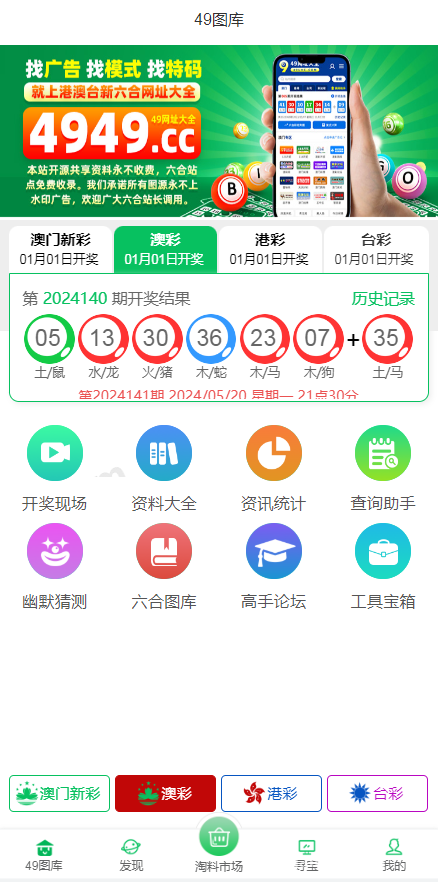
The core module is random number generation and result publishing. From the backend, you can set parameters like the sample pool range, generation count, and display interval. The frontend then renders the results as both a list and charts. In my testing, I set the sample size to 1,000 entries, and generation took about 2 seconds — plenty good for demonstration scenarios.
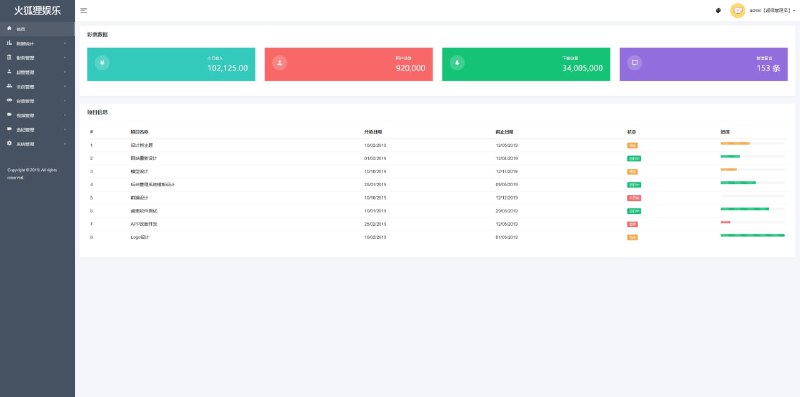
1.2 Backend Parameters and Permission Control
The backend comes with its own admin account system, allowing you to assign different viewing permissions to various roles. One particularly useful feature is the “demo mode switch,” which labels all data as simulated samples to prevent misunderstandings with real business data. This switch is stored in the is_demo field in the configuration table, so you can reuse it directly in custom development.
1.3 Multi-Language Switching and Frontend Adaptation
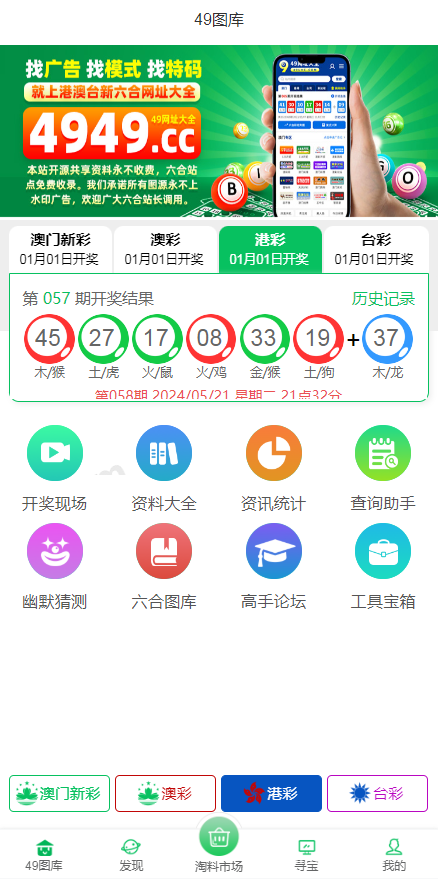
The system includes three language packs: Simplified Chinese, Traditional Chinese, and English. Language files are stored in the /lang directory as arrays. The switching logic uses a Cookie named lang, which the frontend reads via JavaScript. I ran into a small issue: some translation keys were inconsistent, causing a few Traditional Chinese labels to still appear in Simplified Chinese. I manually fixed the missing language keys later.
Highlight: If you’re using this system for teaching demos or data visualization training, I recommend turning on the “simulated sample label” in the backend and adding a data source note at the bottom of the page. Compliance first — don’t let visitors misinterpret the data.
2. Deployment Essentials: From Upload to Full Operation
My test environment was CentOS 7.9 + Nginx 1.24 + PHP 7.4 + MySQL 5.7. After extraction, the source code takes up about 180MB, mostly from frontend static resources and template images.
2.1 Environment Preparation
PHP needs the gd, mbstring, mysqli, and openssl extensions enabled. In the Nginx configuration, remember to add the rewrite rules; otherwise, every page except the homepage will return a 404 error. The rule I used looks like this: try_files $uri $uri/ /index.php?$query_string;
2.2 Database Import and Configuration
The database file is located in the install directory. After importing it, edit the database connection details in config.php. Here’s a pitfall: the default table prefix is pk_. If your virtual host already has tables with the same prefix, the import will cause conflicts. It’s recommended to clear or modify the prefix before running the SQL.
2.3 Backend Entry and Security Recommendations
The default backend path is /admin, and the login credentials are documented. Once you go live, I strongly suggest doing three things immediately: rename the admin directory, change the default account, and close the install directory. Also, enable HTTPS to prevent backend login information from being intercepted in transit.

3. Custom Development Directions: What Else Can You Do with the Source Code?
This system is more extensible than I expected. Here are a few practical directions for secondary development:
Data Interface Refactoring: Replace the random number generation logic with a connection to public data sources, such as historical weather data or simulated market feeds, to create a dedicated data visualization training platform.
Chart Component Upgrade: The frontend currently uses native Canvas for drawing charts, which can get laggy with large datasets. Introducing ECharts can modernize the statistics dashboard and improve performance.
Member Points Demo: The backend already has a user table, so you can extend it into a virtual points reward system for teaching scenarios — no real money involved.
4. Common Questions
Q: What server configuration does this system need?
A: The minimum is 1 core and 2GB RAM to run smoothly. I tested with about 50 concurrent users and there was no pressure. For formal presentations, I recommend starting with 2 cores and 4GB RAM, and enabling Redis caching as well.
Q: Can the random number generation algorithm be customized?
A: Yes. The core logic is in application/common.php, which uses an mt_rand wrapper. If you need more complex probability distributions, you can replace it with the Box-Muller algorithm or connect to a Python service.
Q: Can I integrate real payment interfaces?
A: The source code doesn’t include a payment module; its positioning is for demo and training purposes only. If you have payment-related needs, go with a standard e-commerce system or a business payment solution. Do not turn this probability simulation platform into a tool for real money transfers.
Q: Some text doesn’t update after switching languages — what should I do?
A: This is usually caused by mismatched key names between the language packs and the template calls. Check the corresponding files in the /lang directory to make sure the keys exist and the files have no BOM header. Save them in UTF-8 without BOM.
Disclaimer: This article is for technical education only. The system described must comply with all applicable laws and regulations. Random number and probability simulation results are intended solely for teaching demonstrations and data analysis training.
Disclaimer: This article is for technical education and demonstration only. It is not professional or financial advice. Any real-world deployment must comply with applicable laws and regulations.
#random number simulation #data visualization #PHP source code deployment #multi-language system #probability demo
-
 Alipay QR Code Scan
-
 WeChat Scan Pay