Complete Setup Guide | System System/ System/ vue
Let me be honest – when I first started building this system, I made quite a few mistakes. The tutorials online were either outdated or incomplete, and it took me two full days to get everything running smoothly. Today I’ve organized the complete setup process, hoping it helps anyone who has similar needs.

1. Feature Overview
This system has solid functionality. Here are the key points I value most:
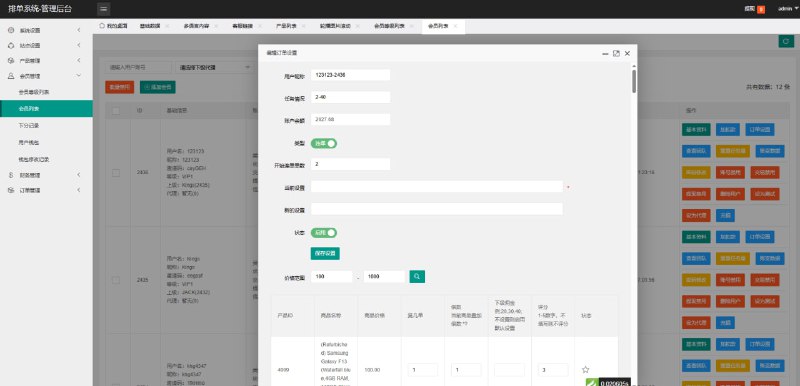
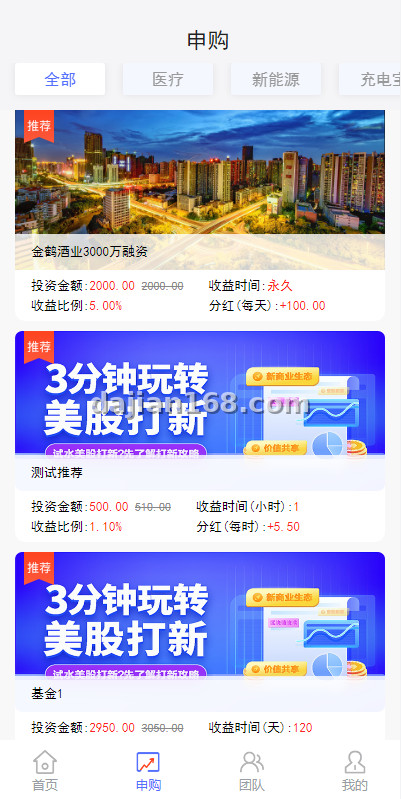
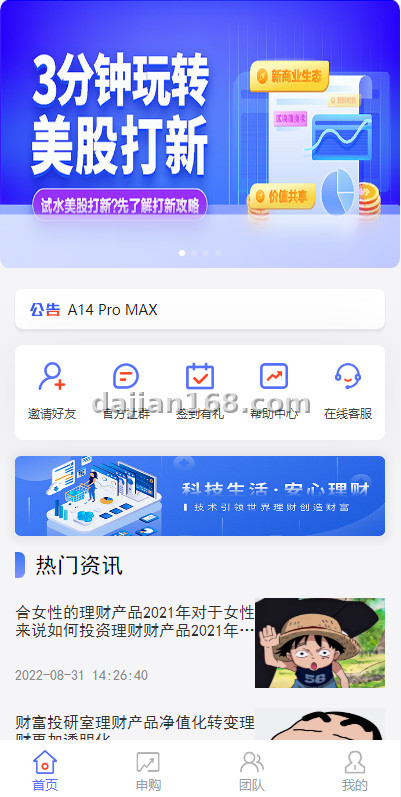
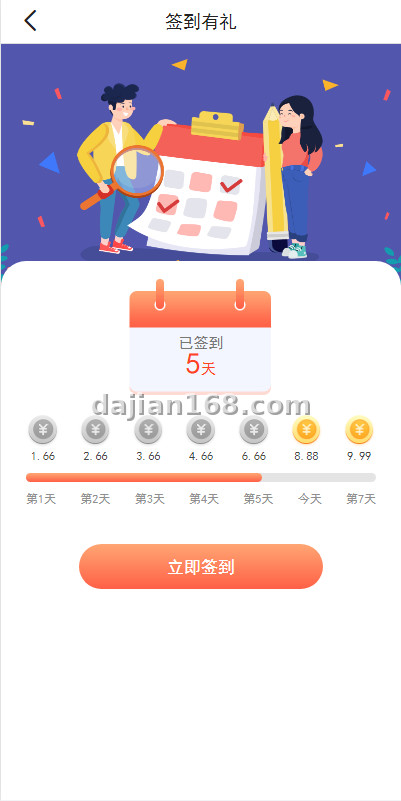
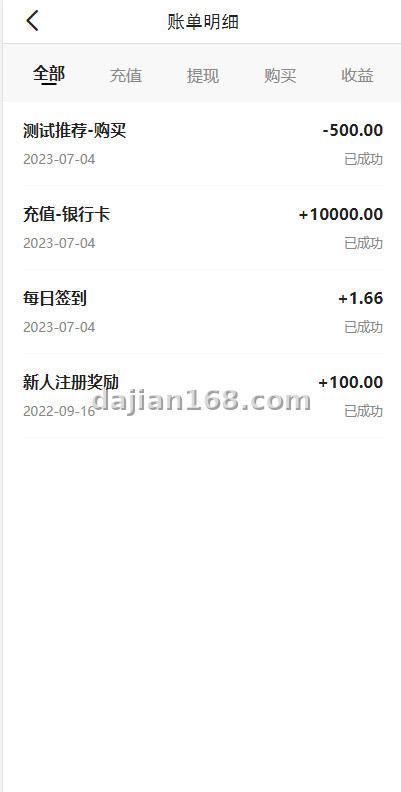
- Clean Interface: The admin dashboard is well-organized and easy to navigate, even for beginners
- Stable Core Features: Trading logic, user management, and order processing modules run reliably
- Customizable Configuration: Templates, payment gateways, and SMS channels can be modified as needed
- Easy Data Backup: Supports scheduled database backups for quick recovery when issues occur
- Multilingual Support: Built-in language switching, suitable for international deployment
2. Preparation
Before starting, make sure you have these ready:
- Server: Linux recommended, 2-core 4GB minimum. Upgrade to 4-core 8GB when traffic grows
- Domain Name: One registered domain pointing to your server IP
- Environment: Nginx + PHP 7.4+ + MySQL 5.7+. One-click installation with宝塔panel is convenient
- Source Code: Download the source package locally, extract and upload to the server web directory
- Database: Create a database and user account, remember the credentials
3. Common Issues and Troubleshooting
3.1 Database Connection Failed
This is the most common issue, usually caused by three reasons: First, incorrect database configuration in config.php, especially the database host – some providers don’t use localhost. Second, insufficient database user privileges – you need SELECT/INSERT/UPDATE/DELETE permissions. Third, MySQL version incompatibility – version 5.7 or above is recommended.
3.2 File Permission Issues
After uploading the source code, set directories like runtime, uploads, and cache to 755 permissions. Otherwise, the system will throw various Permission Denied errors. You can change permissions directly in the宝塔panel, or use chmod -R 755 /path/to/dir from the command line.
3.3 URL Rewrite Configuration
If pages return 404 after refresh, it’s likely that URL rewriting is not configured. Apache usually handles this with .htaccess automatically. For Nginx, you need to add rewrite rules in the site configuration. The source package usually includes an nginx.conf example – just copy the corresponding location block.
3.4 Payment Gateway Configuration
When integrating payment gateways, make sure the callback URL is correct and accessible from the internet. Local test environments cannot receive callbacks. Also, keep your API keys secure – store them in environment variables rather than hardcoding them.
4. Customization and Extension Options
If the standard configuration doesn’t meet your needs, consider these customization directions:
- Template Customization: Modify frontend styles and colors to match your brand identity
- Plugin Extensions: Add third-party payment, SMS notifications, email push modules as needed
- Database Optimization: Add indexes, implement sharding, or set up read-write separation for large data volumes
- CDN Acceleration: Serve static assets via CDN with object storage for faster global access
- Security Hardening: Add WAF, DDoS protection, and regular vulnerability scanning
Key Tip: When encountering any errors during setup, check the error logs first – it’s much more effective than searching online. Log locations are typically in runtime/logs/ or the宝塔panel error logs.
FAQ
Q: What server configuration is needed?
A: 2-core 4GB is sufficient to start. For testing environments, even 1-core 2GB works. Upgrade when traffic increases – start with the minimum and scale up as needed.
Q: Is the source code free? Can it be used commercially?
A: Check the specific license agreement. Generally, it’s fine for learning and research. For commercial use, contact the author to confirm the license terms to avoid legal risks.
Q: Can it be deployed on Windows servers?
A: Yes, but Linux is strongly recommended. It offers better stability, cost-effectiveness, and a more mature PHP ecosystem. Windows deployment involves various path and permission headaches.
Q: What security measures are needed after deployment?
A: Change the default admin path, change the administrator password, enable firewall with only necessary ports open, schedule regular database backups, and install an SSL certificate.
⚠️ Important Note: This tutorial is for educational and research purposes only. Do not use for illegal purposes. Ensure security hardening and regular backups after deployment, and comply with local laws and regulations.
#System #Micro Trading #Development #搭建教程 #源码部署
-
 Alipay QR Code Scan
-
 WeChat Scan Pay