Digital Asset Demo Platform Build Log: USDT Payment Callback, Hashrate Display & H5 Deployment Notes
Digital Asset Demo Platform Build Log: USDT Payment Callback, Hashrate Display & H5 Deployment Notes
Disclaimer: This article is for technical education and demonstration only. It is not professional or financial advice. Any real-world deployment must comply with applicable laws and regulations.
I recently helped a client deploy a bilingual digital asset demo platform. The source is an H5 bundle, not a Vue project—it uses plain JavaScript plus a REM layout. The client mainly wanted to get three flows working: USDT payment callbacks, hashrate display simulation, and holding rewards. It took about two days of back-and-forth, so I’m writing the process down as a reference for anyone who wants to try it themselves.
Part 1. Functional Testing: Get the Core Flows Running Before Going Live
After deployment, the first thing to do is not tweak the UI, but run through the transaction flows. The core of this platform comes down to three parts: user top-up, hashrate purchase, and holding rewards.
1.1 USDT Payment Integration
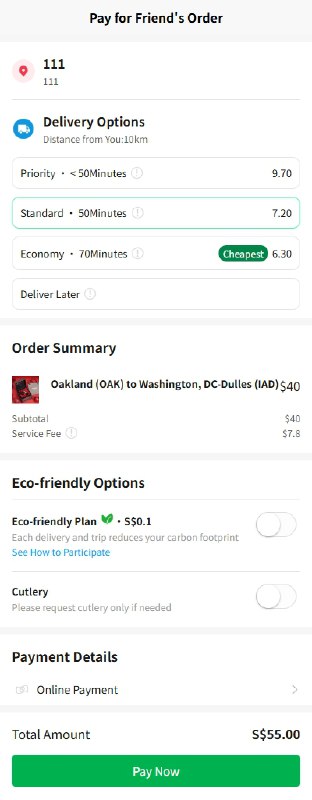
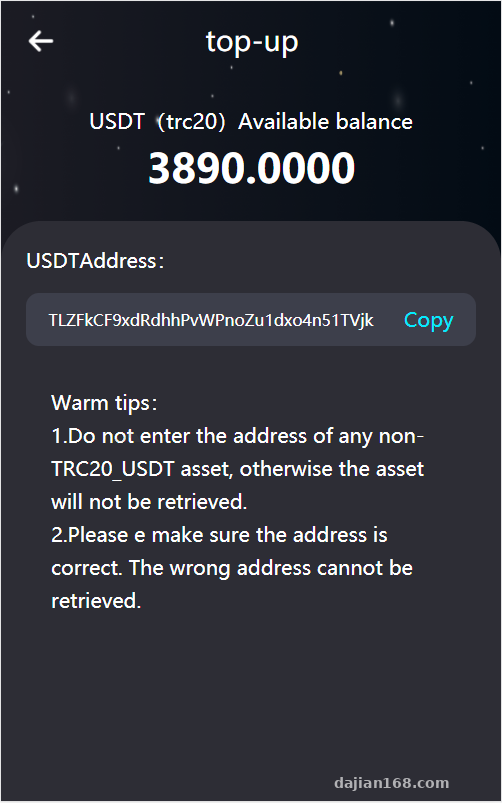
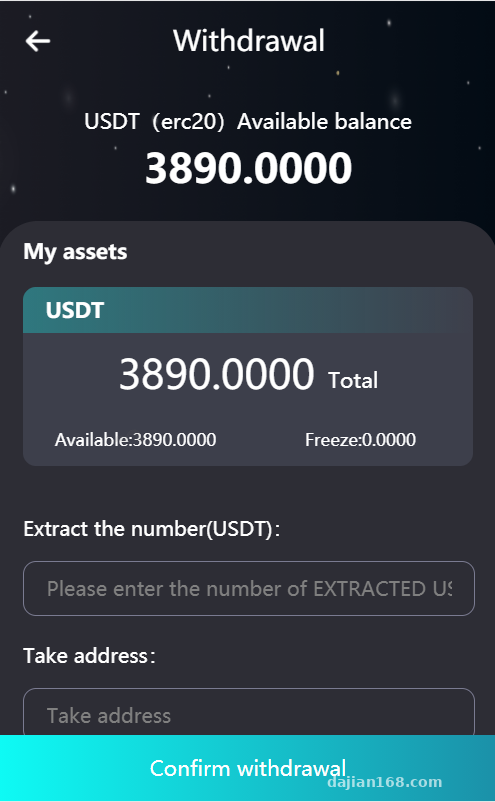
The backend supports USDT top-ups on the TRC20 network through an independent payment gateway’s async notification. The front end creates an order and redirects to an H5 cashier page; once the user completes the transfer, the gateway writes the txid, amount, and address back to the notify URL we configured.
During testing, watch two things: the notify URL must be reachable from the public internet—use a tunnel for local testing—and the callback field names must match the backend configuration exactly, including case. A mismatch like amount versus money can make a top-up fail to credit.
1.2 Hashrate Simulator and Holding Rewards
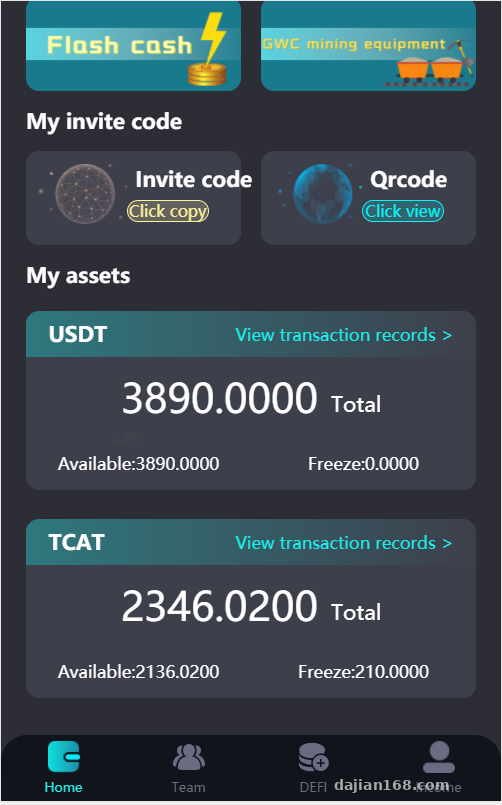
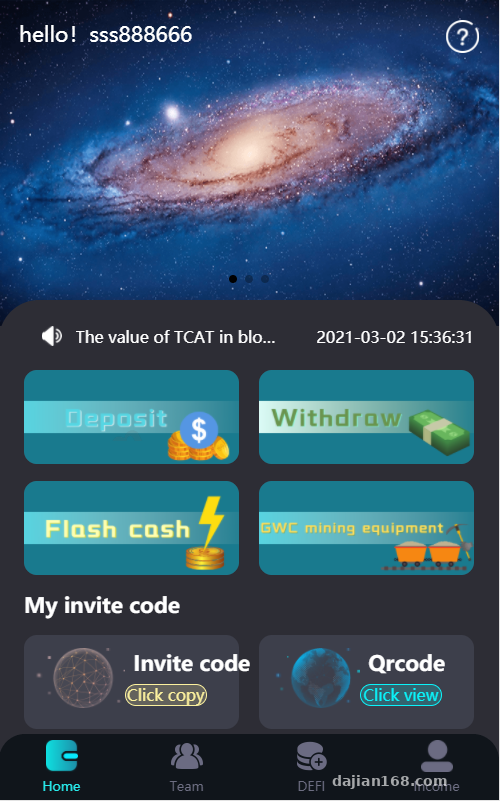
The mining machine part here is not actual mining; it is more like a hashrate display and earnings simulation. The admin panel can add hashrate products with different cycles, set daily output ratios, running days, and minimum purchase amounts. After a user buys one, earnings are released daily and added to the withdrawable balance.
Holding rewards is a separate module. Users lock their balance for a set period, and the backend issues rewards based on a daily rate. I run the interest calculation as a scheduled task at midnight every day; for cross-time-zone deployments, set the server timezone to Asia/Shanghai.
1.3 Admin Panel and Multi-language
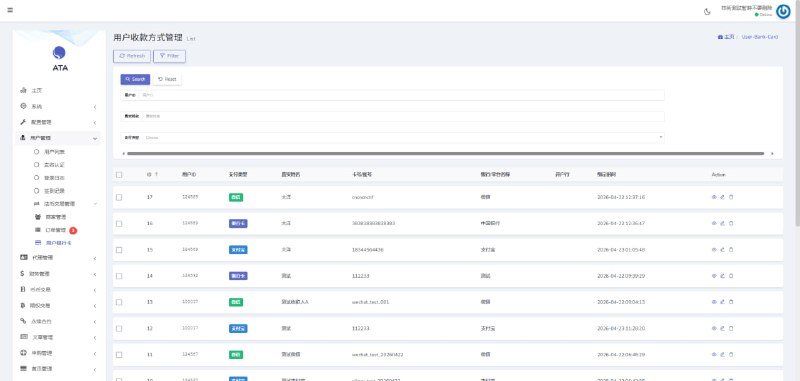
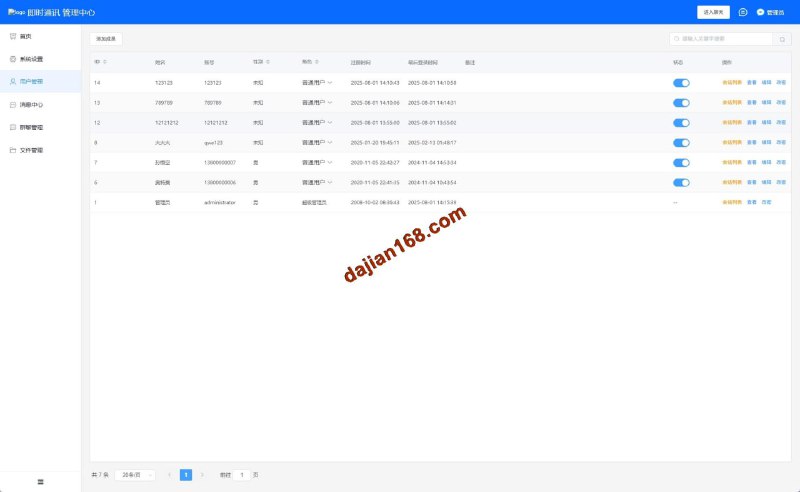
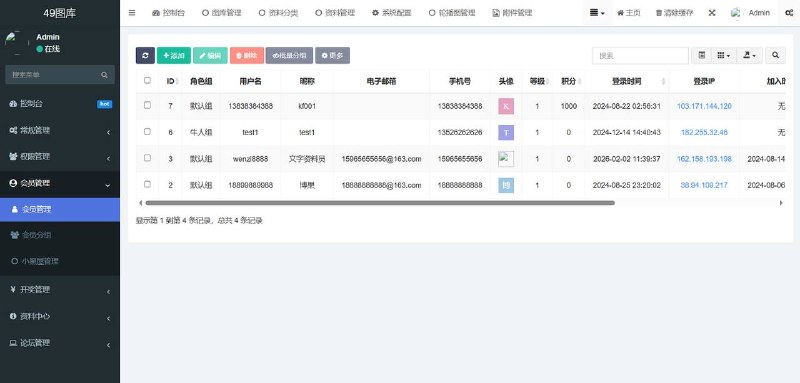
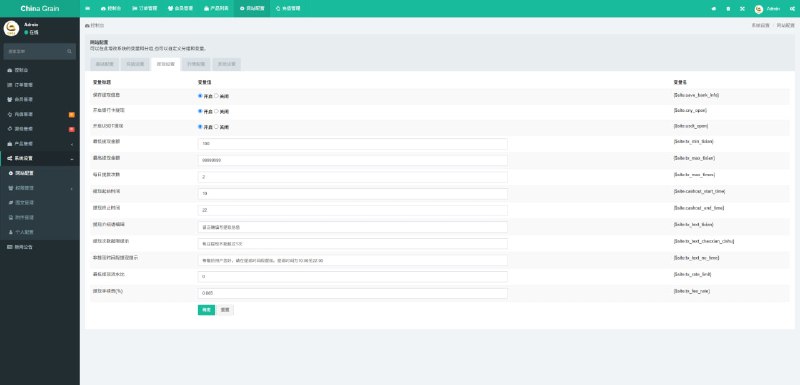
The admin dashboard controls product visibility, withdrawal reviews, fund-flow queries, and registration/order statistics. Language switching relies on language packs in the lang directory, with Chinese and English by default; button labels and prompts are all there. Editing language files is easier than changing code, but remember to add new keys in both languages, or the front end will show the raw key name.
Part 2. Deployment Essentials: Environment, Configuration, and Scheduled Tasks
2.1 Runtime Environment and Directory Permissions
I used CentOS 7 + Nginx + PHP 7.4 + MySQL 5.7. After uploading the source, first check that the runtime and uploads directories are writable. With ThinkPHP, a missing runtime permission will crash the homepage. After importing the .sql file, update the connection info in config/database.php and turn off debug mode, or it will expose paths.
2.2 Payment Callbacks and Network Nodes
Nginx rewrite rules must be configured correctly, or payment callbacks will hit 404. The pitfall I hit was writing a rewrite only for index.php, while the callback path had an api prefix. The gateway returned success, but our system never received it. I recommend using the full block: location / { try_files $uri $uri/ /index.php?$query_string; }.
Also, on-chain USDT confirmations take time, so do not credit the account the instant the callback arrives. I added a minimum confirmation count setting in the admin panel, defaulting to 3; on the TRON network this usually stabilizes within 30 seconds to a minute.
2.3 H5 Packaging and Hot Updates
The front end has no Vue; it is a set of H5 pages packaged into an app with HBuilderX or Cordova. When packaging, make sure the API domain uses HTTPS—Apple ATS and newer Android versions enforce SSL. For updates, you do not need to republish the app; just place the H5 assets on a CDN or server and load the remote URL in a WebView. Be sure to clear caches, though, or users will keep seeing the old version.
Part 3. Who It’s For and Customization Ideas
This source is suitable for digital asset teaching demos, blockchain payment learning, or internal product prototype validation. Because the front end is simple, customization is not hard. Common changes: turn the homepage into a data dashboard, connect a third-party market API for price charts, or convert the hashrate module into a task-distribution reward system. The multi-language framework is already in place, so adding smaller languages is straightforward.
Highlight: the biggest strength of this system is its clean structure. The payment callback, scheduled tasks, and admin configuration modules are nicely decoupled. Newcomers should not rush to change the interface—get these three blocks running first, and adding features later becomes much smoother.
Part 4. Frequently Asked Questions
Q: The front end has no Vue; can I rewrite it in Vue3 or uni-app?
A: Yes. The H5 pages are plain JS, and the interfaces are RESTful. You can rewrite the pages in Vue3 or uni-app and just point them to the existing API endpoints. Note that the original login state uses a token, so the new front end should store it the same way.
Q: Payment succeeded, but the balance did not increase. How do I troubleshoot?
A: First check the Nginx access log to see whether the notify request arrived. Then verify the callback URL, field mapping, and signature key match the backend exactly. If the log shows the request but the balance still did not update, a database transaction probably threw an exception; check the interface logs in runtime/log for the error.
Q: Why are hashrate earnings not issued automatically?
A: Usually the crontab is not configured. The backend relies on a scheduled task to distribute earnings. You can run the task URL with curl from the command line, or add it to the Linux crontab to run every minute. Also check that the hashrate product has the correct running cycle and payout ratio.
Q: Some text disappears after switching languages?
A: If a new key is defined in only one language file, the front end will show the raw key name. I recommend using array keys as indexes, and remember to clear the runtime cache after editing the lang files.
Part 5. Disclaimer and Compliance
This article is for technical education only. It documents the deployment process of a demonstration system; all features are intended for learning and prototype validation. When using any source code, comply with applicable laws and regulations. Features involving payments, fund flows, or user data should undergo security audits and compliance assessments before production use.
Disclaimer: This article is for technical education and demonstration only. It is not professional or financial advice. Any real-world deployment must comply with applicable laws and regulations.
#Digital Assets #USDT Payment #Hashrate Simulator #H5 Source Code #Deployment Notes
-
 Alipay QR Code Scan
-
 WeChat Scan Pay