Building a Multi-Source Web Scraping System: Crawler Architecture and Real-Time Data Processing
Building a Multi-Source Web Scraping System: Crawler Architecture and Real-Time Data Processing
Disclaimer: This article is for technical education and demonstration only. It is not professional or financial advice. Any real-world deployment must comply with applicable laws and regulations.
Last month I took on a data collection platform project where the client needed to scrape data from multiple public APIs for analysis and visualization. After running the entire system, I found the architecture quite solid, with stable collection modules and a fully-featured backend control panel. Today I’m sharing the deployment process and pitfalls I encountered, as a reference for anyone building web scraping systems.
Core System Features Tested
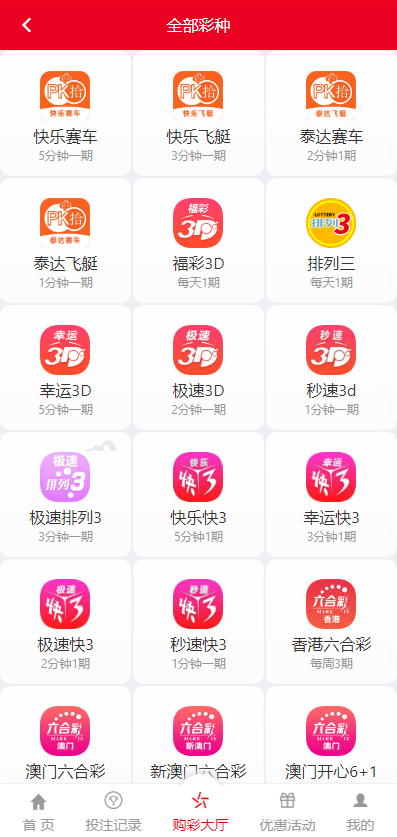
The biggest highlight of this codebase is its multi-source data collection capability. I actually tested several modules, and the collection interface configuration is very flexible, supporting both scheduled tasks and manual trigger modes.
Data Collection Module
The system comes with multiple built-in collectors that can interface with different types of public APIs. I configured several test data sources, including numeric sequence generation interfaces and random data simulation endpoints. Collection frequency can be customized in the backend, with settings ranging from 30 seconds to 24 hours. A nice touch is the automatic reconnection mechanism, so network fluctuations won’t cause data loss.
The data cleaning component is also well done, supporting field mapping and format conversion. When I encountered inconsistent source data formats, I just configured a few transformation rules in the backend and it was solved.
Backend Management Features
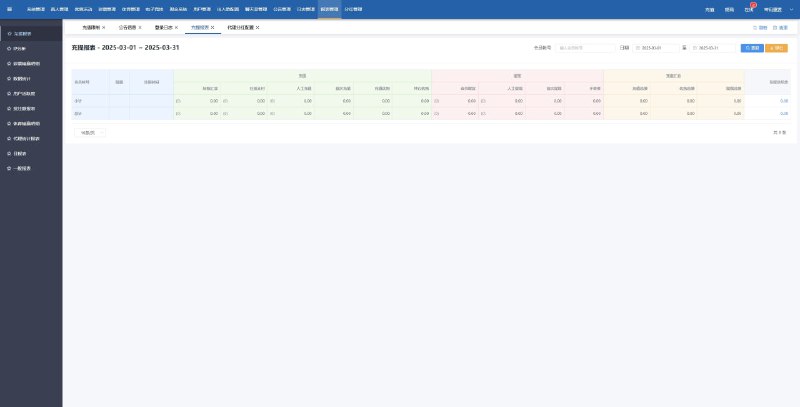
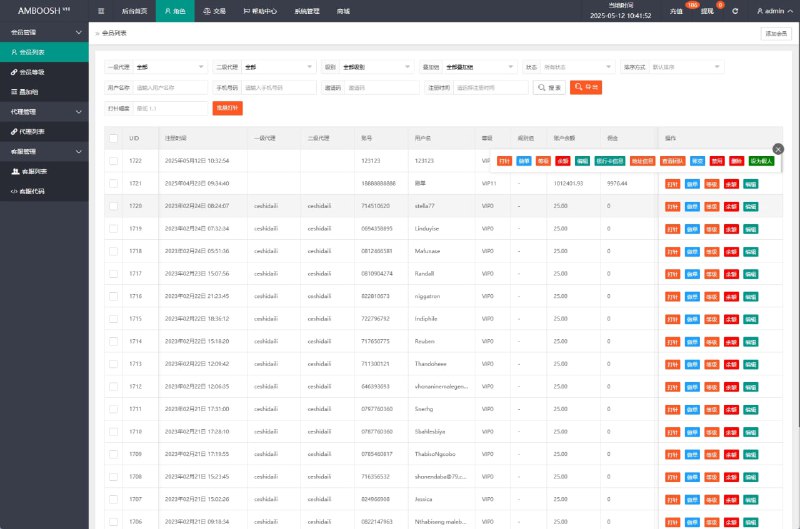
The admin panel has fairly granular permission controls. You can set different roles – for example, administrators can modify system parameters while regular operators can only view data reports. The user management module supports batch imports, which is really useful during data initialization.
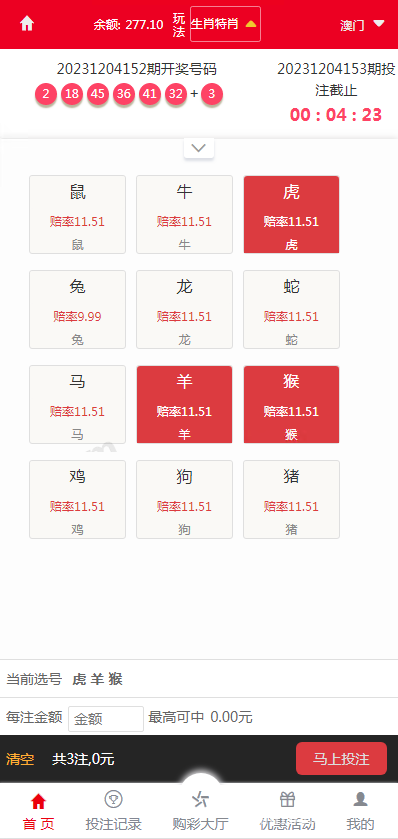
The backend also has a data monitoring dashboard that shows collection status, processing speed, and error logs in real time. During deployment, I noticed one collector kept throwing errors. I located the issue through this dashboard – turned out the API key had expired.
Practical Tip: Before deployment, I recommend running through the complete workflow in a test environment first, especially checking database indexes and cache configuration. The first time I deployed, I didn’t pay attention to the Redis configuration, and the memory crashed under high-concurrency collection.
Deployment Environment and Configuration Points
Server Requirements
Recommended configuration starts at 4 cores and 8GB RAM, with storage space depending on data volume. For this project, I estimated 500,000 records collected daily, so I allocated 200GB of disk space. The system is built on PHP 7.4 and requires MySQL 5.7+ and Redis 5.0+. Nginx serves as the reverse proxy – remember to configure rewrite rules properly.
Installation Steps
After extracting the source code package, first import the database file – this step is critical. I used Navicat to directly import the SQL file, making sure to select utf8mb4 as the character set. Then modify the database configuration file in the config directory, filling in your own database credentials.
Rewrite rules need to be adjusted based on your server environment. Apache uses .htaccess files, while Nginx requires adding rewrite rules in the configuration file. The source package includes example configurations – just copy, paste, and adjust the paths.
The Redis configuration file is in the root directory. Mainly change the connection address and port. For distributed deployment, remember to switch Redis to cluster mode.
Collection API Integration
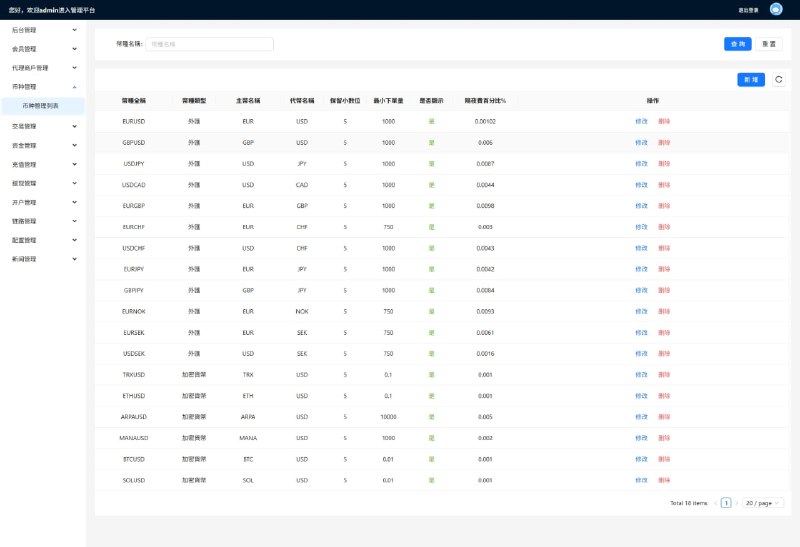
There’s an API configuration page in the backend where you need to fill in the target interface’s URL, request method, and authentication information. The several public data sources I integrated all support REST API, making configuration relatively straightforward. Pay attention to request rate limits though – many APIs have QPS restrictions, and exceeding them will get your IP blocked.
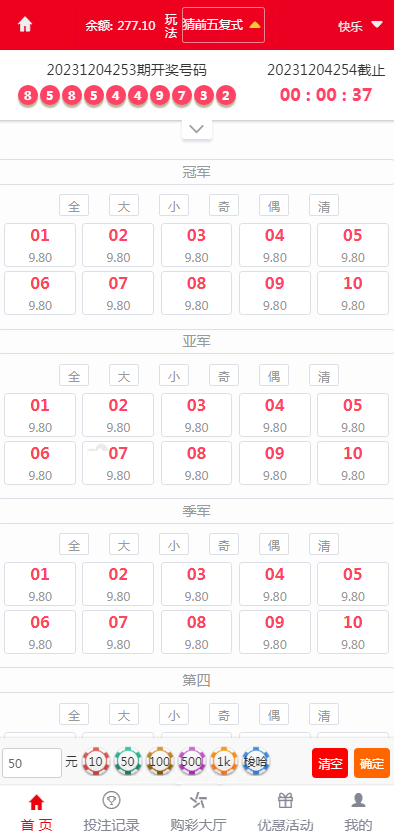
The system supports webhook callbacks, which can automatically push to specified endpoints after collection completes. This feature suits scenarios requiring real-time processing, like triggering analysis tasks immediately after data collection.
Secondary Development and Extension
The code structure is fairly clear, using MVC architecture. I modified a few areas, mainly adding custom fields and export functionality. Controller files are in the application/controller directory, with the model layer in application/model.
If you want to add a new collector, you can reference the existing collector classes. Core logic is in the CrawlerService.php file, basically three steps: initiate HTTP request, parse response data, write to database. I wrote a crawler myself to collect JD.com product prices, took about two hours to debug.
The frontend uses the LayUI framework – interface is clean without being ugly. If clients want to change the UI style, just modify the CSS without touching much code. For this project I changed the theme color from blue to green, and the client was quite satisfied.
Suitable Use Cases
This system is well-suited for projects requiring long-term stable collection of public data. Several typical scenarios I’ve encountered: e-commerce price monitoring, industry data analysis, public opinion monitoring platforms. For one-time collection tasks, Python scripts might be faster.
In terms of data volume, collecting millions of records daily is no problem. For larger volumes, I recommend distributed deployment, separating collection modules from processing modules. I had a previous project collecting 5 million records daily, using three servers for collection and one for data processing.
Common Questions
Q: What if collections frequently timeout?
A: First check the target interface’s response speed. If their server is slow, you can increase the timeout in configuration. Also recommend enabling the failure retry mechanism – I usually set 3 retries with 5-second intervals. If that still doesn’t work, consider using a proxy IP pool to distribute request pressure.
Q: How do I export collected data?
A: The backend has export functionality supporting CSV and Excel formats. For large data volumes, I suggest batch exports – exporting hundreds of thousands of records at once might cause lag. I usually write a scheduled task that automatically exports the previous day’s data at midnight, then uploads to OSS storage.
Q: Can I scrape websites that require login?
A: Yes, but you need to configure Cookie or Token in the collector. My approach is to manually login once, capture the session information, then configure it in the collector. Pay attention to session validity periods and update when expired. However, remember to follow the target website’s robots protocol and don’t scrape explicitly prohibited content.
Summary and Recommendations
Overall, this data collection system has adequate functionality and decent code quality. Deployment difficulty is not high – with some PHP background you can get it done in half a day. Post-deployment maintenance mainly involves monitoring collection status and periodically cleaning logs, which isn’t much work.
If you’re also working on data collection projects, you can reference this architectural approach. Remember to understand the target website’s scraping policies before collecting – legal compliance ensures long-term operation. Feel free to reach out if you have questions, as I’ve accumulated quite a bit of practical scraping experience.
Disclaimer: This article is for technical education only. Please comply with laws and regulations and robots protocols. Using these techniques for any illegal purposes is prohibited. Data collection must respect target websites’ copyright and privacy policies.
Disclaimer: This article is for technical education and demonstration only. It is not professional or financial advice. Any real-world deployment must comply with applicable laws and regulations.
#data collection #web scraping system #backend management #API integration #secondary development
-
 Alipay QR Code Scan
-
 WeChat Scan Pay