Building a Multi-Language Random Prize Draw System for Cross-Border E-Commerce: UI Design, Probability Configuration & Data Collection
Building a Multi-Language Random Prize Draw System for Cross-Border E-Commerce: UI Design, Probability Configuration & Data Collection
Disclaimer: This article is for technical education and demonstration only. It is not professional or financial advice. Any real-world deployment must comply with applicable laws and regulations.
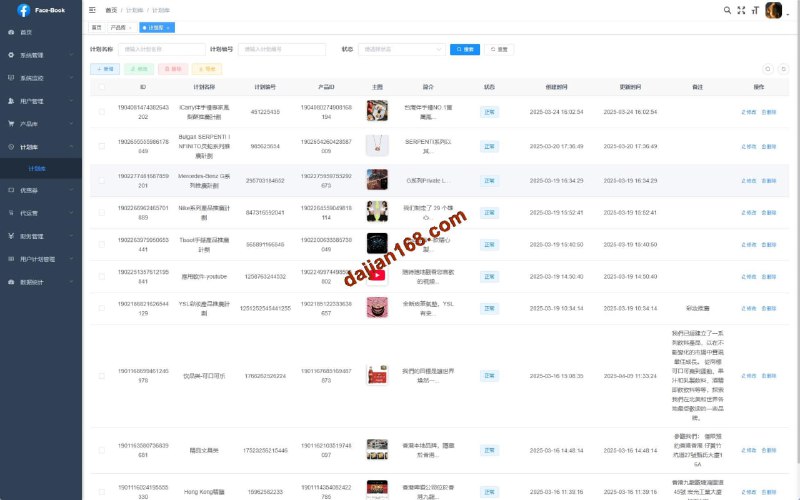
Last week I took on a project where the client needed an e-commerce marketing system for the Indian market, with a random prize draw module as the core feature and multi-language support. After receiving the source code, I found it included dual UI versions: a minimalist traffic light style and an integrated mall version, both with well-implemented backend probability configuration and data collection.
System Feature Testing
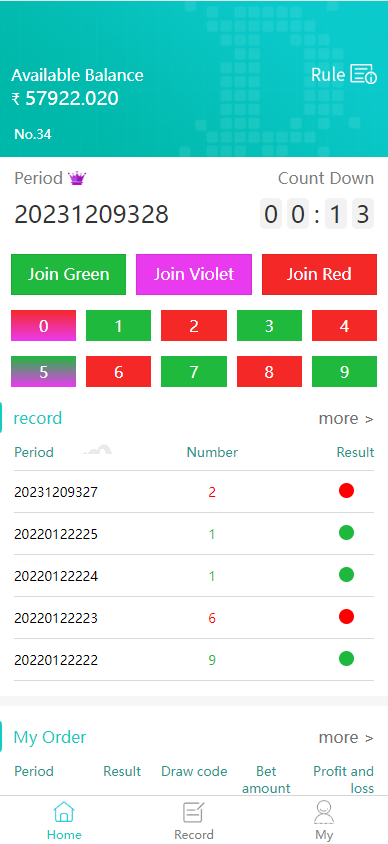
This system is primarily used for e-commerce platform marketing campaigns, where users obtain coupons or points through random prize draws. The frontend offers two switchable UI themes:
Dual UI Interface
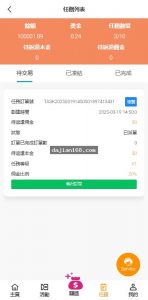
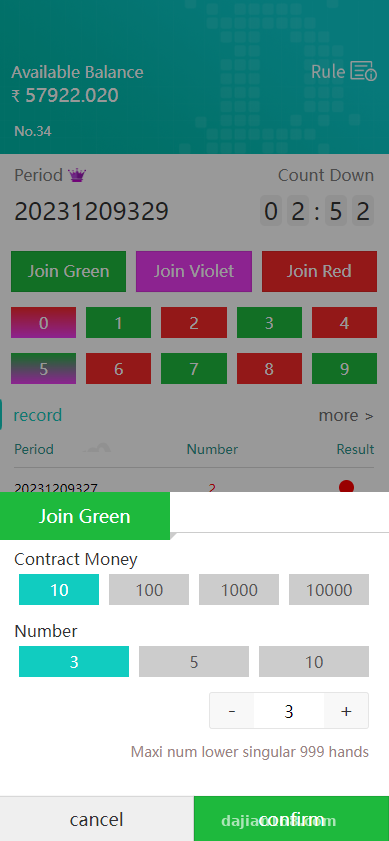
The traffic light style UI is very clean, with three colored buttons corresponding to different prize tiers, suitable for rapid H5 deployment. The mall version UI integrates a product display module, allowing users to jump directly to product detail pages after drawing prizes, shortening the conversion path. During testing, I discovered both UIs can be switched with one click in the backend without code modification.
Multi-Language Support
The language pack is quite detailed, supporting 6 languages including English, Hindi, and Tamil. The backend allows individual editing of text for each language, including button text, popup prompts, and rule explanations. I added a Traditional Chinese pack myself by simply copying and modifying the language files in the lang directory.
Probability Preset Feature
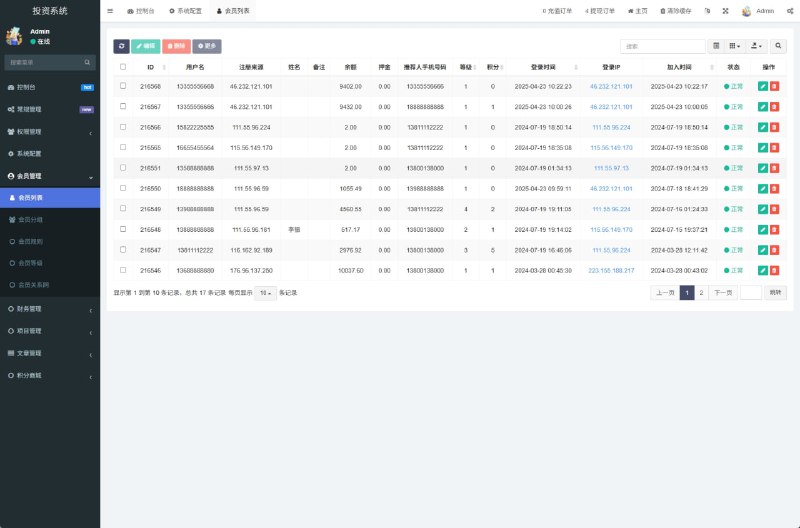
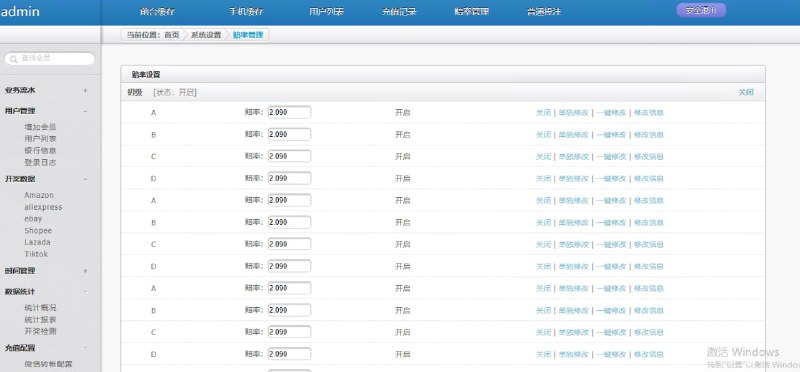
The backend has a probability configuration panel where you can set winning rates for different time periods. For example, you can set higher probability at the campaign start to attract users, then lower it later to control costs. You can also set differentiated probabilities for different user tiers, with higher winning rates for veteran users to improve retention.
Highlight: The data collection module can interface with third-party APIs to automatically sync product inventory and order data, eliminating manual entry hassles.
Deployment Key Points
Environment Preparation
Used CentOS 7.6 for the server, with PHP version requirement of 7.2 or above (I installed 7.4). MySQL 5.7 is recommended; 8.0 also works but requires modifying the authentication method in the config file. When configuring Nginx pseudo-static rules, remember to enable pathinfo, otherwise frontend routing will return 404.
Database Import
The source code package includes an install.sql file that you can import directly. However, pay attention to the table prefix, which defaults to ec_. If you change the prefix, remember to synchronously modify database.php in the config directory. After importing, run the database migration script to automatically create indexes and foreign key associations.
Payment Gateway Integration
The system has multiple payment channels pre-configured. I integrated Paytm and Razorpay. On the backend payment configuration page, enter the merchant ID and secret key, and set the callback address to your domain + /notify/pay. During testing, use the sandbox environment first before switching to production.
Collection Configuration
The data collection feature relies on scheduled tasks, requiring cron jobs on the server. Edit crontab and add this line: */5 * * * * php /www/wwwroot/yoursite/think queue to execute queue tasks every 5 minutes. Collection rules can be visually configured in the backend, supporting both xpath and regex parsing methods.
Customization Experience Sharing
The client requested an invitation referral feature. I created a new invitation table under the user module to record referral relationships and commission amounts. On the frontend, I wrote a Vue page for generating invitation posters that calls the backend API to generate QR codes with promotion codes. The commission calculation logic is placed in the order completion callback, using transactions to ensure data consistency.
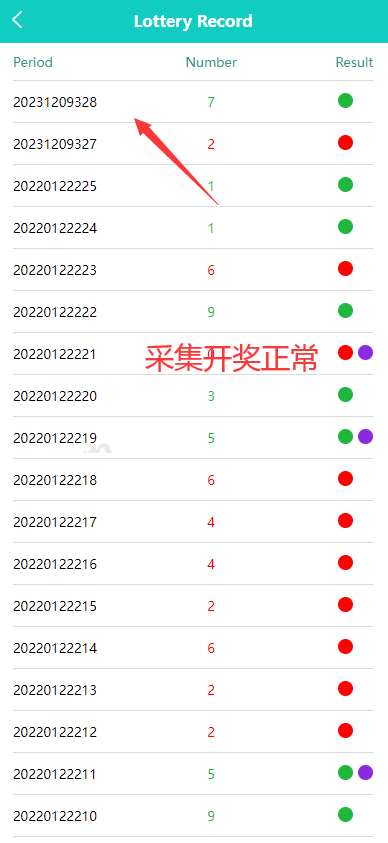
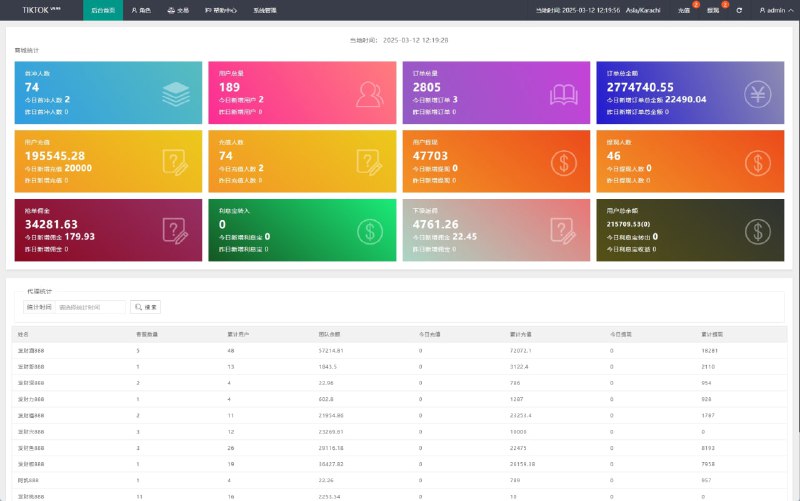
I also modified the backend data statistics page. The original version only had basic UV/PV statistics, so I added a chart displaying prize redemption trends using ECharts. The data source aggregates from the draw records table grouped by time. I wrote a stored procedure to periodically update the statistics table, avoiding full table scans on every query.
Suitable Use Cases
This system is well-suited for cross-border e-commerce marketing campaigns, especially targeting Southeast Asian and South Asian markets. The multi-language and localized payment implementations are solid, providing a smooth user experience. If your business needs interactive mechanics like prize draws or golden egg smashing to boost conversion, consider using this for customization.
The tech stack uses mainstream PHP + Vue, making it easy to find developers for handoff at reasonable cost. The backend permission management uses think-auth, supporting two-level control through roles and nodes. For team collaboration, you can create separate accounts for operations staff with access limited to campaign configuration permissions only.
Common Questions
Q: Can the frontend UI colors and logo be customized?
A: Yes, there’s a theme configuration in the backend system settings that supports modifying the primary color, button styles, and header logo. For deeper UI customization, directly modify the style files in the Vue components, then package and overwrite the static resources in the public directory.
Q: Do probability configuration changes take effect immediately or require service restart?
A: They take effect immediately. After saving probability changes in the backend, the frontend will calculate using the new probability on the next request. The system uses Redis to cache configuration data with a 60-second expiration time, so there’s at most a one-minute delay.
Q: What data sources does the collection feature support?
A: Currently supports two methods: HTTP API and web scraping. The API method involves configuring the API address and parameter mapping for scheduled requests and JSON parsing. The scraping method requires writing xpath or regex rules to extract product information from pages. I’ve tested collecting product data from AliExpress and Amazon, and both work normally.
Q: Are the server configuration requirements high?
A: Not particularly high. A 2-core 4GB setup can run it, handling up to 10,000 daily active users without pressure. For higher concurrency, consider adding load balancing, putting static resources on CDN, and implementing master-slave database separation. Redis and MySQL should ideally be deployed on separate machines rather than cramming everything on one server.
The entire setup took about a day and a half, with most time spent on payment gateway testing and UI detail adjustments. System stability has been solid, running for a week without issues. If you’re also doing cross-border e-commerce marketing, this solution is worth trying.
Disclaimer: This article is for technical education only. All systems must comply with the laws and regulations of the People’s Republic of China and local operating jurisdictions. Use for any illegal or unauthorized purposes is strictly prohibited.
Disclaimer: This article is for technical education and demonstration only. It is not professional or financial advice. Any real-world deployment must comply with applicable laws and regulations.
#Cross-Border E-Commerce #Multi-Language System #Marketing System #PHP Development #Source Code Deployment
-
 Alipay QR Code Scan
-
 WeChat Scan Pay