Building a Java Probability Demo System with Vue Mobile Deployment: Full Walkthrough
Building a Java Probability Demo System with Vue Mobile Deployment: Full Walkthrough
Disclaimer: This article is for technical education and demonstration only. It is not professional or financial advice. Any real-world deployment must comply with applicable laws and regulations.
I recently helped a long-time client redeploy their entire probability demo system, and I ran into quite a few bumps along the way — from choosing the right server specs to debugging the frontend-to-backend handshake. I have put the whole process down on paper here so anyone tackling a similar project can save some time. The frontend runs on Vue, while the backend is a Java Spring Boot application. After the dust settled, performance was smooth, and the mobile experience turned out better than I initially expected.

1. Hands-on Feature Overview: What This System Actually Does
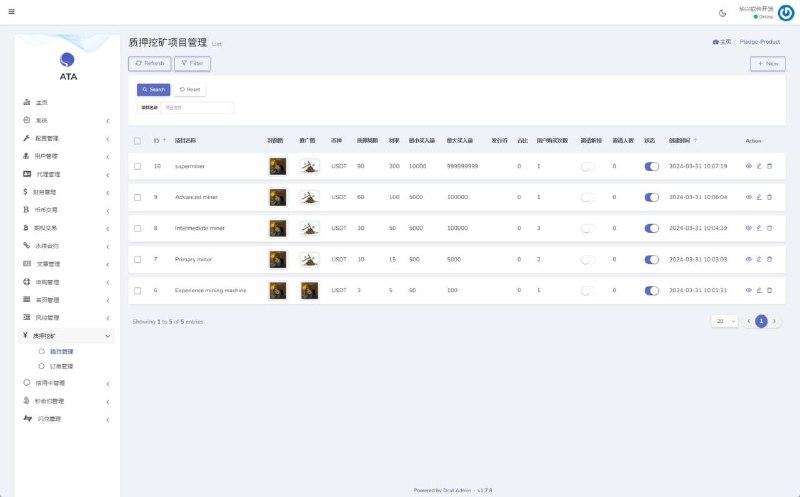
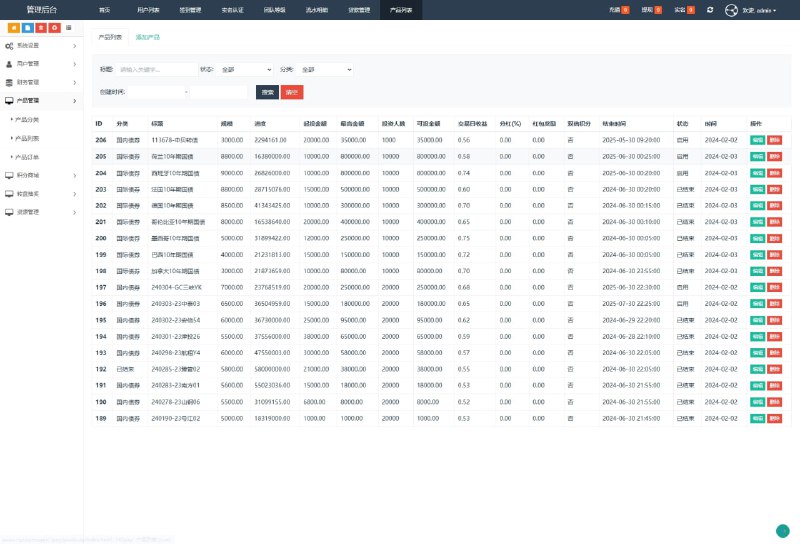
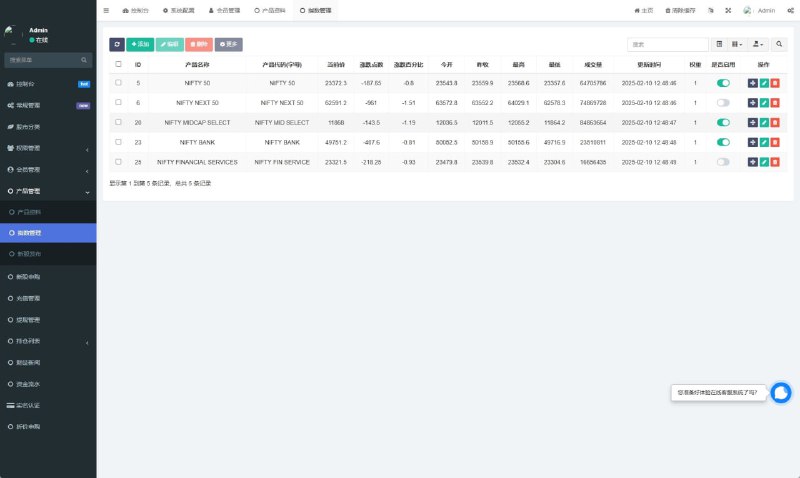
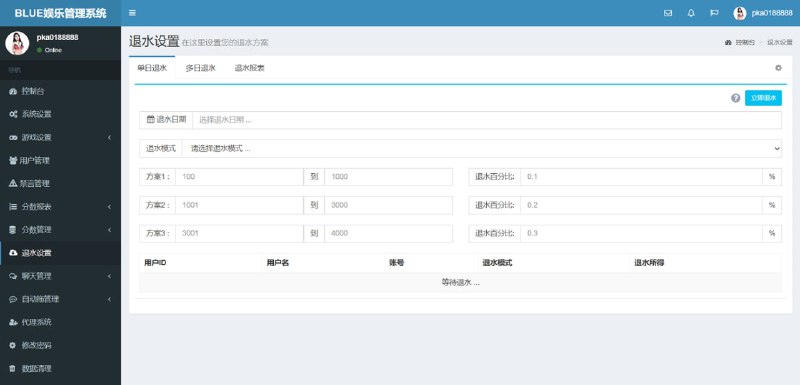
Let’s start with the core functionality. The backend ships with a full-featured probability parameter control module where administrators can adjust the success rate parameters through the admin panel. Different demo scenarios map to different value ranges. I tested several parameter groups across a 30%–70% success rate window, and the system responded reliably every time. The results displayed on the frontend closely matched the backend configuration, with no noticeable drift.
1.1 Probability Parameter Admin Panel
The admin panel is surprisingly thorough. Parameters are not hardcoded into the source — they live in a configuration table that supports hot reload. After saving changes, you don’t need to restart the service. A frontend refresh is enough to see the new behavior take effect. This matters a lot for operations: tuning efficiency directly shapes the quality of any demo run. During my own stress tests, I tweaked parameters back-to-back more than a dozen times without hitting a single exception.
1.2 Dual-Mode Demonstration Mechanism
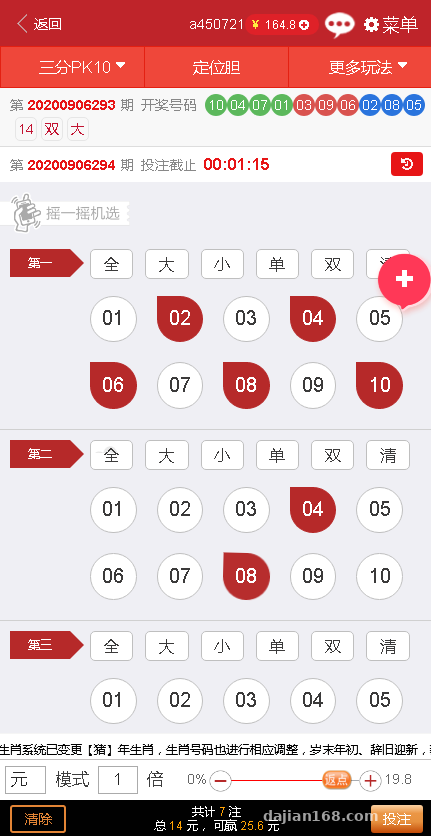
The system supports two demonstration modes: a dual-side demo and a standard scenario demo. The dual-side mode follows a classic two-option pattern — the user picks option A or B, and the system returns a result based on the backend-configured success rate. The standard scenario demo is a bit more involved: it simulates a complete workflow, including data validation, result rendering, and demo account balance updates. The two modes can be configured independently without interfering with each other.
1.3 50+ Pre-Built Demo Scenarios
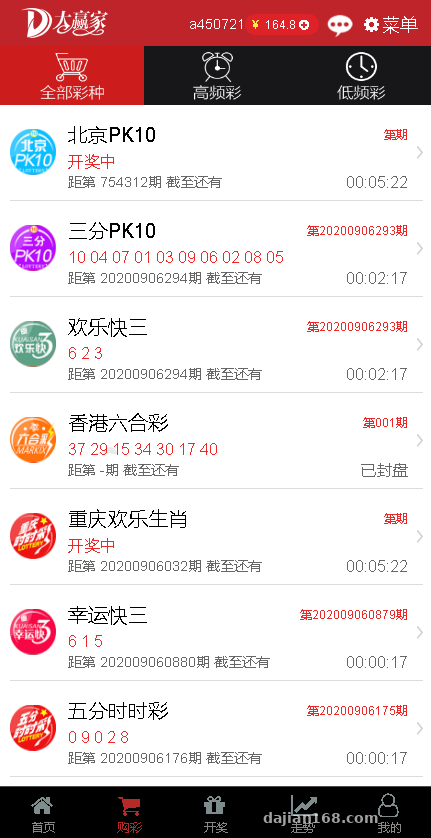
The backend comes pre-loaded with over 50 demo scenarios, each with its own algorithm logic and UI layout. Admins can switch scenarios on or off at any time through the panel — no code changes required, just toggle a checkbox. That is a larger library than most comparable systems offer, covering the most common demo categories including numeric, combinatorial, and head-to-head patterns.
1.4 Vue Mobile Frontend Experience
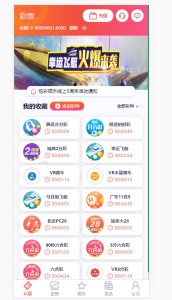
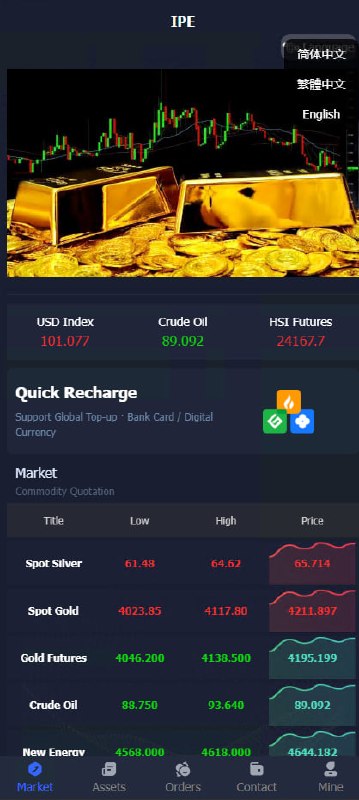
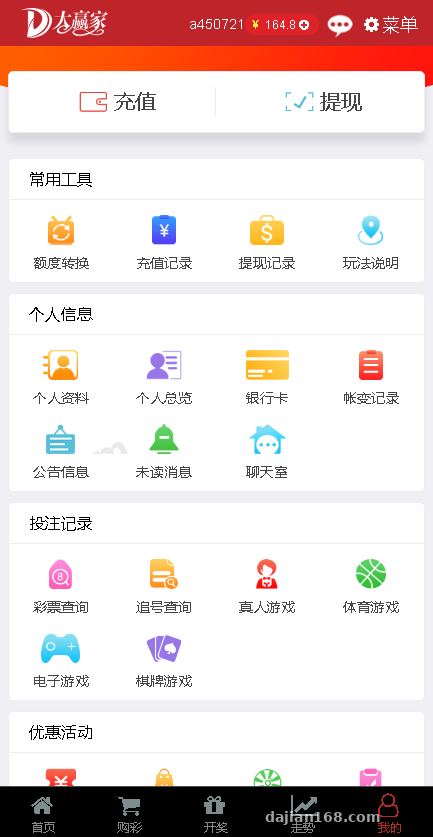
The mobile frontend was built with Vue 2.x. After bundling, the package size stays well within a reasonable range, and load times are noticeably faster than a typical H5 page. Page transition animations feel fluid without the jank you often see in older systems. I tested on several Android devices across price tiers — from budget models to flagships — and everything ran smoothly. The codebase uses lazy loading and asset bundling, so under normal usage there is virtually no stutter.
Practical tip: Once deployment is done, run a stress test on the lowest-spec server you plan to use before going live. A probability demo system is sensitive to response latency — if users wait too long, the demo effect collapses. Aim for a first-paint time of 1.5 seconds or less.
2. Deployment Essentials: A Full Walkthrough From Scratch
2.1 Server and Base Environment
Go with at least 2 cores and 4 GB of RAM. The application itself is not heavy, but once you add the Java backend and Nginx reverse proxy, memory adds up fast. My stack was CentOS 7.9, JDK 1.8, MySQL 5.7, and Redis 6.2 — the combination that gave me the fewest compatibility headaches. Nginx handles static asset proxying and load balancing, leaving the door open for scaling out later. One thing worth noting: turn on the MySQL slow query log. It saves a lot of time when chasing down performance issues.
2.2 Backend Deployment
The Java backend is a standard Spring Boot project, packaged as a single Jar file. A few configuration files matter: application.yml holds the database connection, Redis address, and file upload paths; logback.xml controls log levels and output destinations. I recommend wrapping the start command into a service unit so you get auto-start on boot and automatic restart on failure for free. Mount the log directory on a separate disk — otherwise the root partition will fill up over time.
2.3 Frontend Bundling
Build the Vue frontend with npm run build, which outputs to the dist directory. Before bundling, remember to update the API base URL in the config directory with the backend domain. Otherwise, every frontend request will return 404. Mobile bundling is a touch trickier — you need to configure compatibility for vux or whatever UI library you are using, or you will see issues on older Android versions. After bundling, turn on Nginx gzip compression; it cuts traffic noticeably.
2.4 API Integration and Payment Module
The system reserves integration points for payment gateways and supports a demo mode for both Alipay and WeChat Pay. Pay close attention to the signature verification step — the guide explains it clearly, and following the steps in order usually works. If the client doesn’t need real payment processing, the demo mode runs the entire flow end to end, with parameters all configurable from the admin panel. Make sure the callback URL uses HTTPS, otherwise the payment platform will reject the request.
2.5 Notes for Secondary Development
The codebase is reasonably clean with solid modular separation. The probability algorithm lives in its own service — to tweak the algorithm, you only need to edit that file. The UI uses Vue components, so style adjustments mean finding the corresponding .vue file. My recommendation: keep the existing probability algorithm intact and only modify the UI and business logic. That preserves stability. Avoid touching the database schema unless you have a specific reason — otherwise upgrades become painful.
3. Target Users and Use Cases
This system fits a few typical scenarios:
First, probability algorithm demonstrations for teaching. Explaining random numbers or probability distributions to students or new hires is dull when it stays purely theoretical. A system with real-time tunable parameters makes the lesson land much better.
Second, a demo prop for operations training. Some operations workflows need to illustrate probability mechanisms, and this system can simulate a wide range of scenarios. It works well for internal training and external presentations, with parameters fully controllable.
Third, a foundation for secondary development. The code quality is solid and the modularization is well thought out. Using it as a starting point for further development is far more efficient than building from scratch, and the documentation is fairly complete.
Frequently Asked Questions
Q: How difficult is it to deploy the Java probability demo system?
A: For an experienced developer, the whole flow takes roughly 2–3 days. Most of the time goes into frontend-to-backend integration and probability parameter testing. The actual deployment is straightforward — just follow the documentation step by step. Server environment setup takes about half a day, backend packaging and deployment another half day, and frontend bundling plus integration another half day. The remaining time goes into testing and parameter tuning.
Q: Will the Vue mobile frontend lag on low-spec phones?
A: I tested several entry-level Android phones, including Redmi and Vivo budget models, and everything ran smoothly. Vue 2.x already has solid compatibility, and the codebase uses lazy loading and asset bundling, so normal usage is fine. The only thing to watch out for is the WebView engine on older Android versions — some CSS3 features are not supported, so make sure to add graceful fallbacks.
Q: Can the backend probability parameters be modified in real time?
A: Yes. The system uses a configuration center approach. After updating parameters, the frontend picks up the new values on the next refresh — no service restart needed. This is one of the standout features of the system and makes operations adjustments very convenient. Before making changes, it is wise to back up the original parameters so you can roll back if something goes wrong.
Q: Does the system support multiple languages?
A: The frontend has reserved i18n hooks, but only Chinese is configured by default. If you need English or other language support, you will need to translate the entries yourself. The workload is not heavy — mostly organizing the copy. Language packs are in JSON format, organized into files by module, which keeps things tidy.
Q: What are the most common pitfalls during secondary development?
A: Keep the existing probability algorithm service and only modify the UI and business flow. Don’t touch the database schema unless you have a specific need. Also pay attention to Redis usage — some interfaces depend on Redis caching. When you change them, don’t forget to update the cache refresh logic, otherwise you will run into mismatched data.
Disclaimer: This article only shares the technical implementation process. All material is intended for learning and educational purposes. Please comply with applicable laws and regulations. Prohibited uses include any illegal or non-compliant activities.
Disclaimer: This article is for technical education and demonstration only. It is not professional or financial advice. Any real-world deployment must comply with applicable laws and regulations.
#Java Spring Boot #Vue deployment #probability demo #random number system #secondary development
-
 Alipay QR Code Scan
-
 WeChat Scan Pay