BW Hongji OA Credit Points System PHP Full Open Source Deployment Guide: Probability Simulation Demo Source Code Setup Notes
BW Hongji OA Credit Points System PHP Full Open Source Deployment Guide: Probability Simulation Demo Source Code Setup Notes
Disclaimer: This article is for technical education and demonstration only. It is not professional or financial advice. Any real-world deployment must comply with applicable laws and regulations.
I recently helped a client with an internal demo project deploy a BW Hongji OA credit points system — the PHP full open source fixed edition, which ships with a probability simulation demo module and a matching mobile page set. After two days of tinkering, I’ve turned the pitfalls I hit into this note, hoping to save others some time.
What’s Actually in This Source Code
Short version: the code is fairly complete — not one of those half-finished packages with missing files. I clicked through the core modules one by one:
Admin Panel
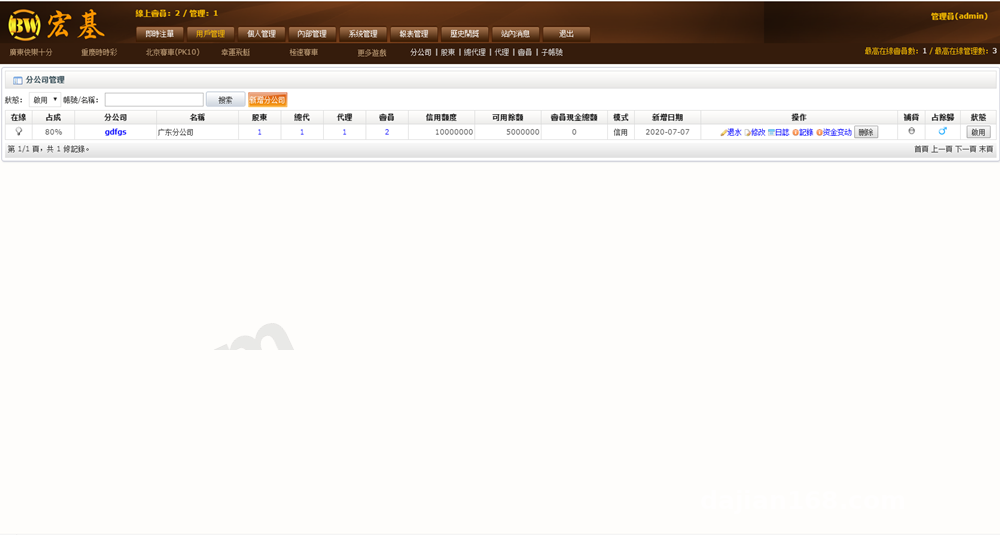
The admin path is /admin with a default account of admin. The feature menus are well organized: points account management, quota adjustment logs, market data simulation settings, and task distribution record queries. The risk-control parameter section lets you configure the random number seed and probability model used for publishing simulated results, which makes algorithm demos very convenient. Every operation is logged, so tracing back is easy.
Probability Simulation Demo Module
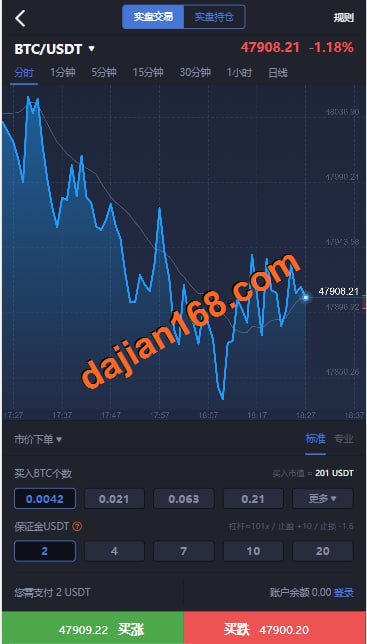
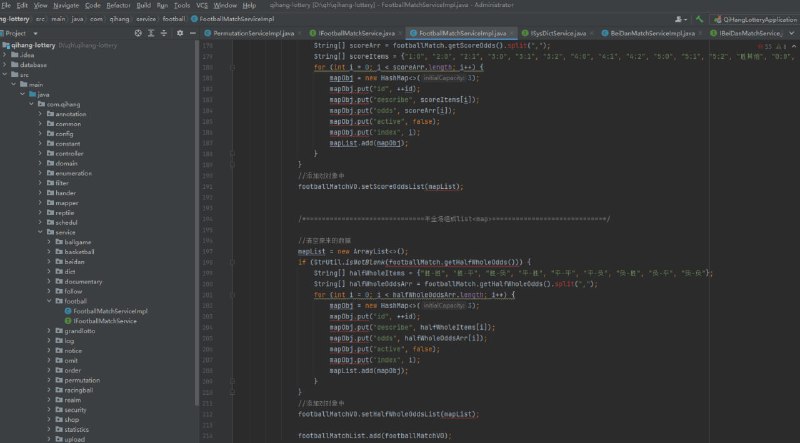
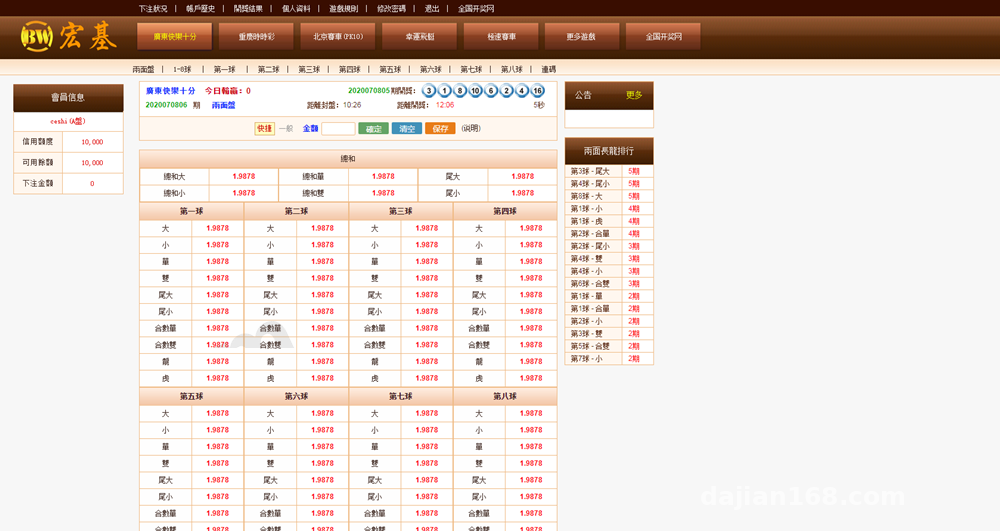
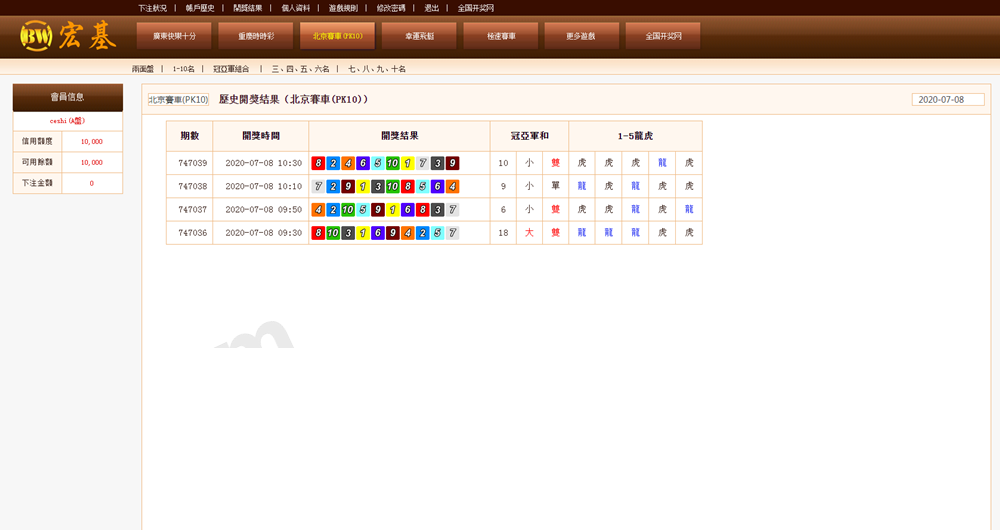
This module is essentially a random number demonstration system built to show how probability algorithms run. The frontend has trend charts and a history list, with all data generated by the backend simulation engine. I ran it for a full day in testing — data generation was stable, with no memory leaks or stuck scheduled tasks. If you plan secondary development, the algorithm core lives in the lotterysim directory; the structure is clean and not hard to modify.
Mobile Adaptation
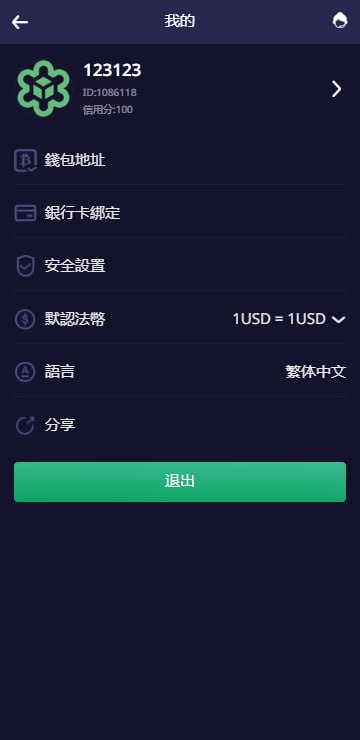
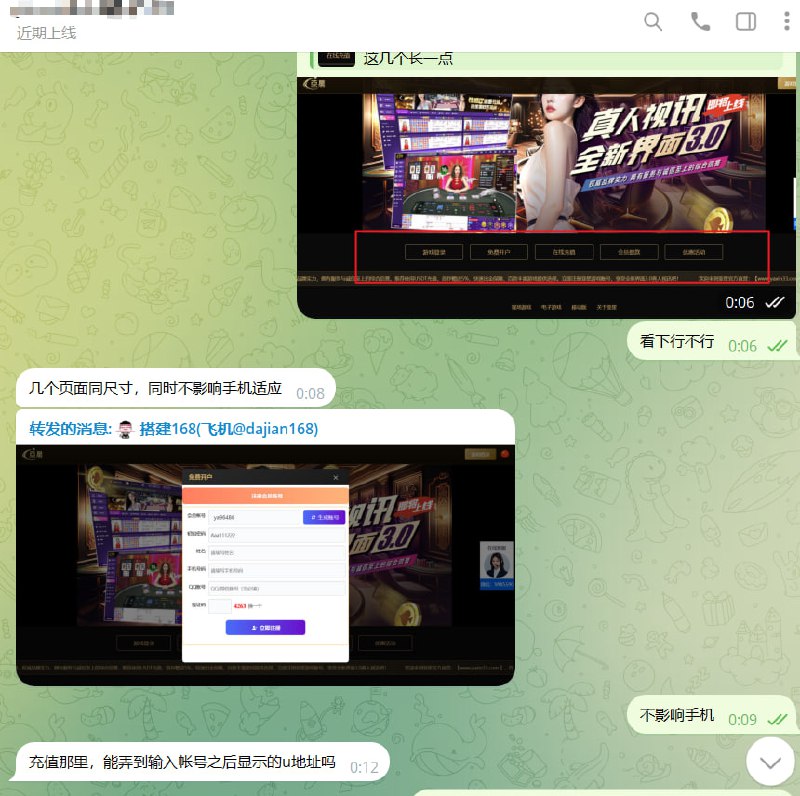
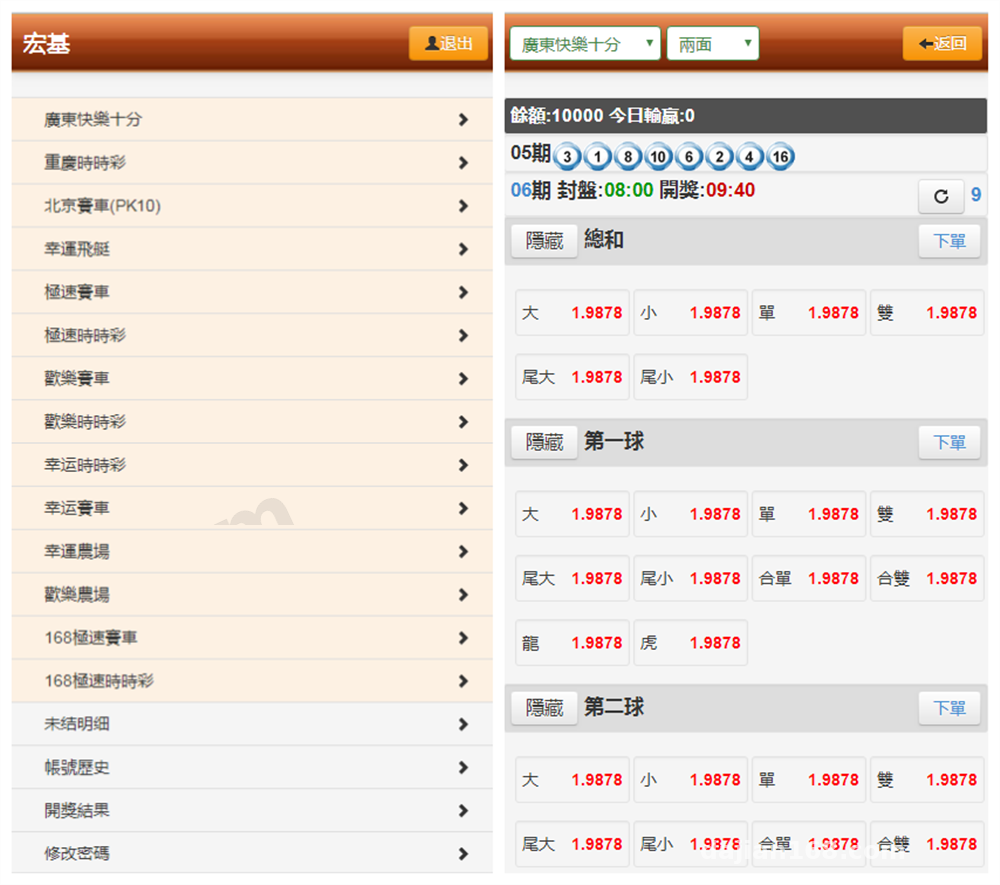
It ships with a wap template that’s responsive; opening it in a mobile browser auto-redirects to the /m directory. The styling uses an older bootstrap version — if that bothers you, you can swap in your own UI framework. The template separation is decent, so changes aren’t painful.
Deployment Essentials and Pitfall Log
Environment Requirements
PHP 5.6 to 7.2 is recommended; 7.3 and above throws deprecation errors on some functions. I first tried 7.4 and hit mysqli syntax compatibility issues — dropping back to 7.0 worked on the first try. MySQL 5.6 is enough; after importing the database, remember to update the connection info in config.php. Standard thinkphp rewrite rules work fine for the pseudo-static config.
A Few Must-Know Points
First, directory permissions: the runtime and upload directories need 777, or saving settings in the admin panel errors out immediately. Second, scheduled tasks: simulated data generation depends on crontab — add a cron job that runs every minute; the path is written in the docs. Third, the payment interface: the source code reserves an aggregated payment integration framework, but it’s disabled by default. For demos, just use the built-in points top-up channel instead of connecting real payments — simpler and compliant.
Tip: change the admin password and database prefix right after deployment. This source code has many circulating versions online, so don’t skimp on security hardening.
Secondary Development Suggestions
For anyone planning to modify it: check first whether the admin panel’s parameter settings already cover your needs — many features can be toggled from the backend without touching code. If you do need to change code, focus on the application/common module, where the shared logic is consolidated. On localization, the source only includes Chinese; if you need an English interface, the language packs are standard PHP arrays, so extending them isn’t costly.
Also, the points system design is quite flexible — levels, multipliers, and turnover statistics are all configurable, making it a good fit for user points operation demo projects.
Who Is This For
Three groups: institutions teaching probability algorithms, since a ready-made interface beats writing a demo from scratch; freelance developers whose clients need a points system or operations backend, since this can be delivered after light modification; and newcomers wanting to study legacy thinkphp project structure — the code isn’t hard to read and makes good practice material.
FAQ
Q: The homepage is blank after installation — what now?
A: Nine times out of ten the PHP version is too high. Drop to 7.0 or 7.2, and check that the runtime directory has write permissions.
Q: The mobile layout is broken — how do I fix it?
A: The wap template references an externally hosted jQuery. On servers in mainland China, download the static assets locally and replace the links; loading speed and display will both normalize.
Q: Can the simulated data generation frequency be customized?
A: Yes. The backend risk-control settings include a generation interval parameter, with a minimum of 30 seconds, effective together with crontab.
Q: Can I connect my own payment provider?
A: The source reserves an interface framework, but for this demo environment only the built-in points channel is recommended. Any real funds integration must comply with applicable laws and regulations, and illegal or non-compliant uses are prohibited.
Overall, this source code offers good value: complete features, clear structure, and well suited for technical demos and secondary development practice. If you hit deployment issues, feel free to discuss in the comments.
Disclaimer: This article is for technical education and demonstration only. It is not professional or financial advice. Any real-world deployment must comply with applicable laws and regulations.
#Source Code Setup #PHP Deployment #Points System #Secondary Development Notes #Probability Simulation
-
 Alipay QR Code Scan
-
 WeChat Scan Pay