Chuangsheng Series Card Simulation System Setup Guide: Room Ticket + Club Alliance Deployment Notes
Chuangsheng Series Card Simulation System Setup Guide: Room Ticket + Club Alliance Deployment Notes
Disclaimer: This article is for technical education and demonstration only. It is not professional or financial advice. Any real-world deployment must comply with applicable laws and regulations.
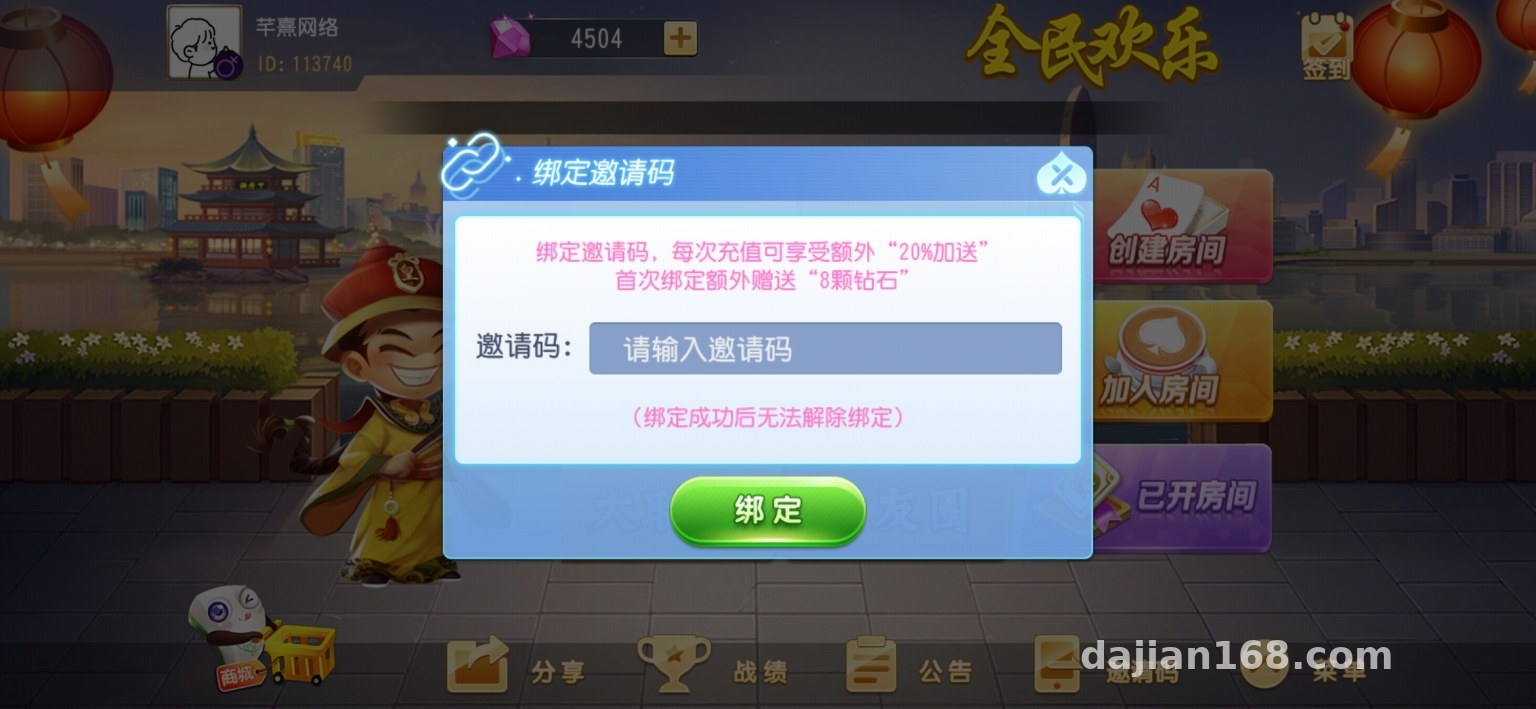
I recently helped a client deploy a Chuangsheng series card simulation demo system, mainly for his product team to showcase gameplay logic. It took two days of tinkering to get the room tickets, clubs, and alliances all working, so I’m writing this up as my deployment notes to save others some detours.
Feature Review: What’s Inside This System
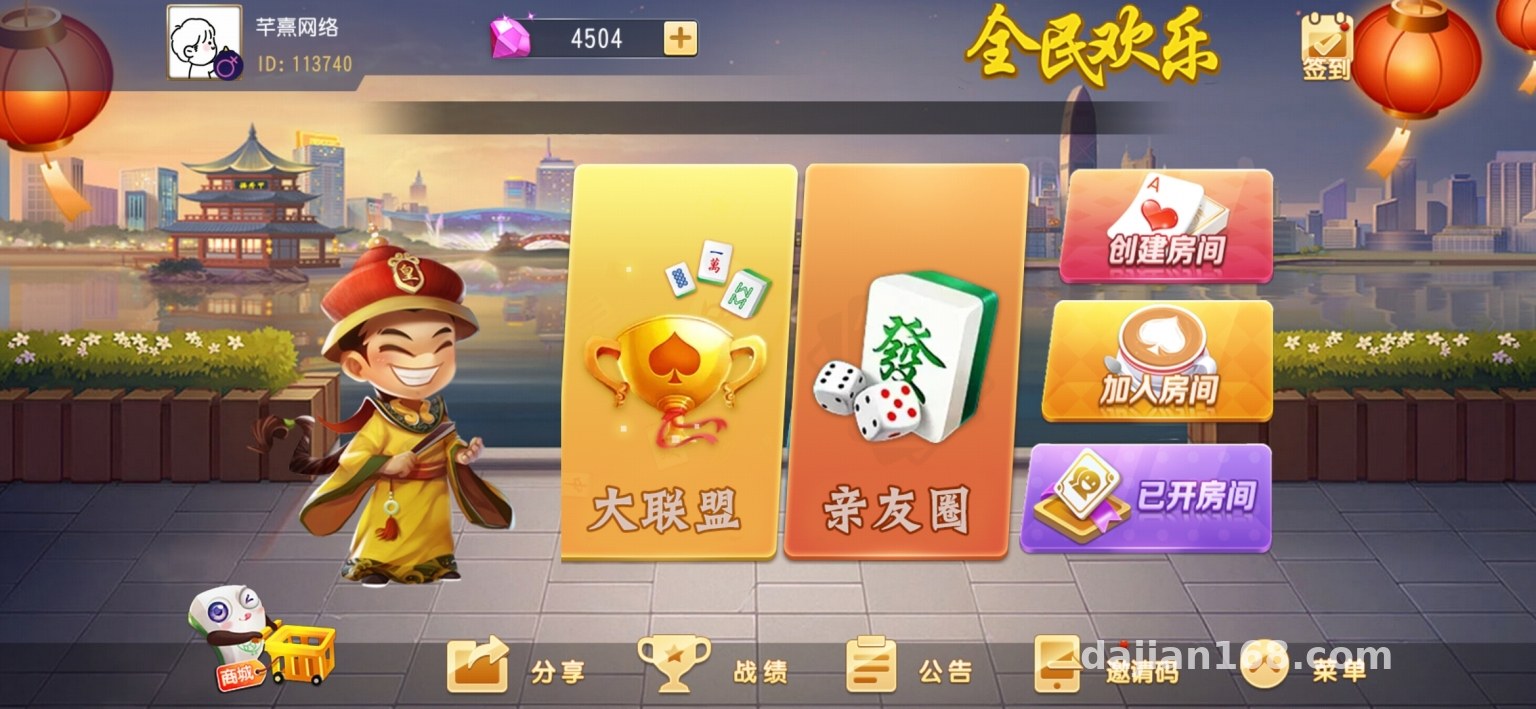
Let’s start with the game modules. The full source code comes with quite a few card simulation modes: Fifty-K, Thirteen Water, Red-Middle card simulation, card simulation simulation, blood-battle card simulation, solitaire simulation, Zha Jinhua simulation, and Niu Niu simulation — all essentially probability calculation and random number demo logic. I clicked through each one and ran a full round; the card animations, settlement flow, and points demo all completed without issues.
Room Ticket Mechanism
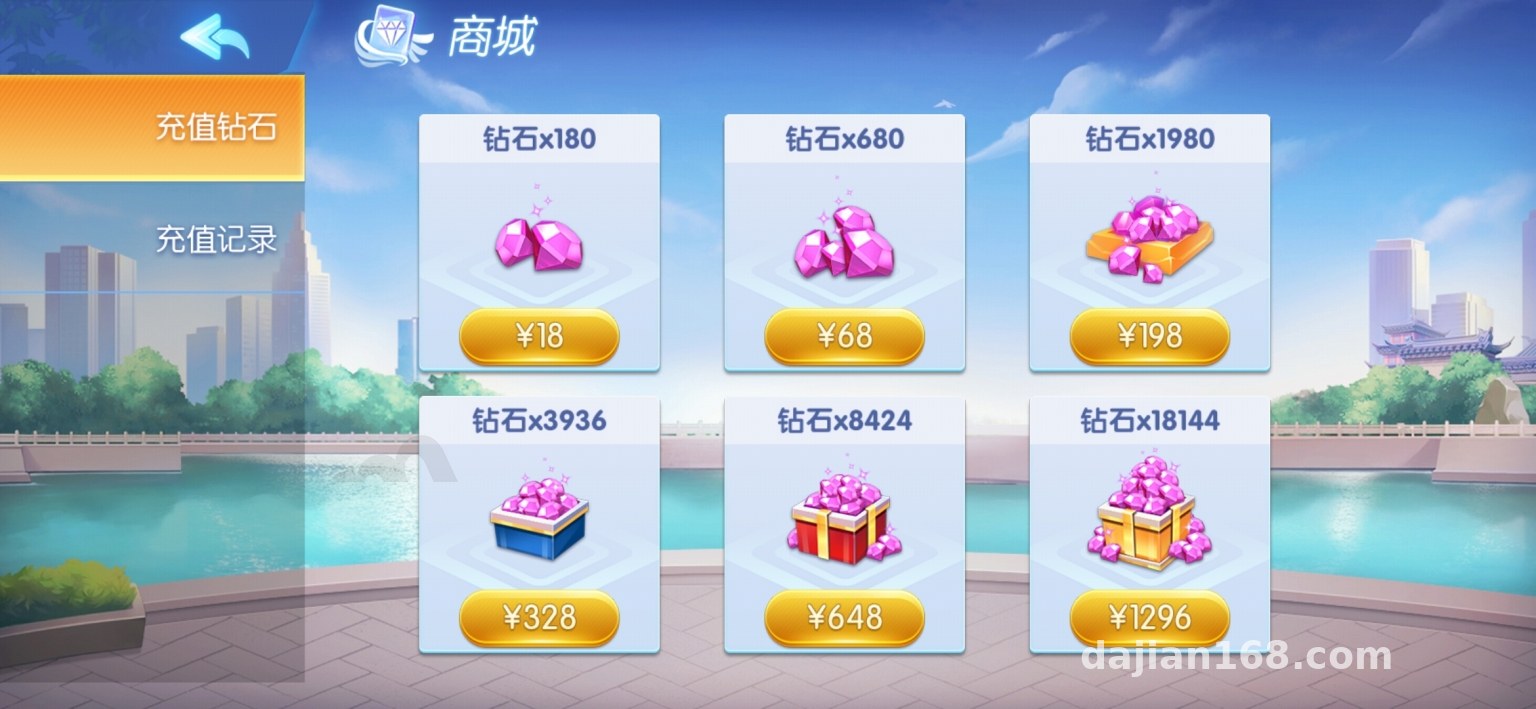
The core of this system is the room ticket model. Users spend tickets to create rooms, and the room owner can set the number of rounds and gameplay parameters. The admin panel lets you configure ticket issuance rules and daily caps. During testing I set the issuance to 1000 tickets/day, and the issuance API responded in under 200ms with no lag.
Clubs and Alliances
The club feature supports creation, member management, and announcements, while alliances can link multiple clubs together for cross-table match demos. Member permissions are split into three tiers: creator, admin, and regular member, all adjustable from the admin panel. The logic here is fairly clean, so secondary development isn’t hard.
Deployment Essentials: Environment Setup and Pitfall Log
For the server I used a 2-core 4G cloud host running CentOS 7.9 with PHP 7.4 + MySQL 5.7 + Redis. One warning here: don’t use PHP 8 or above — some older extensions will throw errors. I fell into that trap on my first attempt and had to roll back to 7.4 before things worked.
Key Configuration Items
When importing the database, make sure the character set is uniformly utf8mb4, otherwise some emoji characters won’t save. Redis mainly handles sessions and room state caching; I’d recommend setting maxmemory to at least 512M. Remember to open the WebSocket port in your security group — if the client can’t connect, that’s the culprit nine times out of ten.
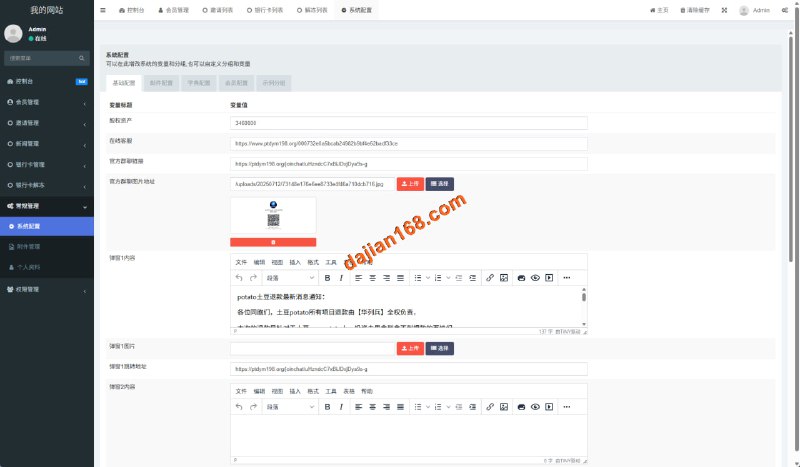
The admin panel lives in the default admin directory — change it before going live, and add an IP whitelist on top. When deploying for my client, I also added a captcha to the admin login to block scanners.
Admin Panel and Secondary Development Experience
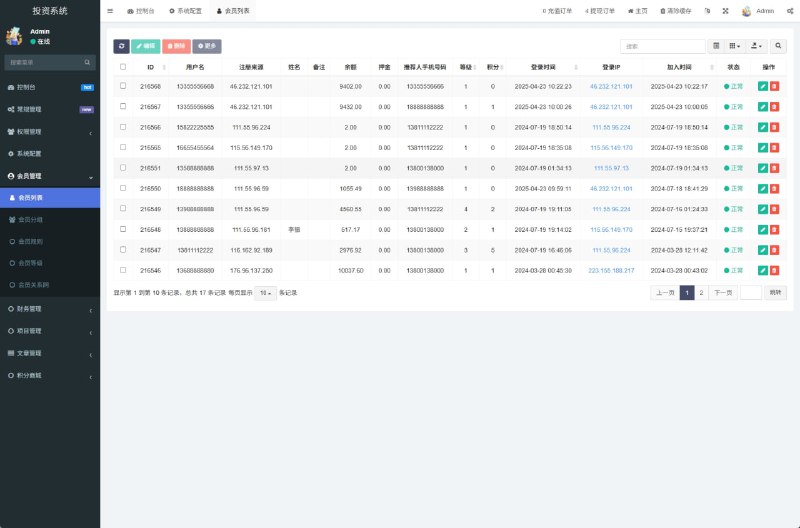
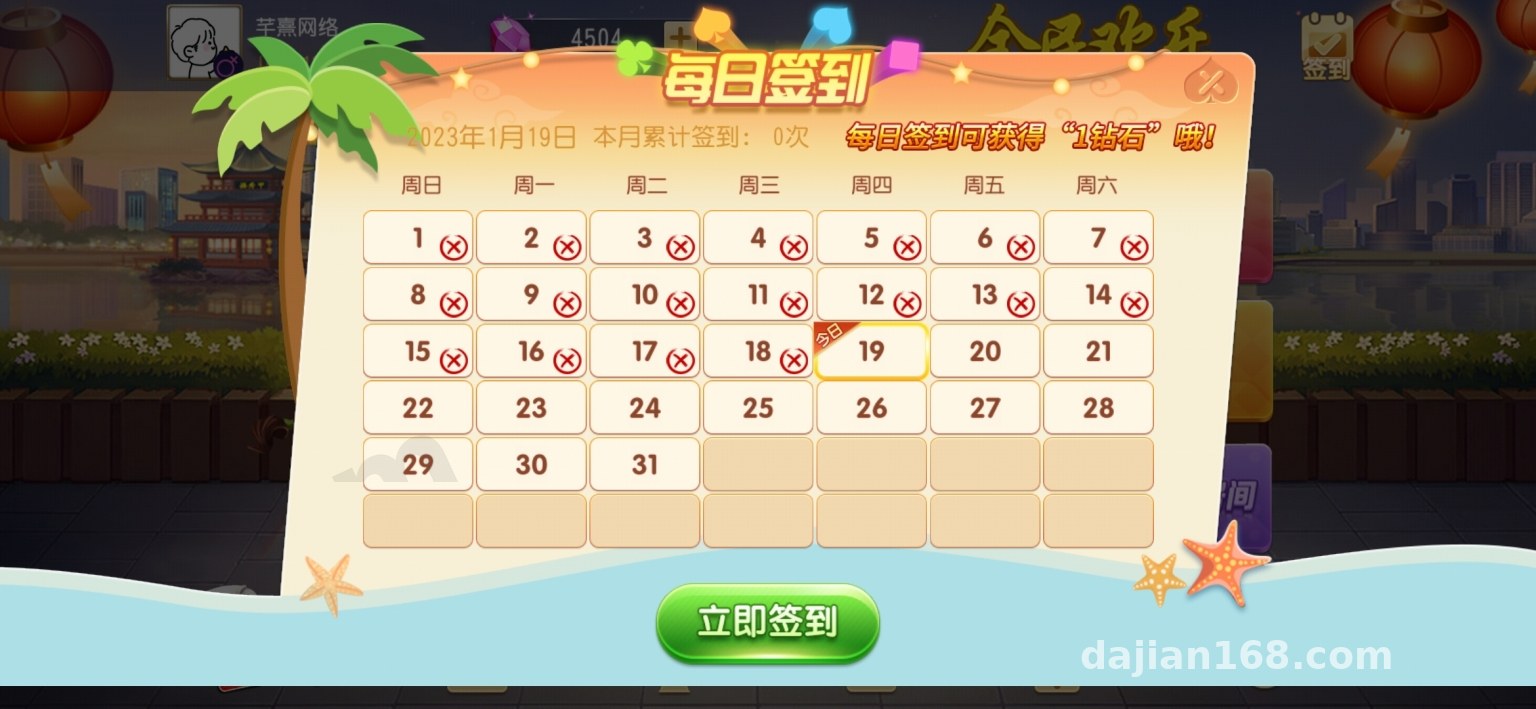
The admin interface is fairly complete: member management, room monitoring, ticket issuance logs, and game data statistics are all there. The statistics section supports daily report exports, which is enough for operations analysis. A standard callback reel simulation is reserved for the payment interface — in a demo environment just use the simulated channel; real integration requires following the documentation and complying with the relevant platform rules.
As for secondary development, the code comments are average. Core logic is concentrated in the game directory, with each gameplay mode as an independent module — to add a new mode, just copy an existing structure and adapt it. The frontend is responsive H5; it runs fine in mobile browsers and isn’t hard to package as an app.
Who Is This For
This system suits product prototype demos, gameplay logic research, or as a practice project for dev teams. If you plan to run it commercially, sort out compliance first — any feature involving real funds must go through properly licensed channels.
Highlight tip: the room ticket + club + alliance trio is the core selling point of this source code. Get these three working first during deployment; all other gameplay modules hang off this framework.
FAQ
Q: What’s the minimum server spec to run it?
A: 1 core 2G will get it running, but it’ll lag with more users. At least 2 cores 4G with 3M bandwidth is recommended — plenty for demo use.
Q: Does it support multiple languages?
A: Chinese only by default. The language pack uses a standard key-value structure, so you can build an English pack and swap it in — not much work.
Q: Can I add new card gameplay modes?
A: Yes. Gameplay modules are independent — copy the Zha Jinhua simulation directory structure, modify the logic, and remember to register the new entry in the admin menu table.
Q: The client can’t connect after deployment — what now?
A: Ninety percent of the time it’s the WebSocket port not being open, or a certificate issue. Test the port with telnet first, then check the SSL certificate chain.
One last note: this system is for technical education and feature demonstration only. Please comply with all applicable laws and regulations when using it, and never use it for any unlawful purposes. Feel free to reach out if you run into issues during deployment.
Disclaimer: This article is for technical education and demonstration only. It is not professional or financial advice. Any real-world deployment must comply with applicable laws and regulations.
#Source Code Setup #Deployment Notes #Room Ticket System #Club Alliance #H5 Games
-
 Alipay QR Code Scan
-
 WeChat Scan Pay

![🖼 2025 [One-Yuan Cloud Purchase] Crowdfunding Source Code Cloud Purchase CMS System One-Yuan Treasure Hunt](https://xz.dajian168.com/wp-content/uploads/2025/11/telegram-img-2025-11-12-69143d343d248.jpg)