H5 Board Game Simulation Demo Build: Payment Gateway Integration and Cashier Module Deployment Notes
H5 Board Game Simulation Demo Build: Payment Gateway Integration and Cashier Module Deployment Notes
Disclaimer: This article is for technical education and demonstration only. It is not professional or financial advice. Any real-world deployment must comply with applicable laws and regulations.
I recently helped a client deploy an H5 board-game simulation demo system built to demonstrate payment gateway integration and cashier workflows. The source code had no license restrictions, and I had it running by the third day. It’s a portrait-mode H5 app: open it on a phone and you land straight in the lobby. The table UI is colorful, and the animations ran smoother than I expected, even on a budget device. Below is what I did and the issues I hit, written so the next person saves some time.
Feature Walkthrough: I Tested Each Core Module
Board Game UI and Probability Simulation
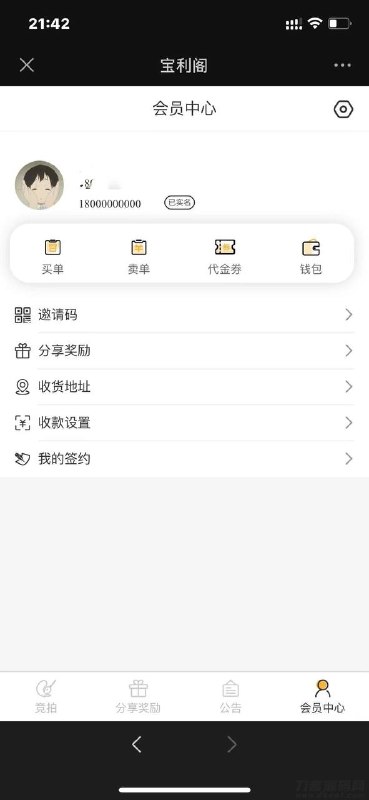
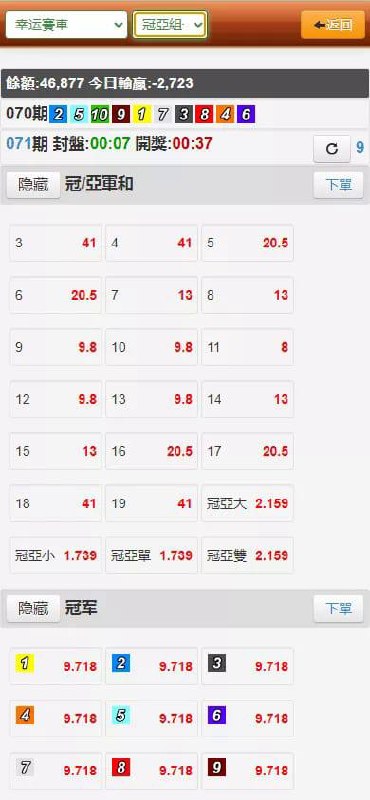
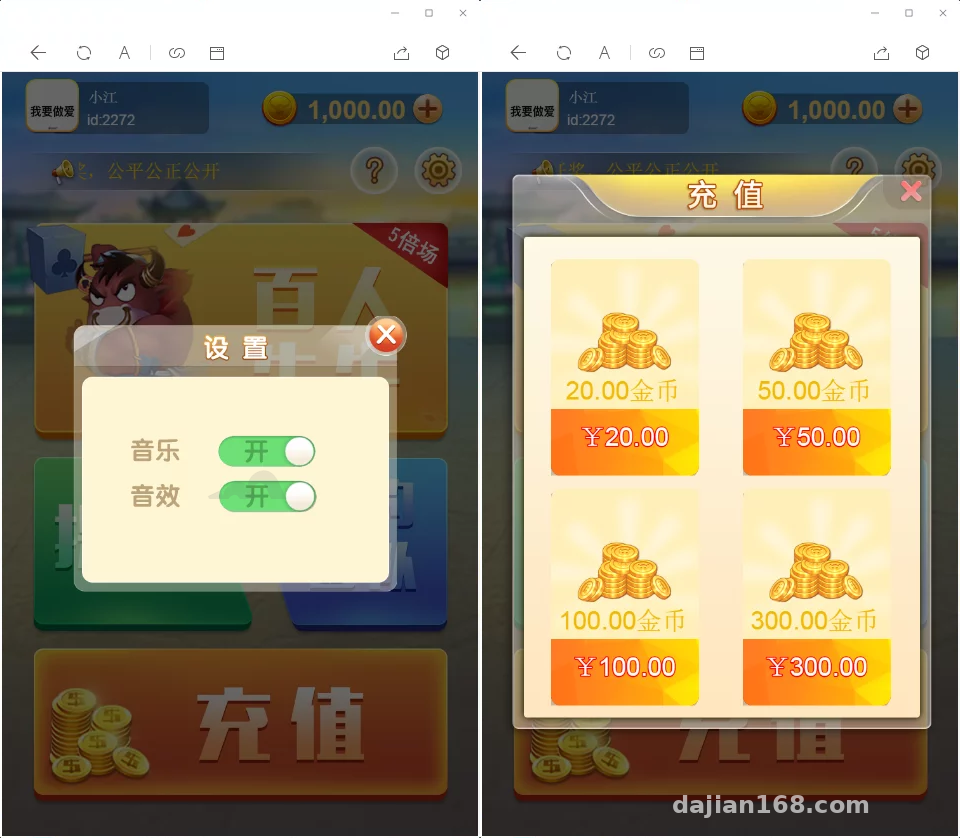
The front end is a pure H5 portrait layout. The lobby is clean and classic, with entry tiles for each table. Table animations are drawn on Canvas, and both card dealing and settlement have smooth transitions that didn’t stutter on a low-end phone. The gameplay itself is a multiplayer probability/points simulation; the admin panel lets you configure random parameters and settlement panel styles, so it works well as a teaching demo or product prototype.

Cashier System and Payment Gateway Integration
This was the part I cared about most. The source ships with a unified cashier gateway; you just enter the merchant ID and key in the admin panel. The callback URL, signature verification, and async notification code are all clearly written, and the MD5 signature concatenation order is spelled out in the comments. I ran about a dozen mock top-ups in the sandbox, and order status transitions plus account callbacks all worked.
Referral Commission Module
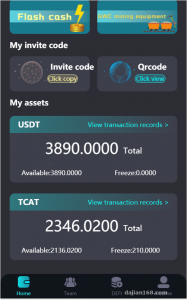
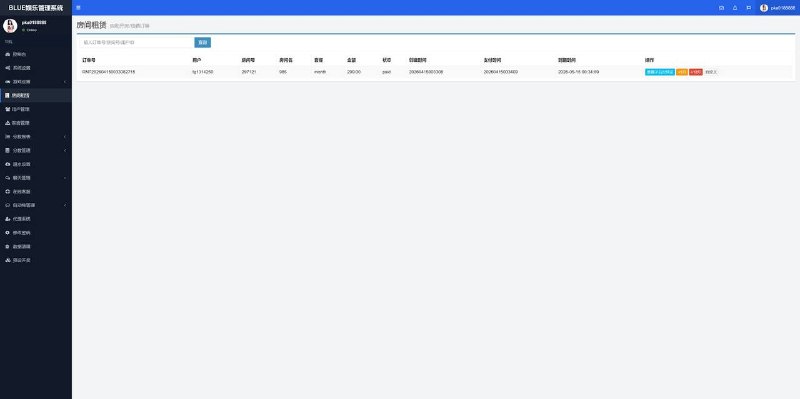
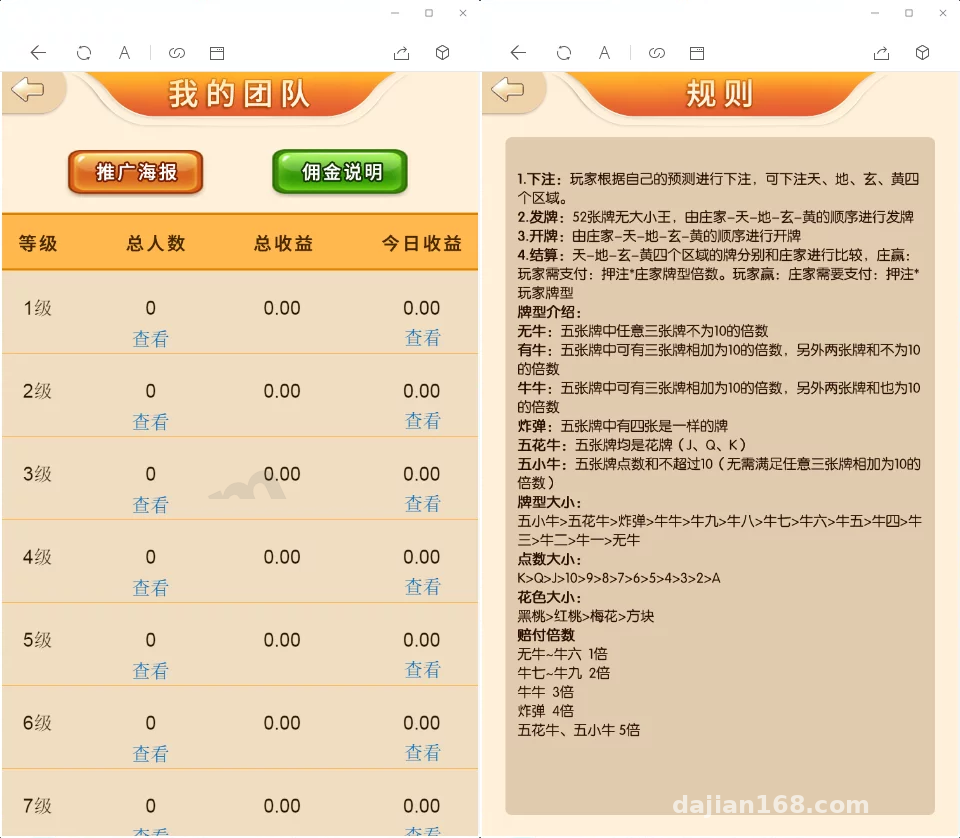
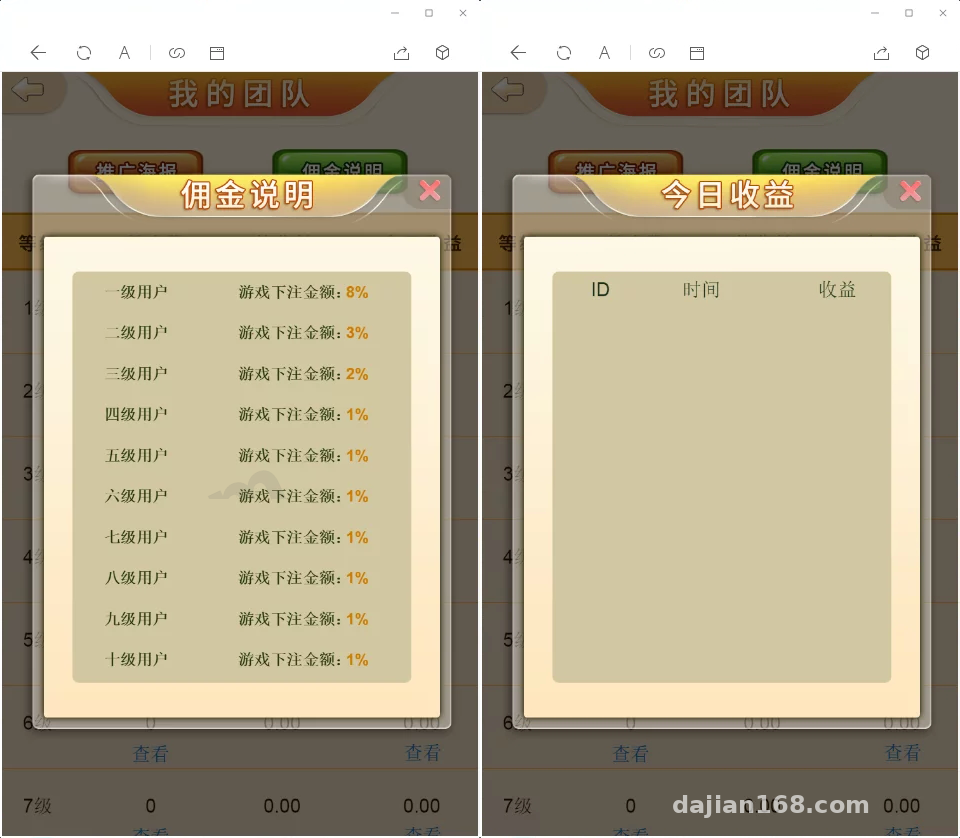
In the admin panel it’s labeled ‘My Team.’ The referral structure supports up to ten configurable commission tiers, with percentages set per level. Users generate a personal poster QR code; when downstream activity occurs, commissions are credited upstream proportionally. It’s a useful reference if you’re building a referral growth module for an e-commerce marketing system or task-distribution platform. One caution: keep tier depth and percentages within local regulatory limits.
Deployment Notes and Pitfalls
Environment and Basic Configuration
I used CentOS 7.9 with aaPanel, Nginx 1.22, PHP 7.4, and MySQL 5.7. Make sure PHP has the fileinfo and gd extensions installed, or the poster generator in the admin panel will show a blank white screen. For URL rewriting I used the standard ThinkPHP rules, and I gave write permissions to the runtime and upload directories. SSL is mandatory: many gateways reject payment callbacks over HTTP.
Payment Callback Pitfalls
The first big issue: aaPanel’s WAF blocks special parameters in async notifications by default, so signature verification kept failing. Whitelisting the callback URL fixed it. The second issue: the timezone was unset, so PHP defaulted to UTC and reconciliation timestamps were off by eight hours. Setting date.timezone to PRC in php.ini solved that. I also tested callback retries: I manually cut the notify response and watched the gateway resend five times with backoff. The logic held up.
Commission Settlement Cron Jobs
Commissions are not calculated in real time. A cron job runs the settlement script every minute; in aaPanel you just add a shell task pointing to the CLI entry. One detail: the settlement script and the web process must share the same database config. I accidentally duplicated the config, and when I changed the key I forgot to update one side. The script ran on stale data all night before I traced it.
Customization and Extension Space
The front-end theme colors are exposed as CSS variables, so reskinning is cheap. Language packs live in the lang directory; adding an English pack took me half a day, and the multi-language toggle is already wired up. The admin panel controls plenty: table parameters, probability simulation config, commission ratios, announcements, and withdrawal review. The downside is there is almost no API documentation, so any secondary development means packet-sniffing and mapping endpoints yourself. That’s where most of the effort lies.
Who This Is For
It suits three groups: developers who want to study unified cashier architecture—the signature verification, async notifications, and order state machine are textbook examples—front-end teams building H5 interactive demos, and product managers who need a board-game prototype. If you’re a complete beginner planning to use this commercially, brush up on payment reconciliation and operations first.
Highlight: the source code is unencrypted and deploys out of the box; the payment module’s signature verification and callback flow are cleanly structured, making it a good teaching case for unified cashier systems.
FAQ
Q: What server specs are needed?
A: For a demo environment, 2 cores and 4 GB RAM with 5 Mbps bandwidth is enough. If you expect around 200 concurrent users, go with 4 cores and 8 GB, and put static assets on a CDN.
Q: Can the payment gateway be swapped for another provider?
A: Yes. The core work is matching the signature method and callback fields. Update the signature concatenation order and map the notify parameters to the new provider’s documentation, and you can finish the swap in a day or two.
Q: How does the withdrawal flow work?
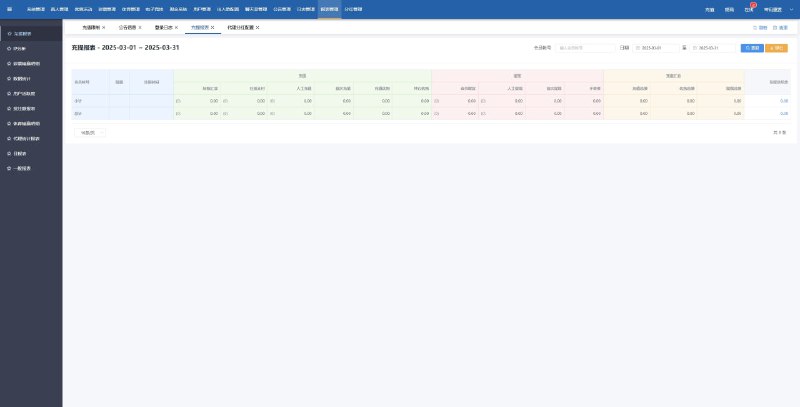
A: Users submit a request that lands in the admin pending-review list. An admin checks the transaction history, processes it manually, and marks the status. Operation logs are kept throughout, which helps with reconciliation and audits.
Q: Can new game modes be added?
A: The probability simulation parameters and settlement logic are separated. You can copy an existing table’s structure, add a new config, and then add the matching front-end animations.
Disclaimer: This article is for technical education only. All demo features are intended for lawful testing and learning; users are responsible for complying with applicable laws and regulations.
Disclaimer: This article is for technical education and demonstration only. It is not professional or financial advice. Any real-world deployment must comply with applicable laws and regulations.
#source code deployment #payment gateway #cashier system #H5 development #deployment notes
-
 Alipay QR Code Scan
-
 WeChat Scan Pay