Building a Multi-language Short Video Platform with UniApp and ThinkPHP: Architecture and Feed Deployment
Building a Multi-language Short Video Platform with UniApp and ThinkPHP: Architecture and Feed Deployment
Disclaimer: This article is for technical education and demonstration only. It is not professional or financial advice. Any real-world deployment must comply with applicable laws and regulations.
Recently, I helped a media team operating international photo and video matrices deploy a content distribution and social interaction system. Their core requirement was straightforward: they needed a solid foundation capable of running smoothly across multiple platforms (H5, iOS, and Android) using UniApp on the frontend and the familiar ThinkPHP framework on the backend. Having worked on quite a few projects that combine social messaging with content feeds, I first spun up this source code locally. The overall structure is clean, free of bloated encryption logic, and well-suited for secondary development or serving as the base for an international content community.

Core Feature Testing and Architecture Breakdown
Although the underlying system relies on a classic ThinkPHP architecture, it incorporates several optimizations tailored for overseas scenarios regarding frontend interaction and social graph processing. I focused my testing on the following modules:
1. Waterfall Feed and Short Video Preloading Mechanism
When handling sliding video feeds in UniApp, memory overflow and stuttering are the biggest headaches. The source code uses swiper combined with a dynamic destruction mechanism, keeping only the currently playing view and the two adjacent nodes in memory at any given time. During my tests on a mid-range Android phone, frame rates remained stable even after scrolling through more than fifty consecutive short videos. The backend API directly returns chunked OSS URLs, and when paired with CDN caching, first-screen loading times consistently stay under 1.5 seconds.
2. Multi-language (i18n) and Global Node Adaptation
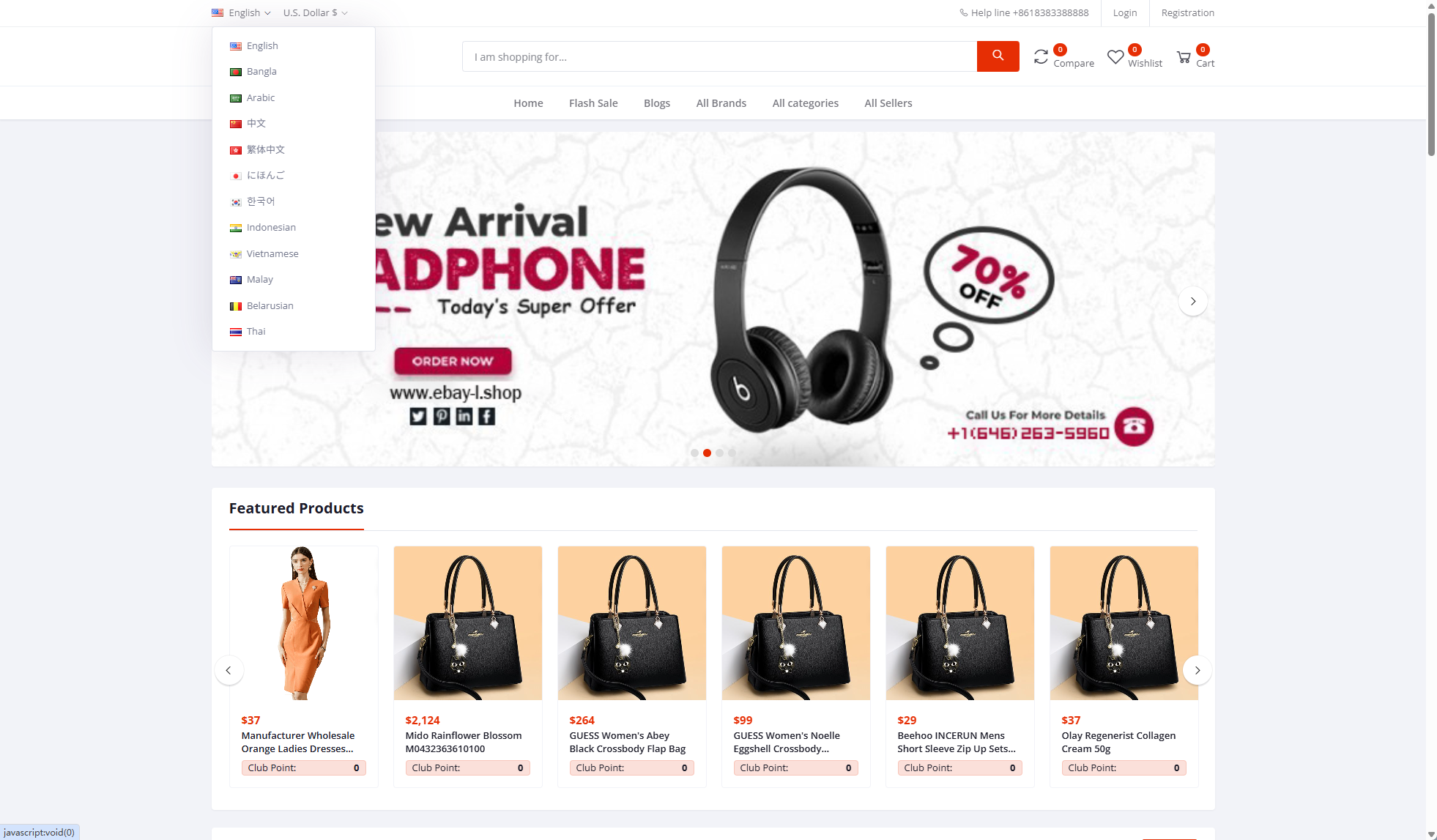
Since this social content platform targets international users, multi-language support is essential. The frontend integrates vue-i18n, extracting all language packs into standalone JSON files. Out of the box, it includes English, Japanese, Korean, Spanish, and several other major languages. The admin panel also features corresponding multi-language field extensions. When publishing system announcements or configuring category tags, administrators can fill in copy for different languages within the same form, and the frontend automatically matches the language based on the user’s device settings.

3. Social Graph and Friend Interaction Module
Beyond simple content consumption, the system includes a complete user relationship management module. Once authorized, users can quickly match with their existing social circles on the platform to establish following, follower, and mutual friend connections. The backend implements a read-write separation design for these database tables. Even when a single table reaches millions of rows, querying friend lists and activity feeds remains highly responsive.
Deployment Tip for Developers: When packaging the mobile app, if you utilize local device permissions (such as reading the local gallery to upload videos or matching social contact lists), make sure to clearly configure the privacy policy pop-up and permission descriptions in
manifest.json. Especially when submitting to international app stores, requesting permissions at the wrong moment will easily lead to rejection. I recommend triggering permission requests only at the exact moment a user interacts with a specific feature, rather than dumping all prompts onto the splash screen.
Environment Configuration and Setup Essentials
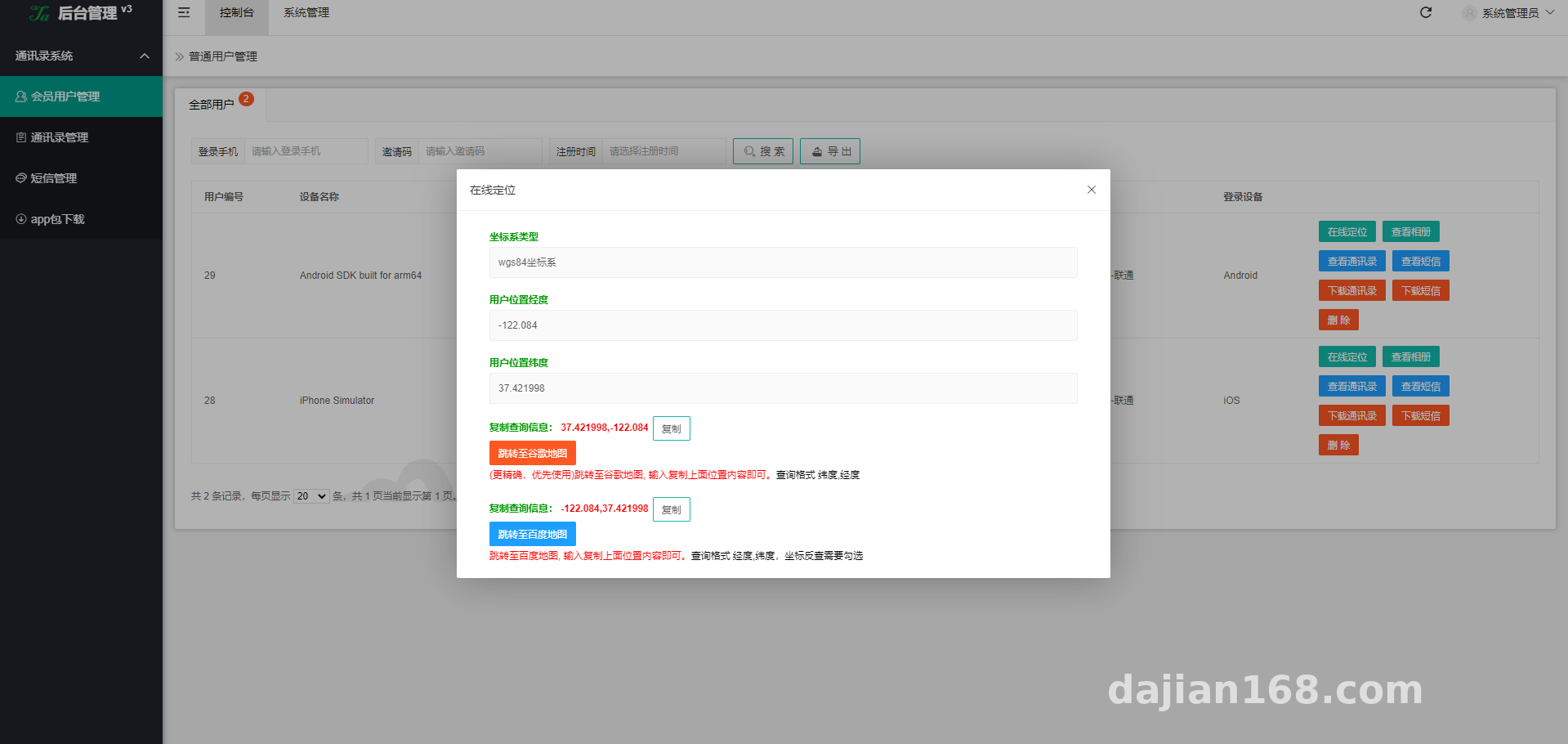
The entire deployment process took me about two hours, with most of that time spent fine-tuning video transcoding and push notifications. Here are the server environment parameters I used—following this setup will help you avoid most common pitfalls:
- Operating System: CentOS 7.9 or Ubuntu 20.04 (I personally prefer using aaPanel / Baota Panel for easier management)
- Web Server: Nginx 1.20+ (Gzip compression and URL rewrite rules must be enabled)
- PHP Version: PHP 7.3 or 7.4 (requires
redis,fileinfo, andswooleextensions installed) - Database: MySQL 5.7 (character set must be set to
utf8mb4, otherwise comments containing emojis will trigger database errors) - Frontend Compiler: HBuilderX latest stable release
Backend ThinkPHP Deployment Details
After uploading and extracting the backend source code on your server, remember to point the web root directory to /public. Next, update the database connection credentials in .env or config/database.php. One important detail here: the system’s recommendation algorithm relies on Redis Sorted Sets (ZSet) to calculate content weights, so make sure your Redis service is running properly and the password and port are correctly configured.
For URL rewriting, simply select the built-in thinkphp preset in your server panel. If the API throws Cross-Origin Resource Sharing (CORS) errors, avoid modifying the Nginx configuration directly. Instead, enable the CORS headers inside ThinkPHP’s global middleware file middleware.php, which offers much better flexibility for future maintenance.
Frontend UniApp Compilation and API Integration
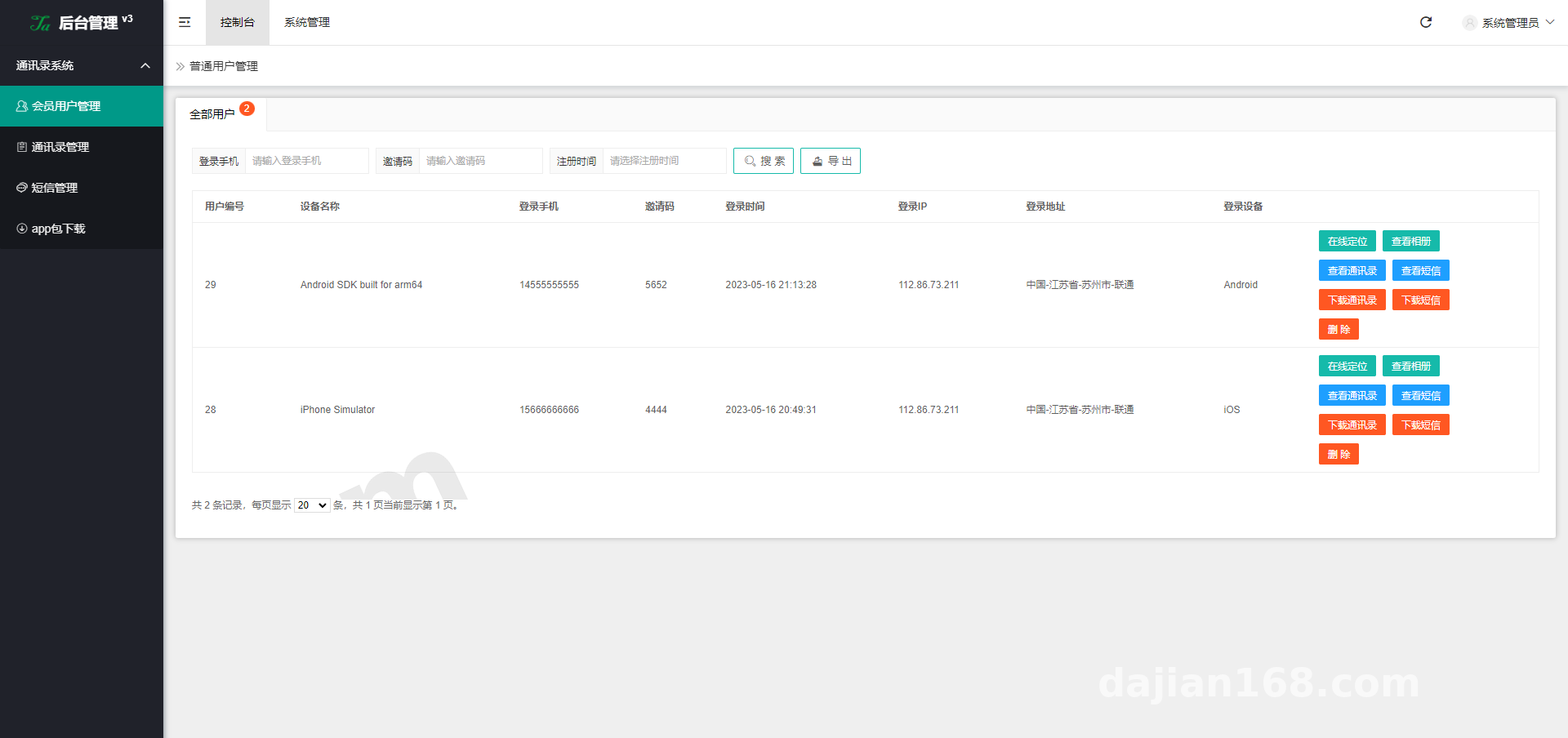
Import the frontend project directory into HBuilderX, then run a global search for common/config.js or utils/request.js. Replace the base API URL with the backend domain you just deployed (enforcing HTTPS is strongly recommended, as many native mobile capabilities will fail to initialize over plain HTTP).
If you are compiling for H5, remember to configure the site title in the release settings and set the routing mode to history. Paired with frontend-specific Nginx rewrite rules, this eliminates the clunky # symbol from your URLs. If you plan to package the project into an Android APK or iOS IPA, you will need to apply for an AppKey from JPush or Firebase first and add it to the module configuration; otherwise, direct messaging and interactive push notifications won’t fire.
Who Should Use This Codebase for Secondary Development?
Based on my experience, this codebase is an excellent fit for a couple of developer profiles:
Startups looking to build niche international interest communities will find it particularly useful. The underlying architecture already handles the heavy lifting for localization, user authentication, content publishing feeds, comments, and likes. Teams can simply swap in a custom UI theme, tweak the recommendation weight formulas, and launch an MVP to test market response.
It is also great for technical agencies handling custom client projects. Because the ThinkPHP + UniApp stack is fully open-source and unencrypted, any junior or mid-level developer can quickly grasp the code logic. Whether you need to integrate Stripe for international creator tipping or hook into third-party cloud storage later on, modifying the code is straightforward and can easily shave one to two months off your foundational development cycle.
Frequently Asked Questions
Q: After compiling the frontend into a mobile App, the screen is completely blank and all API requests throw network errors. What’s wrong?
A: This is almost certainly an SSL certificate issue. Modern versions of Android and iOS block cleartext HTTP traffic by default. Verify that your backend API domain has a trusted HTTPS certificate installed—do not use self-signed certificates. Also, check if the test device’s system clock is accurate, as significant time drift will cause the SSL handshake to fail.
Q: Uploading larger short video files in the admin panel fails or throws a 413 error. How do I fix this?
A: This happens because of default upload size limits in Nginx and PHP. Open your server control panel, locate the Nginx configuration, and increase client_max_body_size to 100M or higher. Next, go to your PHP settings and increase both upload_max_filesize and post_max_size accordingly. Restart both services and uploads should work normally. For production environments, however, configuring direct frontend-to-OSS uploads is still the best practice.
Q: How does the built-in recommendation feed logic work, and can I customize the algorithm?
A: Out of the box, the source code uses a hybrid ranking formula based on engagement metrics (likes + comments + completion rate) combined with a time decay factor. The core logic lives inside the app/api/controller/Video.php controller. The code is well-commented, so if you are comfortable with SQL optimization and Redis caching mechanisms, you can easily modify it into a tag-based personalized recommendation engine to fit your specific business needs.
Disclaimer: The system deployment process and source code analysis documented in this article are strictly for technical education and software development demonstration purposes. Users must comply with local laws and regulations during implementation.
Disclaimer: This article is for technical education and demonstration only. It is not professional or financial advice. Any real-world deployment must comply with applicable laws and regulations.
#UniApp Development #ThinkPHP Source Code #Short Video Platform #Multi-language System #Web Deployment Guide
-
 Alipay QR Code Scan
-
 WeChat Scan Pay

![2023.3.22 2. Resolve [the issue of] micro disk/micro trading disk/forex, HSBC reporting as malware, Google Chrome browser reporting as malware](https://dajian168.net/wp-content/uploads/2026/07/dajian168_thumb-300x200.jpg)