Hands-On Setup of a Multilingual Cryptocurrency Trading System: An All-in-One Configuration Guide for Second Contracts, Simulated Exchanges, and Time-Based Trading
Hands-On Setup of a Multilingual Cryptocurrency Trading System: An All-in-One Configuration Guide for Second Contracts, Simulated Exchanges, and Time-Based Trading
Honestly, it took me nearly a month of troubleshooting to get this system running smoothly. I reinstalled the server three times and migrated the database twice, and just getting language switching to work without crashing took me two full days. While the details are still fresh in my mind, I have put together the complete setup process and core feature overview for anyone who needs a reference.
1. Overview of the System’s Core Features
This multilingual cryptocurrency trading system integrates the following core modules:
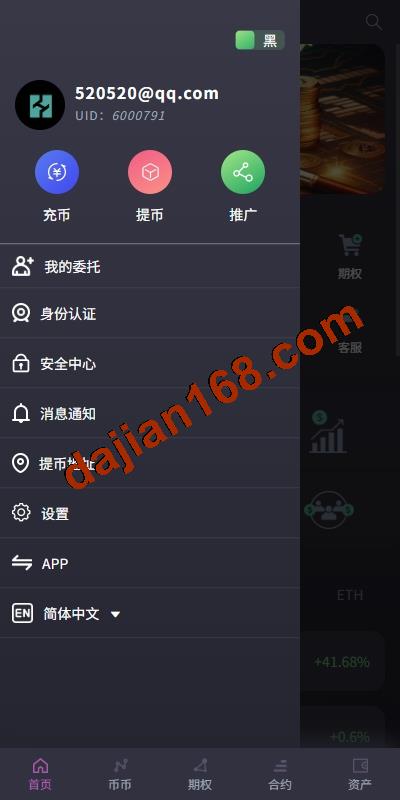
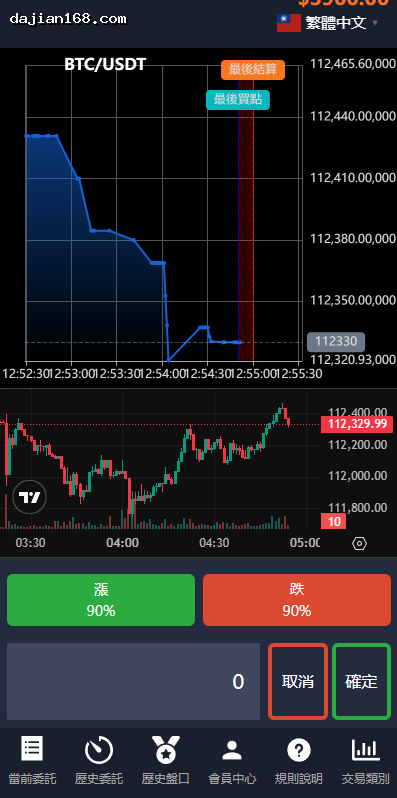
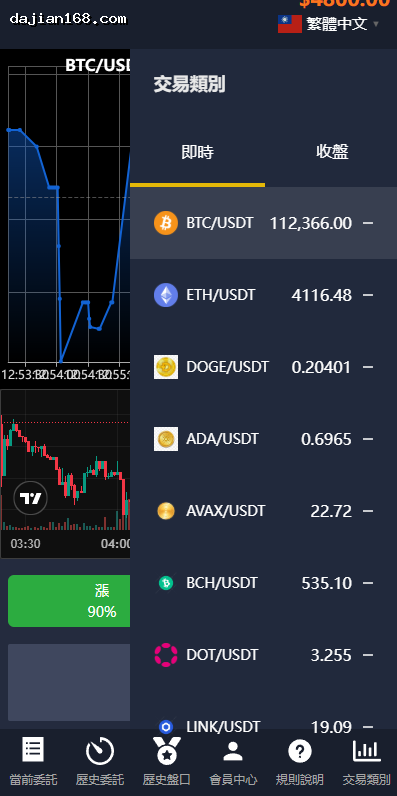
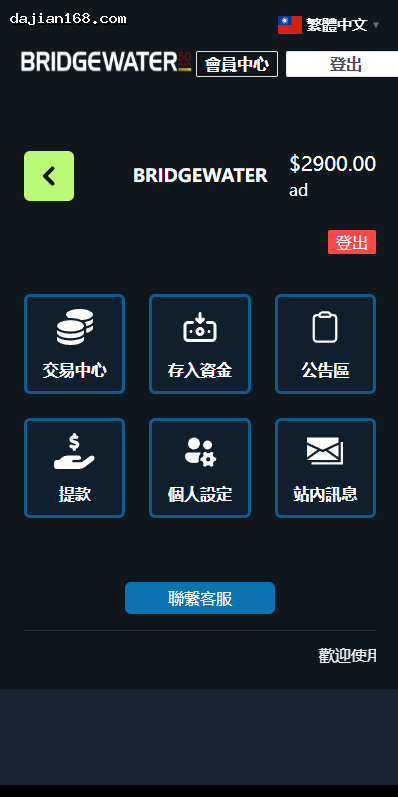
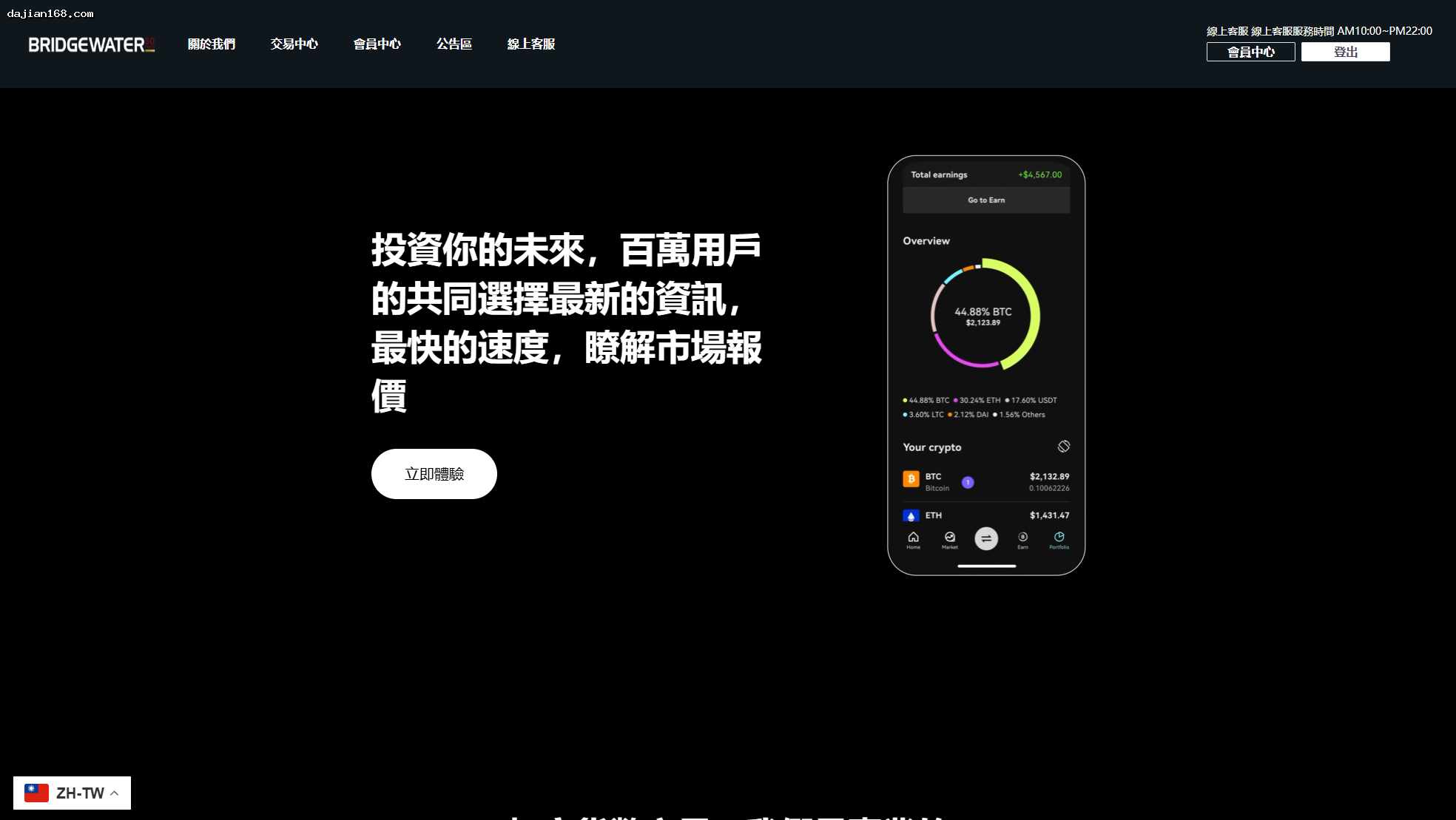
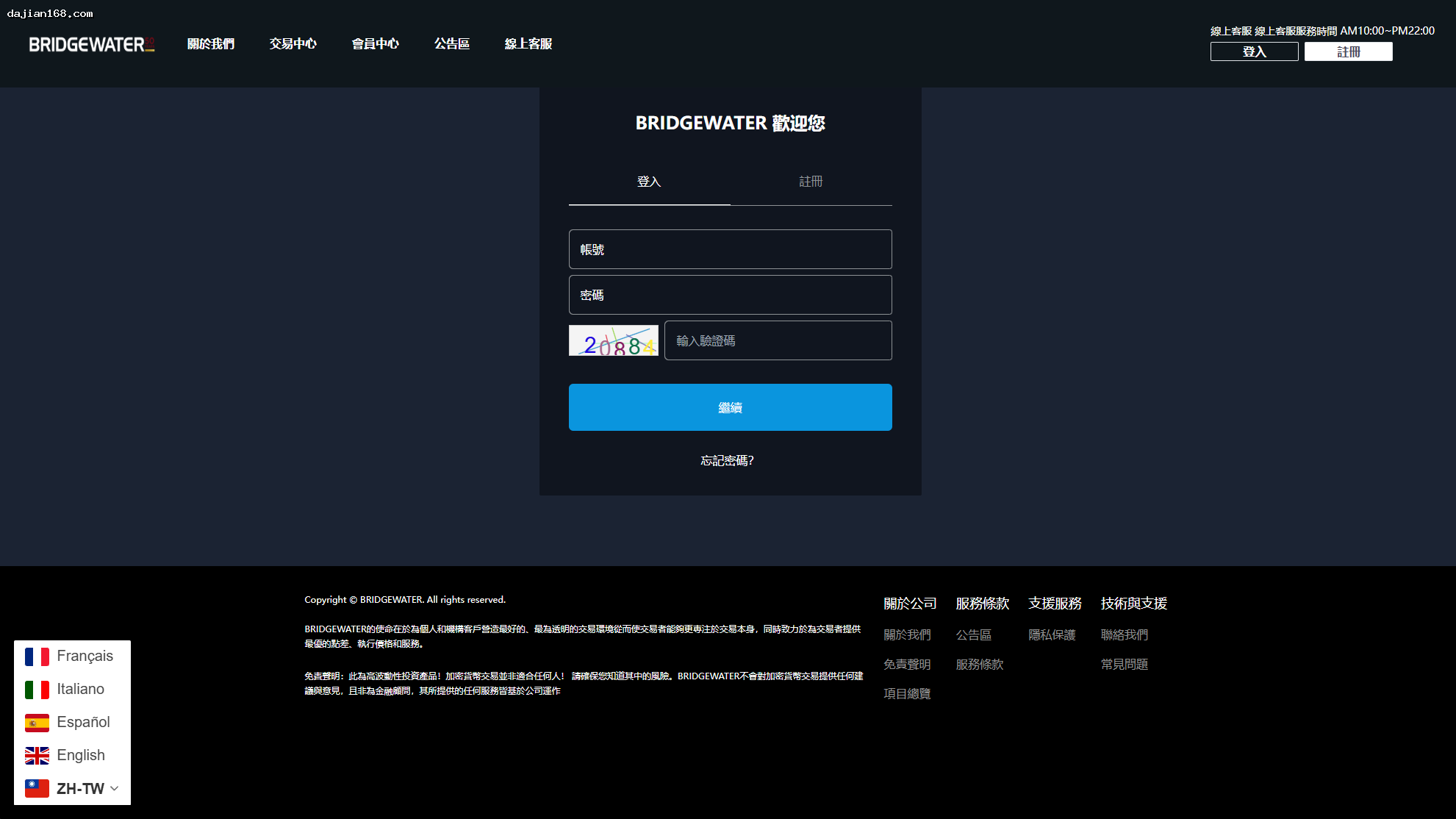
- Multilingual front-end interface: Supports real-time switching between Chinese, English, Vietnamese, and other languages. Its responsive design works properly on both mobile devices and desktops, making it ideal for international business expansion
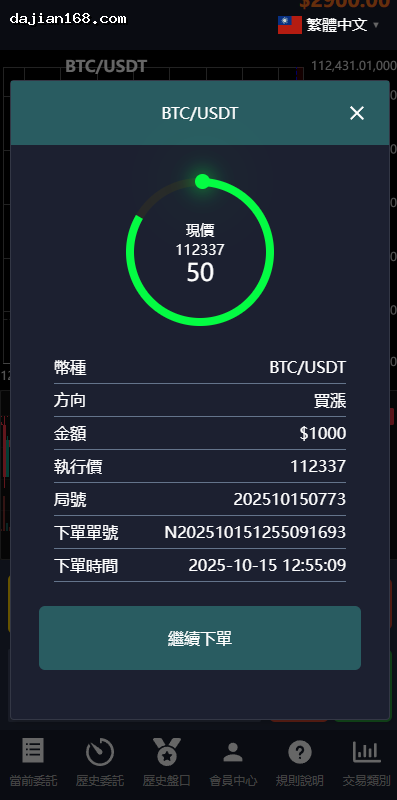
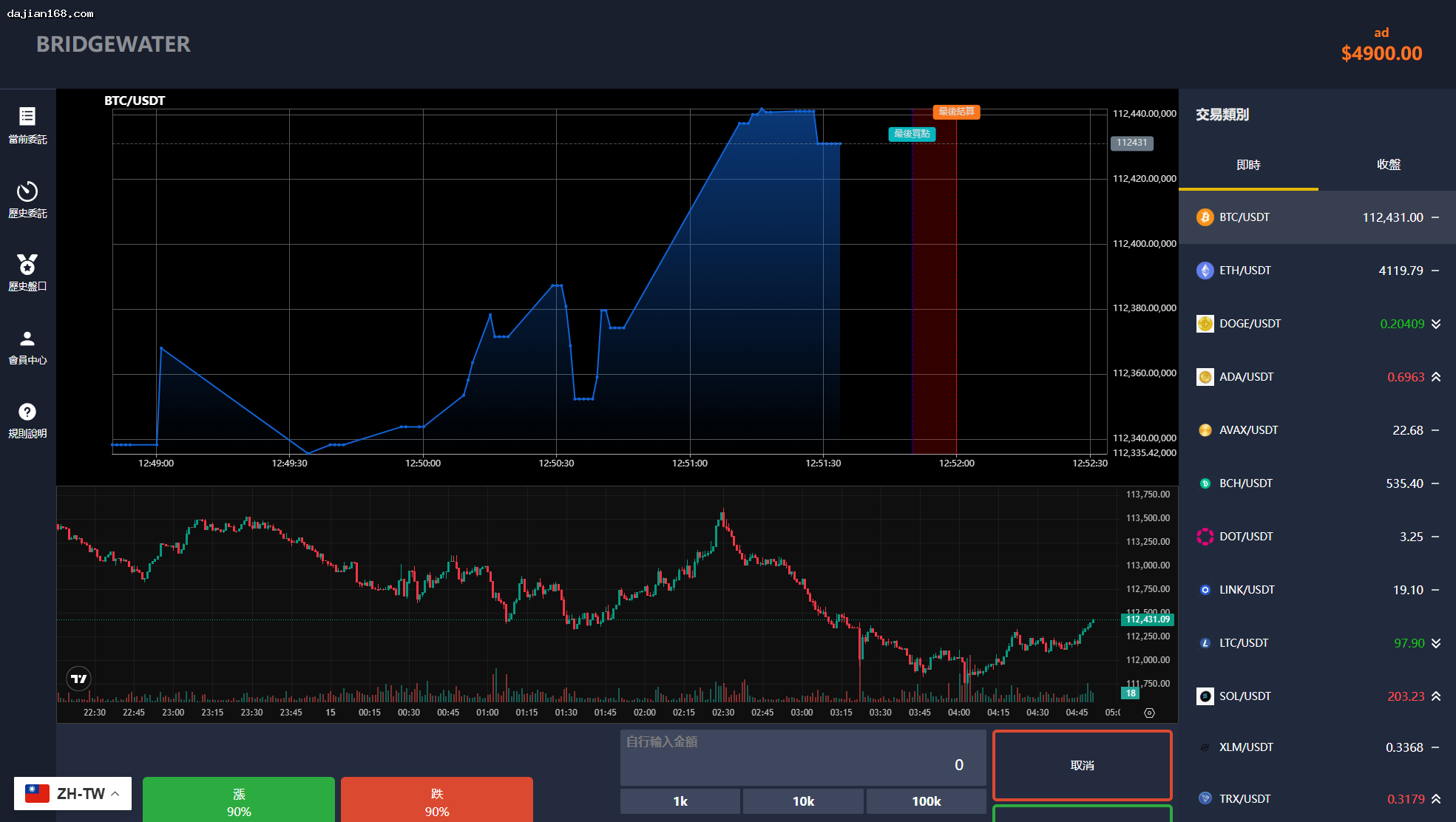
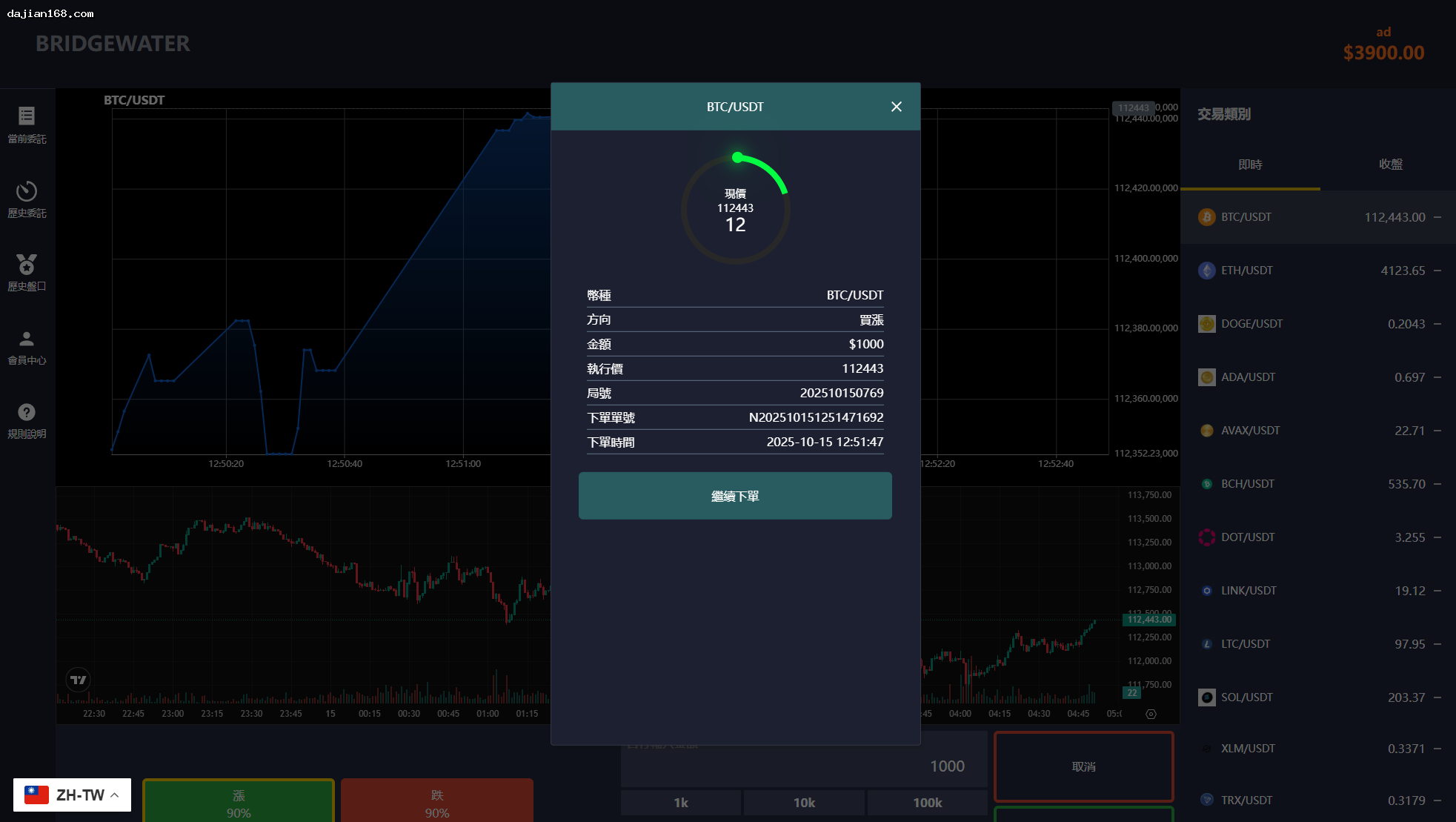
- Second-contract trading engine: Supports opening and closing positions in seconds with low latency, making it well suited to high-frequency trading. The system supports centralized control of orders for each trading period
- Simulated exchange environment: Can be configured as a simulated trading environment for product demonstrations, beta testing, or training
- Time-based micro-trading: A micro-trading mode that settles over fixed time cycles, with flexible parameter configuration
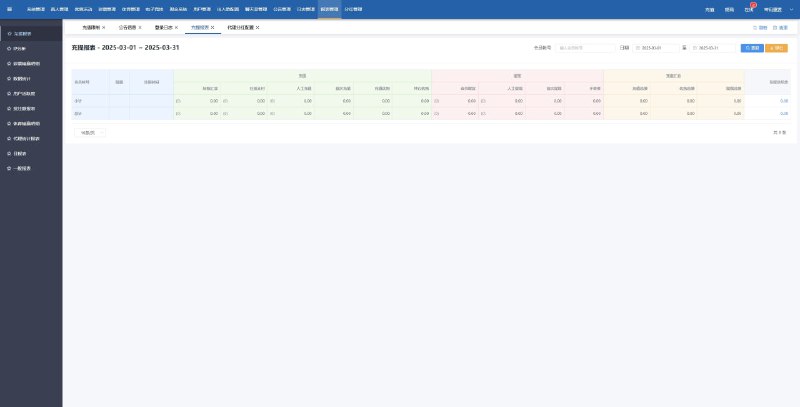
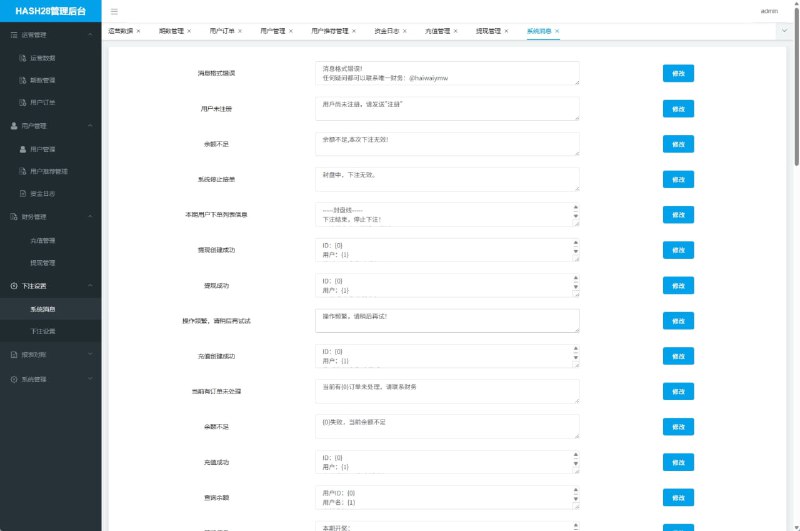
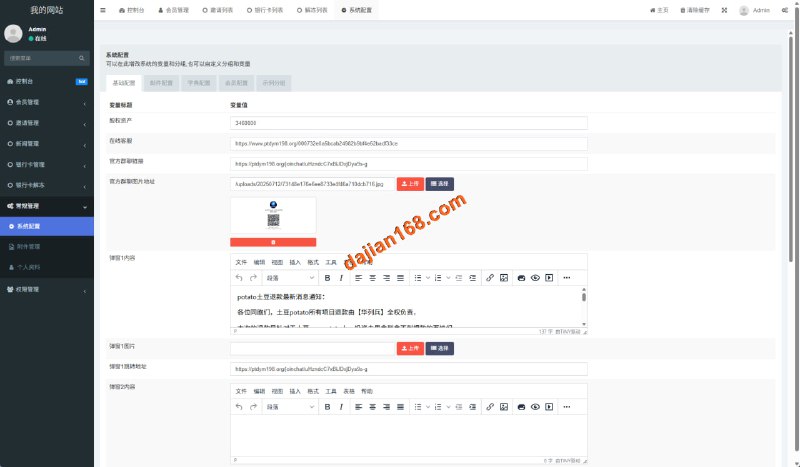
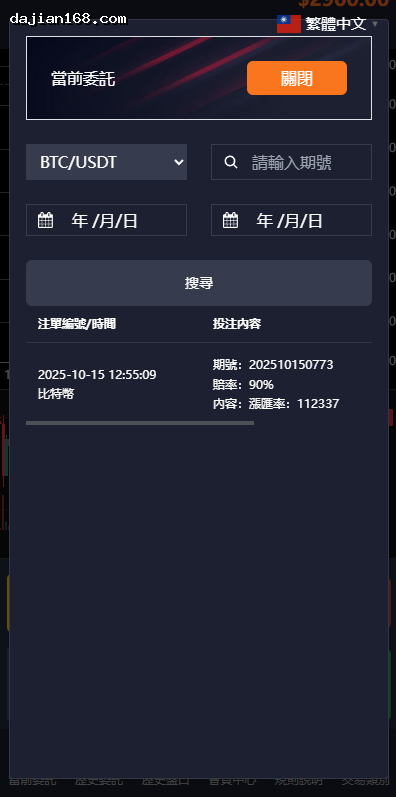
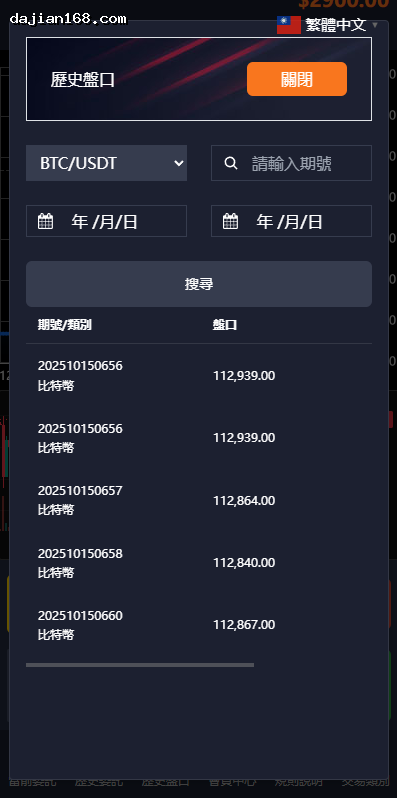
- Centralized order management in the admin panel: Administrators can centrally manage orders for each trading period, including batch-setting stop-loss and take-profit levels
2. Preparations Before Setup
The following items must be prepared in advance before you begin the setup:
- Server configuration: A 2-core CPU and at least 4 GB of memory are recommended, running CentOS 7+ or Ubuntu 20.04. We strongly recommend a server using the CN2 route with BBR acceleration enabled
- Domain and SSL: The domain must be ICP-registered (for servers located in mainland China), or you can use a server in Hong Kong or overseas. HTTPS must be enabled across the entire site
- Runtime environment: Nginx + PHP 8.0+ + MySQL 5.7+. BT Panel or OneinStack is recommended for one-click configuration
- API integration: Live trading requires integration with an exchange API (Binance/Huobi/OKX), while payment functionality requires integration with a payment gateway
- Source-code license: Confirm the scope of the source-code license to avoid potential commercial disputes later
3. Pitfalls and Solutions
3.1 Overall Order Control Does Not Work
When I configured the “overall order control” setting, I found that it had no effect in the admin panel. After troubleshooting for a while, I discovered the reason: after enabling overall control in the admin panel, you also need to enable the corresponding control switch under [Contract Instrument Settings]. Both settings must be configured for the feature to work. This design is quite hidden, and beginners can easily get stuck here.
3.2 Styles Get Scrambled After Switching Languages
Some themes develop CSS conflicts after the language is switched, causing buttons to shift out of place or fonts to render incorrectly. Solution: First disable all CSS optimization and caching plugins, then use Chrome DevTools to track down the conflicting source one by one. It is usually caused by a third-party font library.
3.3 How to Fix Excessive Latency in Second Contracts
Second contracts place extremely high demands on server performance. Based on my testing, latency within the same region needs to be kept below 50 ms to ensure a good user experience. I recommend using an Alibaba Cloud Hong Kong server on the CN2 route, or configuring both BBR and RuiSu acceleration for a more noticeable improvement.
4. Extension and Customization Options
The basic version is already relatively feature-complete. If you want to extend it further, consider the following options:
- Integration with live exchange APIs: Connect to leading exchanges such as Binance, Huobi, and OKX to synchronize real-time prices
- OTC over-the-counter trading module: Add a C2C trading section that supports direct transfers between users
- Copy-trading system: Develop copy-trading functionality that lets users follow the strategies of profitable traders
- KYC identity verification: Add an identity verification module in accordance with the regulatory requirements of the region where you operate
⚠️ Important Notice: This article is for technical research reference only, and the system demo is solely for feature demonstration. For formal operations, ensure full compliance with local laws and regulations, and obtain all required financial licenses before conducting business.
Frequently Asked Questions
Q1: Does the system support mobile access?
Yes. The system uses a responsive design, so it can be accessed normally on smartphones, tablets, and desktops. The admin interface has also been adapted for mobile devices.
Q2: What qualifications are required to set up this system?
No special qualifications are needed for personal beta testing or product demonstrations. However, if you plan to provide users with real financial trading services, you must apply for the relevant financial regulatory licenses in accordance with local laws and regulations.
Q3: How secure is the system? What security measures are included?
The source code includes basic security design, but we recommend adding the following: a server firewall, forced SSL redirects, IP whitelist access, database field encryption, and two-factor authentication.
#MultilingualCryptocurrencyTradingSystem #SecondContractTrading #SimulatedExchange #TimeBasedMicroTrading #ExchangePlatformSourceCode
-
 Alipay QR Code Scan
-
 WeChat Scan Pay