Multi-Language Trading Platform Demo Changelog: February 2026 Frontend-Backend Updates and Deployment Notes
Multi-Language Trading Platform Demo Changelog: February 2026 Frontend-Backend Updates and Deployment Notes
Disclaimer: This article is for technical education and demonstration only. It is not investment advice, and it does not describe a live financial service. Real financial operation requires appropriate licenses and strict compliance with local laws. No returns or profits are guaranteed.
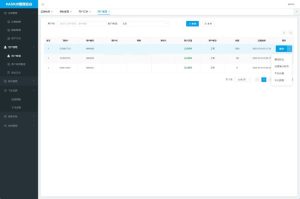
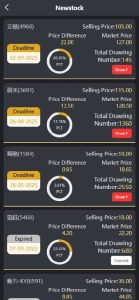
The February 2026 refresh of the multi-language trading platform demo focuses on faster page delivery, cleaner access flow, and more stable dashboard components. Below is a summary of the frontend and backend changes deployed on February 9, 2026, followed by the CDN replacement notes used during the rollout.
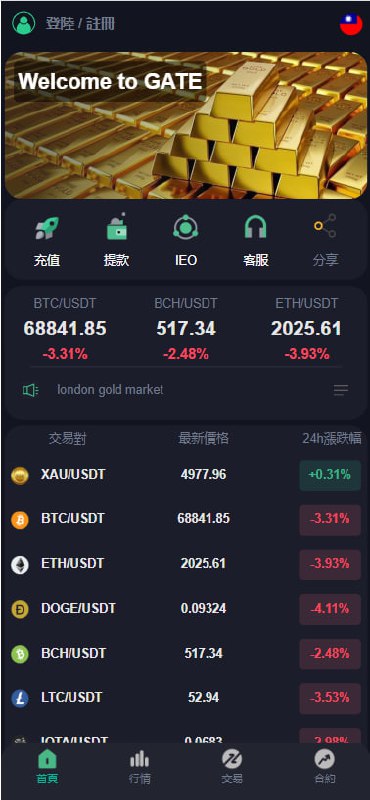
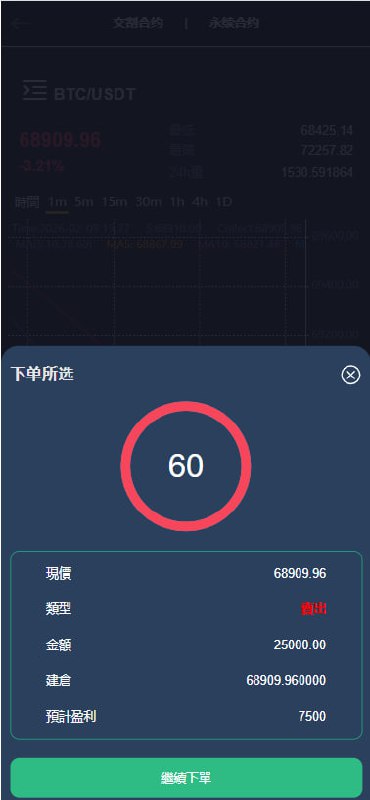
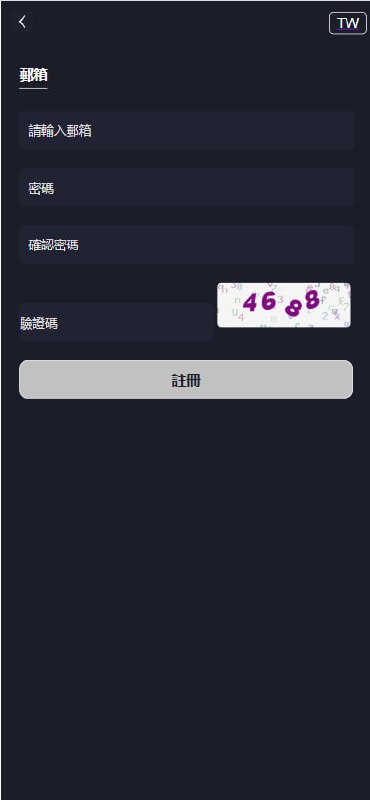
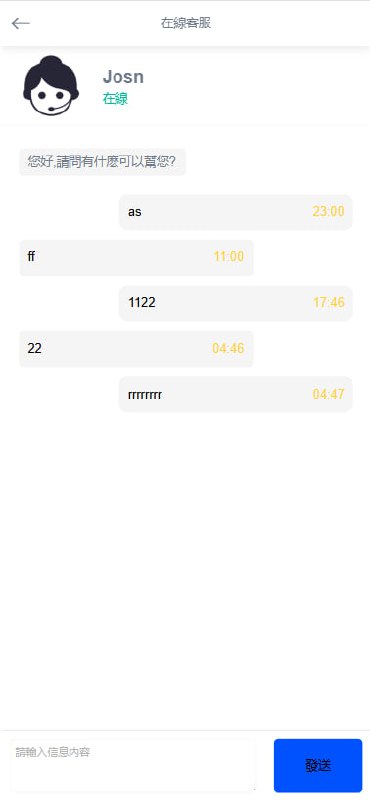
February 2026 demo updates
- CDN optimization for faster global loading. The dashboard now uses more reliable CDN endpoints for jQuery, Font Awesome, and Bootstrap so the multi-language interface renders quickly across regions.
- Fixed a form validation bug. The “Invalid session duration” message that appeared incorrectly in the demo timer has been resolved.
- Removed the invitation-code gate. Demo access no longer requires an invitation code, per client request, simplifying onboarding for testing users.
- Improved support chat message delivery. The built-in help widget now sends messages more reliably and recovers faster after temporary network hiccups.
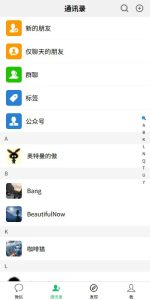
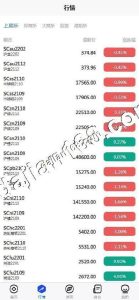
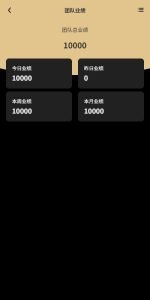
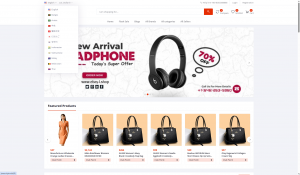
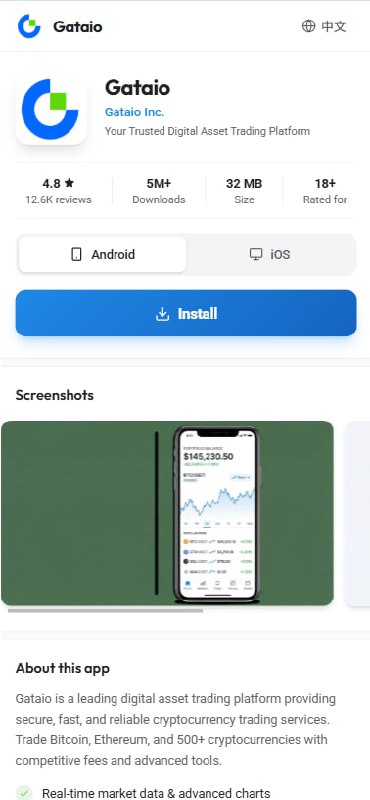
- New demo landing and download pages. A cleaner UI shell for the marketing landing page and download page has been deployed to match the updated dashboard style.
Tags: #Secondary Development #Update Log #Technical Update
Baota Panel CDN batch replacement tutorial
During this release we replaced several older CDN links site-wide. The following methods work on a Baota Panel server and can be adapted to any PHP, HTML, or JS project.
Old CDN links being replaced:
- jQuery:
https://cdn.staticfile.org/jquery/2.1.1/jquery.min.js - Font Awesome:
https://lf3-cdn-tos.bytecdntp.com/cdn/expire-1-M/font-awesome/5.15.2/css/all.min.css - Bootstrap:
https://lib.sinaapp.com/js/bootstrap/4.2.1/css/bootstrap.min.css
New CDN links after replacement:
- jQuery:
https://cdn.jsdelivr.net/npm/[email protected]/dist/jquery.min.js - Font Awesome:
https://cdn.jsdelivr.net/npm/@fortawesome/[email protected]/css/all.min.css - Bootstrap:
https://cdn.jsdelivr.net/npm/[email protected]/dist/css/bootstrap.min.css
Method 1: Use Baota Panel File Manager
- Log in to the Baota panel.
- Open the File Manager and locate the website directory.
- Use the search box in the top-right corner.
- Search for
cdn.staticfile.org/jquery/2.1.1. - Find the files containing those links.
- Edit each file manually and replace one by one.
Disadvantage: Can be tedious if there are many files.
Method 2: Use SSH for batch replacement
- Connect to the server via SSH and enter the website root:
cd /www/wwwroot/your_website_directory- Back up the site before changing anything:
tar -czf website_backup_$(date +%Y%m%d).tar.gz .- Run the replacement commands:
# Replace jQuery CDN
find . -type f ( -name "*.html" -o -name "*.php" -o -name "*.js" ) -exec sed -i 's|https://cdn.staticfile.org/jquery/2.1.1/jquery.min.js|https://cdn.jsdelivr.net/npm/[email protected]/dist/jquery.min.js|g' {} +

# Replace Font Awesome CDN
find . -type f ( -name "*.html" -o -name "*.php" -o -name "*.css" ) -exec sed -i 's|https://lf3-cdn-tos.bytecdntp.com/cdn/expire-1-M/font-awesome/5.15.2/css/all.min.css|https://cdn.jsdelivr.net/npm/@fortawesome/[email protected]/css/all.min.css|g' {} +

# Replace Bootstrap CDN
find . -type f ( -name "*.html" -o -name "*.php" -o -name "*.css" ) -exec sed -i 's|https://lib.sinaapp.com/js/bootstrap/4.2.1/css/bootstrap.min.css|https://cdn.jsdelivr.net/npm/[email protected]/dist/css/bootstrap.min.css|g' {} +- Verify the old links are gone:
grep -r "cdn.staticfile.org/jquery/2.1.1" .
grep -r "lf3-cdn-tos.bytecdntp.com" .
grep -r "lib.sinaapp.com/js/bootstrap" .
Method 3: One-click replacement script
Create a script file:
nano replace_cdn.shCopy the following content into it:
#!/bin/bash
# Website directory path (please modify to your actual path)
SITE_DIR="/www/wwwroot/your_website_directory"

# Enter website directory
cd "$SITE_DIR" || exit

# Backup
echo "Backing up website..."
tar -czf "../website_backup_$(date +%Y%m%d_%H%M%S).tar.gz" .
echo "Backup complete!"

# Replace jQuery
echo "Replacing jQuery CDN..."
find . -type f ( -name "*.html" -o -name "*.php" -o -name "*.js" ) -exec sed -i 's|https://cdn.staticfile.org/jquery/2.1.1/jquery.min.js|https://cdn.jsdelivr.net/npm/[email protected]/dist/jquery.min.js|g' {} +

# Replace Font Awesome
echo "Replacing Font Awesome CDN..."
find . -type f ( -name "*.html" -o -name "*.php" -o -name "*.css" ) -exec sed -i 's|https://lf3-cdn-tos.bytecdntp.com/cdn/expire-1-M/font-awesome/5.15.2/css/all.min.css|https://cdn.jsdelivr.net/npm/@fortawesome/[email protected]/css/all.min.css|g' {} +

# Replace Bootstrap
echo "Replacing Bootstrap CDN..."
find . -type f ( -name "*.html" -o -name "*.php" -o -name "*.css" ) -exec sed -i 's|https://lib.sinaapp.com/js/bootstrap/4.2.1/css/bootstrap.min.css|https://cdn.jsdelivr.net/npm/[email protected]/dist/css/bootstrap.min.css|g' {} +

echo "Replacement complete!"
echo "Verifying results..."

# Check if old links still exist
echo "--- Checking old jQuery links ---"
grep -r "cdn.staticfile.org/jquery/2.1.1" . | head -5

echo "--- Checking old Font Awesome links ---"
grep -r "lf3-cdn-tos.bytecdntp.com" . | head -5

echo "--- Checking old Bootstrap links ---"
grep -r "lib.sinaapp.com/js/bootstrap" . | head -5

echo "If there is no output above, replacement is successful!"
Make it executable and run it:
chmod +x replace_cdn.sh
./replace_cdn.sh
Method 4: Use Baota Terminal
- Open the Baota panel and click Terminal.
- Paste the commands from Method 2 or Method 3 and execute.
Precautions
- Always back up website files first.
- Test in a staging environment before running on production.
- Check that the site still functions correctly after replacement.
- Clear any server or browser cache after the change.
- Expect longer execution times if the site has many files.
Frequently asked questions
- Is this a live trading or investment platform?
No. This is a technical demo and dashboard visualization project. It is not connected to real markets and does not handle real funds. - What was the main reason for the CDN change?
The older CDN endpoints were inconsistent in some regions. The new jsdelivr links improve load speed and reduce dependency on single-provider CDNs. - Does the invitation-code removal affect security?
Only the demo access flow was simplified. Backend admin access, server hardening, and database authentication remain unchanged. - Which tech stack does this demo use?
The frontend relies on jQuery, Bootstrap, and Font Awesome. The backend is built with PHP, MySQL, Redis caching, and WebSocket support for real-time dashboard updates. - Can I use this code in a production financial project?
Not without proper licensing, compliance review, and legal approval in your jurisdiction. This article is for learning and demonstration purposes only.
Disclaimer: This content is for technical education and demonstration only. It is not investment advice. Real financial operation requires appropriate licenses and compliance with local laws. No returns or profits are guaranteed.
-
 Alipay QR Code Scan
-
 WeChat Scan Pay