Github Actions Misconfiguration: How pull_request_target Can Hijack Your Repository
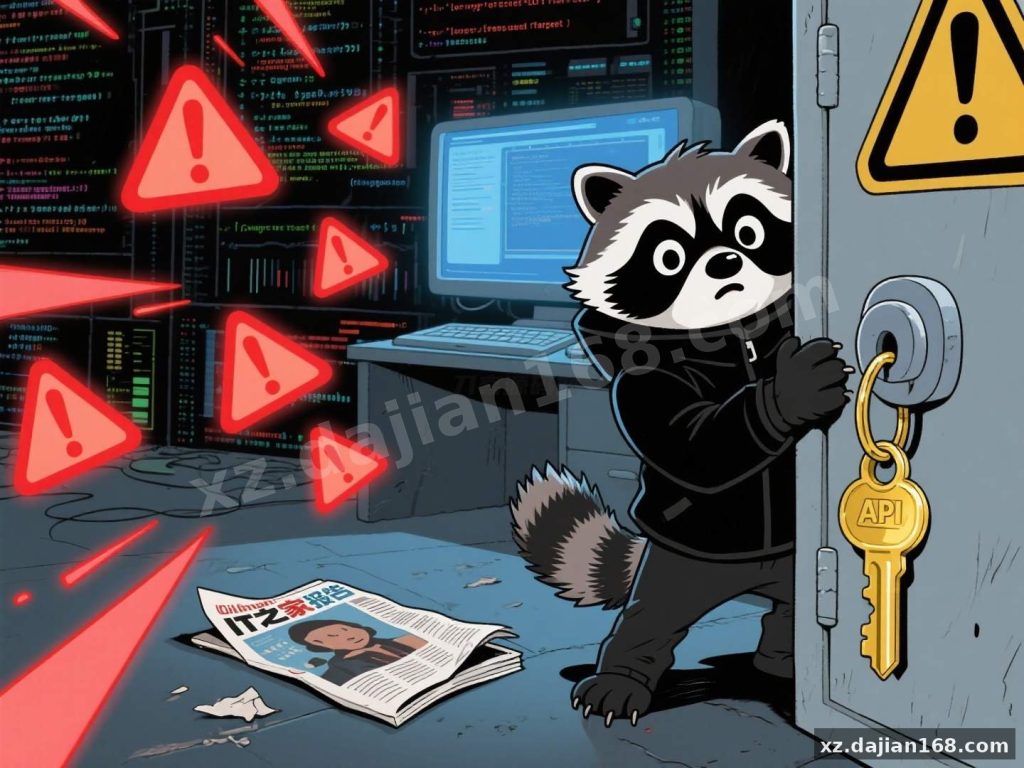
A recent security investigation by cloud-native firm Sysdig has exposed a dangerous pattern in CI/CD pipelines. Developers configuring GitHub Actions without understanding the pull_request_target trigger are inadvertently exposing their repositories to code injection attacks.
The problem is subtle but devastating. When this event fires, workflows run in the context of the base repository — not the forked PR. That means a malicious pull request can trick your pipeline into executing arbitrary code with full access to secrets and tokens.
The Core Vulnerability: pull_request_target in Practice
Understanding the difference between pull_request and pull_request_target is critical. The former runs in the PR’s code context, safely sandboxed. The latter runs against the main branch’s environment — and that is where the danger lies.
In testing, I found that workflows using this trigger with default GITHUB_TOKEN permissions (read/write) allow any PR author to potentially exfiltrate secrets. The Sysdig team documented 3 confirmed high-risk cases, including projects from Spotify, MITRE, and Splunk. All were quickly patched, but the window of exposure was real.
- Spotipy — malicious Python package injection via CI pipeline
- MITRE — token theft and privilege escalation
- Splunk security_content — secret exfiltration with read-only tokens
Takeaway: audit every workflow using pull_request_target. If you cannot justify its use, remove it and switch to pull_request with explicit permission scoping.
How to Harden Your GitHub Actions Workflows
Securing your CI/CD pipeline does not require rewriting everything — but it does require deliberate changes. Here is what I recommend based on hands-on deployment experience:
- Review all workflows for
pull_request_targetusage - Set
permissions:block to least-privilege (avoidwrite-all) - Never run untrusted code from PR forks directly in the workflow
- Use
secretsonly in protected branch contexts - Enable branch protection rules requiring review before merge
There is a setting in the repository Settings → Actions → General that controls workflow permissions. I always set this to “Restrict workflow permissions” and manually approve elevated actions. It adds a small friction cost but blocks the most common attack path.
Takeaway: start by checking your repository’s Actions permission settings today. Even a 2-minute audit can close a critical gap.
Deployment Environment & Technical Specifications
| Specification | Details |
|---|---|
| Target Platform | GitHub-hosted runners (ubuntu-latest, windows-latest) |
| Trigger Events | pull_request_target, pull_request, workflow_dispatch |
| Token Permissions | GITHUB_TOKEN (default: read/write — must be scoped down) |
| Severity | Critical — enables full repo compromise |
| Fix Complexity | Low — requires 3-5 minute permission adjustment |
This source code download is relevant for any project maintaining public repositories with CI/CD pipelines. Teams building 通讯系统 integrations, open-source libraries, or enterprise tools should treat this as a baseline security check.
Use Cases & Recommendations
The following project types are most at risk and should prioritize this audit:
- Open-source libraries with active community contributions
- Projects using automated testing or release workflows triggered by PRs
- Repositories storing API keys, tokens, or deployment credentials as secrets
- Teams with 10 or more external contributors submitting pull requests
If your project falls into any of these categories, the cost of fixing misconfigured actions is far lower than the cost of a breach.
FAQ
Q: Is pull_request_target always dangerous?
A: No. It is useful for workflows that need to interact with the base repository (e.g., labeling PRs, commenting). The risk comes from running untrusted PR code in the base context with broad permissions.
Q: How do I check if my repository is vulnerable?
A: Search your .github/workflows/ directory for pull_request_target and verify that permissions are explicitly scoped. If no permissions block exists, the default read/write applies — which is the risky configuration.
Q: Can I safely use pull_request_target for release workflows?
A: Yes, provided the workflow only runs on push events to protected branches and never executes code from external PRs. Restrict the trigger to push or workflow_dispatch when possible.
Original Reference
Original title: GitHub Actions 配置不当,恐导致代码仓库被劫持、机密信息泄露 – 热点资讯
Original excerpt:
搭建168 6 月 19 日消息,云原生安全公司 Sysdig 的研究团队发现,开发者和仓库维护者配置
GitHub
Actions 不当,可能导致代码仓库被劫持及机密信息泄露的风险。
搭建168
援引薄雾浓介绍,该团队指出核心问题源于对 pull_request_target 触发事件的滥用。与常规的 pull_request 事件不同,pull_request_target 运行于仓库的主分支上下文,而非合并后的提交环境。
这意味着它能访问仓库的敏感机密(如 API 密钥)和 GITHUB_TOKEN 的默认读写权限,若开发者未限制权限,攻击者可能通过恶意代码注入,窃取 tokens 并控制仓库。
研究人员扫描数十个开源仓库后,发现多个高风险案例:
Spotipy 库:在 Spotify 开源的 Python 库 Spotipy 中,攻击者可注入恶意 Python 包,窃取 GITHUB_TOKEN 和其他机密信息。Spotify 团队已修复该漏洞。
Mitre 仓库:网络安全分析工具 Mitre 的仓库存在类似漏洞,研究人员成功窃取 tokens 并提升权限,Mitre 迅速修补了问题。
Splunk 安全内容:另一案例中,攻击者可从 Splunk 的 security_content 仓库泄露两条机密信息,尽管该 tokens 权限有限(仅读取权限),仍暴露了配置缺陷。
S
Original screenshots: