Multi-Asset Trading Platform Source Code Technical Update Log: CDN Optimization and Frontend Resource Loading Fix
Disclaimer: This article records the frontend resource and CDN optimization process, for technical learning reference only; any actual deployment of a trading platform must comply with local laws and regulations and obtain relevant qualifications.
Update Overview
This round of organization mainly focuses on optimizing frontend resource loading efficiency and some interaction details. After going live, the overall first-screen perceived speed has improved, and several previously unstable static resource CDNs have been switched to more universal and durable npm sources. Below are the changes and operation methods listed for future reuse.
- Optimized CDN configuration to improve page resource loading speed
- Fixed the recurring issue of the form validation prompt showing “Invalid Contract Time”
- Removed the invitation code module per client request
- Optimized the online customer service message sending experience
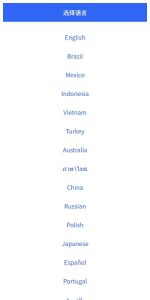
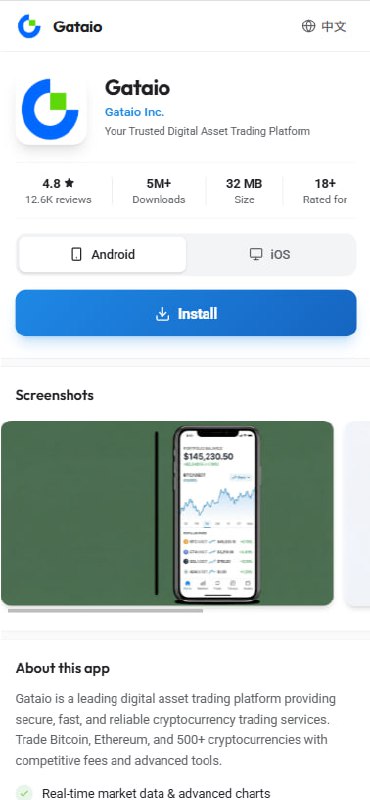
- Redesigned the download landing page UI for a more unified style
CDN Resource Replacement Details
Several previously referenced domestic CDN nodes experienced fluctuations during high concurrency or cross-border access, so the core libraries have been switched to more stable jsDelivr / npm sources. Below are the three main resources that need to be replaced:
- jQuery:
https://cdn.staticfile.org/jquery/2.1.1/jquery.min.js→https://cdn.jsdelivr.net/npm/[email protected]/dist/jquery.min.js - Font Awesome:
https://lf3-cdn-tos.bytecdntp.com/cdn/expire-1-M/font-awesome/5.15.2/css/all.min.css→https://cdn.jsdelivr.net/npm/@fortawesome/[email protected]/css/all.min.css - Bootstrap:
https://lib.sinaapp.com/js/bootstrap/4.2.1/css/bootstrap.min.css→https://cdn.jsdelivr.net/npm/[email protected]/dist/css/bootstrap.min.css
Four Methods for Batch Replacing CDN Links
Method 1: Baota Panel File Manager
- Log into the Baota panel, go to “Files” → find the website root directory
- Use the search function in the upper right corner to search for the old CDN domains separately
- After finding files containing the old links, manually edit and replace them
Drawback: If there are many files, manual operations are time-consuming and suitable for small-scale projects.
Method 2: Use SSH Commands for Batch Replacement
It is recommended to use the command line for batch processing — it is efficient and nothing is missed. Back up before operating.
1. Enter the website root directory:
cd /www/wwwroot/your-website-directory2. Back up the entire website directory:
tar -czf website_backup_$(date +%Y%m%d).tar.gz .3. Batch replacement:
# Replace jQuery CDN
find . -type f ( -name "*.html" -o -name "*.php" -o -name "*.js" ) -exec sed -i 's|https://cdn.staticfile.org/jquery/2.1.1/jquery.min.js|https://cdn.jsdelivr.net/npm/[email protected]/dist/jquery.min.js|g' {} +

# Replace Font Awesome CDN
find . -type f ( -name "*.html" -o -name "*.php" -o -name "*.css" ) -exec sed -i 's|https://lf3-cdn-tos.bytecdntp.com/cdn/expire-1-M/font-awesome/5.15.2/css/all.min.css|https://cdn.jsdelivr.net/npm/@fortawesome/[email protected]/css/all.min.css|g' {} +

# Replace Bootstrap CDN
find . -type f ( -name "*.html" -o -name "*.php" -o -name "*.css" ) -exec sed -i 's|https://lib.sinaapp.com/js/bootstrap/4.2.1/css/bootstrap.min.css|https://cdn.jsdelivr.net/npm/[email protected]/dist/css/bootstrap.min.css|g' {} +
4. Verify whether any old links remain:
grep -r "cdn.staticfile.org/jquery/2.1.1" .
grep -r "lf3-cdn-tos.bytecdntp.com" .
grep -r "lib.sinaapp.com/js/bootstrap" .
Method 3: One-Click Replacement Script
If you find it prone to errors to enter commands one by one, you can write a script for reuse:
#!/bin/bash

# Website directory path (please change to your actual path)
SITE_DIR="/www/wwwroot/your-website-directory"

# Enter the website directory
cd "$SITE_DIR" || exit

# Backup
echo "Backing up website..."
tar -czf "../website_backup_$(date +%Y%m%d_%H%M%S).tar.gz" .
echo "Backup complete!"

# Replace jQuery
echo "Replacing jQuery CDN..."
find . -type f ( -name "*.html" -o -name "*.php" -o -name "*.js" ) -exec sed -i 's|https://cdn.staticfile.org/jquery/2.1.1/jquery.min.js|https://cdn.jsdelivr.net/npm/[email protected]/dist/jquery.min.js|g' {} +

# Replace Font Awesome
echo "Replacing Font Awesome CDN..."
find . -type f ( -name "*.html" -o -name "*.php" -o -name "*.css" ) -exec sed -i 's|https://lf3-cdn-tos.bytecdntp.com/cdn/expire-1-M/font-awesome/5.15.2/css/all.min.css|https://cdn.jsdelivr.net/npm/@fortawesome/[email protected]/css/all.min.css|g' {} +

# Replace Bootstrap
echo "Replacing Bootstrap CDN..."
find . -type f ( -name "*.html" -o -name "*.php" -o -name "*.css" ) -exec sed -i 's|https://lib.sinaapp.com/js/bootstrap/4.2.1/css/bootstrap.min.css|https://cdn.jsdelivr.net/npm/[email protected]/dist/css/bootstrap.min.css|g' {} +

echo "Replacement complete!"
echo "Verifying results..."

echo "--- Checking for old jQuery links ---"
grep -r "cdn.staticfile.org/jquery/2.1.1" . | head -5

echo "--- Checking for old Font Awesome links ---"
grep -r "lf3-cdn-tos.bytecdntp.com" . | head -5

echo "--- Checking for old Bootstrap links ---"
grep -r "lib.sinaapp.com/js/bootstrap" . | head -5

echo "If there is no output above, the replacement was successful!"
Save as replace_cdn.sh and then execute:
chmod +x replace_cdn.sh
./replace_cdn.sh
Method 4: Use Baota Terminal
The simplest way is to open Baota panel → Terminal, and directly paste the replacement commands from Method 2 to execute.
Precautions
- Always back up website files first before executing batch replacements
- Verify in a test environment first, and only deploy to production after confirming everything is correct
- After replacement, check whether the website functions normally, especially icons, pop-ups, and form components
- If the site has a caching mechanism, remember to clear the cache or CDN cache
- When there are many files, batch replacement may take a long time — please be patient
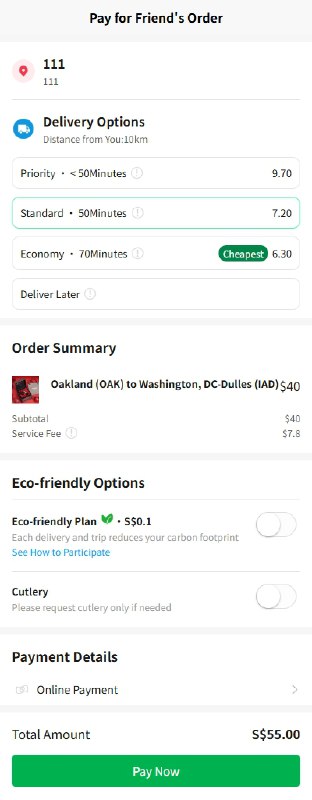
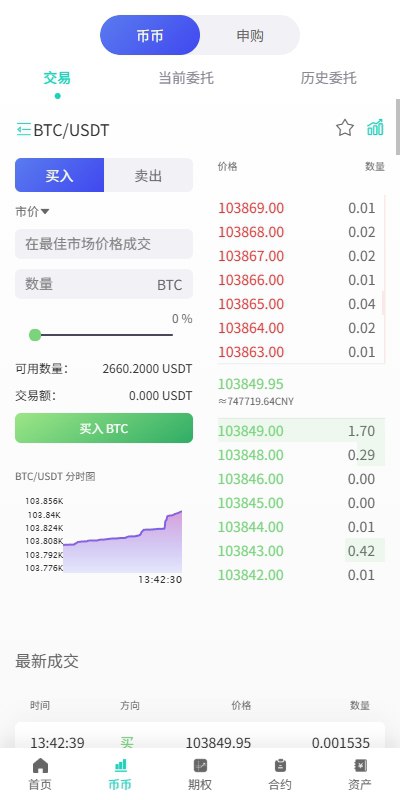
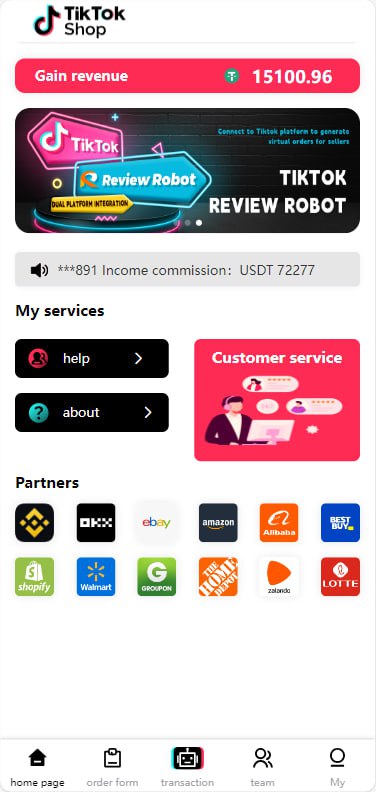
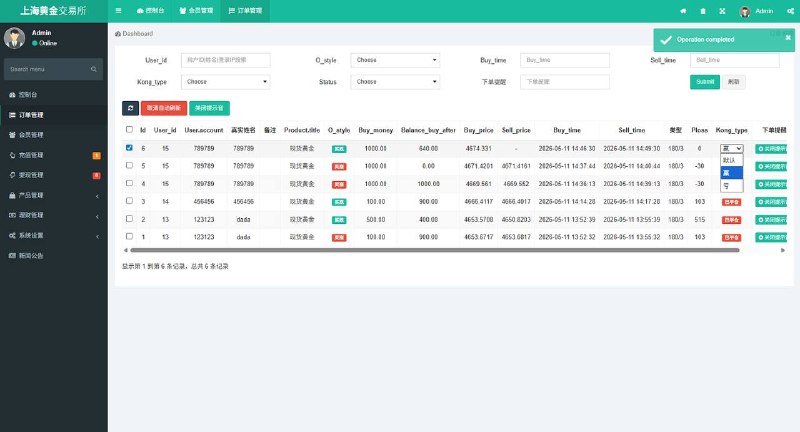
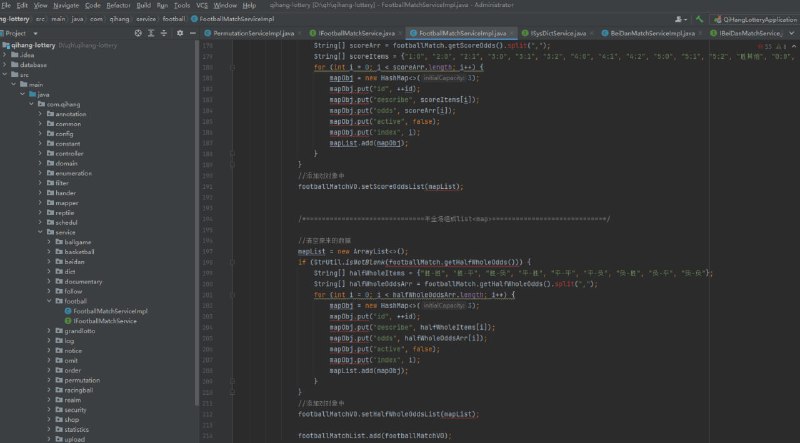
Update Effect Screenshots
Below are interface screenshots related to this update for reference:
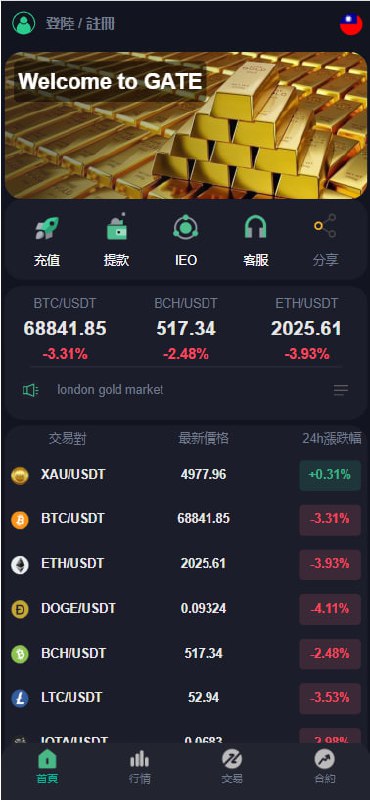
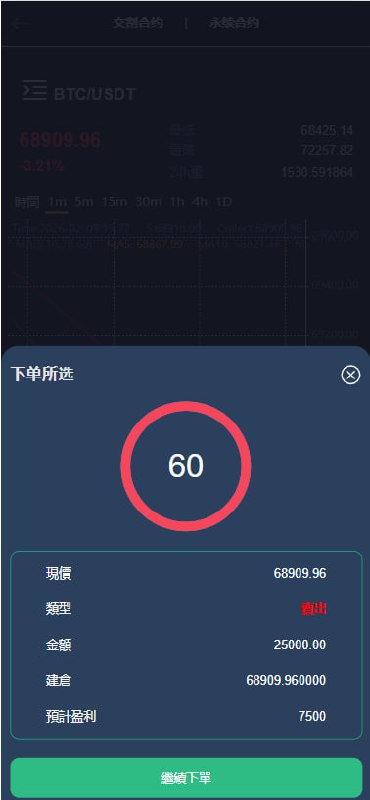
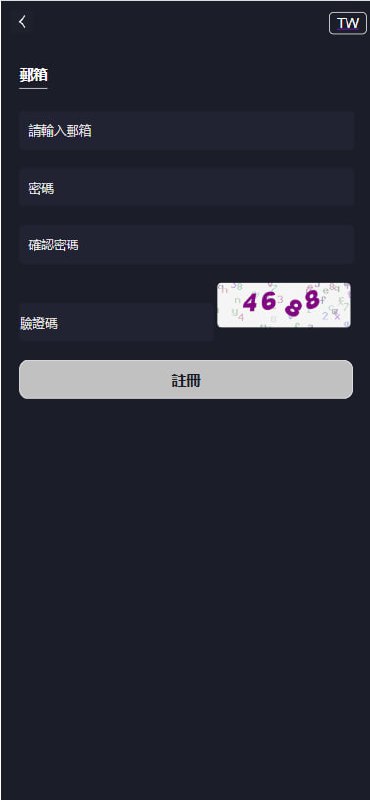
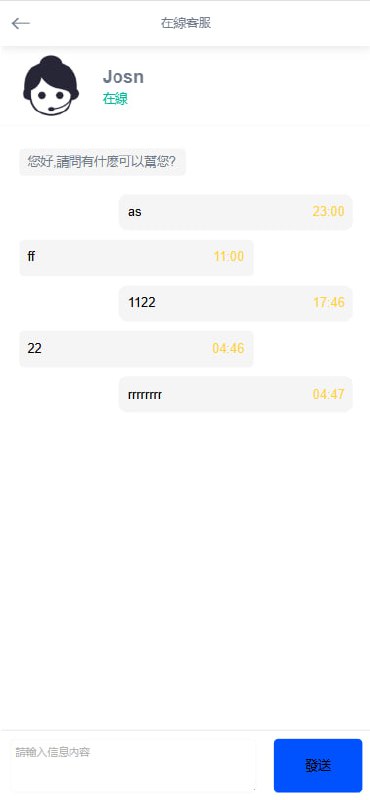
Disclaimer: This article records the frontend resource and CDN optimization process, for technical learning reference only; any actual deployment of a trading platform must comply with local laws and regulations and obtain relevant qualifications.
-
 Alipay QR Code Scan
-
 WeChat Scan Pay