H5 Probability Simulation System Build Log: Deploying a Multi-Room Random Number Demo Platform with ThinkPHP and aaPanel
H5 Probability Simulation System Build Log: Deploying a Multi-Room Random Number Demo Platform
Disclaimer: This article is for technical education and demonstration only. It is not professional or financial advice. Any real-world deployment must comply with applicable laws and regulations.
Last week I helped a client deploy an H5-based probability simulation system for a technical demonstration project. It’s the kind of multi-room random number demo platform you often see on the market, shipped with several demo templates such as flagship and Canada-style parameter presets. The whole process came with plenty of pitfalls. The source code looked simple on the surface, but once I actually tried to run it, the devil was in the details. This post documents my entire deployment process as a reference for anyone researching this type of system. Let me stress again: I only used this for random number algorithm research and interface demonstration. This article is for technical education only, and the software should only be used in lawful, compliant scenarios.
Hands-On System Test: I Ran Through Both Frontend and Backend
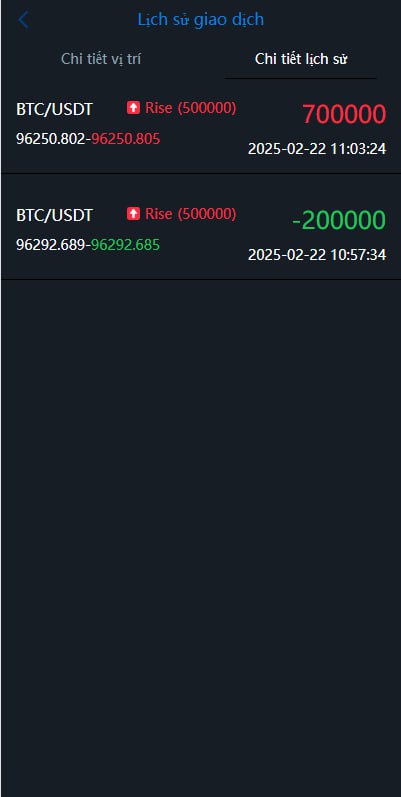
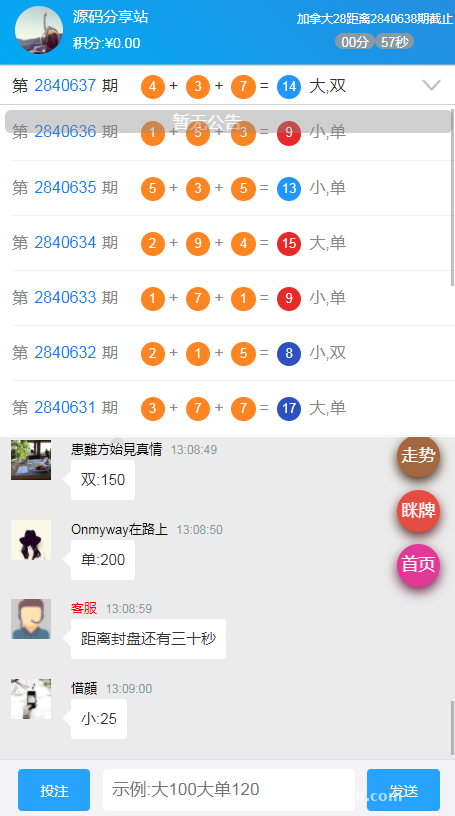
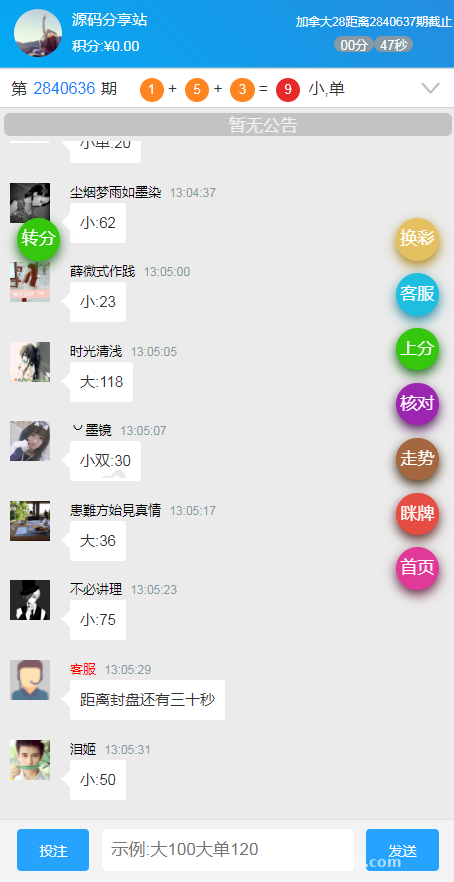
Let’s start with the frontend. This is a responsive H5 build that works well on mobile browsers — no app installation needed, just open the URL. The homepage shows a room list. I counted three demo templates included by default, and each room can be configured individually with its own round interval, result generation rules, and lower/upper limits for points parameters. On the user side, you can see historical result trends, your own points change records, and a simple invite poster generation feature.

Multi-Room Mode Is the Core Selling Point
The multi-room setup deserves a closer look. The admin panel lets you create unlimited rooms, each with independent configuration: room name, round number rules (per minute or fixed interval), and the parameter ranges for the simulated mechanics. I tested five rooms running simultaneously, with cron jobs triggering the result generation script. CPU usage stayed very low — a 2-core, 4GB Tencent Cloud lightweight server handled it without breaking a sweat. Result generation uses PHP’s mt_rand family of functions combined with weight configuration. I tweaked several weight parameter sets in the backend and the frontend trends did change accordingly, which confirms the control logic is properly wired.
Admin Panel Feature Checklist
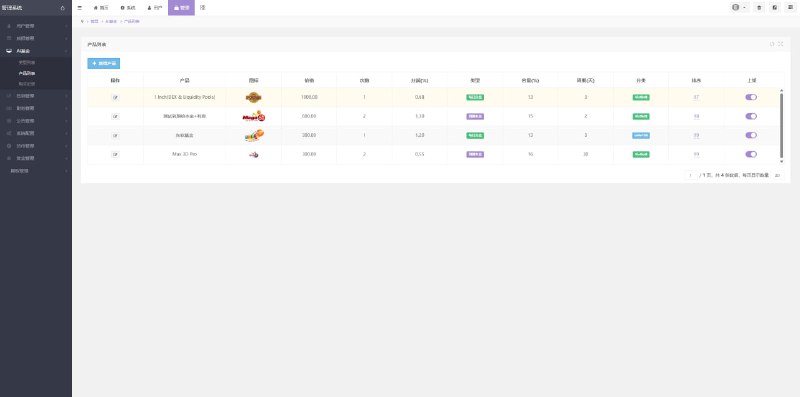
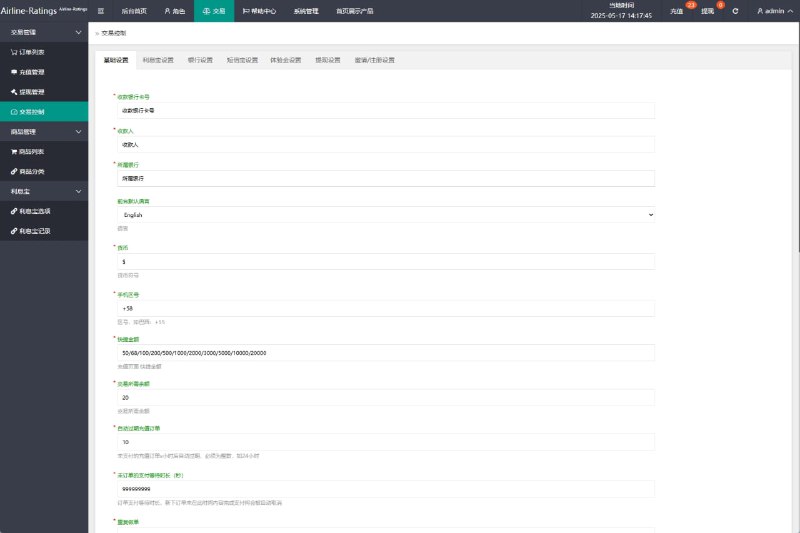
The backend is built on the ThinkPHP framework, and once logged in the feature set is fairly complete:
1. Member management: view points transaction history, manually adjust points, suspend or restore accounts;
2. Room management: create or close rooms, configure each room’s parameters separately;
3. Result management: review generation records by round number, with support for preset demo data;
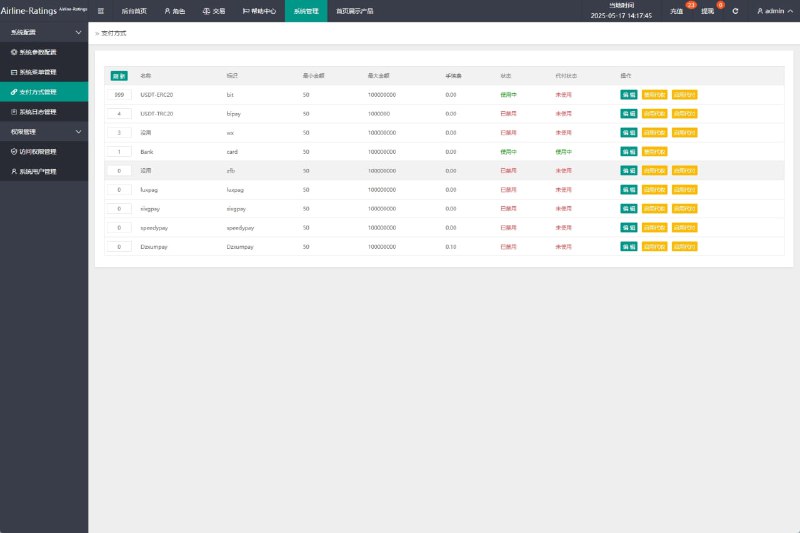
4. Finance module: points top-up runs through a test payment sandbox interface — the docs explain the integration method, and I hooked up a test channel to verify the callback flow;
5. Referral system: a three-tier reward distribution demo logic, with ratios adjustable in the backend;
6. Multi-language support: language packs are standalone PHP array files, easy to edit, and switching between Chinese and English on the frontend produced no garbled characters.

Deployment Notes: Environment Setup and Pitfalls I Hit
Get the Environment Requirements Right
This codebase is picky about its environment. I started with PHP 8.1 and got a blank white screen full of errors. After digging into the code I found it uses a lot of legacy syntax, and it only ran properly after I downgraded to PHP 7.2. The full environment stack: Linux (I used CentOS 7.9) + Nginx 1.18 + MySQL 5.7 + PHP 7.2. The required PHP extensions are fileinfo and redis, both installable with one click in the aaPanel dashboard. For the rewrite rules, select the thinkphp template — if you skip this, every admin page will return 404.
Database and Cron Jobs
After importing the SQL file, update the connection details in config/database.php. Here’s a trap: the source code hardcodes two table prefixes, so after editing the database config file you also need to sync the change in the extra configuration under the application directory, otherwise queries will fail. For scheduled tasks, you need two crontab entries: one that runs the result generation script every minute, and one that cleans up the log tables every night. The command format looks like this:
*/1 * * * * php /www/wwwroot/your-directory/think cron
I initially wrote the wrong path, the round numbers froze, and it took me half an hour of log digging to find the cause.
Quick tip: the multi-room weight configuration in this codebase is stored independently, so for secondary development you can extend new demo templates on top of the existing logic without touching the core algorithm files. Also, change the default admin path and the admin account credentials immediately after deployment — the default backend entry point is far too common and easily picked up by scanners.
Payment Interface Notes
The package comes with an integration framework for a payment module. You only need to fill in three parameters in the config file: merchant ID, secret key, and callback URL. I tested everything in a sandbox environment. The callback signature verification logic lives in the Payment controller, and the code comments are reasonably clear. For any production integration you would need to prepare your own compliant payment channel — the source code only provides the technical framework.
Secondary Development Suggestions and Who This Is For
The code structure is fairly clean with a clear MVC layering, which makes it suitable for things like: studying weight-based implementations of random number algorithms, learning the architecture design of H5 room-based systems, or building a teaching demo platform for probability courses. The frontend is vanilla JavaScript with a bit of jQuery, so if you want to swap the UI you just edit the template files directly — no build step required. I added one custom feature for the client myself: exporting round number data reports in Excel format from the admin panel. It took about half an hour, which says a lot about the code readability.
I wouldn’t recommend this for complete beginners. You should at least know your way around aaPanel, understand basic MySQL commands, and be able to read PHP error messages. If you’ve never configured rewrite rules before, practice on some other open source projects first.
Frequently Asked Questions
Q: The frontend loads after deployment, but the round numbers never update. What’s wrong?
A: Nine times out of ten, the cron job isn’t running. First, manually execute the cron script from the command line to see if it throws errors. Then check the absolute path in crontab. Finally, confirm the PHP CLI version matches the site version (in aaPanel, the CLI version can differ from the website version).
Q: Can it run on PHP 7.4 or higher?
A: Not out of the box — the code contains deprecated syntax. You either downgrade to 7.2/7.3 or fix each error one by one yourself, which is a lot of work. Downgrading is the easier path.
Q: Will running multiple rooms simultaneously demand a lot of server resources?
A: In my tests with five rooms running concurrently, memory usage on a 2-core 4GB machine stayed under 40%. The real bottleneck is MySQL query frequency. If you set the round interval to one minute or longer, a standard lightweight server is more than enough.
Q: I can’t log into the admin panel and keep getting a captcha error. How do I fix it?
A: Check the permissions on PHP’s session directory. This usually happens when session writes fail and the captcha can’t be stored. Set the directory pointed to by session.save_path to 755 and make sure the owner is the www user.
Wrapping up, as a teaching demo project for random number algorithms, this multi-room probability simulation system is above average in code quality compared to similar source packages, with medium deployment difficulty. The main pitfalls are the PHP version and the cron job setup. One final reminder: please use it only in compliant scenarios, follow applicable laws and regulations, and keep it strictly as a technical demonstration.
Disclaimer: This article is for technical education and demonstration only. It is not professional or financial advice. Any real-world deployment must comply with applicable laws and regulations.
#H5 Source Code #aaPanel Deployment #ThinkPHP #Multi-Room System #Setup Tutorial
-
 Alipay QR Code Scan
-
 WeChat Scan Pay