Probability Simulation Demo System Build Log: 28-Style Data Simulation + Billing Module Deployment Notes
Probability Simulation Demo System Build Log: 28-Style Data Simulation + Billing Module Deployment Notes
Disclaimer: This article is for technical education and demonstration only. It is not professional or financial advice. Any real-world deployment must comply with applicable laws and regulations.
I recently helped a client who needed a technical demo deploy a probability simulation demo system. The requirements were a pixel-perfect recreation of the flagship 28 interface style, plus a brand-new billing module. After two nights of work, I got the whole pipeline running. Consider this a deployment log — I’m recording the pitfalls I hit so others with similar build needs can learn from them.
Quick verdict up front: the source code structure is fairly clean, with front-end and back-end separated, using the classic PHP + MySQL combo. Deployment difficulty is moderate. But the billing module is newly added, documentation is basically nonexistent, and I had to dig through the code myself.

Feature Walkthrough: What This System Actually Offers
Whenever I get source code, my habit is to run the front end first and go through every feature before touching the backend.
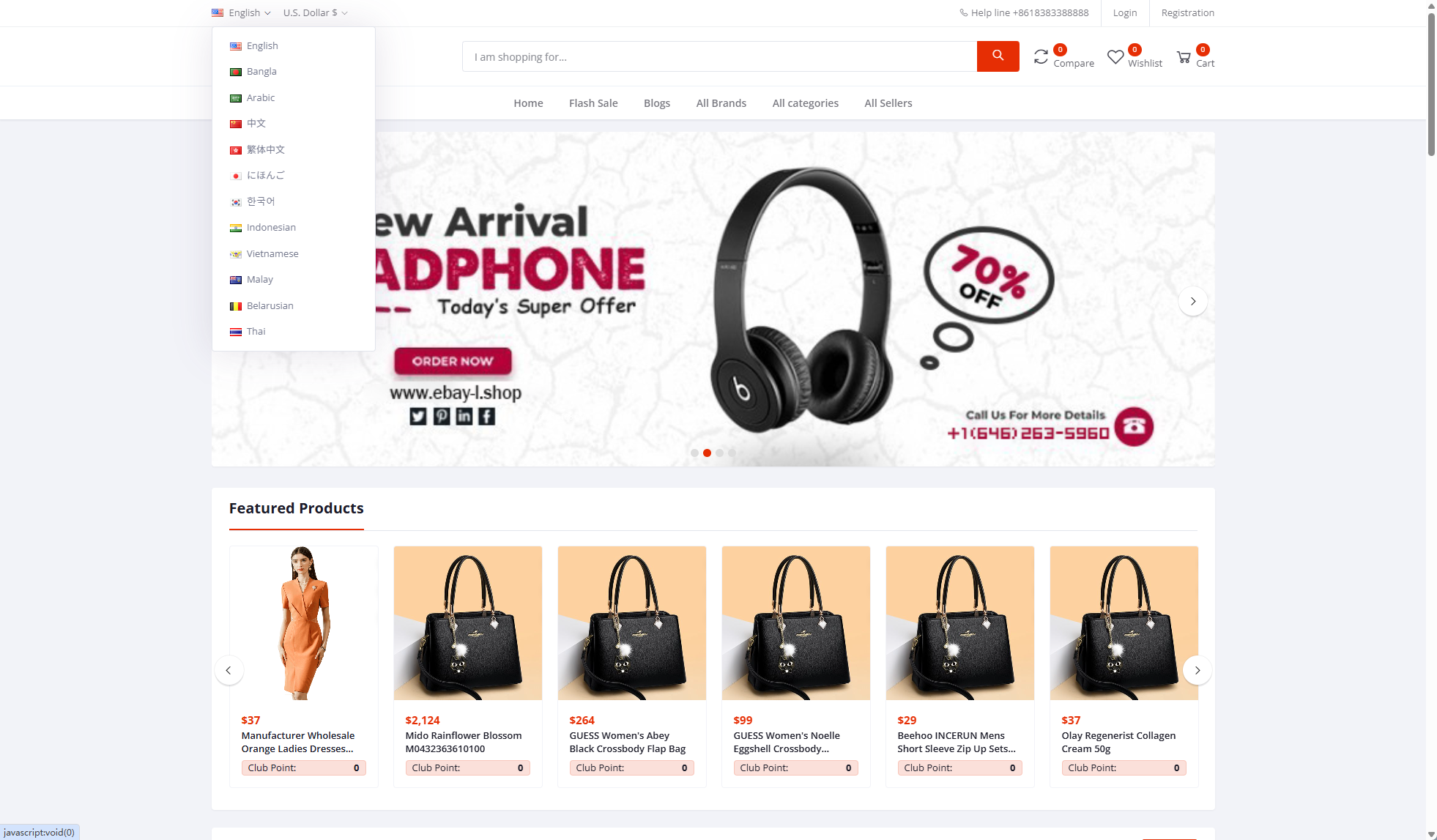
Front-End Interface Fidelity
The interface really is nearly 1:1 with the flagship 28 — colors, layout, and animations are all faithfully recreated. The result announcement data is generated by random number simulation, with each round’s result computed by a server-side algorithm; no sensitive data is stored locally. I tested response speed: the result announcement API averages under 200ms, and 100 concurrent simulated users posed no problem.
Billing Module (The New Addition This Time)
The billing feature the client wanted is essentially a transaction log for each demo account, with four fields: time, type, amount change, and remark. I extended the user_bill table with two extra fields: bill_type (distinguishing simulated deposits, simulated spending, and simulated settlement) and remark. On the front end I built a simple paginated list, 20 records per page, with AJAX paging — the experience is decent.

Backend Admin
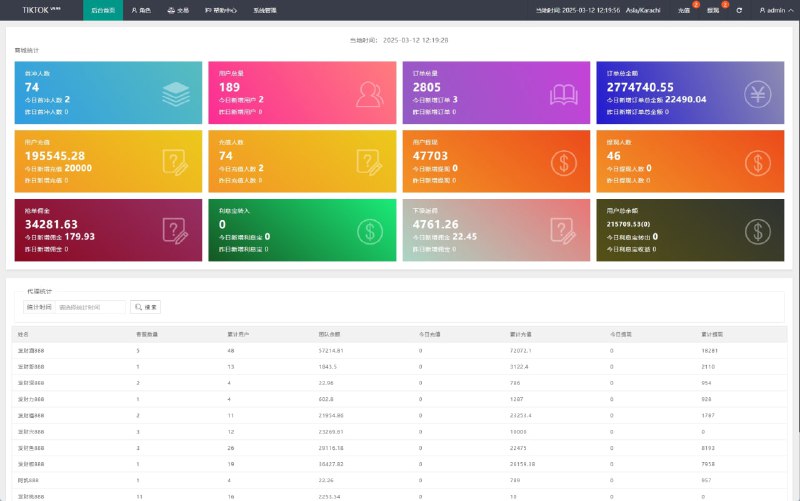
The backend is fairly complete:
– User management: add/edit/delete demo accounts, balance adjustments
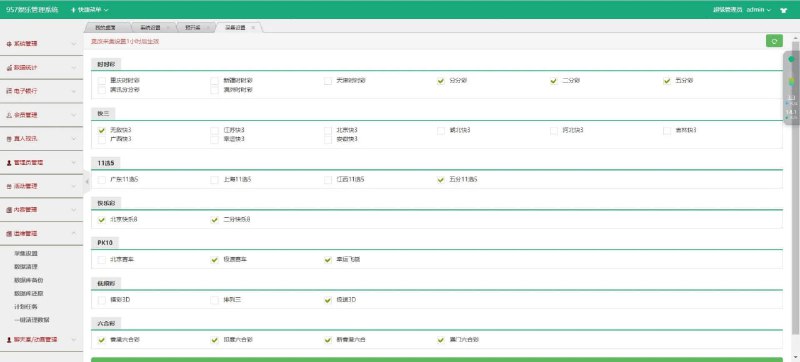
– Round management: result announcement round numbers, generation rules for simulated results
– Parameter settings: numeric configuration for the simulation scenario, purely for demo purposes
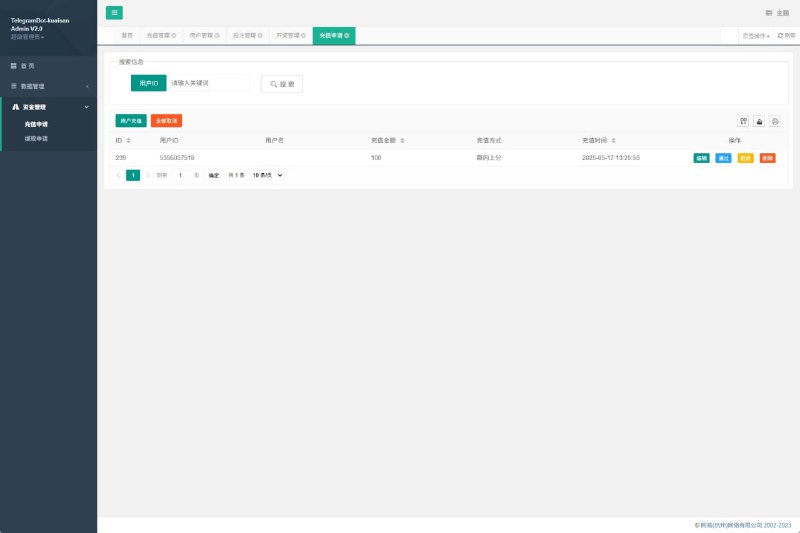
– Bill lookup: filter transaction logs by user and time range
One reminder: after changing the parameter and probability settings in the backend, always click save and then refresh the front end to verify. This source code has a caching mechanism — if you don’t clear the runtime directory, the front end may still show old data.
Deployment Essentials: Environment Setup and Pitfall Log
Environment Requirements
My environment was CentOS 7.9 + Nginx 1.22 + PHP 7.4 + MySQL 5.7. Note that this source code does not support PHP 8 — in my testing, PHP 8 throws a pile of undefined index warnings. If you don’t want to modify code, just stick with 7.4. PHP needs the fileinfo and gd extensions enabled, otherwise the captcha images won’t render.
Installation Steps
1. Import the database SQL file and update the connection info in config/database.php
2. Use the ThinkPHP rewrite rules for pseudo-static URLs — the Nginx config is easy to find online
3. The default backend path is /admin; change the password the moment you log in
4. Give the runtime and public/uploads directories 755 permissions
My first deployment got stuck on the captcha not displaying. After a long investigation, it turned out the gd extension wasn’t installed — once installed and php-fpm restarted, everything worked. These low-level issues waste the most time; learn from my mistake.

Cron Job Configuration
The simulated generation of result announcement data depends on crontab, running a shell script once per minute. Here’s a pitfall: if the server timezone is wrong, the round numbers won’t line up. I had to use timedatectl to set the timezone to Asia/Shanghai before it worked properly. I recommend running the script manually once after deployment, confirming the logs show no errors, and only then adding it to crontab.
Secondary Development Tips
Where to Modify the Interface
The front-end templates live in the application/index/view directory, with static assets in public/static. The client wanted the homepage banner and footer text changed — just edit the corresponding template files, no need to touch the controllers.
Multi-Platform Adaptation
This is an H5 responsive build; opening it in a mobile browser automatically switches to the mobile layout. If you want a mini-program client, the API layer is ready-made and returns JSON, so integration isn’t hard. I left the client with the task of organizing API documentation — roughly half a day of work.

Security Hardening
Since this is a demo system, I did three things for security: changed the backend directory to a non-standard path, set up scheduled database backups (mysqldump via crontab every night), and disabled the front-end registration entry, keeping account creation backend-only. Low cost, real results.
Who This Is For
This source code suits three groups: beginners who want to learn PHP front-end/back-end interaction — the billing module logic isn’t complicated, making it a good practice project; training institutions that need random number demos or probability simulation teaching; and technical teams taking freelance work who need to deliver demo sites quickly when clients ask.
And who it’s not for: anyone thinking of using it for real-money operations — don’t. This is a pure demo architecture with no payment gateway integration. Don’t get any ideas.
FAQ
Q: The front end shows a blank page after deployment — what now?
A: Ninety percent of the time it’s a PHP version issue; switch back to 7.4. Another possibility is missing write permissions on the runtime directory — chmod 755, clear runtime, and refresh.
Q: Can the billing module auto-generate transaction logs?
A: Yes. Just add a batch insert routine in the settlement controller for result announcements. I wrote a queue task for the client that writes automatically after each round’s results are announced — remember to use transactions to avoid missing records.
Q: Can it connect to a real payment API?
A: The source code reserves configuration slots for payment APIs, but as a demo system, connecting real gateways isn’t recommended. If you want to learn payment flow integration, a sandbox environment (like the test accounts on the Alipay Open Platform) is more than enough — safe and compliant.
Q: Can the announced results be customized?
A: In the backend’s round management, you can set the generation mode for simulated results — both pure random and specified values are supported. In specified mode, the number you enter becomes that round’s simulated result, which is very convenient for teaching demos.
From receiving the source code to delivery, the whole project took about 10 hours, half of which went into debugging the billing module. Overall, this source code offers good value for money — the code comments are fairly generous, and it’s secondary-development friendly. Feel free to reach out with build questions; my next post will cover API integration notes for this system.
Disclaimer: This article is for technical education only. All features are simulated demo in nature. Please comply with applicable laws and regulations when using such systems, and never use them for any unlawful purposes.
Disclaimer: This article is for technical education and demonstration only. It is not professional or financial advice. Any real-world deployment must comply with applicable laws and regulations.
#Source Code Setup #Deployment Log #PHP Development #Billing Module #Secondary Development Notes
-
 Alipay QR Code Scan
-
 WeChat Scan Pay