Monte Series Game Lobby Demo Platform Setup Guide: Multi-Game Module Deployment and Admin Panel Notes
Monte Series Game Lobby Demo Platform Setup Guide: Multi-Game Module Deployment and Admin Panel Notes
Disclaimer: This article is for technical education and demonstration only. It is not professional or financial advice. Any real-world deployment must comply with applicable laws and regulations.
Last week I helped a long-time client deploy a Monte Carlo series game lobby demo platform. He had been running on the Wanghu framework before, and the admin panel kept lagging for no obvious reason, so this time he specifically asked to switch. The full deployment plus tuning took me two days, and it really does run smoother than Wanghu. I’m writing the whole process down here as a reference for anyone who wants to try it themselves.
Hands-On Testing: Frontend and Backend Performance Holds Up
Frontend Client Experience
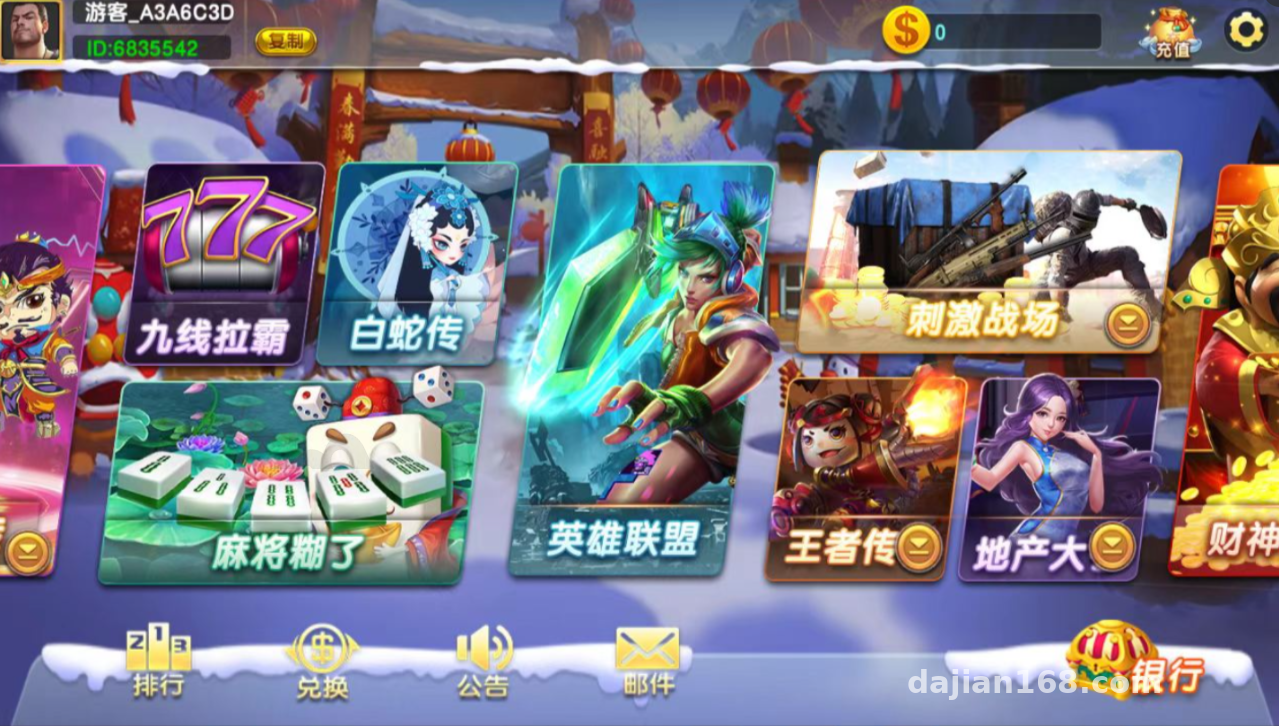
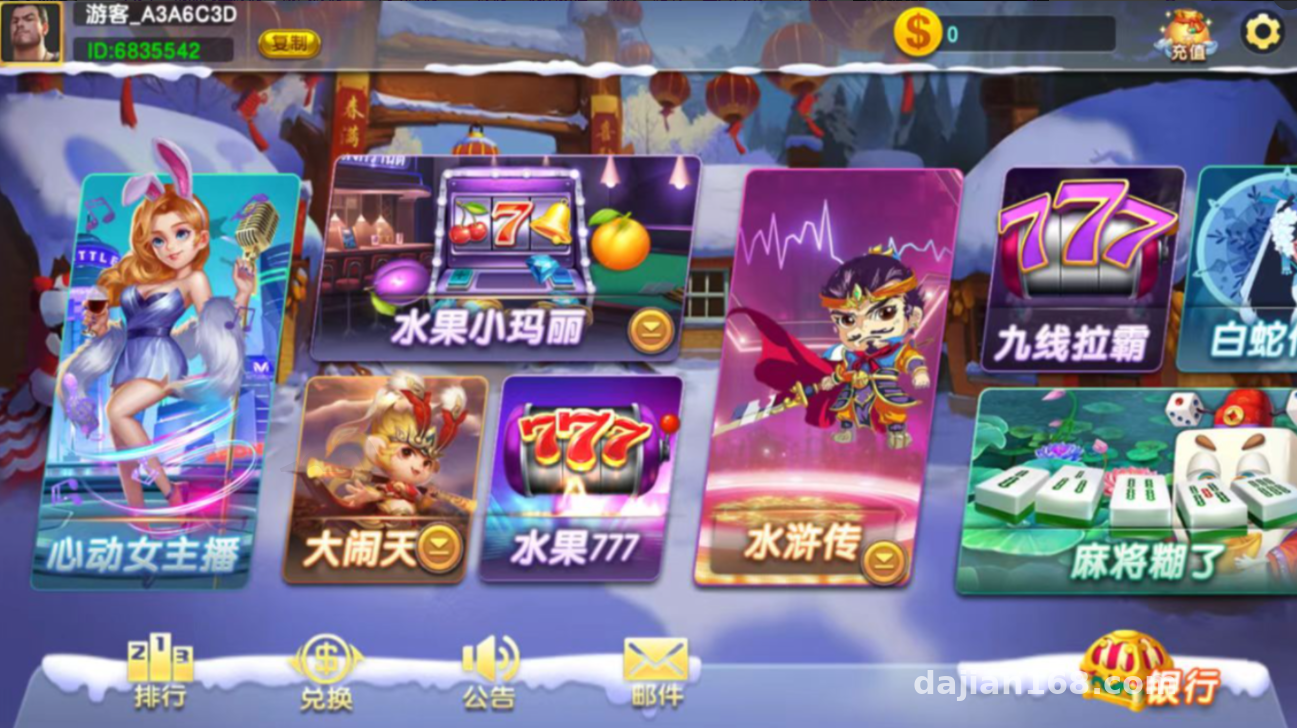
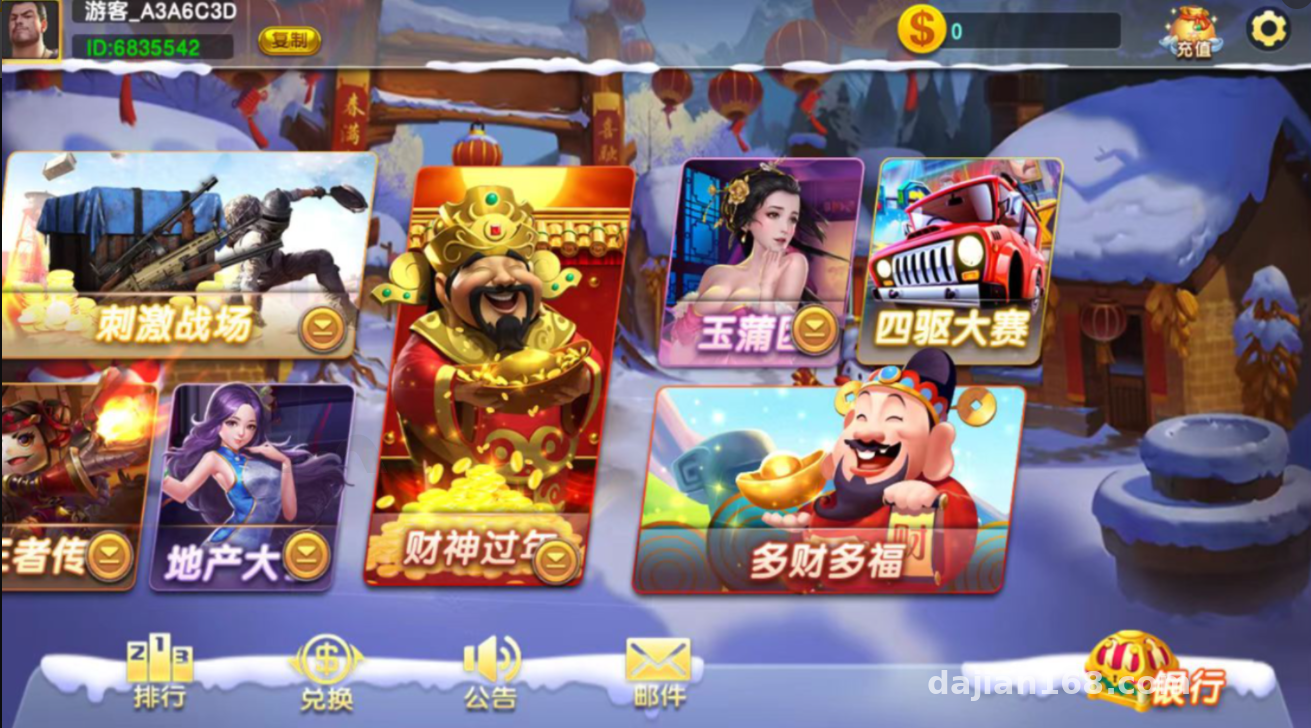
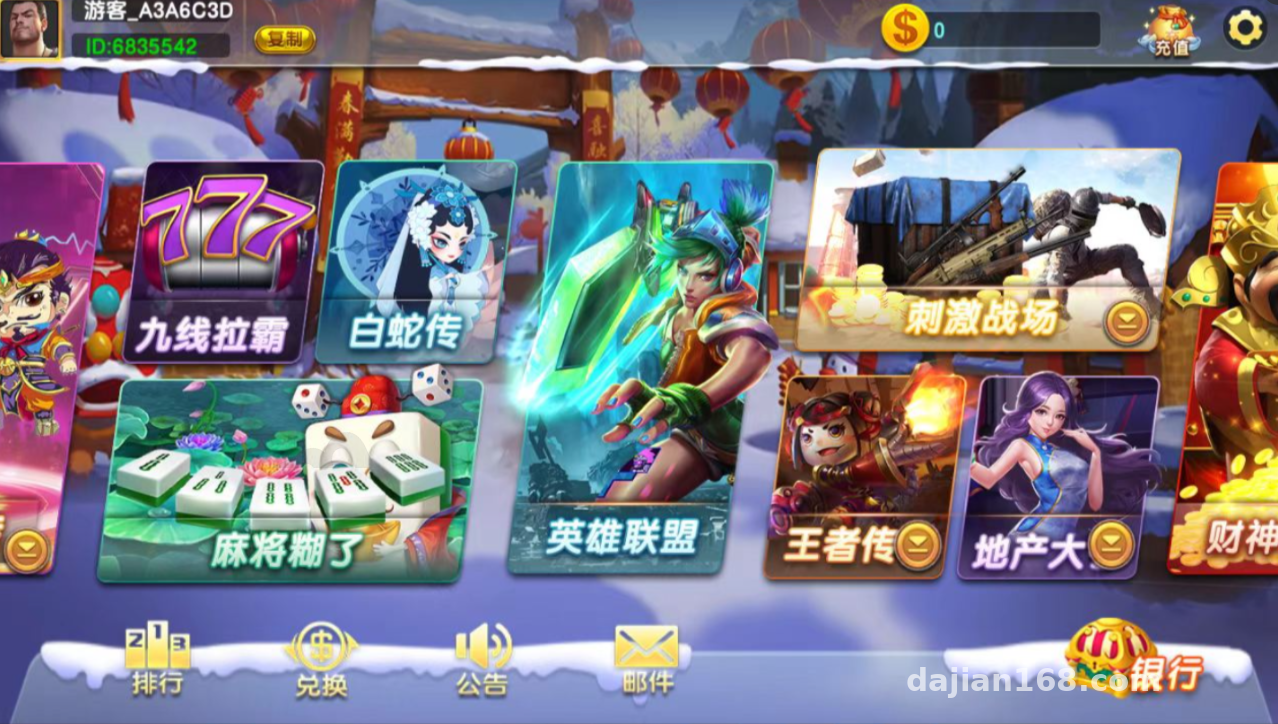
The client side is polished. The UI leans toward a clean, spacious style, the lobby loads fast, and switching between game modules basically never shows a white screen. The platform ships with sixteen themed game modules, covering styles like classic fruit, Journey to the West, Water Margin, Legend of the White Snake, speed racing, property management, and Chinese New Year themes, plus card-matching simulations and multi-line number matching demos. Every module runs on its own independent random number demo logic, and the numeric parameters for each one can be tuned separately in the admin panel.
Admin Management System
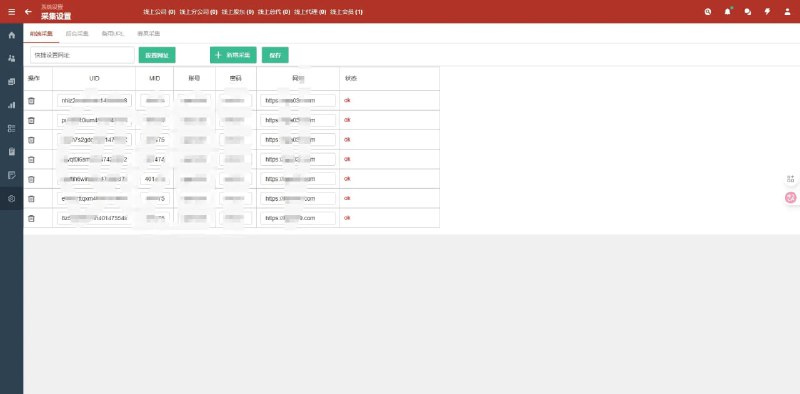
The admin panel is the core selling point of this source code. The menu hierarchy is clear: player management, points transaction logs, room configuration, and module toggles are all in the top-level menu. I focused my testing on the data pool management feature — you can watch the points pool level of each game module in real time, set collection and release thresholds, and the system automatically adjusts demo difficulty based on those parameters. Single-point control is supported too: you can set probability parameters for a specific account, which is handy for stress testing and feature demonstrations.
Deployment Essentials: Environment Setup and Pitfalls
Server Environment
My environment was CentOS 7.9 + Nginx 1.20 + PHP 7.2 + MySQL 5.7 + Redis 5.0. I’d recommend starting at 4GB of RAM — 2GB will run, but the admin panel gets sluggish once the data volume grows. The server side has C++ components, so install gcc and the related dependency libraries ahead of time, otherwise the service will throw missing-library errors on startup.
The Database Import Trap
The SQL file is fairly large, and importing it directly through phpMyAdmin will time out — use the command line instead. After importing, remember to verify that all stored procedures executed completely. The first time, I missed two stored procedures and the points statistics in the admin panel stayed empty; it took me over an hour to track down. Also, you absolutely must set a Redis password. This source code ships with Redis configured without a password by default, and running it exposed on the public internet like that is dangerous.
Admin Controls: Data Pool and Task Distribution Logic
The numeric controls in the admin panel work in three layers. The first layer is the global data pool, which balances the overall inflow and outflow of demo points across the platform. The second layer is module-level parameters — each themed game can have its own probability range and difficulty curve. The third layer is account-level single-point control, which works together with the task distribution module to push specific demo tasks to designated players. The three layers follow a priority order, and changes take effect immediately through hot reload without restarting the service — much more convenient than Wanghu.
On the payment side, the source code reserves interface configuration slots for mainstream payment gateways; just connect the points top-up channel to a compliant provider. Multi-language packs are included as well — Chinese and English switching can be enabled with one click in the admin panel, which is ready to use for overseas demo sites.
Who It’s For and Secondary Development Tips
This source code suits webmasters and technical teams with some background: people who want to study game lobby architecture, build themed game demo sites, or need a reference for a multi-game integration solution. The room for secondary development is decent too. The client side runs on Lua scripting logic, so reskinning and UI changes are cheap; the server side is highly modular, and adding a new game module is basically a matter of copying an existing module and editing its configuration. Beginners should get the environment running in a local virtual machine before going live.
Highlight: The biggest strength of this platform is its three-layer numeric control with hot-reload activation, combined with real-time data pool monitoring — it makes demo operations very efficient. Please make sure to comply with all applicable laws and regulations, and do not use it for any non-compliant purpose.
Frequently Asked Questions
Q: Does this source code support an H5 version?
A: Yes. The client comes in Android, iOS, and H5 versions. The H5 version just needs to be deployed to the web directory with the API domain configured, and it’s accessible right away — great for quick demos.
Q: Do data pool parameter changes in the admin panel require a restart?
A: No. Parameter changes take effect immediately via hot reload. That’s where it beats the Wanghu framework — parameter tuning is very efficient.
Q: Is it hard to add a new game module through secondary development?
A: Not really. The server side is modular, so you copy an existing module directory and adjust the configuration. The client side is Lua scripts, so reskinning and UI changes are low-cost.
Q: What’s the minimum server configuration that can run it?
A: In my testing, 2 cores and 4GB of RAM runs smoothly. 2GB works but stutters under heavy admin panel data loads. For production, start at 4GB and always set a Redis password.
Disclaimer: This article is for technical education and demonstration only. It is not professional or financial advice. Any real-world deployment must comply with applicable laws and regulations.
#game lobby demo platform #source code deployment #setup notes #secondary development #admin panel
-
 Alipay QR Code Scan
-
 WeChat Scan Pay