Building an AI Customer Service & Ticketing System: Auto-Reply Bot Deployment Notes
Building an AI Customer Service & Ticketing System: Auto-Reply Bot Deployment Notes
Disclaimer: This article is for technical education and demonstration only. It is not professional or financial advice. Any real-world deployment must comply with applicable laws and regulations.
I recently helped a client deploy a multi-platform AI customer service and ticketing system. It took about a week of back-and-forth, and I hit plenty of snags along the way. While it’s still fresh in my memory, I’m writing down the deployment process and real-world test results to save some time for anyone with similar needs.
The source code is a complete operational version, with Android, PC, and iOS clients all included, plus a fairly full-featured admin backend. The client mainly uses it for pre-sales inquiry routing and after-sales ticket tracking, and in practice it performed better than expected.
Feature Testing: Going Through the Core Modules
Auto-Reply Bot
This is the highlight of the whole system. It has a built-in keyword matching engine that supports fuzzy matching and synonym expansion. I loaded 300+ FAQ entries into the test environment, and the hit rate was around 85%. Unmatched queries automatically get routed to a human agent, with handoff latency kept under 2 seconds — decent experience overall.
Ticket Workflow
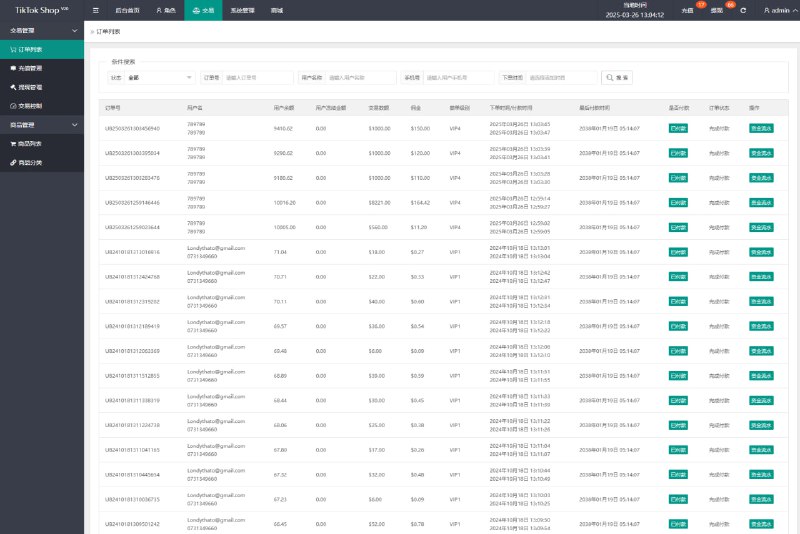
The ticket module supports multi-level categories, assignment, and status tracking. The backend can be configured with SLA reminders, and overdue tickets automatically escalate to a supervisor account. The logic here is written quite cleanly, so it wasn’t a pain to modify during secondary development.
Online Agent Seats
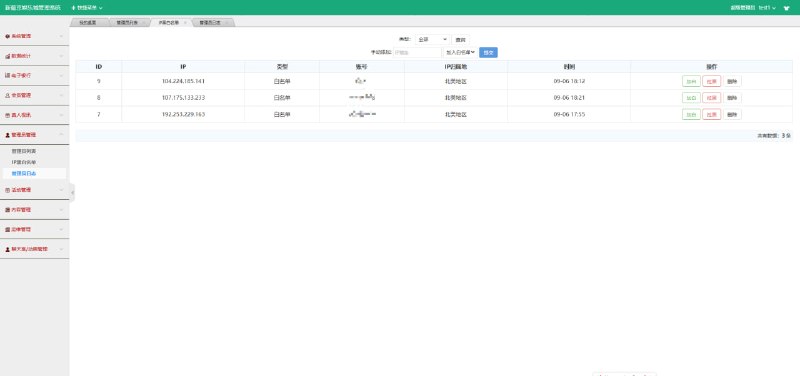
It supports multiple agents online simultaneously, with sessions transferable between them. The original version came with SMS verification code login, but the client found it annoying, so I removed the verification module and replaced it with account-password login plus a backend IP whitelist. The steps are all documented in the docs bundled with the source package.

Deployment Essentials: Environment and Pitfall Log
The server is a 4-core 8GB machine running CentOS 7.9, with MySQL 5.7 for the database and Nginx reverse proxy in front. Here are a few places where things can easily go wrong:
First, the Android client’s API endpoint needs repackaging and re-signing — don’t just use the default domain in the source code, and remember to clear the cache before recompiling after changes. Second, if the iOS client uses enterprise signing, the certificate is only valid for one year, so plan the renewal process ahead of time. The PC side is relatively easy — the web version deploys directly.
When importing the database, watch the character set. The source code defaults to utf8mb4; if your server uses utf8, you’ll get garbled text. I stepped on that landmine and spent half a day troubleshooting it.
I recommend setting up a dedicated test server and running the full workflow end to end before going to production. Especially the bot’s initial knowledge base data — loading it straight into the production database makes rollback a real headache if something breaks.
Secondary Development Suggestions
If you want to add multi-language support, all frontend copy is centralized in language pack files, and the structure is fairly tidy. I added an English pack on the side, which took about a day. For notifications, the system reserves standard callback hooks, so integrating third-party alerting services (like SMS or email notifications) is easy — just switch it in the config file.
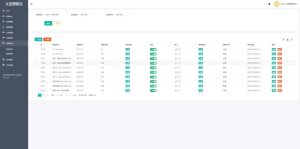
The admin dashboard supports tiered permissions with three roles — admin, agent, and supervisor — with granularity down to the menu level. If you need finer button-level permissions, you’ll have to extend the middleware yourself.

Who Is This For
It suits teams or individual webmasters with some PHP background who want to quickly stand up their own customer service system. If you’re starting from zero, I’d suggest getting the workflow running in a local environment first before considering cloud deployment. The code comments throughout the system are fairly complete, so the barrier to secondary development isn’t high.
FAQ
Q: What’s the minimum server configuration?
A: In testing, 2 cores and 4GB will run it, but it struggles beyond 50 concurrent sessions. For production, start with 4 cores and 8GB, with at least 5M of bandwidth.
Q: What if the auto-reply bot’s recognition isn’t accurate?
A: Start by adding keyword synonyms — put the colloquial phrasing users actually type into the matching rules. After accumulating a week of unmatched-query logs and batch-filling them in, the hit rate improves noticeably.
Q: Is it feasible to remove the SMS verification code login?
A: Yes — the source package includes modification instructions. Replace the verification step with password login plus a backend IP whitelist, and remember to run a full regression test of the login flow afterward.
Q: Which clients are supported?
A: Android, iOS, and the PC web version — all three, with data synced across them and sessions and tickets managed centrally in the backend.
One final reminder: this content is for technical learning and exchange purposes only. Please comply with all applicable laws and regulations when deploying and using it, and never use it for any unlawful purposes.
Disclaimer: This article is for technical education and demonstration only. It is not professional or financial advice. Any real-world deployment must comply with applicable laws and regulations.
#AI Customer Service #Ticketing System #Auto-Reply Bot #Source Code Deployment #Secondary Development
-
 Alipay QR Code Scan
-
 WeChat Scan Pay