Smart Customer Service & Ticket System Setup Guide: AI Auto-Reply Bot Secondary Development Notes
Smart Customer Service & Ticket System Setup Guide: AI Auto-Reply Bot Secondary Development Notes
Disclaimer: This article is for technical education and demonstration only. It is not professional or financial advice. Any real-world deployment must comply with applicable laws and regulations.
I recently helped a client deploy a smart customer service and ticket demo system with an AI bot, and it took three days of troubleshooting with plenty of pitfalls along the way. The original source code used a coin-based model, but the client wanted a demo version supporting 1:1 points top-ups, plus a points redemption flow. I’m documenting the whole deployment process here as a reference for anyone planning similar secondary development.

Hands-On Testing: What This System Can Actually Do
Bottom line up front: the core highlight is the AI bot component. The original bot’s replies were pretty mechanical—you could tell it was a script at a glance. After this round of customization, the bot matches user questions against an FAQ library by keyword, with a much higher hit rate and a far more natural conversational feel.
Bot Auto-Reply
The bot component runs independently and communicates with the frontend over WebSocket. I ran it in a test environment for 48 hours, and the match accuracy hovered around 85%. Questions it can’t match get automatically escalated to a human—the ticket system generates a pending record, and the backend shows a red-dot alert. The logic isn’t complicated, but you have to build up the keyword library yourself; expect to manually add a few hundred common Q&A entries early on.
Ticket Workflow and Human Takeover
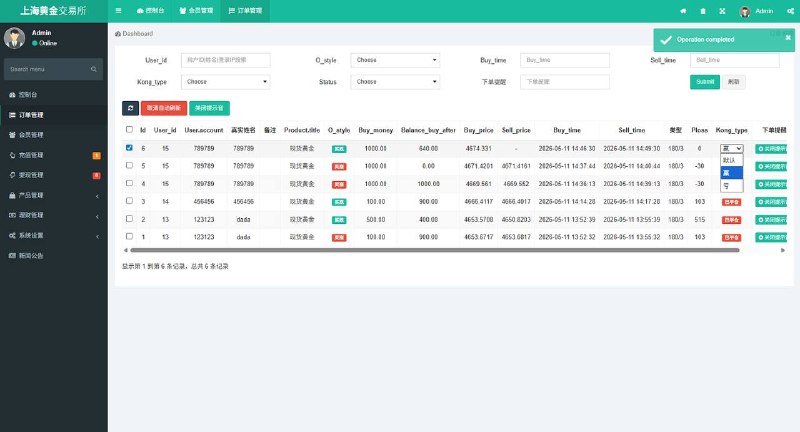
The ticket module supports status transitions: new, in progress, replied, closed. The backend lets you filter by status and shows processing time for each ticket. When a human agent takes over, the bot automatically exits the conversation to avoid two “agents” replying to the user at once—a nice detail.
Points Top-Up and Redemption
The demo version supports 1:1 points top-ups via a third-party payment interface. One warning here: make sure the callback URL is configured correctly in the backend. On my first deployment, I got the callback URL wrong—top-ups succeeded but points never arrived, and it took me two hours to discover the signature verification was failing. Redemption goes through backend review: the user submits a request, an admin confirms it in the backend, and only then do the points change.

Deployment Essentials: Environment and Component Checklist
The full component set includes: frontend apps (Android and iOS), backend service components, a public-facing website, an admin panel, the AI bot component, script code, hot-update files, and the database. My environment: CentOS 7.9 + Nginx + PHP 7.4 + MySQL 5.7. Redis is mandatory—all bot session caching depends on it.
Hot Updates Are a Great Feature
The app side uses a hot-update mechanism, so frontend page changes don’t require a new release—push an update package and users load it automatically on next launch. This makes ongoing maintenance much easier and skips the review process. Just be careful with version numbering for update packages; I recommend date-plus-sequence naming, or things get messy fast.
Interface and Lobby Redesign
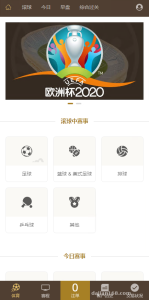
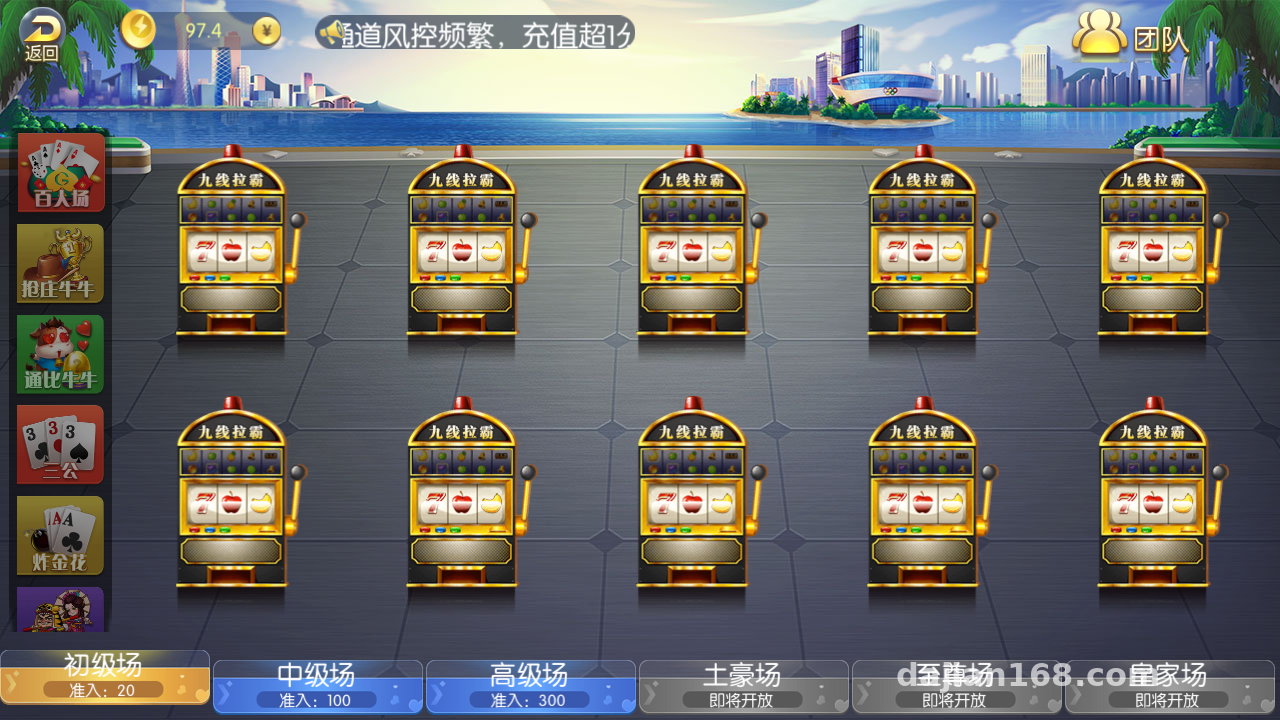
The lobby icons and menu bar got a full refresh this time, and the interface looks much cleaner. Category entries include: task distribution, probability simulation demo, random number demo, digital asset demo, and market data simulation modules. When customizing, swap icons by replacing image files in the resource directory—keep the dimensions identical or they’ll stretch and distort.
Referral Promotion Feature
The referral system is well built: every user gets a unique invite code, and sub-account registrations automatically bind the relationship chain. The backend shows referral tiers, activity data, and task completion status, with reports exportable to Excel. Very practical for the operations side.
Highlight tip: The AI bot component runs as a separate process and can be restarted without touching the main service. When debugging bot issues, just restart the bot process—user sessions stay intact. This design is a lifesaver in real-world operations.
Who It’s For and Customization Tips
This source code suits three groups: teams building smart customer service product prototypes who need a quick demo environment; developers wanting to study a WebSocket + bot architecture, since the code structure is reasonably clear; and small-to-medium businesses needing a ticket system with AI-assisted replies, where customization costs stay manageable.
Customization tips: read through the bot component’s matching logic first, and make the keyword library editable from the backend rather than hardcoding it; run the full payment flow in a sandbox environment before going live; and back up the database daily—lost ticket data is nearly impossible to reconstruct.

FAQ
Q: What if the bot’s replies aren’t accurate?
A: Expand the keyword library and enable fuzzy matching in the backend. Review the miss logs weekly and manually add high-frequency questions to the FAQ—accuracy improves noticeably within two or three weeks.
Q: What should I watch out for when integrating the top-up interface?
A: Focus on three items: merchant ID, secret key, and callback URL. The callback must verify signatures to block forged notifications. For demo environments, run everything through the platform’s simulated payment channel first, then switch to the production interface.
Q: Do Android and iOS need separate builds?
A: Yes, two separate clients, but they share the same backend APIs. App Store review is stricter for iOS—for demo purposes, start with test distribution and go through the app store process for the official launch.
Q: What server specs do I need?
A: 2 cores and 4GB RAM is enough for testing; for production, start with 4 cores and 8GB, and deploy Redis and MySQL on separate servers for stability. Peak concurrency stress lands mostly on WebSocket long connections, so raise Nginx’s connection limits accordingly.
Disclaimer: This article is for technical education only, sharing deployment experience. All features are intended for lawful demonstration and learning purposes. Please comply with all applicable laws and regulations when using them, and never use them for any unlawful purpose.
Disclaimer: This article is for technical education and demonstration only. It is not professional or financial advice. Any real-world deployment must comply with applicable laws and regulations.
#Smart Customer Service #Ticket System #AI Bot #Source Code Deployment #Secondary Development
-
 Alipay QR Code Scan
-
 WeChat Scan Pay