Sports Event Data Probability Simulation Demo Platform Build Log: Multi-language Switching and Payment Gateway Integration
Sports Event Data Probability Simulation Demo Platform Build Log: Multi-language Switching and Payment Gateway Integration
Disclaimer: This article is for technical education and demonstration only. It is not professional or financial advice. Any real-world deployment must comply with applicable laws and regulations.
Recently helped a client deploy a sports event data probability simulation demo platform, with the requirement of building a self-managed operational demo system. The client had previously worked with several outsourcing vendors, and the products they delivered didn’t even have a basic admin editor — changing a single line of text required filing a support ticket. This source code at least ships with a complete backend where most basic settings can be tweaked on your own. After two weeks of back-and-forth, here’s a record of the process and the pitfalls I ran into.
Feature Testing
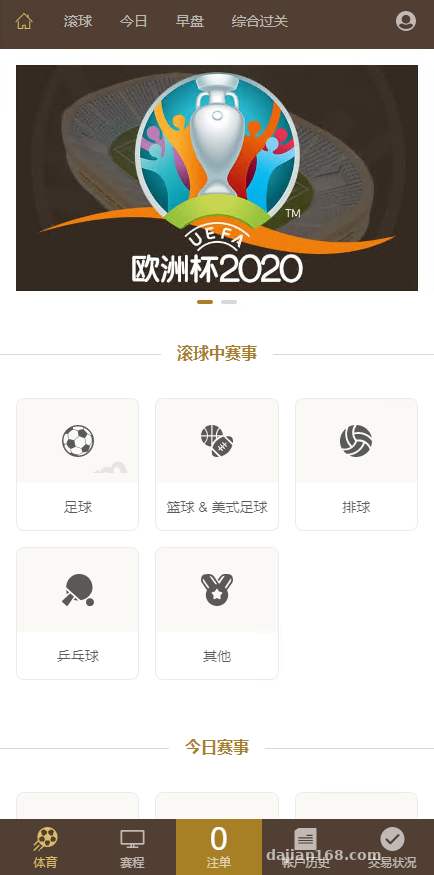
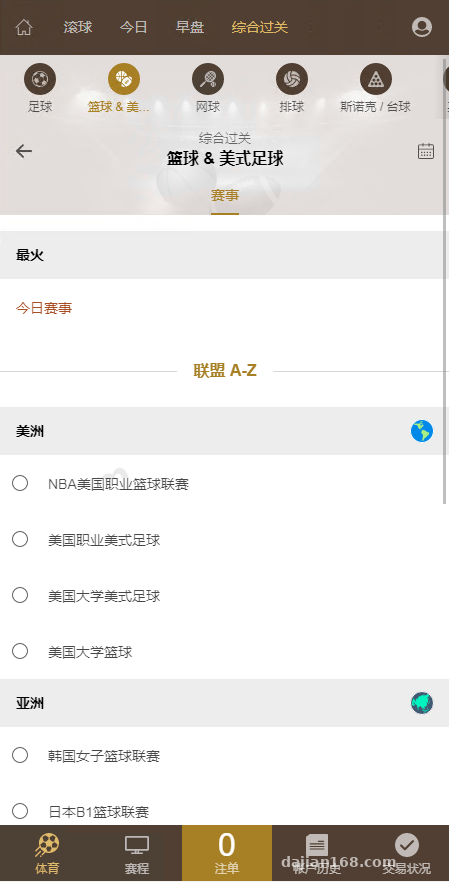
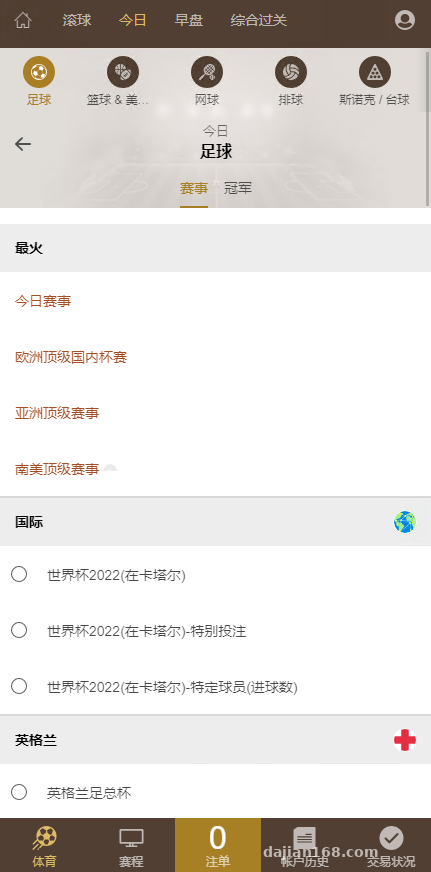
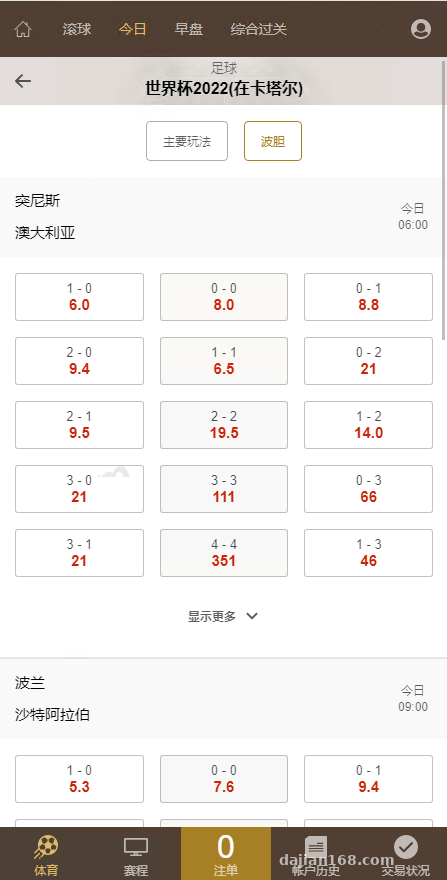
The system is split into two parts: frontend and backend. The frontend runs the event data panel, while administrators maintain match schedules on the backend and the frontend displays data by status. From my testing, data refresh uses WebSocket push with latency under 1 second — much more stable than polling. The interface is split into desktop and mobile endpoints, with the responsive layout adapted from Bootstrap 4. Theme switching and layout changes barely touch the API layer.
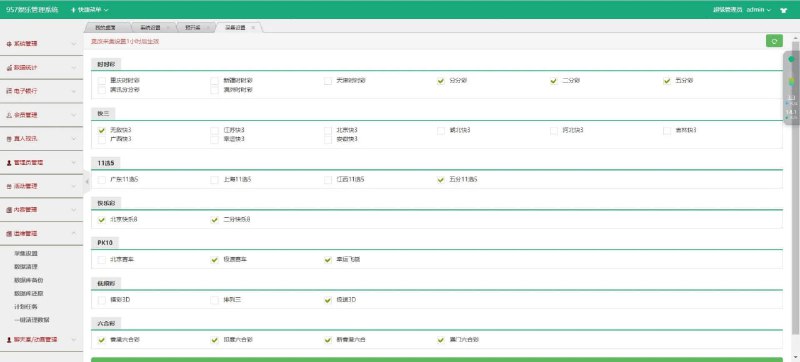
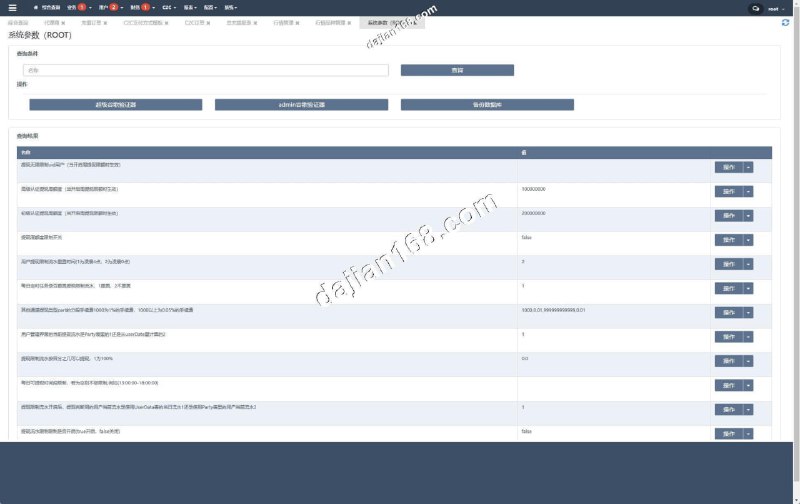
Admin Control Panel
The backend layer is what I care most about, because the client’s “self-managed mode” depends entirely on it. The panel supports adding operator accounts with granular permissions — for example, an operator can edit event profiles but cannot touch the member list or account configuration. Permission settings live in the config groups under the admin/auth directory.
There was one pitfall on the permissions side: the default administrator role didn’t have the “settlement parameter adjustment” permission checked. I didn’t notice it at first, so during testing nothing worked no matter what I changed, and I thought there was a bug in the code. I only found the issue after checking the permission table. When installing a fresh system, always verify the default role permission checkboxes.
Settlement Parameter Adjustment
The core of this system is “adjustable settlement parameters.” Administrators enter the match details page to tweak probability thresholds, service fee ratios, per-transaction demo limits, and disabled time windows. Every adjustment gets written to the operation log for traceability. Once settings are saved, the corresponding probability panel on the frontend updates automatically on the next data sync — no service restart needed.
One detail to watch: the service fee ratio defaults to a range of 0 to 5. Setting it to 6 or above triggers a frontend validation warning, but the backend doesn’t perform a secondary check. For customization, I recommend adding a parameter range check in the api/settle controller; otherwise, bypassing the frontend and hitting the API directly will cause issues.
Member and Order Management
The member list supports keyword search, status filtering, and one-click Excel export. Order records are grouped by member ID, and administrators can view each person’s cumulative participation count, last active time, and total demo settlement amount. The client’s required “manual demo order correction” feature is actually implemented right here — admins can modify the settlement status and value of any demo order, and the member balance recalculates automatically.
Deployment Highlights
Runtime Environment
The server I used was a 2-core 4GB cloud instance running PHP 7.4 + MySQL 5.7 + Nginx 1.18. The env file in the root directory handles database connections, cache drivers, and queue drivers. After uploading the code, run the database migration script first, then configure Nginx rewrite rules — otherwise routes won’t open at all.
Payment Gateway Integration
For payments I used a third-party aggregation API, with the config file at app/Config/payment.php. This time I integrated a QR-code payment channel — fill in the merchant ID and key, then change the async notification URL. The notification URL must be a complete https-prefixed address. In my first version I used a relative path and the callback returned 404.
Multi-language Switching
The source code ships with English and Chinese language packs, with language files in the resources/lang directory. The switching logic auto-detects based on the Accept-Language header, and you can also change the default language in the config file. For customization, I recommend adding new languages through language packs rather than hardcoding strings into templates — maintenance becomes much easier later on.
Who Is This For?
This system suits teams or individuals working on data demos, event simulation, probability model research, or similar projects — especially scenarios that need to quickly ship a closed loop of frontend display plus backend management. The code is written in native PHP with no heavy framework dependencies, so server requirements are modest and shared hosting can run it. For customization, get familiar with the code structure first, then add modules through the admin and api entry points.
Highlight tip: The backend’s “one-click demo data reset” feature is incredibly practical. After finishing a test run, you can clear all demo records instantly while keeping the database table structure intact — way faster than manually truncating tables.
Frequently Asked Questions
Q: Does this system require a dedicated server?
A: No. A 2-core 2GB cloud server is sufficient — I tested on a 2-core 4GB instance and it ran smoothly. Shared hosting isn’t recommended because you’ll need to modify Nginx rewrite rules, and many shared hosting platforms have restrictions.
Q: Can the payment gateway be swapped to another platform?
A: Yes. Payment logic is centralized in app/Services/PaymentService.php. Replace the request API and signature verification logic with the target platform’s, and remember to update the callback URL and key accordingly.
Q: Can demo settlement data be exported?
A: The backend order page has an export button supporting Excel format. It exports the entire filtered result set, not just the current page. With large datasets, export takes a bit longer, which is normal.
Q: Which files typically need changing for customization?
A: It depends on the entry point. Frontend pages: resources/views. Business logic: app/Controllers. Data models: app/Models. I recommend running through a complete demo flow first, then locating files using the routing table.
Disclaimer: This system is intended for technical learning and demonstration purposes only. Please comply with applicable laws and regulations. Any illegal or non-compliant use is prohibited.
Disclaimer: This article is for technical education and demonstration only. It is not professional or financial advice. Any real-world deployment must comply with applicable laws and regulations.
#probability simulation #event data #system deployment #PHP deployment #payment gateway
-
 Alipay QR Code Scan
-
 WeChat Scan Pay