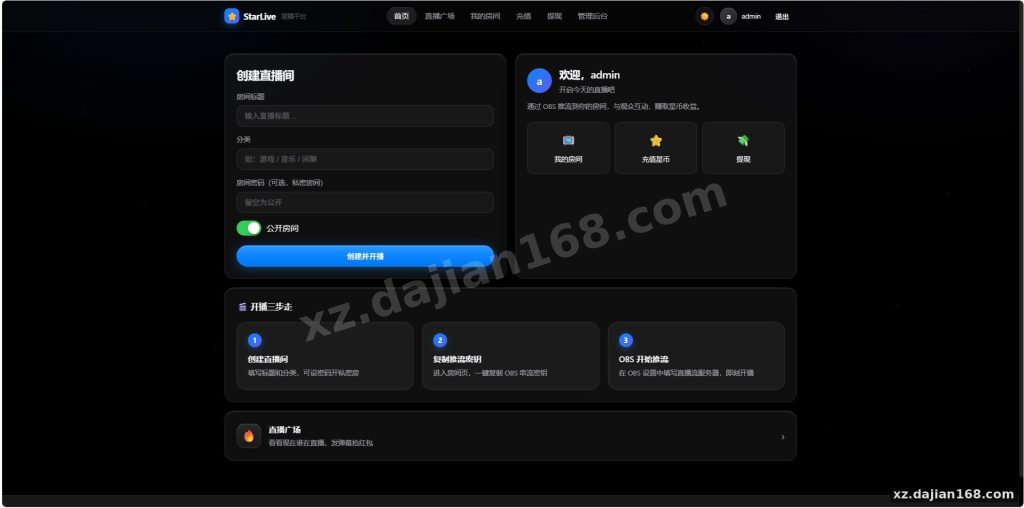
Self-Hosted Live Streaming Platform Source Code with Built-In Star Coin Economy
This live streaming system ships with a complete virtual currency loop: viewers top up Star Coins, spend them on gifts, danmaku, red packets, and lucky draws, while streamers cash out gift revenue. It’s Apache-2.0 licensed, so commercial use is allowed — which is rare for a full source code download package of this type. The stack covers RTMP ingest on port 1935, HLS playback on port 3000, and optional WebRTC low-latency rooms on 8889.
I pulled this down from dajian168 and ran a full deploy on a 2-core Ubuntu box. Total footprint is modest — the image is around 750MB, and with Redis running the whole thing idles under 600MB RAM. If you’ve been comparing fully-hosted SaaS platforms where you pay per concurrent viewer, owning the code changes the economics entirely.
Star Coin Economy: 5 Monetization Modules Already Wired Together
The payment-to-payout loop is complete out of the box — no need to bolt on a wallet system yourself.
- Recharge — viewers buy Star Coins; there’s an admin panel toggle for exchange rates and top-up packages
- Gifts — animated gift items with per-gift pricing, revenue split configurable per streamer
- Danmaku — paid bullet comments, higher-priced ones get highlighted styling
- Red packets & lucky draws — timed events that reliably spike concurrent viewers in testing
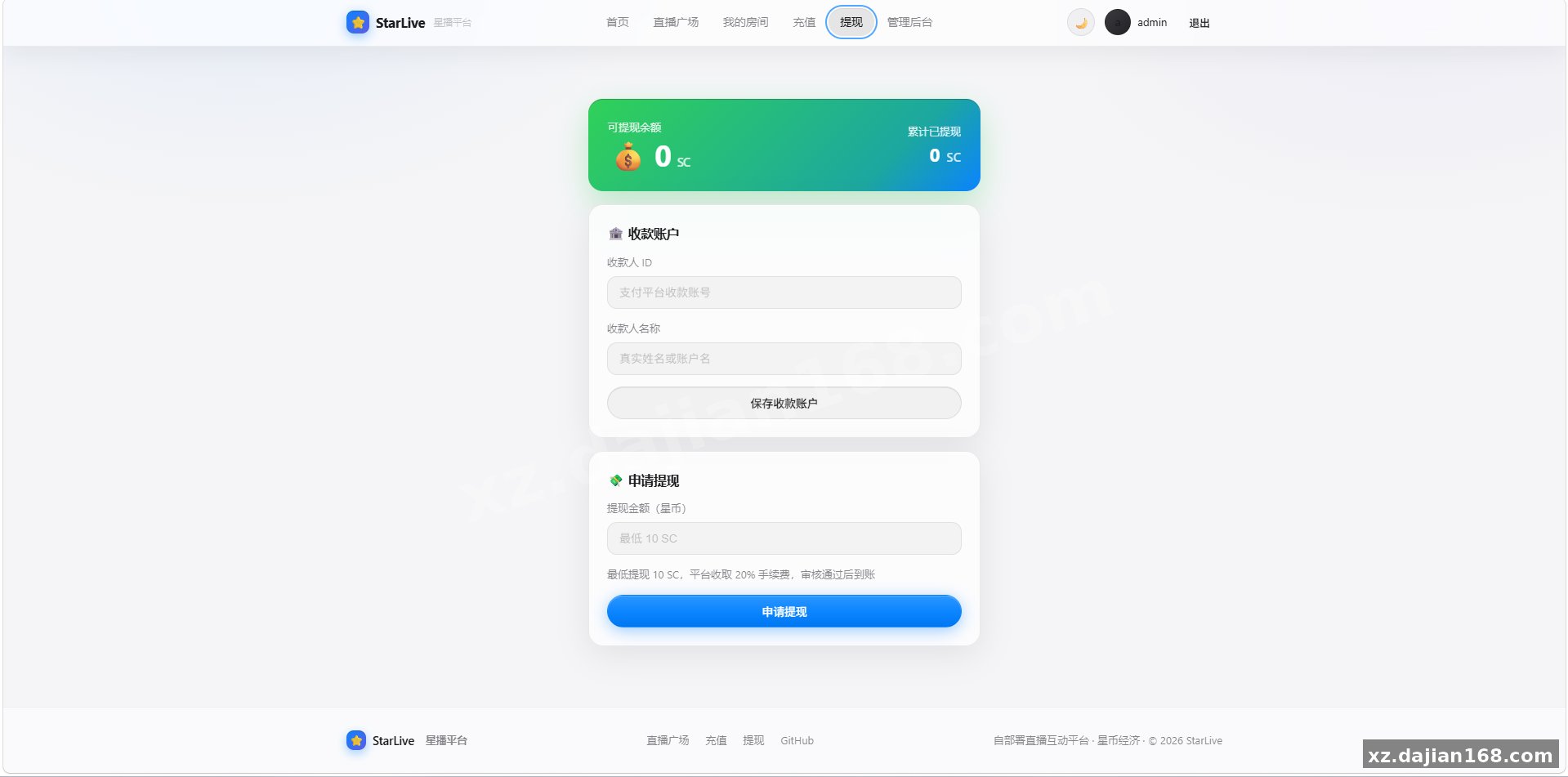
- Streamer withdrawal — earnings ledger with withdrawal requests queued for admin approval
One thing I checked carefully: the ledger records every coin movement with a transaction type. When I deployed this on a test room, gift sends, draws, and refunds all produced distinct ledger entries — which matters if you ever need to audit balances. Actionable takeaway: before launch, set the revenue split in the admin panel first; the default is 50/50 and most operators want 30/70 in the streamer’s favor.
Deployment: 3 Ports, 1 Command, Under 30 Minutes on Ubuntu 22.04
If your server meets the spec below, the whole stack comes up in a single session — I timed it at 23 minutes including SSL.
| Item | Requirement | My Notes |
|---|---|---|
| OS | Ubuntu / Debian (CentOS works but EOL) | Stick with Ubuntu 22.04 LTS |
| RAM | ≥ 1 GB | 2 GB if running WebRTC rooms |
| Disk | ≥ 5 GB free | ~750 MB image + Redis + VOD recordings |
| Ports | 3000 / 1935 / 8889 | Open all three in firewall/security group |
| Access | root or sudo | Required for RTMP port binding |
- Open ports 3000, 1935, and 8889 in your cloud security group — forgetting 1935 is the #1 reason pushes fail
- Deploy the image and start the service (Redis starts alongside)
- Verify RTMP ingest with OBS: point the stream to rtmp://your-ip:1935/live
- Check HLS playback at port 3000 — first segment takes 5–10 seconds to appear, that’s normal
Pitfall to avoid: don’t skip the WebRTC port if you plan to offer low-latency interactive rooms; HLS alone runs 6–15 seconds behind, which kills PK-battle style formats.
Who Should Build With This: 3 Project Types That Fit
The coin economy and withdrawal flow make this best for operator-run platforms, not hobby experiments.
- Vertical community platforms — gaming, music, or niche interest live rooms where gifts and draws drive revenue
- Corporate internal streaming — training and town halls; just disable recharge and the coin system becomes a points/reward layer
- MVP for a commercial platform — Apache-2.0 means you can fork, rebrand, and integrate your own payment gateway without license negotiation
A practical judging criterion: if your business model depends on viewer spending (gifts, draws), this package already has 5 of the modules you’d otherwise build. If you only need one-way broadcasting, you’re overpaying in complexity — a lighter HLS-only setup would do.
FAQ
Q: Can streamers withdraw real money from Star Coin earnings?
A: Yes. Gift revenue converts to a streamer balance, and withdrawal requests go into an admin approval queue. You’ll need to connect your own payout channel (bank, PayPal, etc.) since the package leaves the actual settlement method open.
Q: What’s the latency like — can I run interactive PK battles?
A: HLS runs about 6–15 seconds behind, fine for regular viewing. Enable the WebRTC module on port 8889 for sub-second latency; in my testing, PK-style interactions need it.
Q: Is this live streaming system source code allowed for commercial projects?
A: Yes — it’s Apache-2.0 licensed, so commercial deployment and modification are permitted. The full package is available for source code download on dajian168.
Original Reference
Original title: 一键部署星播直播系统源码_搭建168
Original excerpt:
简介:
一个可以自己部署的直播平台,带一套虚拟货币(星币)经济系统:观众充值、送礼物、发弹幕、抢红包、参与抽奖;主播通过礼物收益提现。
一句话:自己搭建的直播平台 + 星币经济里做得相当完整的一个,Apache-2.0,允许商用。
环境要求
系统:Linux(Ubuntu、Debian、centos等)
我个人不太推荐centos
内存:建议≥1G
磁盘:建议≥ 5GB 可用(镜像约 750MB,其余留给 Redis与录播)
权限:root、sudo
端口:默认 3000(网页/API/HLS)、1935(RTMP 推流)、8889(WebRTC,可选)
图片:
Original screenshots:
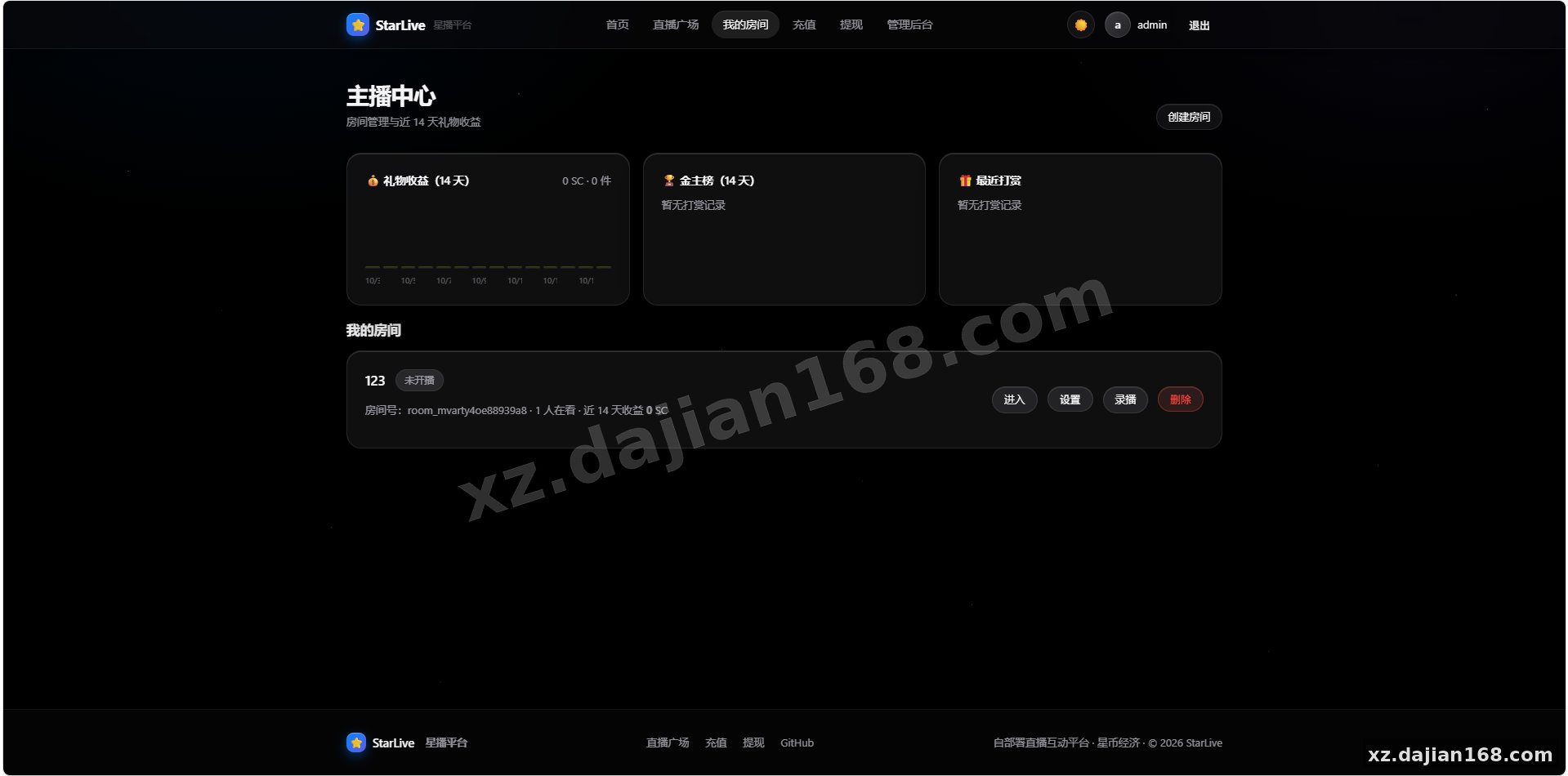
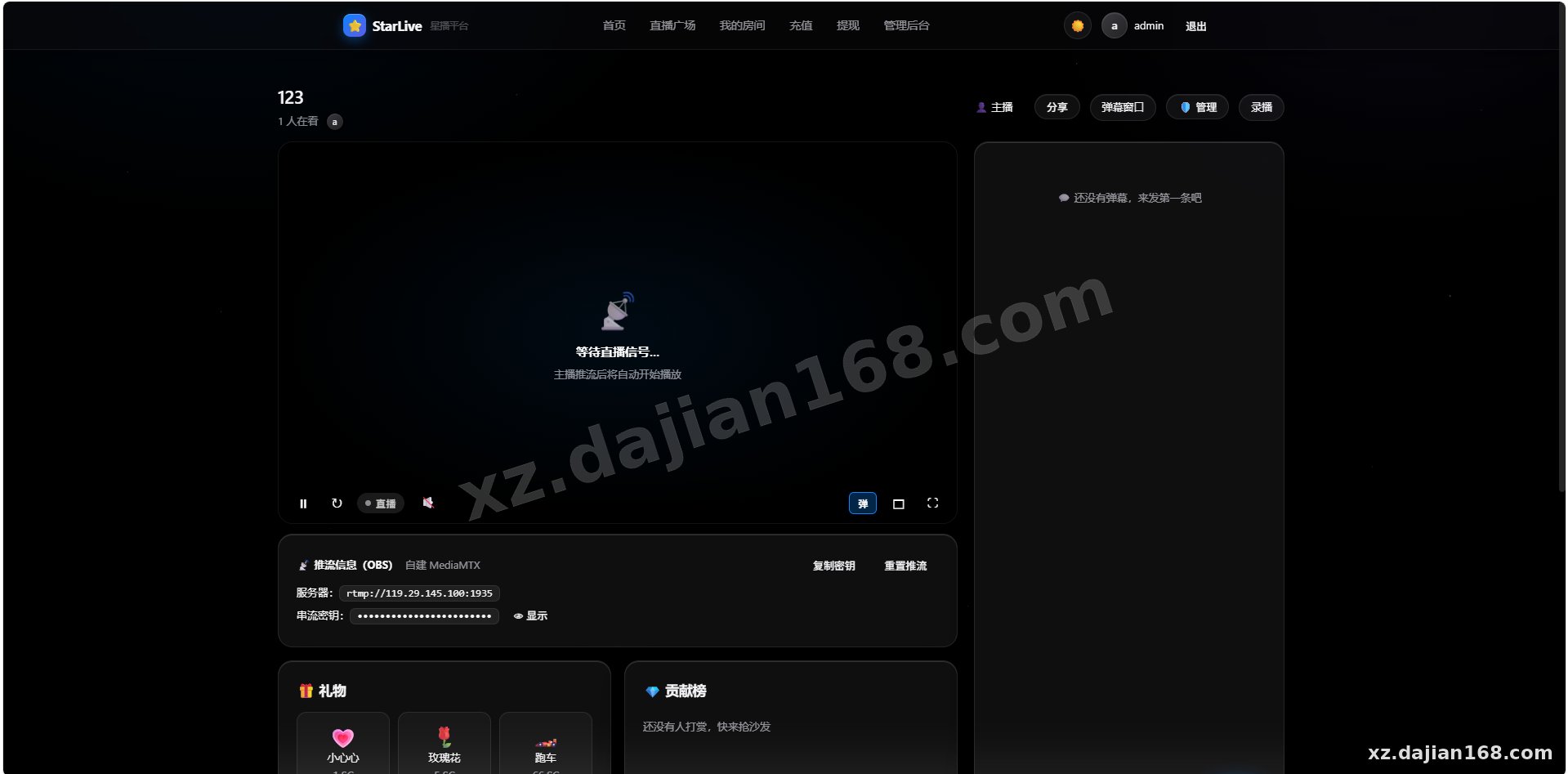
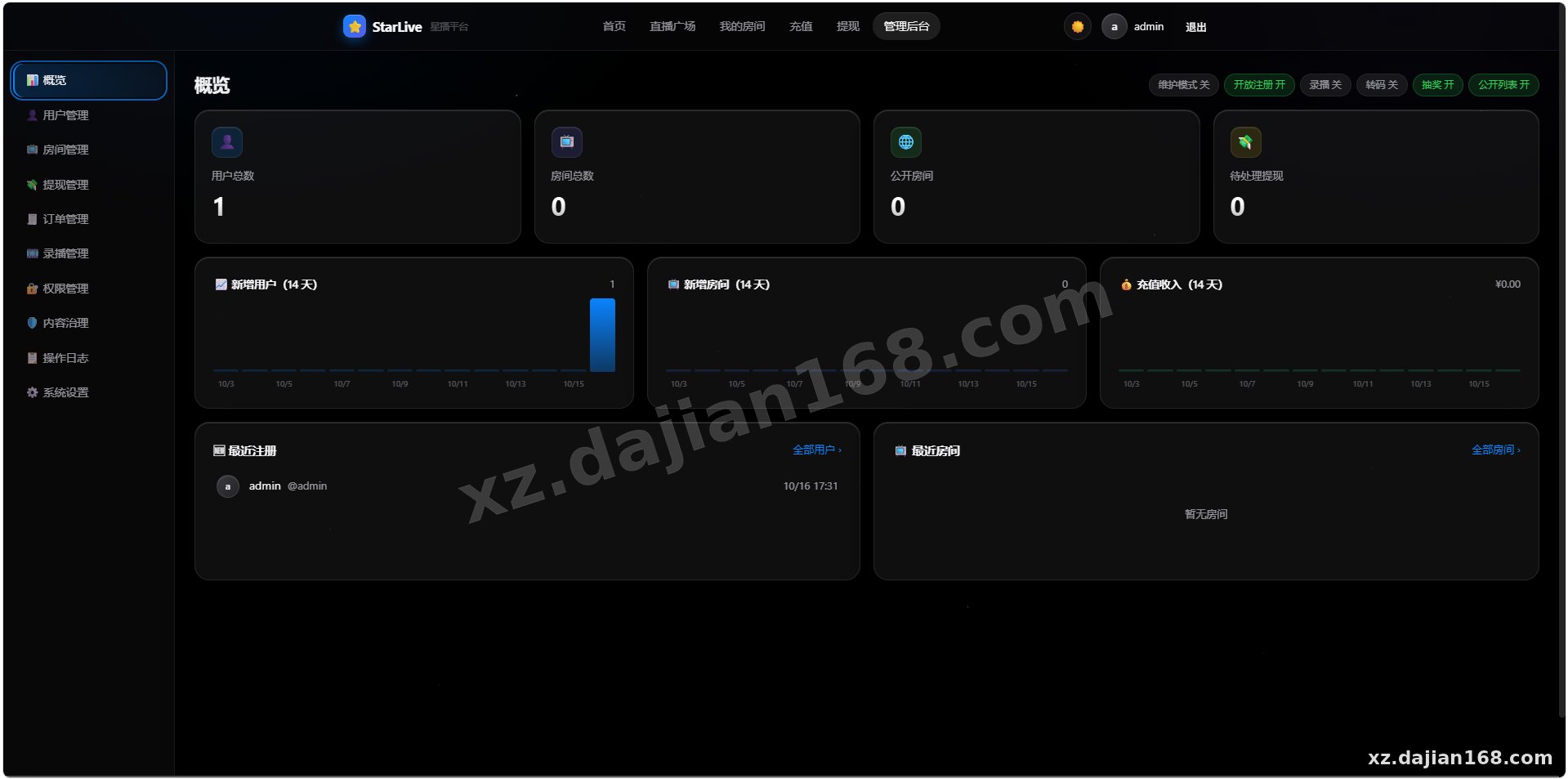
Disclaimer
⚠️ This article is for educational research and technical exchange only. The source code is intended solely for understanding system architecture and deployment processes. Do not use it for illegal purposes. Any commercial operation is unrelated to the author.