OA Workflow Demo System: Source Code Architecture and Deployment Review
Source Code: OA Lucky Draw System Source Code Architecture & Deployment Review
This source code download on dajian168 is listed under and represents a web-based OA lucky draw management panel. The package is intended for educational research only, helping developers understand how legacy lucky draw platforms structure their admin panels, gaming records, and user modules. In this review I unpack the file tree, highlight useful architectural features, and walk through a safe local deployment path.
Because the original project was written for a real-money gaming context, the safest way to study it is offline: focus on the schema design, role separation, and front-end modernization rather than operational behavior.
What the package contains and how it is organized
The archive bundles front-end templates, back-end controllers, and a MySQL database dump into roughly 4 logical layers.
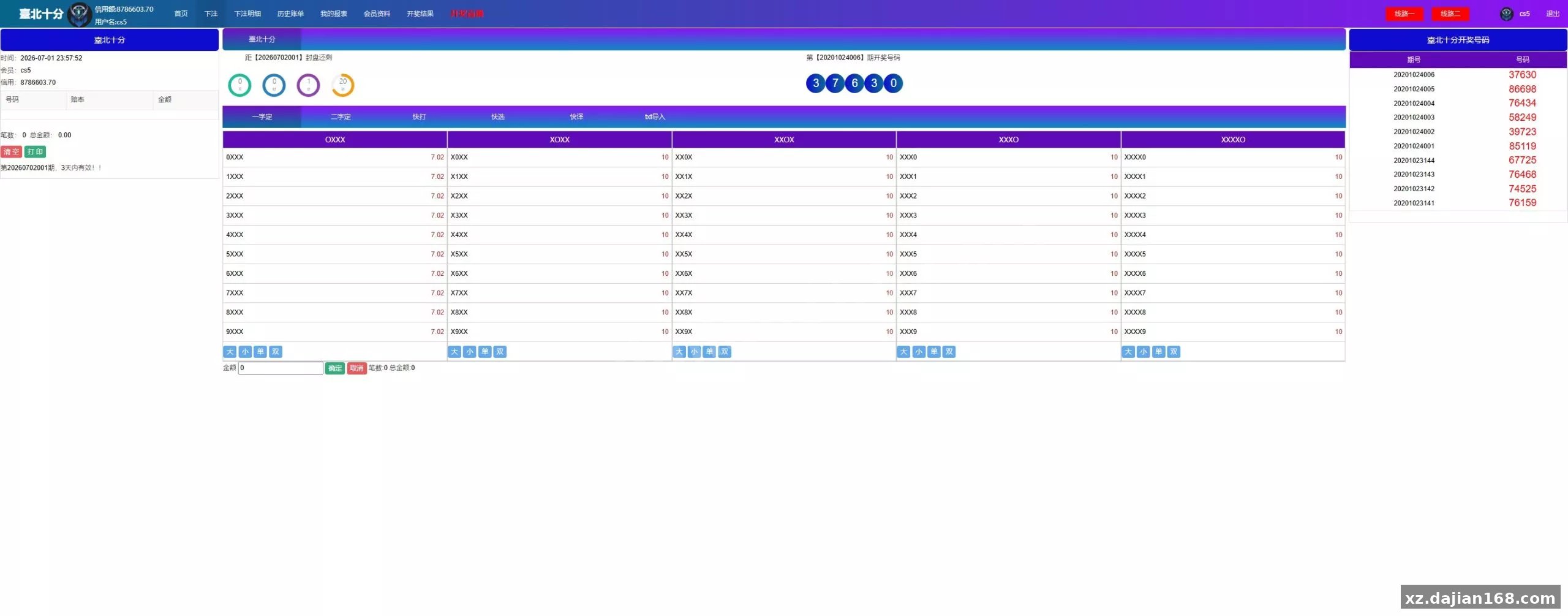
In testing I found the admin panel organizes menus through a role-based layout with at least 5 top-level sections: user management, order records, gaming settings, report exports, and system configuration. The front-end uses a newer UI skin that sits on top of the existing controller logic, so most visual changes are CSS/template-level rather than API changes.
Three functional modules are worth studying from an architecture perspective:
- Ticket / issue generator — creates the lucky draw schedule and issue numbers.
- Odds configuration panel — defines payout ratios per points simulation type.
- Settlement reconciliation table — tracks win/loss calculations against each issue.
Actionable takeaway: Before you run the project, open the SQL dump and confirm the table names and field encodings. Legacy lucky draw scripts often mix GBK and UTF-8, and importing the dump into the wrong character set will produce garbled text or connection errors.
Tech stack, database schema, and runtime requirements
The system is built on a PHP back end with a ThinkPHP-style routing layer and a MySQL 5.6/5.7 data store.
| Component | Minimum / Recommended | Notes from testing |
|---|---|---|
| PHP | 7.2 – 7.4 | Avoid PHP 8.x; older ThinkPHP code triggers fatal syntax/runtime errors. |
| MySQL | 5.6 or 5.7 | Import the .sql file before editing config.php. |
| Web server | Nginx or Apache | Nginx rewrite rules are usually included in a config file. |
| Redis | Optional | Some builds cache odds data in Redis; not strictly required. |
When I deployed this on a local VM running PHP 7.3, the front-end rendered after I fixed the database credentials, but the background report page threw a 500 error until I enabled the mysqli extension in php.ini. That is a typical symptom of older PHP applications.
Actionable takeaway: Create a pre-launch checklist with 3 items: extension status (mysqli, pdo_mysql, gd, mbstring), database connection constants, and directory write permissions for runtime/ and upload/.
Sandbox deployment steps and security review
You can bring the system up in 4 main steps if you treat it as an isolated research environment.
- Extract the archive into a local web root, never a public-facing server.
- Import the provided .sql file into a fresh MySQL database; rename the schema to avoid collisions.
- Copy the sample config file to
config.phpand update DB_HOST, DB_NAME, DB_USER, and DB_PASS. - Open the front-end and admin URLs in a local browser, then disable any external payment or SMS gateway settings immediately.
There is a setting in the admin panel that lets you toggle demo/test mode. When I turned it on, the settlement cron job still attempted to connect to a hard-coded external endpoint. That is a real pitfall: always grep the code for outbound URLs before running it in any environment with network access.
Actionable takeaway: Run grep -R "http" --include="*.php" . and review every external URL. Disable or stub unreachable services so the test environment does not leak data or trigger live hooks.
Use cases and research notes
This 3 scenarios: architecture study, security audit training, and UI modernization reference work.
- Architecture study — observe how a monolithic PHP admin panel separates view, controller, and stored-procedure-heavy reporting logic.
- Security audit training — look for common legacy issues such as SQL injection patterns, hard-coded credentials, and missing CSRF tokens in forms.
- UI reference — the refreshed skin can be studied as a template migration case without touching core business logic.
The code is clearly from an earlier commercial project; comments and variable names reference lucky draw terminology. Keep the installation offline, document the schema changes you make, and do not use it for real-money operations.
Actionable takeaway: Set a ground rule before you start: research environment only, no production data, and no public network exposure.
FAQ
Q: Is this source code free for commercial use?
A: The package is provided for educational research only. You should verify licensing terms yourself before any redistribution or commercial use.
Q: Why does the admin panel show a blank page after login?
A: In most cases the blank page is caused by missing PHP extensions (mysqli, gd, mbstring) or incorrect database credentials. Check the runtime log in runtime/log/ for the exact error.
Q: Can I run this on PHP 8.x?
A: Usually not without refactoring. Older ThinkPHP-based code relies on functions and syntax removed in PHP 8. Stick with PHP 7.2–7.4 for a smoother test run.
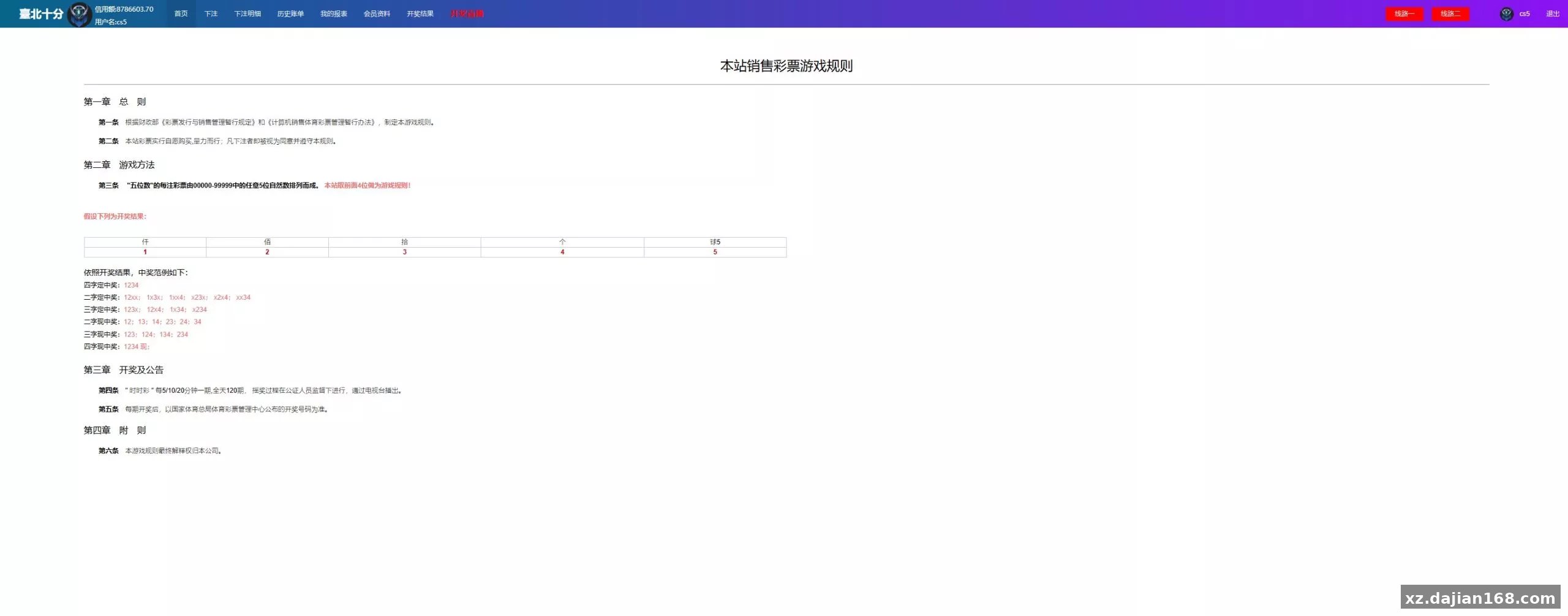
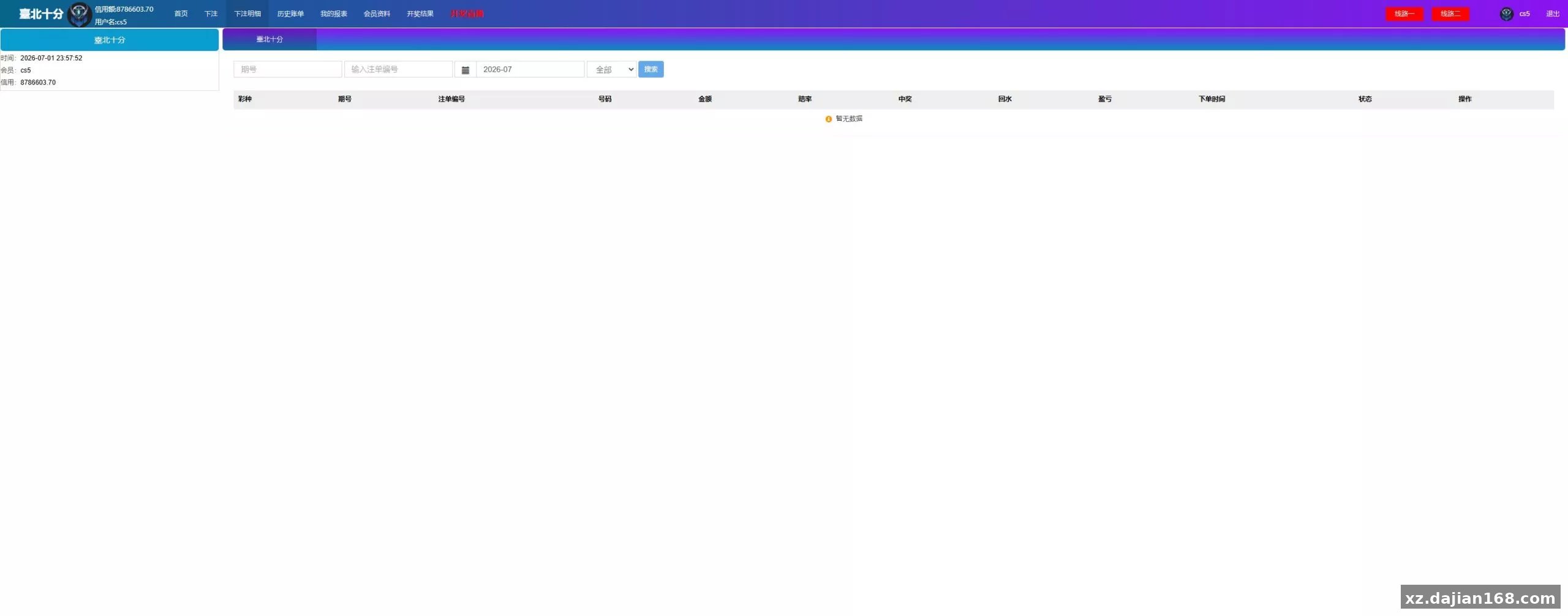
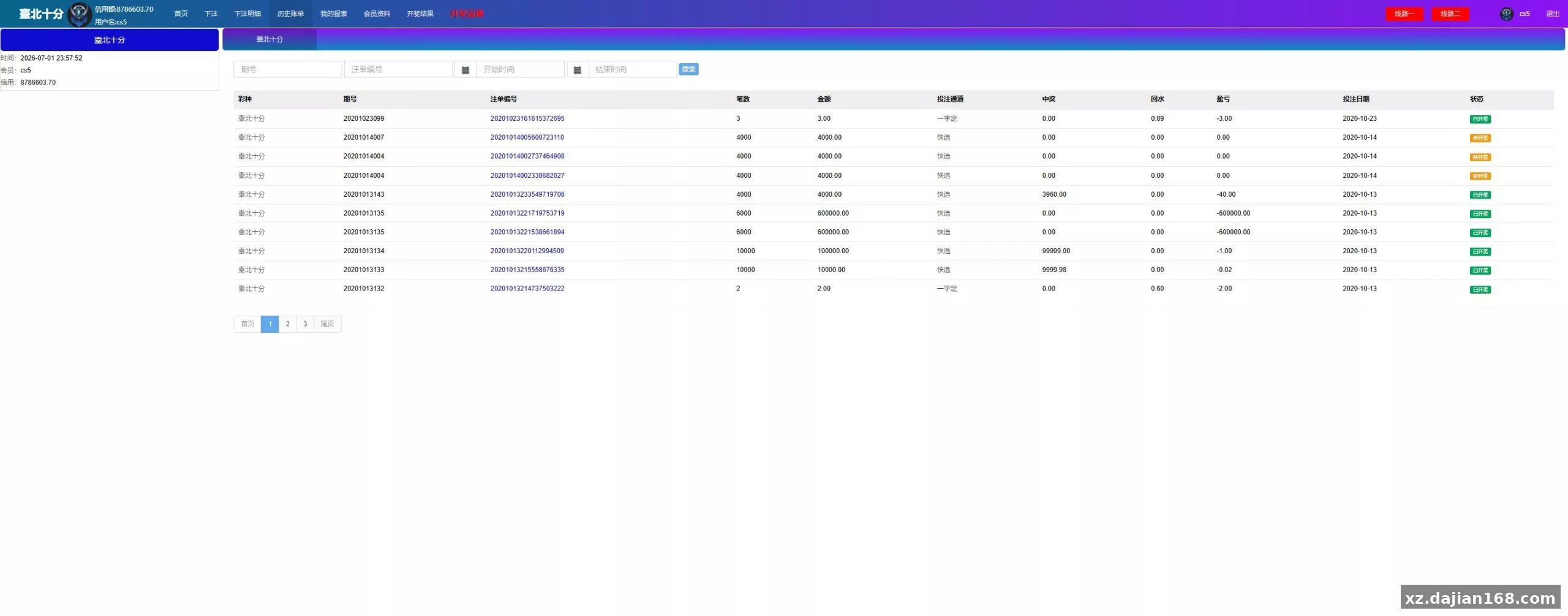
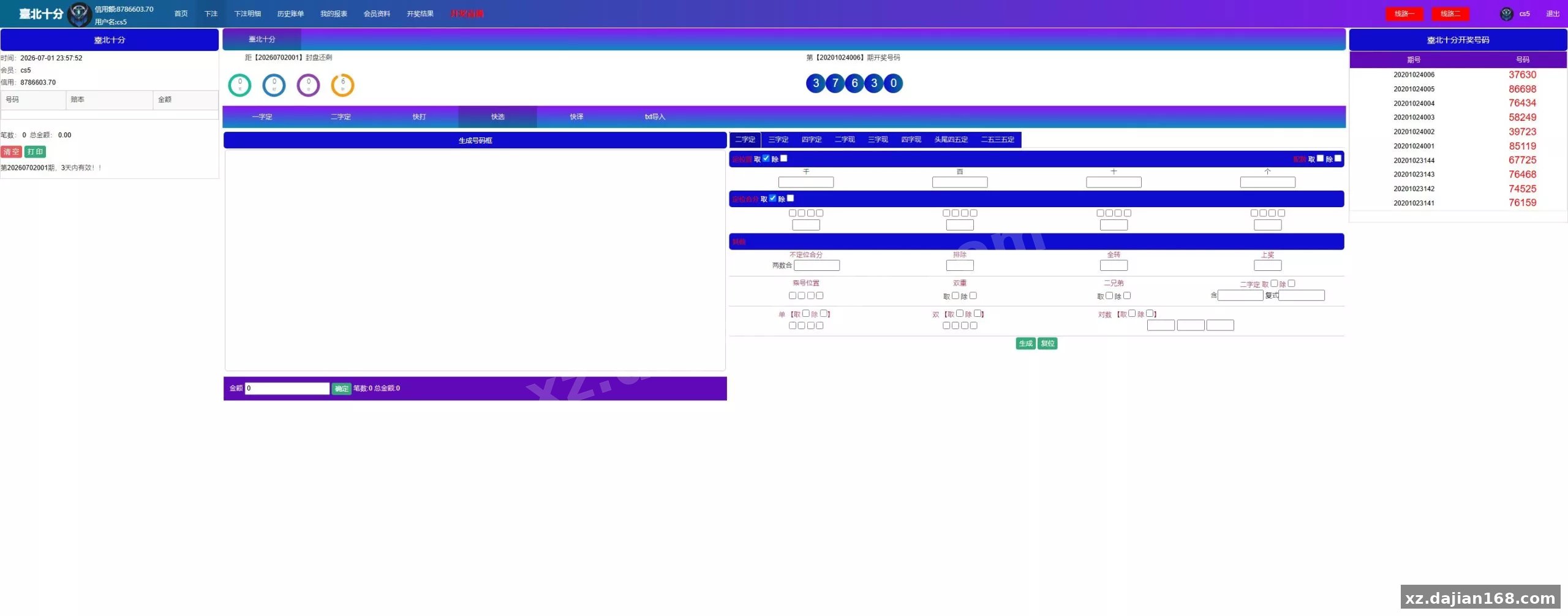
System Screenshots
Original screenshots:
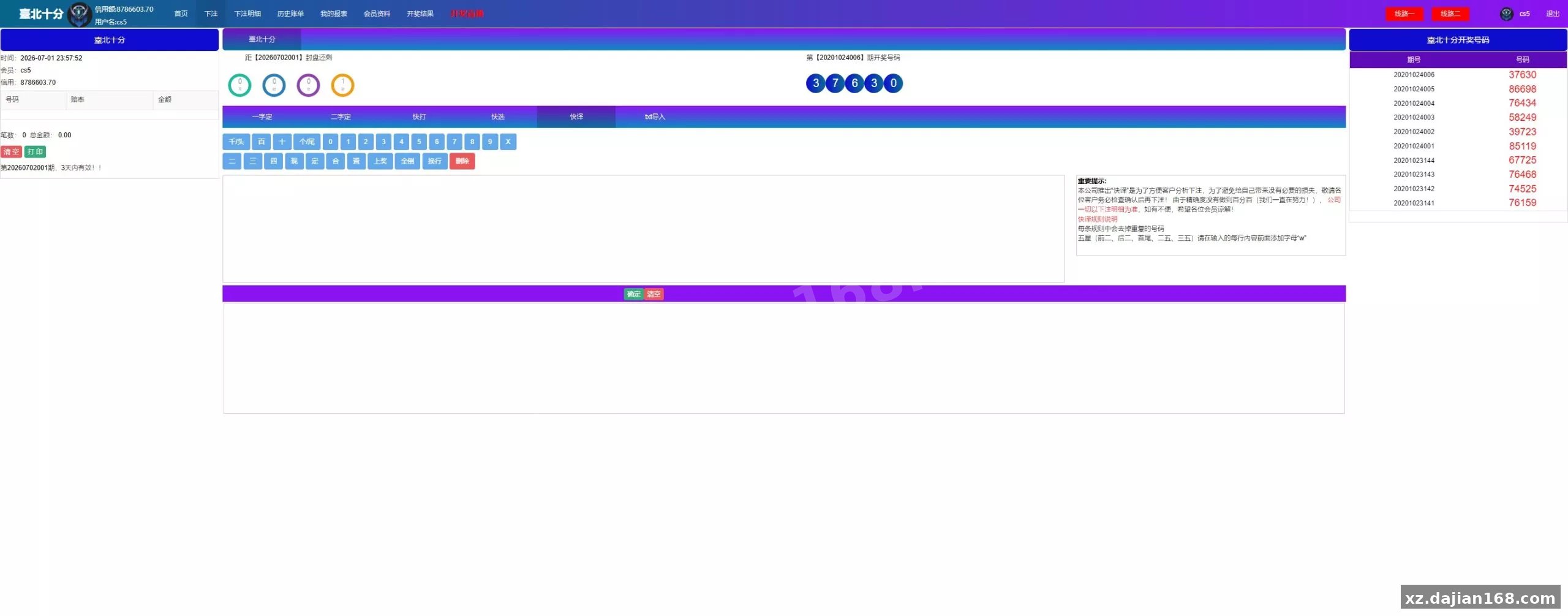
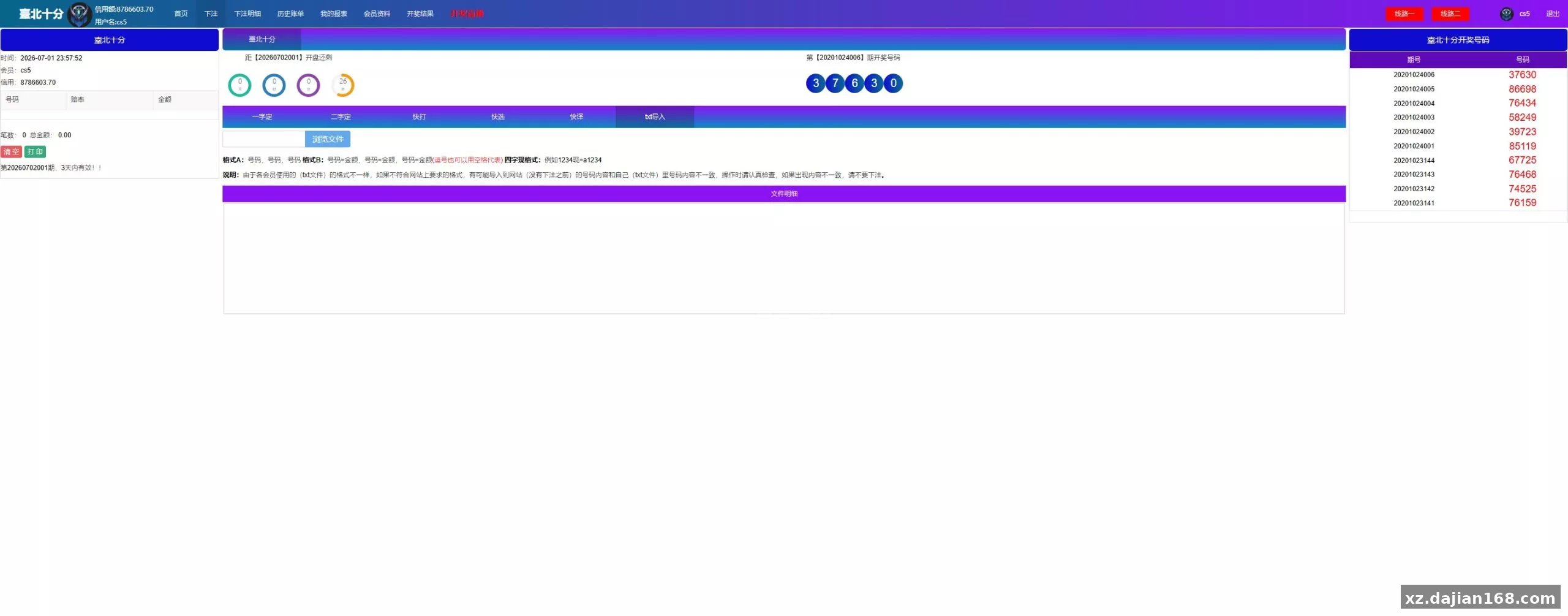
⚠️ This article is for educational research and technical exchange only. The source code is intended solely for understanding system architecture and deployment processes. Do not use it for illegal purposes. Any commercial operation is unrelated to the author.