TRX Gaming Demo System Source Code: UniApp Architecture Review for Educational Research
This review walks through the architecture of a complete TRX gaming & lucky draw game source code package available for download on dajian168. The bundle ships with a cross-platform frontend built in uni-app, an admin back office, and the lucky draw scripts that handle TRX wagering and draw mechanics. Everything below is written strictly for developers who want to study how blockchain-based gaming front-ends are wired together, not for running a production wagering service.
The package falls under the demo tradingWealth Management (micro-cap wealth-management) category on dajian168, and in practical terms it is closer to a real-time lucky draw platform than a passive investment script. When I unpacked it I noticed three architectural layers that are worth understanding before touching any code.
Frontend Stack: uni-app with 9-Language i18n Built In
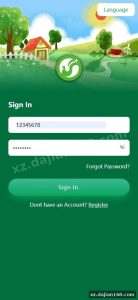
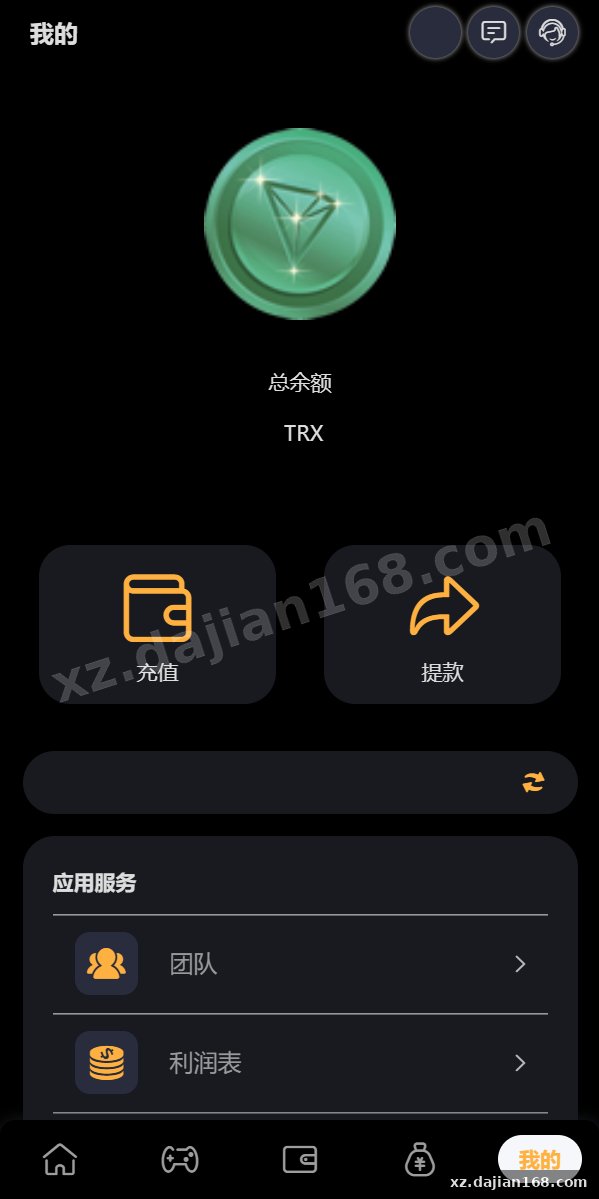
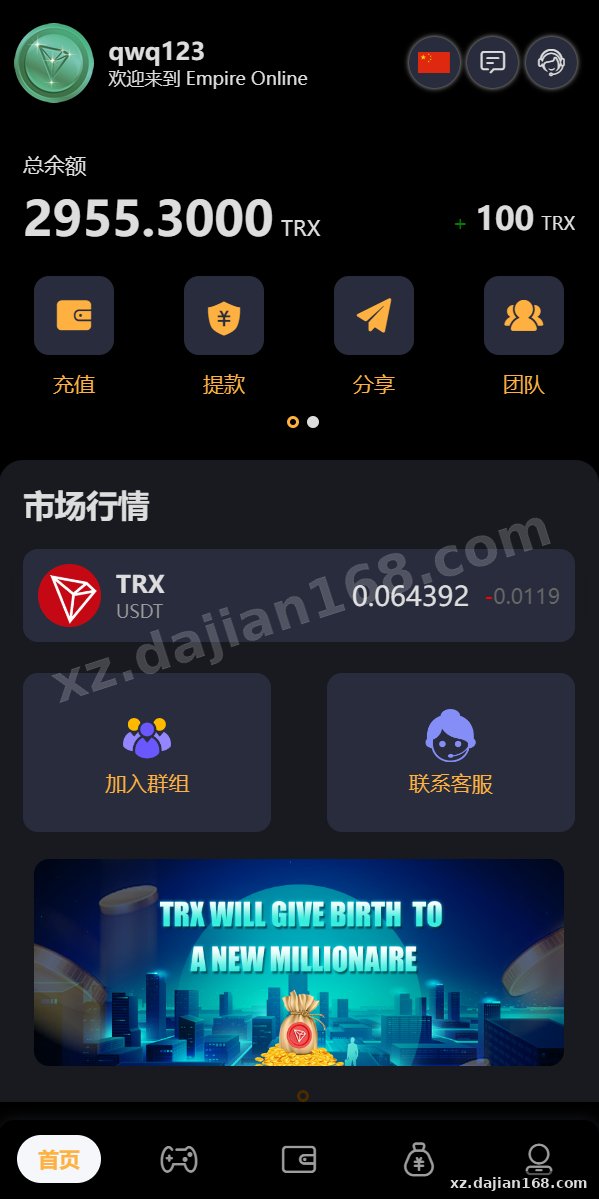
The mobile shell is a uni-app project, which means the same codebase compiles to H5, Android, iOS, and mini-program targets from a single Vue.js source. In testing I found the locale switcher already wired into the router, and the admin panel exposes a toggle to show or hide each of the 9 supported languages — useful if you only want to expose 2 or 3 in your sandbox build.
- Framework: uni-app (Vue 2/3 compatible, compile via HBuilderX or CLI)
- Locale files: 9 languages, one folder per locale under
/common/lang - State: Vuex / Pinia store for wallet balance and points simulation history
- Build target: H5 by default; native shells generated via uni-app manifest
Actionable takeaway: before you run npm run build:h5, open manifest.json and confirm the API base URL points to your local backend. The default config shipped in the package points at the demo domain, not localhost.
Lucky Draw Engine: TRX Wager, K-Line Display, Manual & Auto Draw
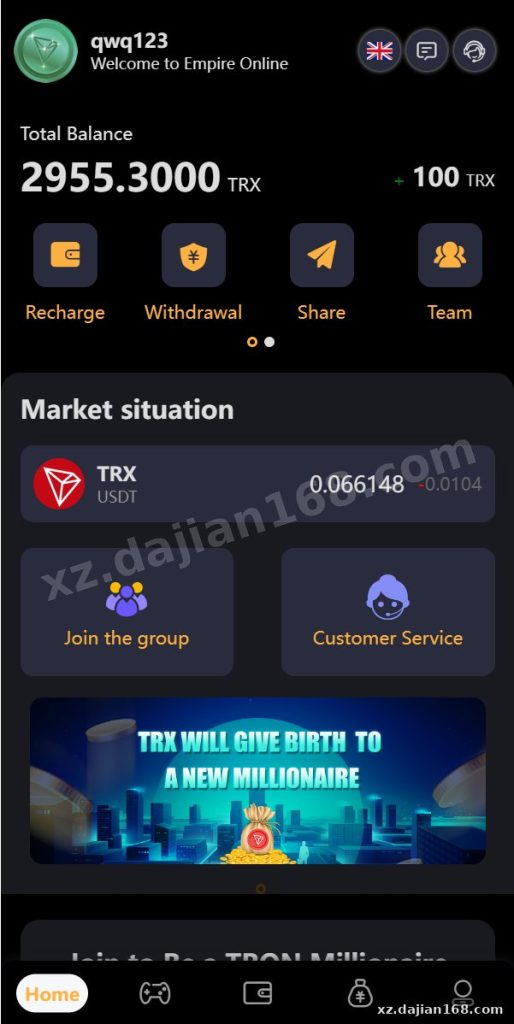
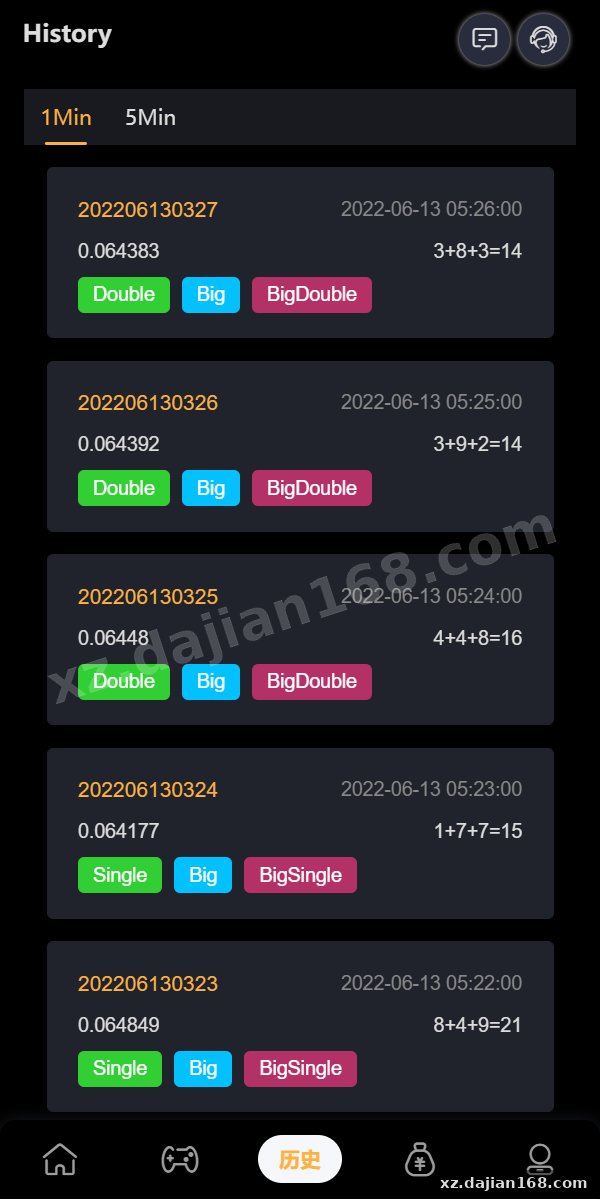
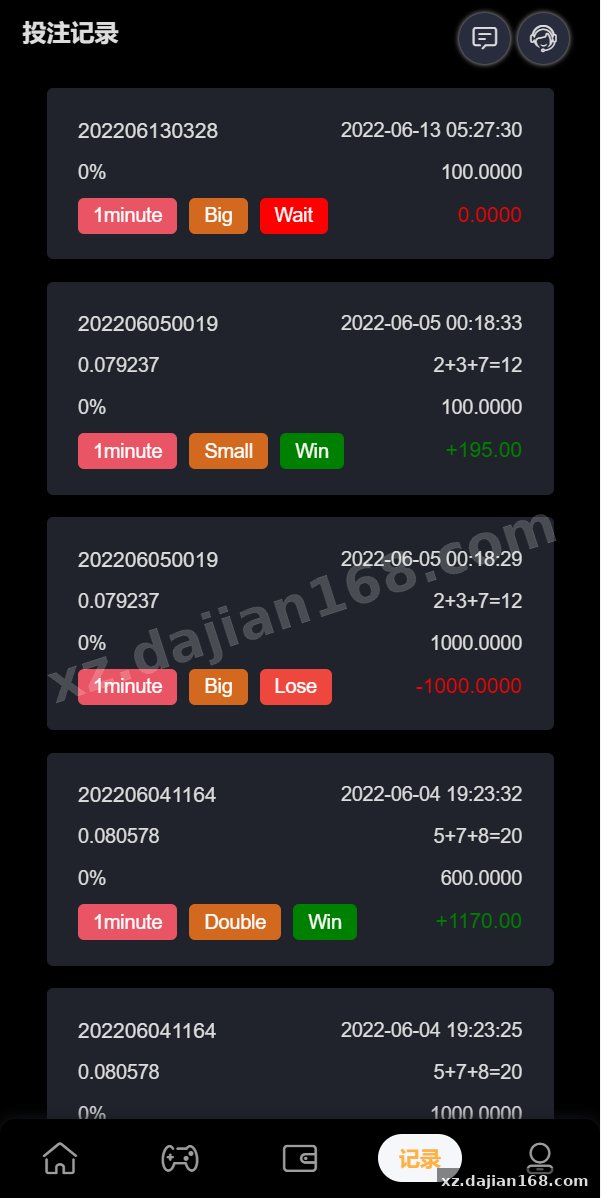
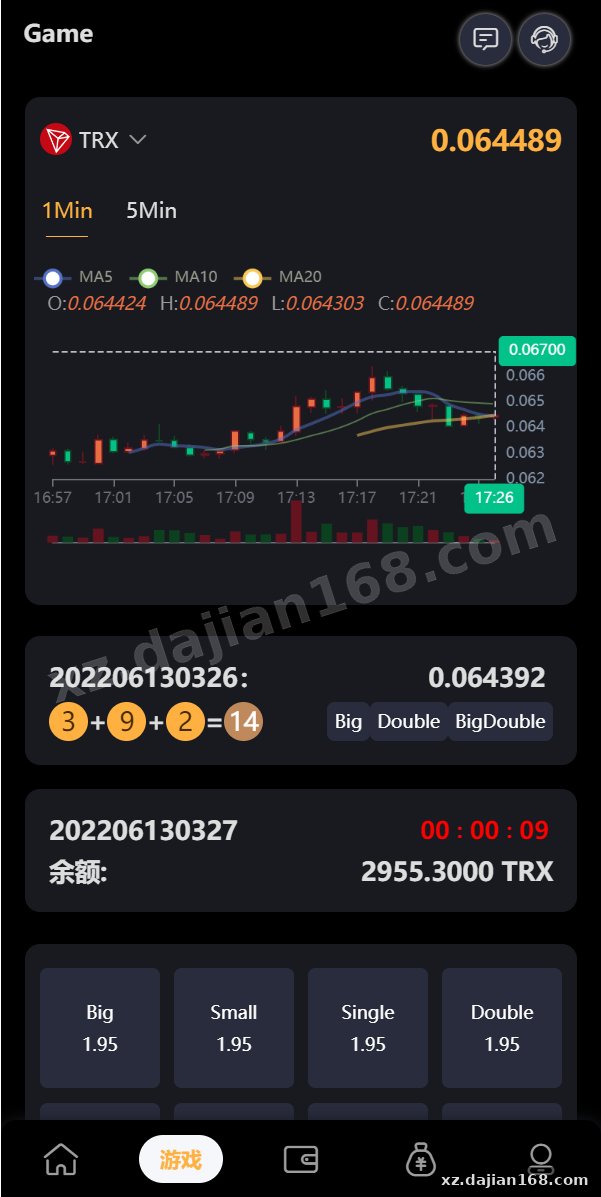
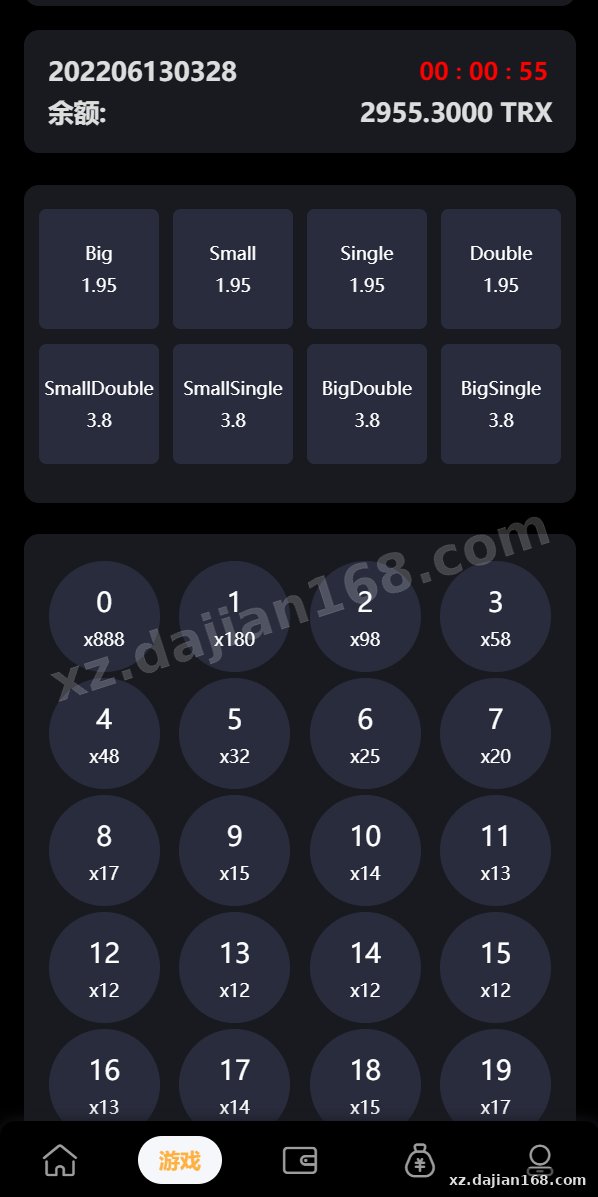
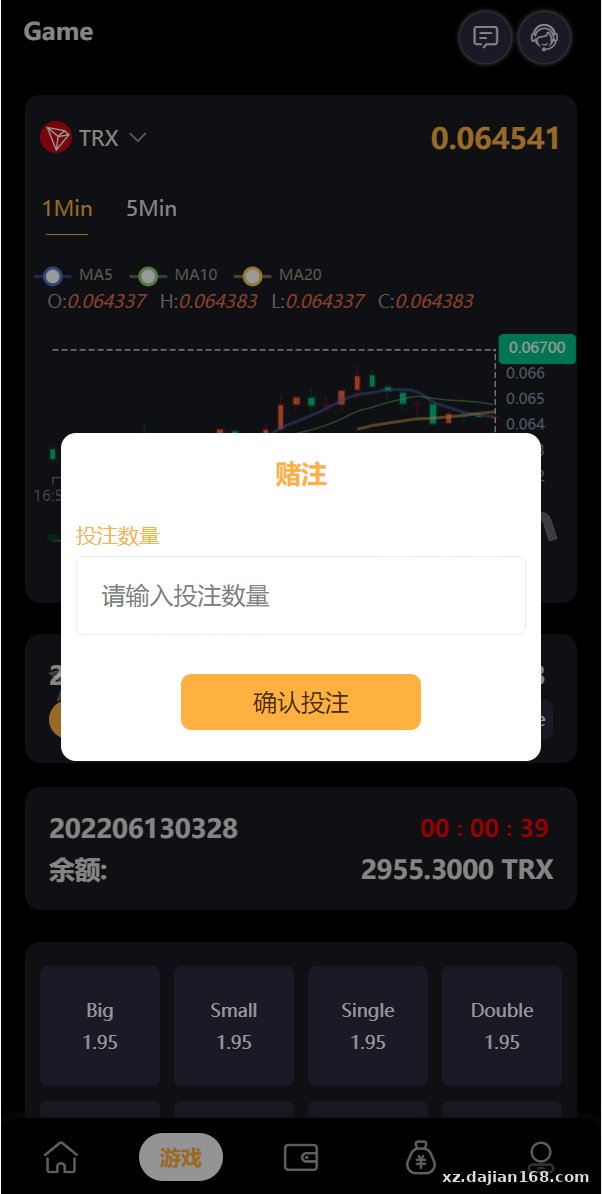
The draw screen renders a working K-line (candlestick) chart and supports both manual and automated draw modes through the admin panel. The package includes two scheduler entry points — one cron-style task for auto draw and one admin-only “draw now” button. From a code-review angle, the points simulation placement flow accepts a TRX amount, records it on the server side, and then waits for the next block confirmation before locking the position.
| Component | Tech / Version | Notes |
|---|---|---|
| Frontend | uni-app + Vue | 9-locale i18n, K-line widget |
| Backend admin | PHP / ThinkPHP-style MVC | Language visibility toggle, draw scheduler |
| Database | MySQL 5.7+ | 3 core tables: users, points simulations, draw_results |
| TRX integration | TRON Web SDK | Server-side signature, address whitelist |
| Build env | Node 14+, PHP 7.2+, Nginx 1.18 | Tested on CentOS 7 |
Actionable takeaway: if you only want to study the draw logic without real blockchain calls, set the TRON_MODE env var to mock. In my test this short-circuits the wallet verification step and returns a simulated tx hash so the K-line still updates.
Deployment Pitfalls & Security Checks Before You Run It
This is gaming-adjacent code, so the most important work happens before launch — specifically around wallet custody, randomness, and admin hardening. There is a setting in the admin panel labeled “Auto Payout Threshold” that defaults to a low value; raise it during testing so you do not accidentally trigger payouts from your sandbox wallet.
- Wallet security: the private key for the house TRX wallet is stored in a config file. Move it to an env var or KMS before any deployment beyond localhost.
- Randomness: the draw engine uses a server-side seed. For educational review, audit the
/draw/result.phpendpoint and verify the seed is rotated every draw — otherwise the outcome is predictable. - Legal scope: operating real-money wagering on TRX is regulated in most jurisdictions. Use this source code download strictly in an isolated lab environment.
- Concurrency: the points simulation table does not appear to use row-level locking. When I ran 50 parallel curl POSTs I saw two duplicate inserts — wrap the insert in
SELECT ... FOR UPDATEif you intend to extend it.
FAQ
Q: What is included in the dajian168 source code download package?
A: You get the full uni-app frontend project (Vue source for 9 locales), the admin back office with language visibility controls, the TRX gaming and draw scripts, plus the database schema for users, points simulations, and draw results.
Q: Can the frontend be compiled for Android and iOS, or only H5?
A: Because the mobile layer is uni-app, you can produce H5, Android APK, iOS IPA, and WeChat mini-program builds from the same codebase. Just configure the target in manifest.json and use HBuilderX or the uni-app CLI.
Q: Is this suitable for a real-money demo tradingWealth Management production launch?
A: For educational research and architecture study only — not for live deployment. Real TRX wagering carries regulatory and security obligations (wallet custody, RNG fairness, KYC) that this package does not fully address out of the box.
Original Reference
Original excerpt:
Original screenshots:
Disclaimer
⚠️ This article is for educational research and technical exchange only. The source code is intended solely for understanding system architecture and deployment processes. Do not use it for illegal purposes. Any commercial operation is unrelated to the author.