Cross-Border E-Commerce Source Code Deployment: Automated Digital Delivery and Multi-Language Setup
Cross-Border E-Commerce Source Code Deployment: Automated Digital Delivery and Multi-Language Setup
Disclaimer: This article is for technical education and demonstration only. It is not professional or financial advice. Any real-world deployment must comply with applicable laws and regulations.
Last week, a long-time client running an independent foreign trade site reached out to me. He had a batch of overseas social media marketing software license keys, enterprise SaaS activation codes, and digital guides, and wanted a lightweight cross-border storefront capable of automated delivery. Existing open-source platforms like Magento felt way too heavy, while WordPress with WooCommerce ran sluggishly and lacked the specific batch filtering and referral reward features he needed. Digging through my code repository, I found a comprehensive storefront system tailored specifically for cross-border digital goods and B2B supplies. I spent the better part of a day deploying it for him. Here is my log of the build process and core module tests for anyone tackling a similar project.
Core Feature Testing: From Backend Inventory to Automated Fulfillment
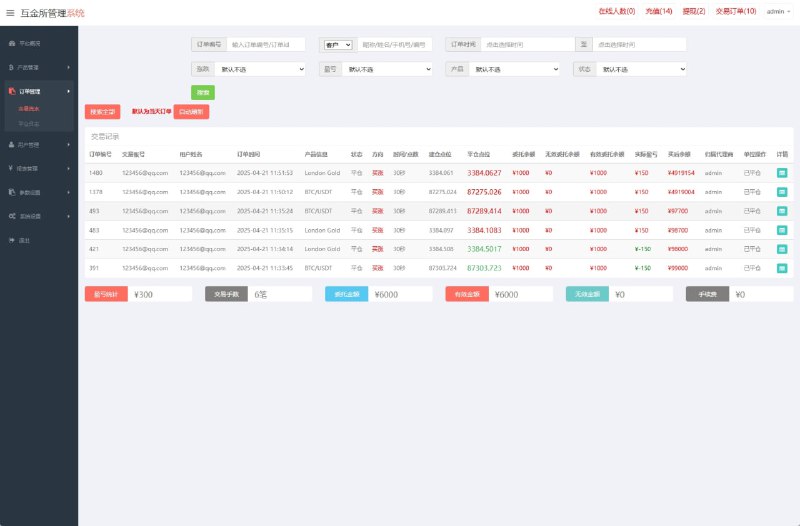
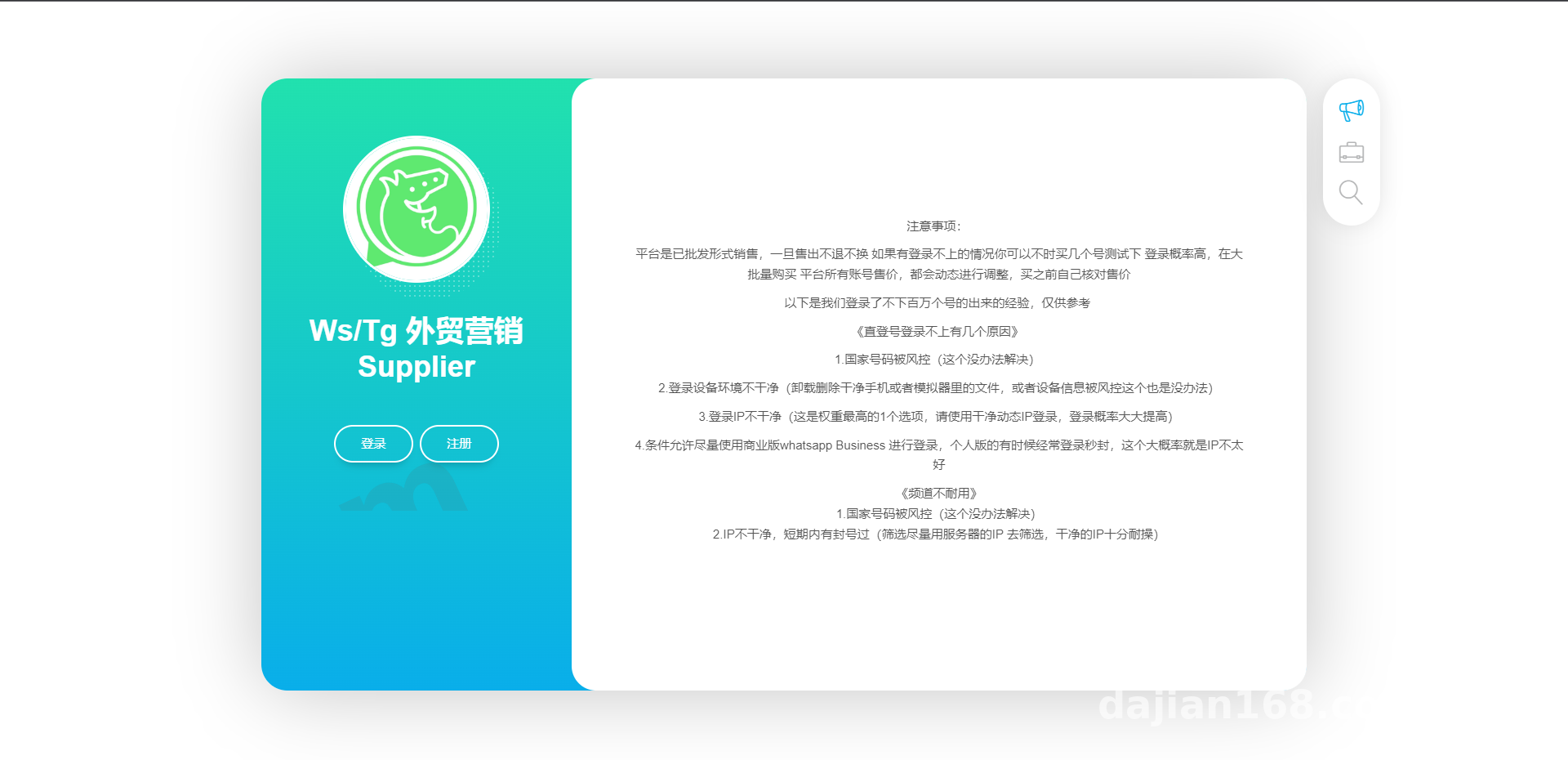
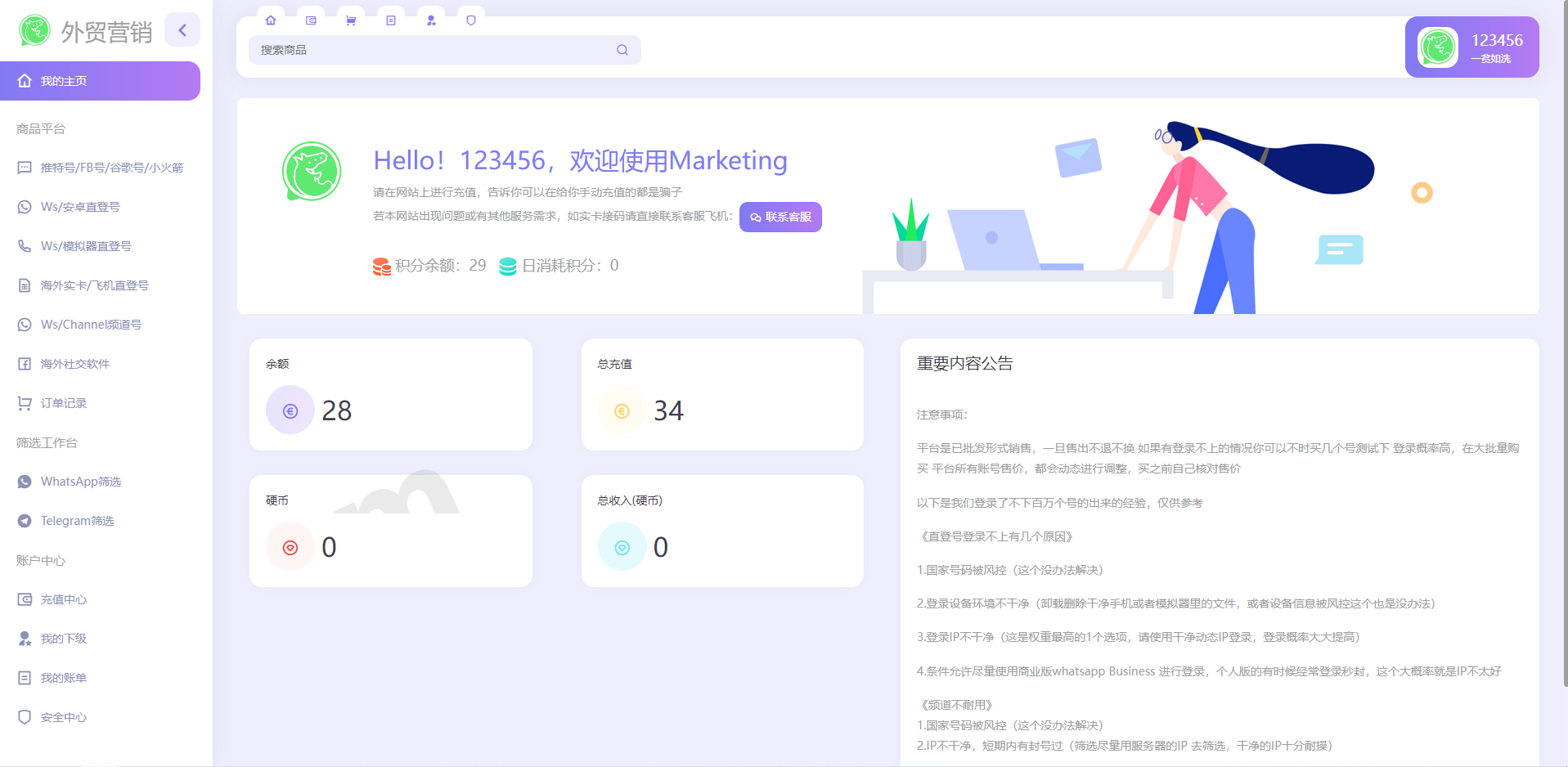
The codebase is remarkably clean, built primarily around virtual digital goods, software licenses, and small-batch B2B wholesale. Right after installation, I ran through the frontend and backend workflows. Several core features directly address the pain points of overseas digital commerce.
1. Bulk Product Import and Multi-Dimensional Attribute Filtering
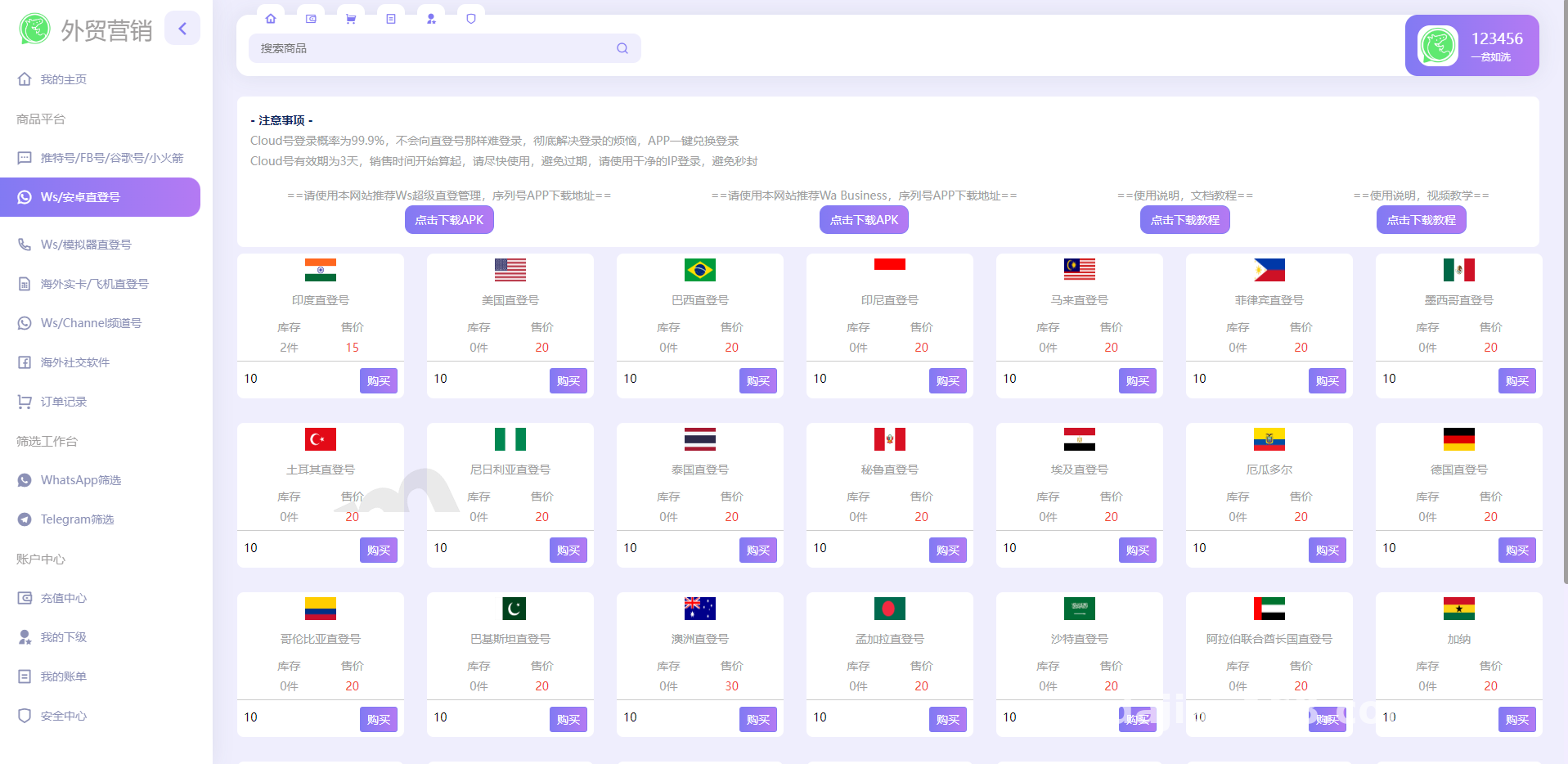
When supplying digital products or enterprise services, inventory management is easily the biggest headache. The backend of this system supports one-click imports of product serial numbers or specification parameters via TXT or CSV files. Before placing an order on the frontend, buyers can run real-time searches and filter items by tags like region, service type, or validity period. I loaded 50,000 mock records to test it out, and frontend conditional filtering still responded in under 200 milliseconds. The database indexing is very well optimized.
2. Channel Promotion and Two-Tier Referral Mechanism
Overseas marketing relies heavily on influencers and channel partners. This system comes with a built-in referral tracking setup where users can generate custom invite links right from their dashboard. On the backend, you can flexibly configure reward percentages for first-tier and second-tier referrals. Whenever a referred customer completes an order payment, the system automatically calculates and credits the commission to the promoter’s account balance based on your preset rates. Balances can either be reviewed for withdrawal by an admin or converted directly into store credit.
3. Cross-Border Payment Gateways and Web3 Digital Asset Interfaces
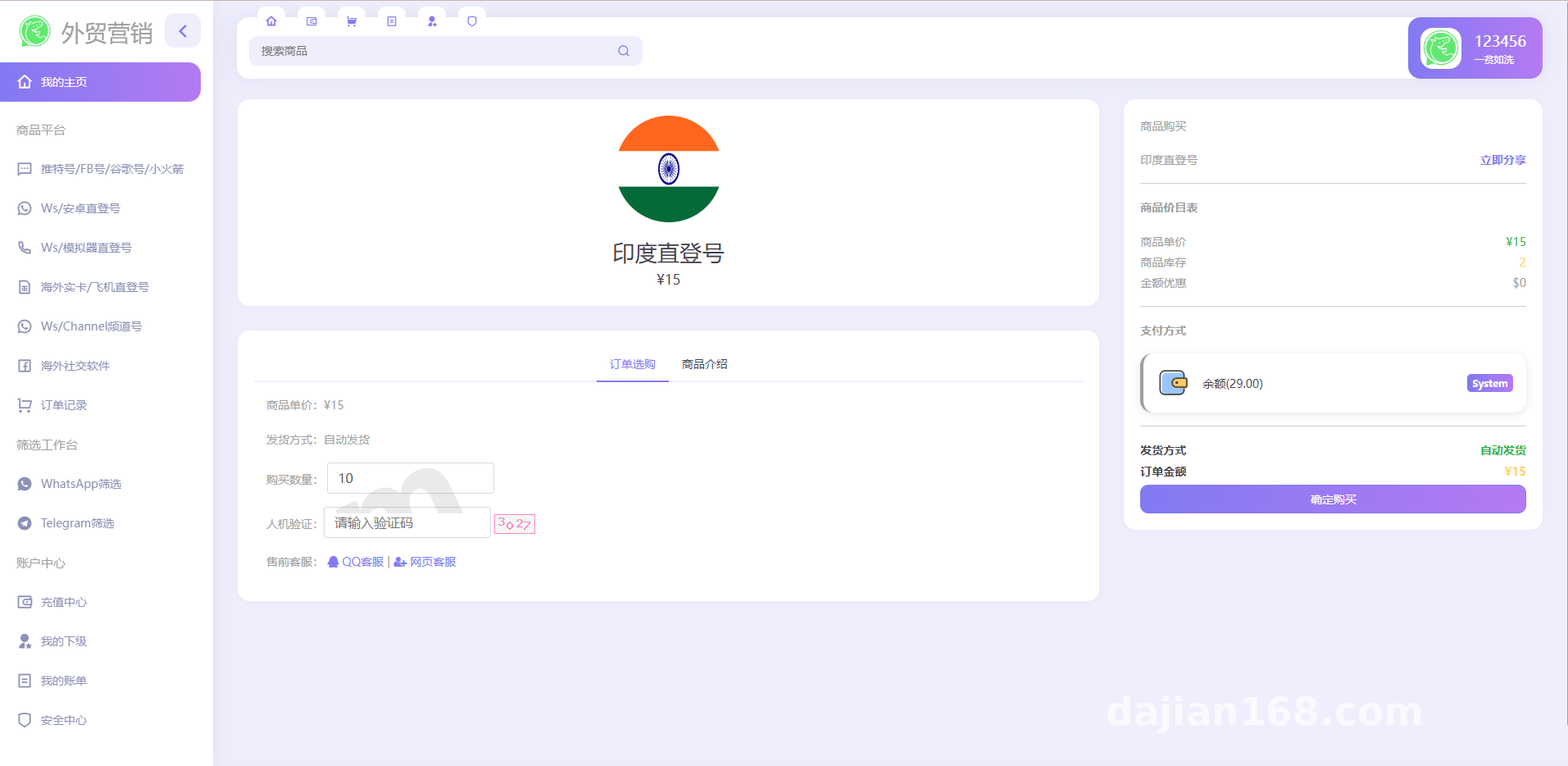
Payment processor risk control is a constant hurdle for independent foreign trade sites. Beyond standard Stripe and PayPal integrations, this source code natively incorporates a Web3 digital asset settlement gateway (supporting TRC20 and ERC20 protocol interfaces). At checkout, the system automatically converts the order total using real-time exchange rates and listens for on-chain settlement statuses via asynchronous callbacks. Once confirmed, it automatically triggers electronic fulfillment, pushing the software keys or download links straight to the buyer.
Webmaster Pro Tip: When configuring automated delivery and payment callbacks, never rely on basic control panel cron jobs for polling. Make sure you run the Supervisor daemon in the server background to manage the system’s message queue. Otherwise, during high-concurrency checkouts or minor network hiccups, you will easily run into dropped orders where the payment clears but the license key never gets sent.
Server Environment Deployment and Installation Details
The system isn’t overly demanding on hardware, though I recommend spinning up a lightweight cloud server in Hong Kong or Singapore for smoother connectivity to overseas APIs. For this build, I used a 2-core, 4GB RAM machine running Debian 11 with the following environment specs:
- Web Server: Nginx 1.22 (with Gzip compression enabled and forced SSL redirects)
- PHP Version: PHP 7.4 (you must install the redis, gmp, bcmath, and curl extensions, and remove putenv and proc_open from the disabled functions list)
- Database: MySQL 5.7 (character set uniformly configured to utf8mb4 to handle special characters across multiple languages)
- Caching Component: Redis 6.2 (used for storing user sessions and product filtering caches)
After uploading and extracting the source code, point your web root directory to /public and configure the URL rewrite rules (standard ThinkPHP or Laravel rewrite rules work fine). Next, edit the .env configuration file in the root directory to enter your database credentials and Redis password. Once the database schema is imported, run a quick cache clear via the command line, and the default admin portal will load right up. Language packs live inside the /lang directory. It ships with English and Chinese by default; if you are targeting regional markets, simply duplicate a language file and swap in your translations. The customization overhead is minimal.
Who Is This System Built For?
Objectively speaking, if you are running a traditional B2C store selling physical apparel or footwear with heavy logistics and complex size SKUs, you are better off sticking with Shopify. However, this source code is a great fit for the following business models:
- Overseas Software and SaaS Resellers: Teams needing to sell software license keys, API call quotas, or cloud subscriptions categorized by region and feature modules.
- Foreign Trade Marketing Agencies: Providers delivering digital resources like overseas market research reports, marketing toolkits, and website templates automatically.
- Full-Stack Developers and Customization Teams: The code is unencrypted with a clean MVC architecture. If you need a foundational base for an enterprise task distribution system or a digital supply chain platform, this will save you at least a month of low-level coding.
Frequently Asked Questions
Q: Will a massive dataset slow down the entire storefront when users filter products on the frontend?
A: In my testing, no. The query module routes through Redis caching, and the database uses composite indexes on frequently filtered columns. As long as your server has sufficient RAM (4GB minimum is recommended), filtering through hundreds of thousands of inventory records happens in under a second without breaking a sweat.
Q: Do I need to host my own node for the digital asset payment gateway? Is the setup complicated?
A: You don’t need to run your own node. The backend integrates directly with established third-party monitoring APIs. You just enter your receiving wallet address and your API Key in the admin panel, whitelist the asynchronous notification URL (Notify URL), and the entire payment loop is ready to go.
Q: Does the source code support secondary development? Can I modify the frontend UI myself?
A: Yes, completely. The backend follows a standard PHP framework structure, and the frontend templates are neither obfuscated nor bundled. Anyone with basic HTML/CSS and Vue skills can tweak the UI color scheme and layout to match their own brand identity.
Disclaimer: The source code deployment and technical configurations documented in this article are strictly for technical education, software development exchange, and compliant e-commerce system demonstrations. Users must adhere to local laws and regulations.
Disclaimer: This article is for technical education and demonstration only. It is not professional or financial advice. Any real-world deployment must comply with applicable laws and regulations.
#Cross-Border E-Commerce Source Code #Automated Delivery System #Independent Foreign Trade Site #Multi-Language Storefront #Website Deployment Guide
-
 Alipay QR Code Scan
-
 WeChat Scan Pay